
THE DECIVELY EDIT · KNOW BEFORE YOU CHOOSE.
Computer monitor buying guides and comparisons for work, gaming and laptop setups. Compare screen size, resolution, panel type, USB-C connections and practical desk requirements.
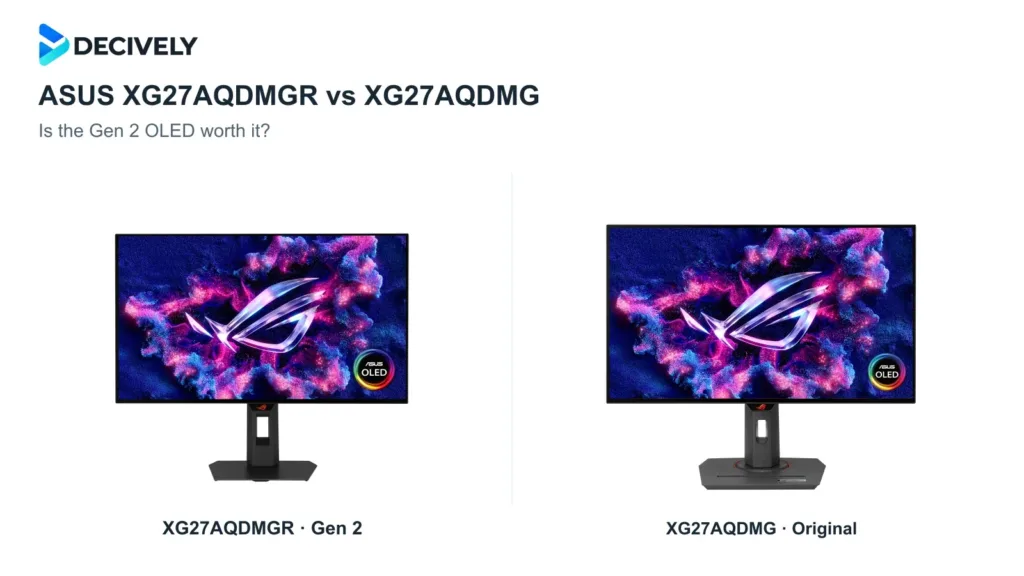
The Gen 2 adds HDMI 2.1, a revised glossy coating and a proximity sensor, while keeping 1440p and 240Hz. Choose it at similar prices; most original-model owners can keep theirs.
Published October 18, 2026
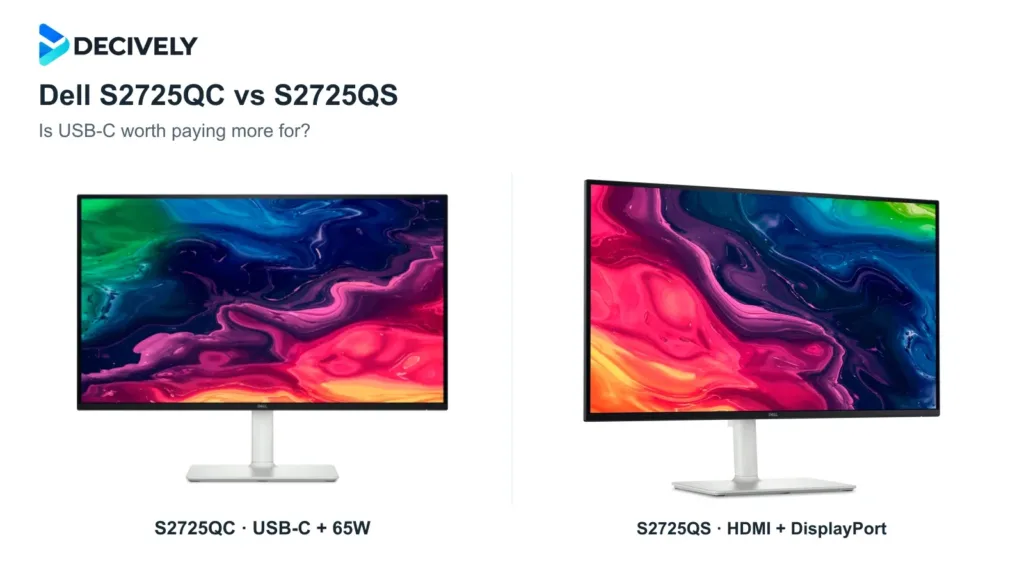
Choose the S2725QC for a compatible laptop and one-cable charging; choose the S2725QS for DisplayPort or a desktop setup. The extra cost buys connectivity, not a higher resolution.
Published October 18, 2026