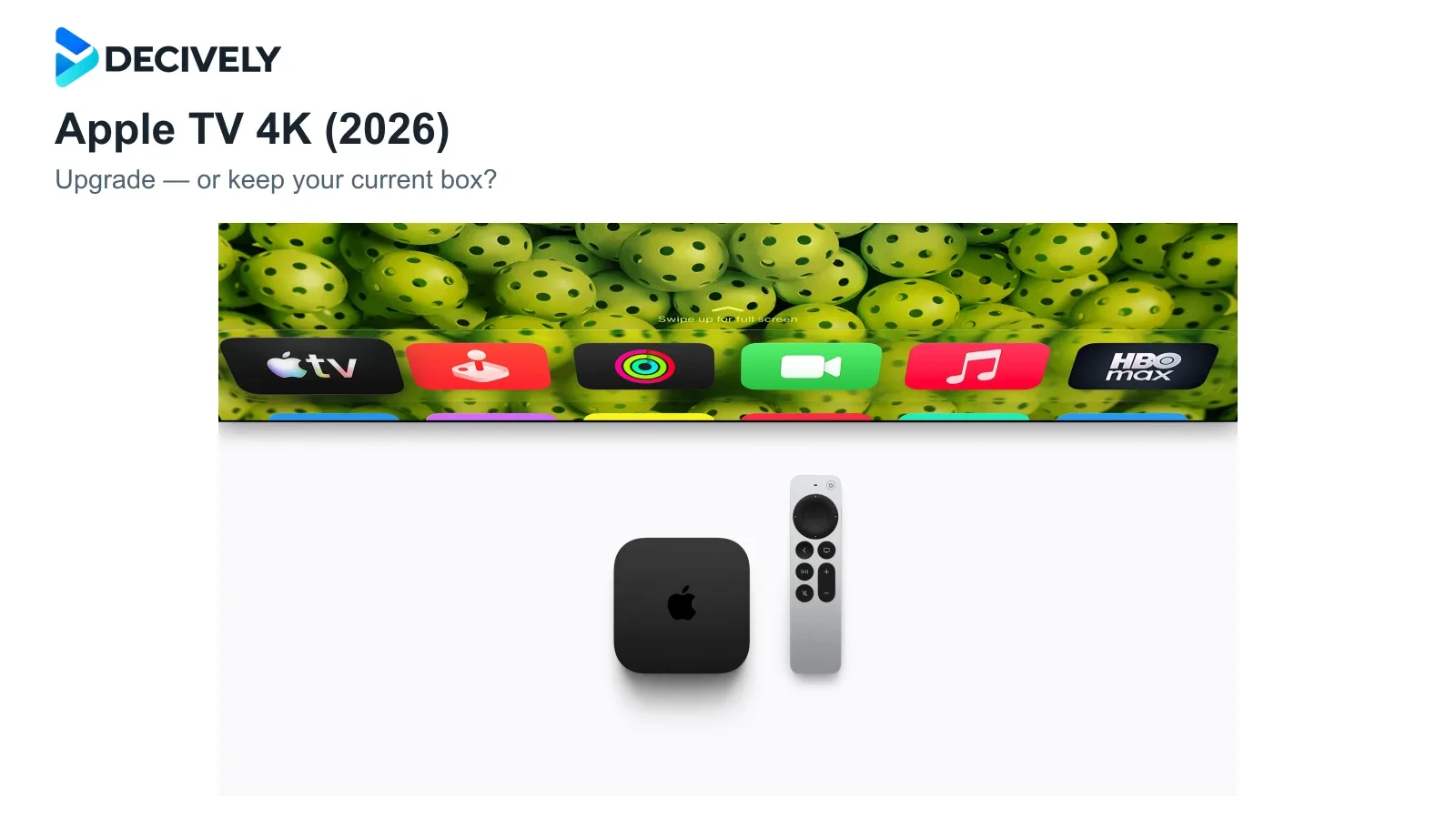
The 2026 Apple TV 4K is an upgrade for a particular living room, rather than an automatic replacement for every older box. Before preordering, separate the hardware you need from the software your existing device may receive.
Quick verdict
Keep a working 2022 Apple TV 4K unless you specifically want hands-free control or four-speaker HomePod surround. Apple includes older 4K models in its announced Siri AI support, so the assistant alone is a weak reason to replace one.
The fourth-generation box is available to preorder, with store availability announced for November 13, 2026. Apple's US launch price is $299; compare local pricing and the cost of any speakers before committing.
KEEP YOUR BOX
Already happy with streaming?
Wait for the software rollout and independent home testing. Spend only when you can name something your current setup cannot do.
CONSIDER THE UPGRADE
Building a HomePod cinema?
The new box makes more sense when the speaker setup is part of your plan. Price the complete system, not just the streamer.
2026 vs 2022: what actually changes?
Official specifications; these are capabilities, not Decively performance measurements.
Siri AI: check eligibility before paying
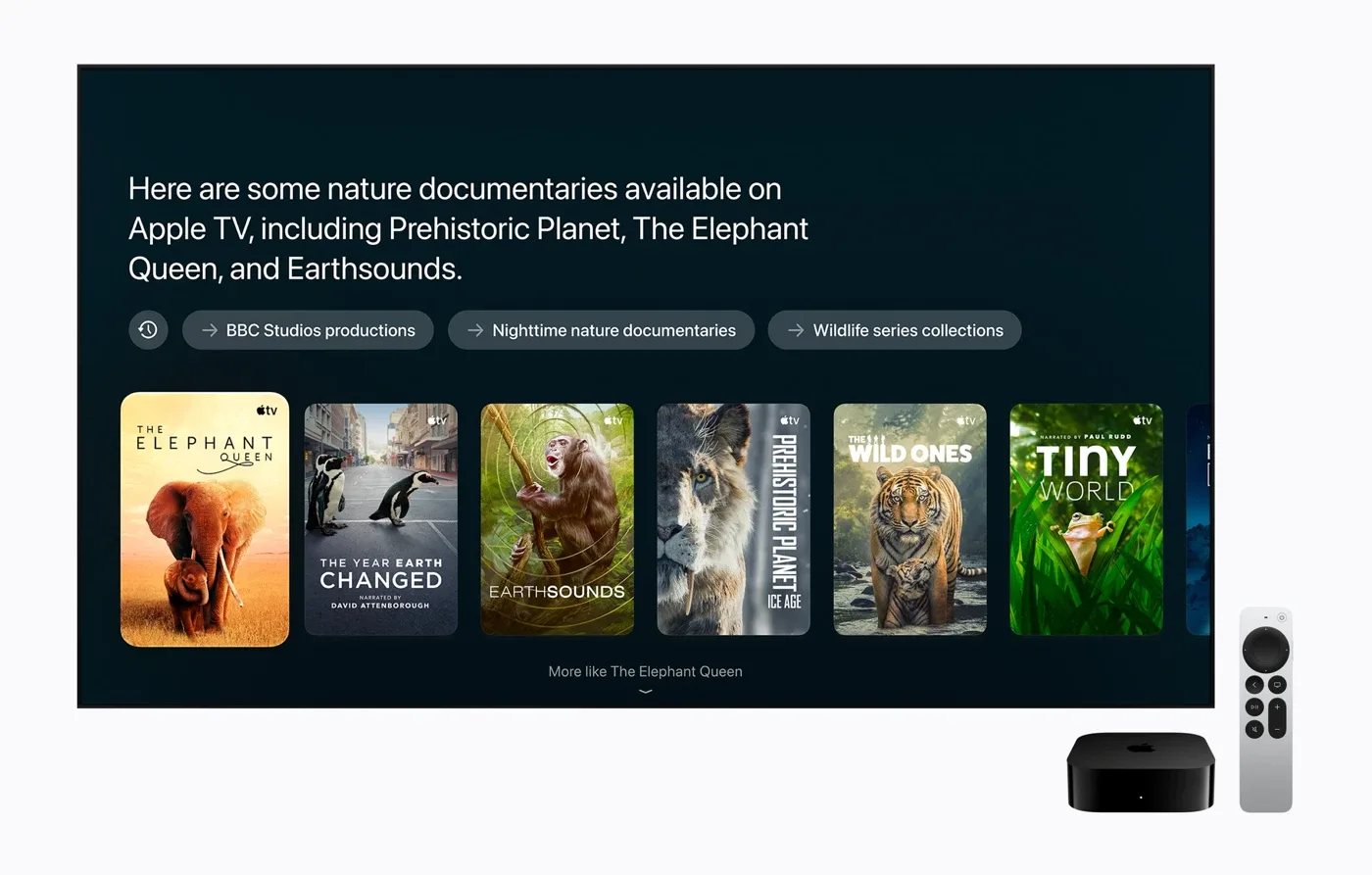
Official Apple demonstration image. Siri AI is announced as a beta with device, software, language and regional requirements.
Apple's launch notes list Siri AI for Apple TV 4K from the second generation onward. Setup requires the home owner to have an Apple Intelligence-capable iPhone or iPad, current software and Siri AI enabled. This is an announced beta capability; it should not be confused with a tested, finished experience available to every household today.
Launch English support covers the US, UK, Canada, Australia, India, New Zealand, Singapore and South Africa. Apple also states that Siri AI will not initially be available on iOS or iPadOS in the EU. European buyers should establish setup eligibility before buying for AI.
Engadget's Billy Steele found hands-free Siri worked in a quiet demo; that does not establish performance during noisy household viewing.
Our buying judgment: wait if voice search is your only reason to upgrade. Apple Intelligence usage terms allow limits and changes in availability, so value the hardware you will use even without AI.
Four HomePods: the stronger upgrade case
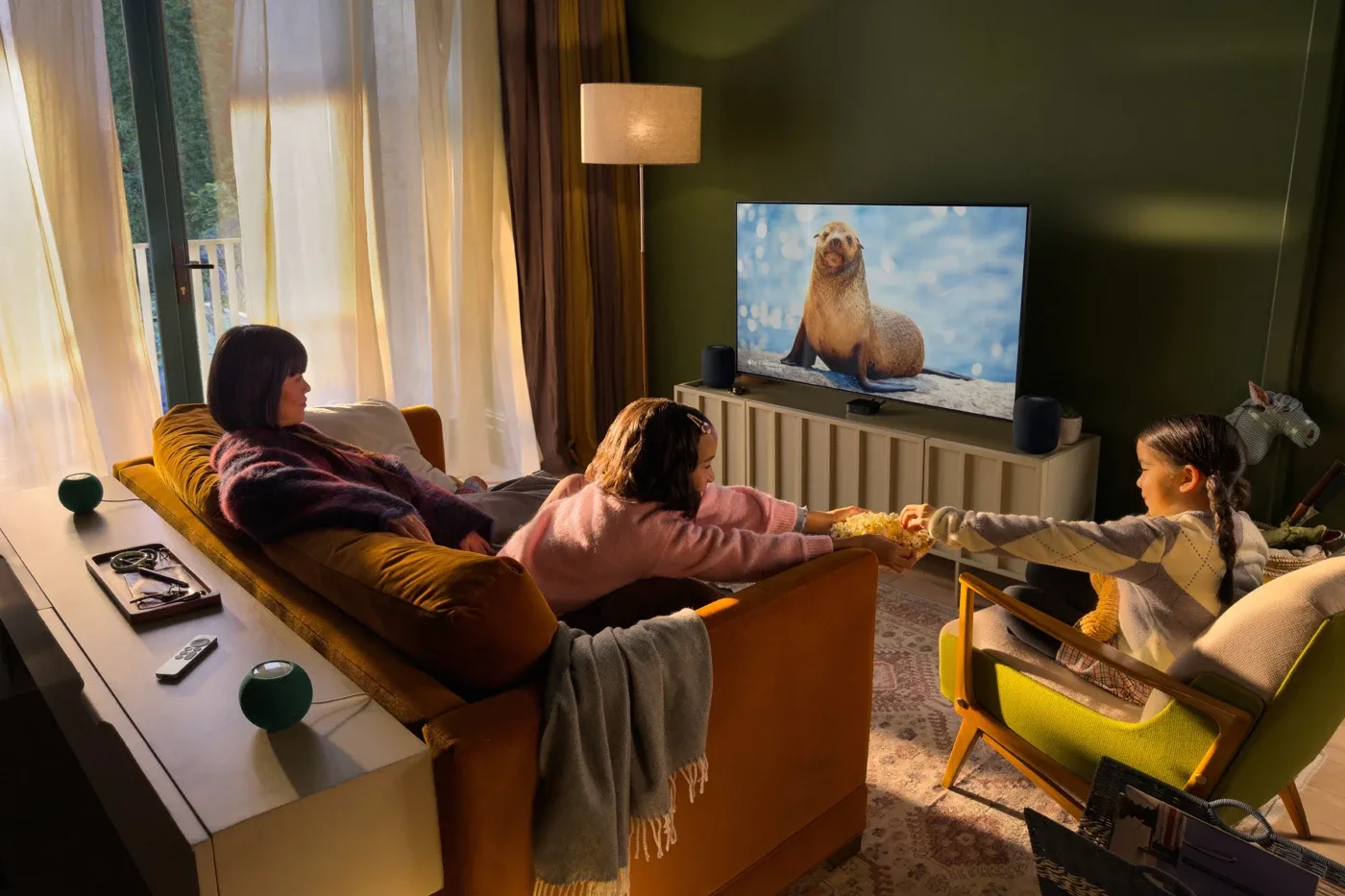
Apple's official room example uses matching front and rear speaker pairs. It illustrates placement, not a Decively sound test.
Apple specifies four HomePod mini 2 and/or second-generation HomePods, arranged as matching front and rear pairs, with the new fourth-generation Apple TV 4K and current software. Existing first-generation HomePod minis are not the speakers specified for this setup.
For an owner of a suitable front pair, adding a rear pair may be an appealing next step. Starting from zero is a different purchase: compare the whole speaker-and-box budget with a soundbar system, and check that your room has practical rear-speaker positions and power sockets.
Read our HomePod mini 2 buying guide for the speaker decision.
Picture quality, connections and the remote
Apple's specifications still list a maximum standard video output of 4K at 60 fps. Both generations support Dolby Vision and HDR10+. A faster processor does not, by itself, establish that your existing movies will look better.
Wi-Fi 7 is useful only as part of a compatible network; a reliable Ethernet connection may already solve your streaming needs. Check the exact 2022 version when buying used, because Ethernet and Thread were tied to its 128GB configuration.
The new remote adds a locating sound and Precision Finding. Apple lists specific iPhone requirements for Precision Finding; check those before treating it as a guaranteed benefit. HDMI and a USB-C charging cable are not included, according to the specifications.
Buy, keep or wait?
Buy: you want the new hands-free hardware or have a concrete four-HomePod plan, and your regional setup requirements are satisfied.
Keep: your 2022 box already handles the services, picture formats and audio equipment you use.
Wait: you need evidence of microphone reliability, measured performance or everyday AI usefulness. A launch demonstration cannot answer those questions.
Research notes
Researched October 22, 2026. This is an announcement-based buying guide, not a hands-on review. Decively has not tested the new box. Official specifications establish capabilities; the attributed Engadget observation comes from a launch demo. No measured performance, rating or sales forecast is implied. Press photographs: Apple Newsroom. No affiliate purchase links are included.
Apple: announcement, price, release date and eligibility footnotes
Apple: fourth-generation technical specifications
Apple Support: 2022 third-generation specifications
Apple UK: regional product page
Apple Support: Apple Intelligence usage terms
Engadget: Billy Steele's launch-demo impressions