Are robot vacuums worth it? The short answer.
Yes—if you want less everyday floor cleaning and accept some setup and upkeep. A robot can pick up loose crumbs, dust and hair on accessible floors while you do something else. It will not clean stairs, replace every deep clean or make a cluttered home effortless.
Ready to choose a model? Our best robot vacuums of 2026 by budget guide compares what different spending levels buy and the upkeep to include.
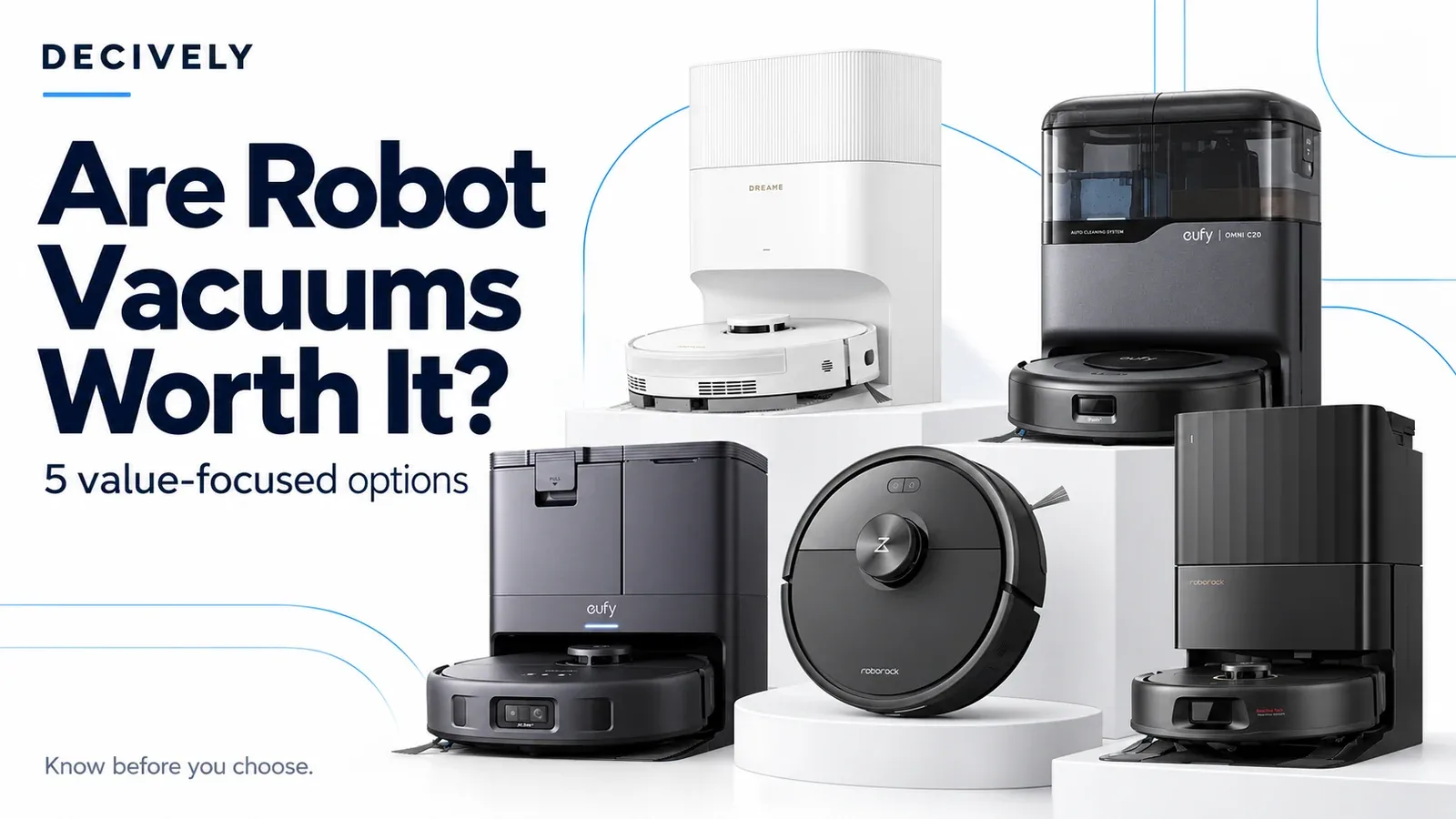
These five models offer different routes to value: simpler vacuuming, self-emptying or automated mopping. None is the right purchase at every price.
Research method: Desk research, checked October 2, 2026, with a focus on U.S. models. Decively has not hands-on tested these five vacuums.
Affiliate disclosure: As an Amazon Associate, Decively earns from qualifying purchases. The Amazon links below are affiliate links; this does not add to your purchase price.
Do they actually clean—or just move dirt around?
They can do useful maintenance cleaning, especially when run regularly. The limitation is access: furniture clearance, rug edges, cords and objects on the floor can leave areas uncleaned. A higher advertised suction figure alone does not tell you which robot removes more embedded dirt.
Mopping deserves a separate decision. A damp drag pad mainly wipes the floor; spinning pads add active scrubbing. Neither should be treated as a substitute for handling spills, dried-on messes or cleaning a surface that the manufacturer says should not be wet.
- Consider one if: you have accessible floors, recurring dust or pet hair, and room for the dock.
- Think twice if: most cleaning involves stairs, thick rugs, scattered cables or picking up objects first.
- For pets: obstacle avoidance is not a guarantee against pet accidents. Inspect the floor before starting a run.
Five value-focused robot vacuums to compare.
This is a shortlist by needs, not a performance ranking. Compare the exact model and included dock before buying. Product photos show color variants; the offer you open may have a different color.
1. Roborock Q7 M5
For a simpler vacuum-first routine
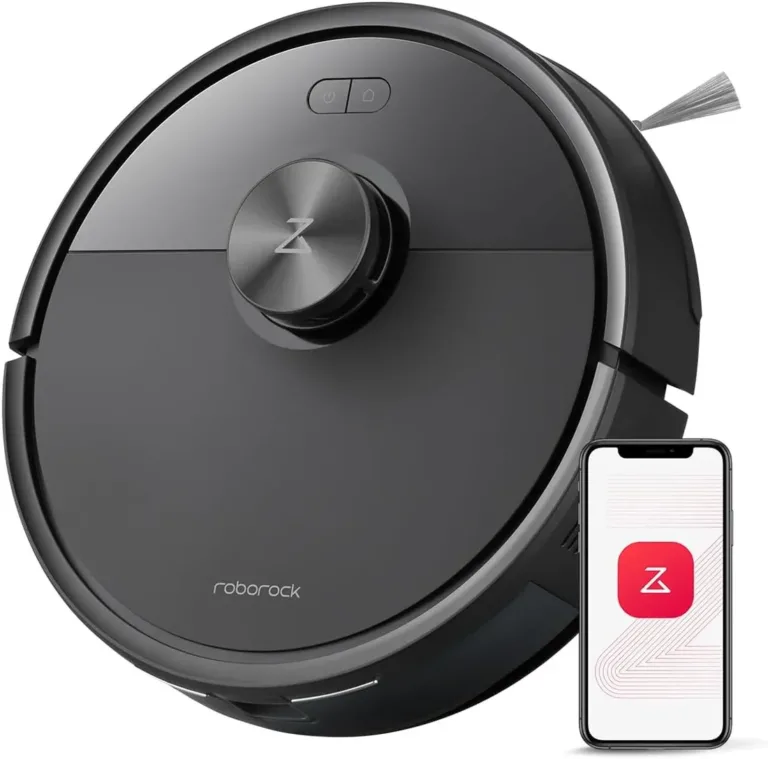
Consider the Q7 M5 if you want mapped, scheduled cleaning without paying for a large mop-cleaning station. LiDAR navigation and anti-tangle brush features make it a sensible starting point for routine debris and hair.
The important distinction is the dock: Q7 M5 is not Q7 M5+. This version has a charging dock, so you empty the dustbin yourself. Its drag-style mop is for light wiping, not the same system as the spinning pads below.
Value check: Shortlist it when you mainly need vacuuming and the price difference covers the convenience you are giving up.
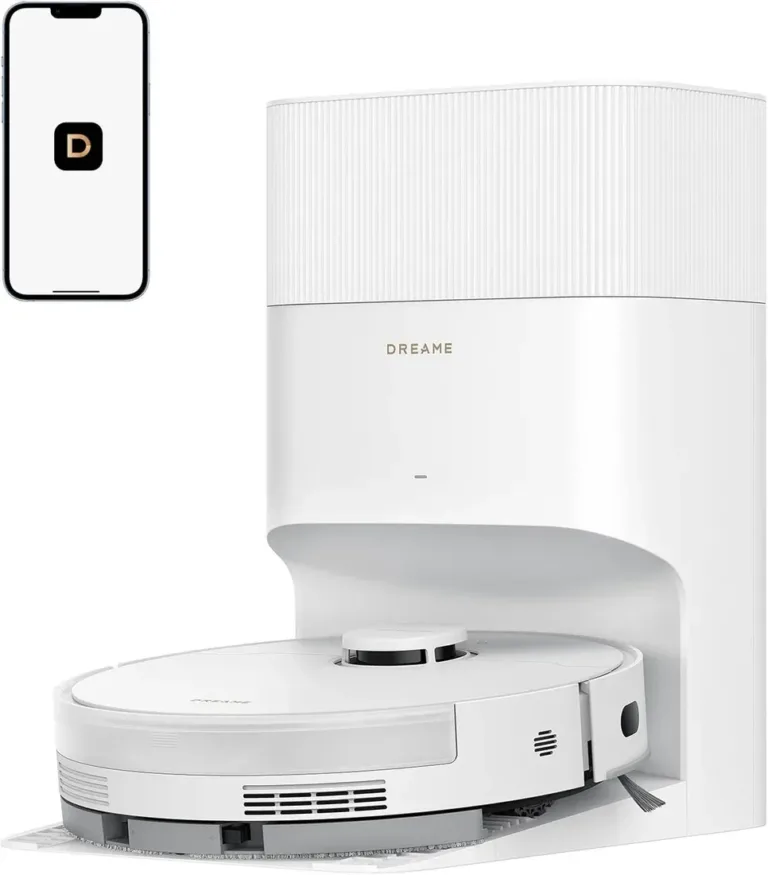
2. Dreame D20 Pro Plus
For hair pickup with less dustbin emptying
The D20 Pro Plus pairs a self-emptying dock with Dreame’s dual-brush anti-tangle design and an extending side brush. Consider it if pet hair or long hair makes manual dustbin emptying an everyday chore.
It does not offer the full mop-washing station of the C20, X10 or S5V. The drag mop still needs your attention. Dreame advertises up to 150 days between bag changes, but that depends on debris volume; it is not a maintenance-free promise.
Value check: Pay for the dust-handling convenience if vacuuming matters more than automated mopping.
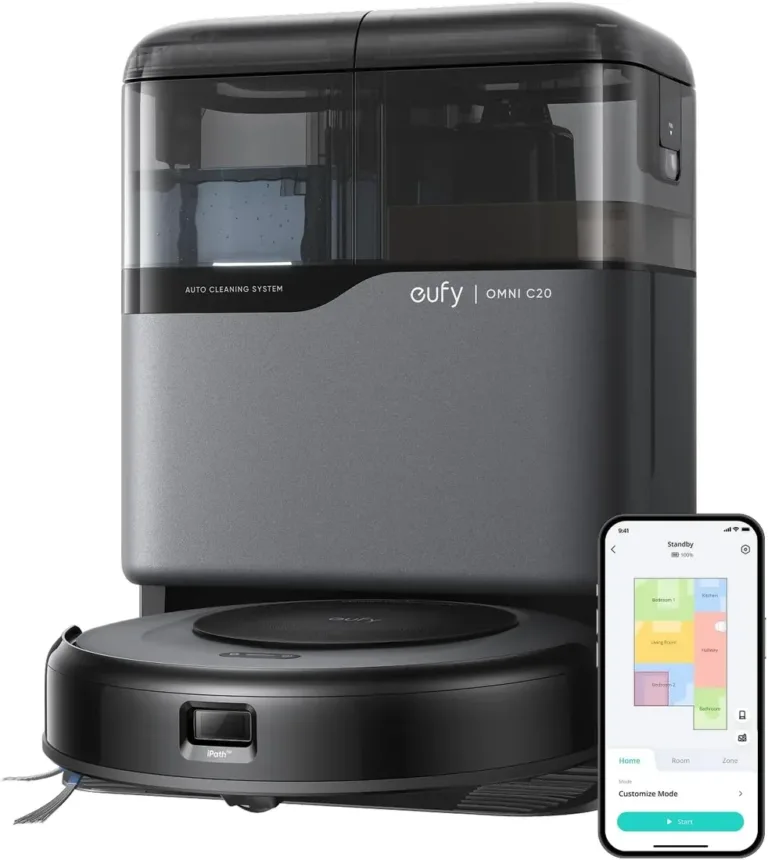
3. eufy Omni C20
For hard floors and a more automated mop routine
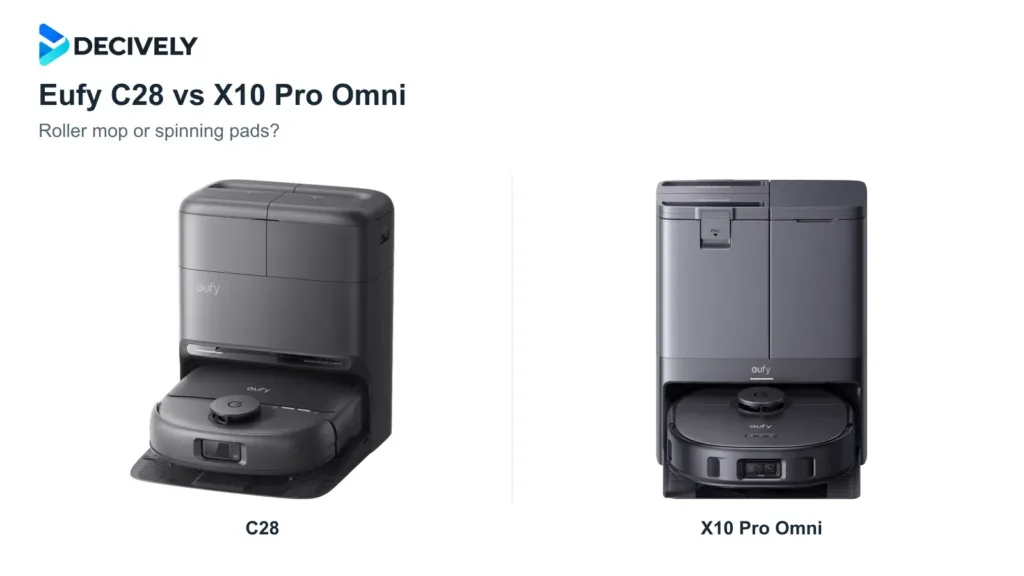
The C20 adds dual spinning mop pads and a station that empties debris, washes the pads and dries them with room-temperature air. Its low 3.35-inch body may help it reach under furniture that taller robots cannot enter.
Obstacle handling is a compromise: eufy advises clearing wires, socks and toys first. Vacuum Wars’ independent review praised its mopping but found limitations in long-hair detangling and coverage per charge. Those are its findings, not Decively test results.
Value check: Consider it for mostly hard floors and reasonably clear rooms. Check the firmware guidance below before use.
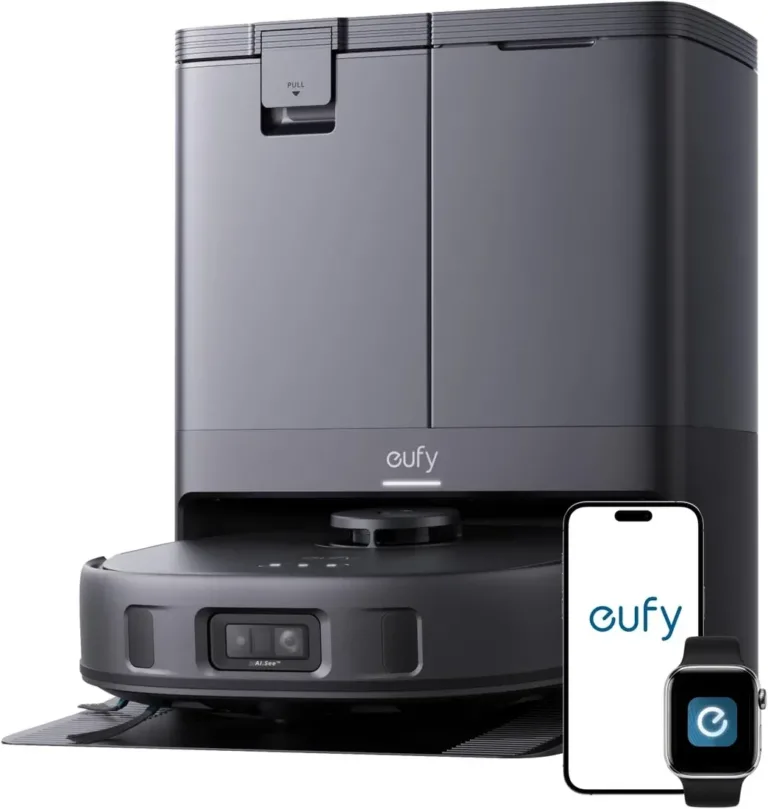
4. eufy X10 Pro Omni
For households where obstacle handling matters
The X10 Pro Omni combines LiDAR mapping, camera-based AI.See obstacle recognition and a station that empties the dustbin and washes and dries the spinning mop pads. That makes it worth comparing when the C20’s simpler obstacle handling is a concern.
Its 12 mm mop lift helps with mixed floors, but does not guarantee clearance over every rug. Small cables and unusual objects can still need preparation. Because it uses a camera, review the app’s privacy controls and update the firmware.
Value check: The extra automation makes more sense if the current premium over C20 is modest and your home will use it.
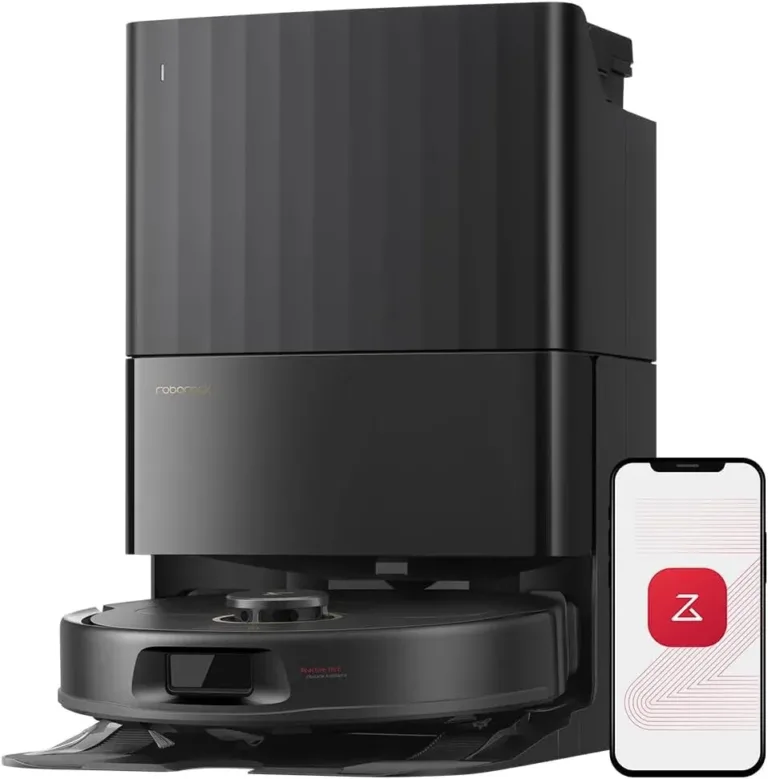
5. Roborock Qrevo S5V
For edge mopping and a multifunctional dock
The Qrevo S5V combines spinning pads with a FlexiArm extending mop, plus automatic dust emptying, mop washing and drying. Consider it if hard-floor edge coverage matters and you want to reduce routine mop handling.
The dock still needs clean water, dirty-water disposal and tray cleaning. Its 10 mm mop lift is not a guarantee that thick rugs stay dry. Edge-reaching hardware is useful context, not evidence that it cleans every corner perfectly.
Value check: Compare its actual offer with X10 Pro Omni. Choose around your floors, dock space and maintenance preferences, rather than a suction-number contest.
What does ownership cost after checkout?
Budget for replacement bags, filters, brushes and mop pads, and check that parts are available for the exact model. An automated station saves some handling, but it does not refill your water tank, empty dirty water or clean its own tray indefinitely.
Measure the dock space and furniture clearance. Check rug height, thresholds, Wi-Fi requirements, warranty coverage and the seller’s return window. For water-sensitive flooring, confirm both the floor maker’s guidance and the robot’s approved cleaning settings.
Privacy and updates: Connected vacuums can collect maps and device data. Review account permissions, data controls and update support. CISA’s September 2026 advisory identifies vulnerabilities affecting Omni C20 and Omni X10 Pro firmware earlier than 1.6.4; eufy recommends version 1.6.4 or later. Check the installed version before use. The advisory is listed in Primary references.
Which one should you put on your shortlist?
- Mostly vacuuming, less hardware: start with Q7 M5 if manual emptying is acceptable.
- Hair and fewer dustbin chores: compare D20 Pro Plus if you do not need automated mop washing.
- Hard floors and clearer rooms: consider C20 when its all-in-one station is priced favorably.
- More attention to floor obstacles: compare X10 Pro Omni, while accepting its camera and remaining floor-prep needs.
- Edge mopping matters: consider Qrevo S5V if its current price and dock footprint work for your home.
The deciding question is whether the cleaning it automates is the cleaning you actually do. If a robot needs extensive preparation before every run, a cheaper model—or a conventional vacuum—may be the better use of your money.
Common questions before buying.
Can a robot vacuum replace a regular vacuum?
Usually not entirely. Keep a regular vacuum for stairs, upholstery, corners the robot cannot reach and deeper cleaning. Think of the robot as a scheduled helper.
Is a self-emptying dock worth paying for?
Consider it when debris fills a small robot bin frequently or you want fewer emptying chores. Include replacement bags and dock space in the decision.
Do I need automatic mop washing?
It is more useful when you have substantial mop-safe hard flooring and will run mopping regularly. For mostly carpeted homes, that extra station may add cost without enough benefit.
Sources and research notes.
Method: Desk research using manufacturer information, an independent C20 review and a CISA advisory. Checked: October 2, 2026. Scope: U.S. versions of Q7 M5, D20 Pro Plus, Omni C20, X10 Pro Omni and Qrevo S5V.
Limitations: No Decively hands-on trial, controlled five-model comparison or long-term reliability study. Current U.S. checkout prices were not independently confirmed, so no fixed prices or savings claims are shown. Manufacturer specifications do not establish comparative cleaning performance. The featured cover is an editorial illustration; product-section photos were supplied for this article.
Primary references
- Roborock Q7 series: Q7 M5 specifications and dock distinctions
- Dreame D20 Pro Plus: brushes, dock and mopping features
- eufy Omni C20: product specifications and preparation guidance
- eufy X10 Pro Omni: obstacle recognition and mop features
- Roborock Qrevo series: S5V features and mop lift
- CISA ICSA-26-267-02: affected eufy firmware and mitigation (official advisory data)
Independent context
Vacuum Wars: Omni C20 hands-on review and limitations
For our editorial approach, read About Decively.