Best invoicing software for freelancers: the short answer
For freelancers in the US, Wave is a sensible starting point for basic invoices, FreshBooks deserves a closer look if you bill for time and projects, and QuickBooks Online fits people who want invoicing inside a broader bookkeeping workflow. The right purchase depends on the task your current system makes difficult.
The best invoicing software for freelancers should make it easier to send an accurate bill, see what is unpaid and follow up consistently. A long feature list is less useful than a plan that matches your client count, billing method and payment habits.
This is a research-based buying guide using official US pricing and support documentation checked on October 13, 2026. No hands-on testing was performed for this guide. The links below are ordinary source links, with no affiliate tracking.
Compare the features that change your billing workflow
Start with three questions: do you send occasional fixed-price invoices, charge by the hour, or need your accountant to work in the same system? Those needs lead to different shortlists.
On a small screen, swipe the table sideways to compare all columns.
Feature availability is not the same as payment-processing approval. Before subscribing, verify that your business can use the payment methods you intend to offer.
When free invoicing software is enough
If you invoice a few clients occasionally and already have a reliable payment method, free invoicing software can be enough. You mainly need clear invoices, due dates, a record of what has been sent and a consistent way to mark payments.
Wave’s Starter plan lists unlimited invoice creation. However, its detailed comparison and help pages place sending invoices through Wave and scheduled reminders behind Pro or online-payment access. Downloading an invoice and emailing it yourself is a different workflow from automated sending.
QuickBooks Free currently lists two invoices a month, or unlimited invoices when you qualify for and enable QuickBooks Payments. That exception matters: a no-cost subscription can still involve transaction fees and eligibility requirements.
Pay when a specific limit costs you time. Do not upgrade simply because a paid plan has a more elaborate dashboard. Check Wave’s plan details and QuickBooks US pricing before committing.
FreshBooks vs QuickBooks vs Wave: which fits your work?
Wave: start here for straightforward invoices
Wave is available to businesses in the United States and Canada. It belongs on the shortlist when you want basic billing without immediately adding a monthly software bill.
Consider Pro if your workload needs bank imports or the invoice-sending and reminder workflow available on that tier. Check your bank and payment eligibility rather than assuming every connection will work. Wave is less compelling if you specifically need a service-billing workflow built around detailed billable time.
Wave’s reminder documentation and recurring-invoice instructions explain the access requirements.
FreshBooks: shortlist it for hourly and project work
FreshBooks combines invoicing with time tracking and expenses. That makes it relevant to designers, consultants and other service businesses that need to turn recorded work into a client bill.
The important plan boundary is billable clients: Lite allows five, Plus 50 and Premium unlimited. FreshBooks says active and archived clients count toward that limit. A freelancer with six recurring customers should price the appropriate tier rather than treating Lite as the realistic starting cost.
Client opt-in AutoPay is separate from Advanced Payments’ AutoCollect functionality. The latter is an add-on on some plans. Compare the plan and client limits and recurring-payment options against your actual workflow.
QuickBooks Online: shortlist it when bookkeeping matters too
QuickBooks Online makes more sense when your invoice needs sit alongside expense categorization, financial reports and accountant collaboration. Ask your bookkeeper which workflow and plan they can support before switching.
Simple Start includes one user and access for two accountants; Essentials supports three users in total. Paying for the larger plan solely to send ordinary invoices may be unnecessary, but additional users or bookkeeping needs can change that decision.
For recurring billing, verify the exact plan and interface in your trial. Intuit’s current US recurring-invoice help says recurring invoices are saved as drafts for review and finalization. Do not assume a recurring template always means an invoice is sent unattended.
Recurring invoices, reminders and automatic payments are different
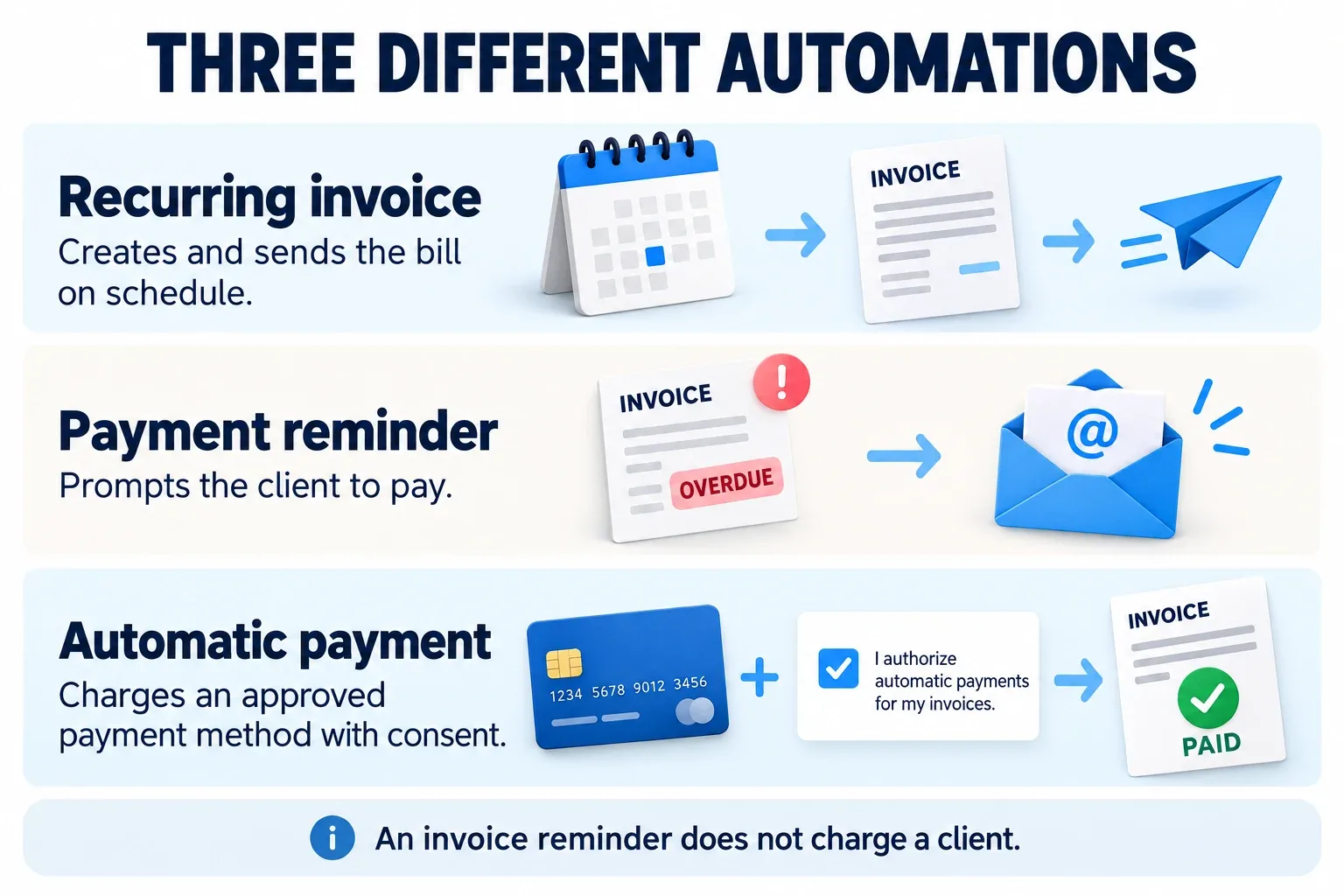
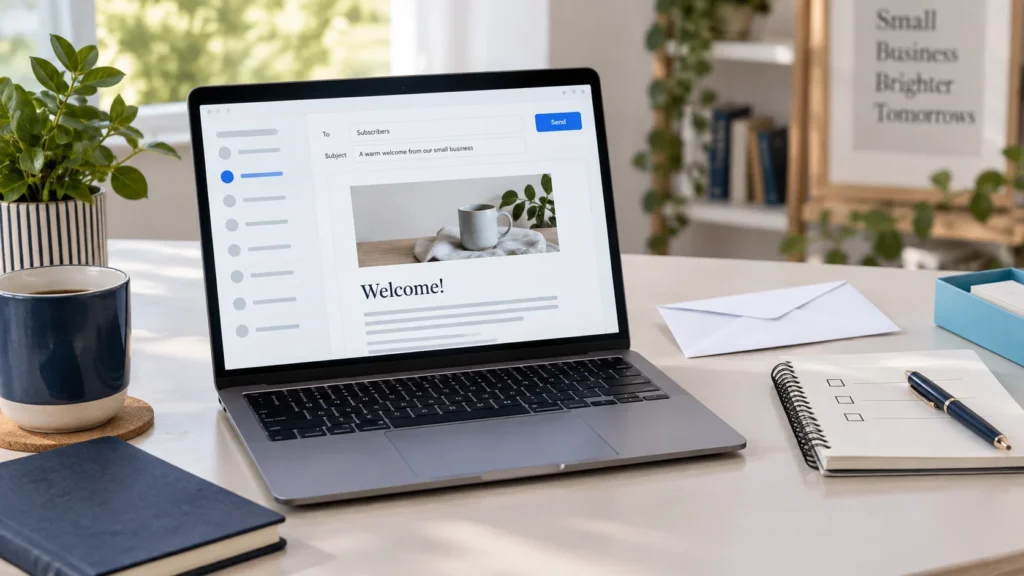
Conceptual illustration, not a screenshot of any product. Sending a bill, reminding a client and charging an authorized payment method are separate actions.
When comparing the best invoicing software for freelancers, separate these three automations. A recurring invoice creates a bill on a schedule. A reminder prompts the client to pay. An automatic payment charges an authorized method after the required consent and setup.
For a monthly retainer, you may want all three. For a project whose scope changes, you may prefer to review the invoice before sending it. Automation should match the agreement rather than repeat an outdated amount.
Configure reminders only after the original invoice is correct and has reached the right contact. Review the tone, due date and paid status. FreshBooks and QuickBooks document their reminder controls. Software cannot guarantee that a customer pays.
What does invoicing software really cost?
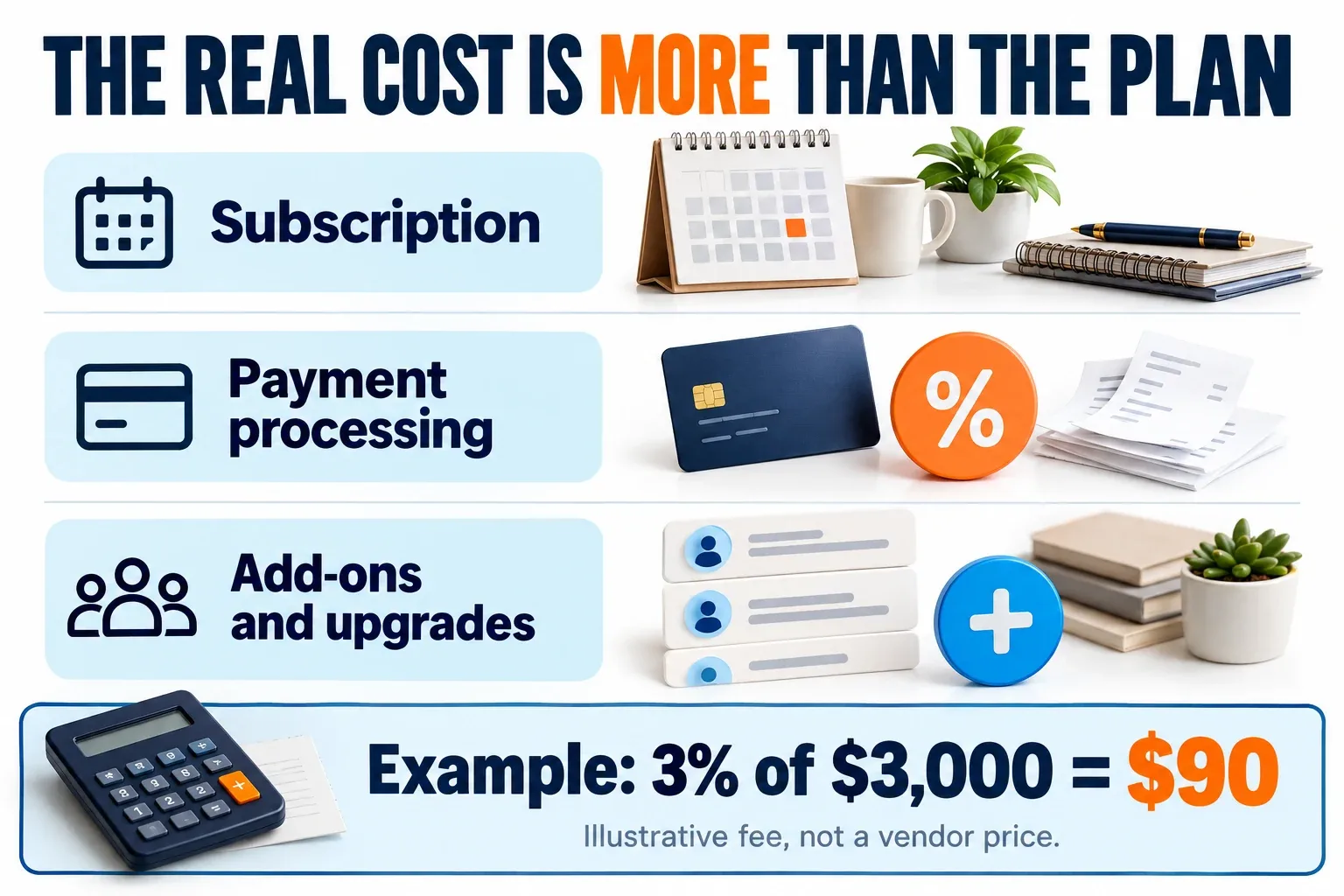
The 3% example illustrates the arithmetic only; it is not the quoted processing fee of Wave, FreshBooks or QuickBooks.
The best invoicing software for freelancers is not necessarily the plan with the lowest advertised monthly price. Compare the standard subscription, processing fees and any upgrades your workload requires.
On a small screen, swipe the table sideways to compare all columns.
These are listed US subscription prices, before applicable taxes, payment fees and add-ons. Temporary discounts and annual billing change the checkout total. Recheck the official pages linked above; introductory pricing should not be mistaken for the ongoing cost.
Processing can outweigh the plan fee. At an illustrative 3%, collecting $3,000 by card costs $90 before any fixed transaction charges. Compare cards and ACH using the provider’s actual rates, your typical invoice size and your number of payments.
Also check how you can export invoices, customers and financial records. A low entry price is less attractive if leaving later requires extensive manual cleanup.
How to choose the best invoicing software for freelancers
To find the best invoicing software for freelancers in your line of work, use a trial or free account to test the work you actually do. Compare the billing workflow with your needs rather than relying on marketing claims.
- Create a realistic draft invoice: include your service description, billing contact, payment terms and any applicable tax settings. Confirm tax treatment with your accountant.
- Preview the client experience: check the PDF, mobile readability and available payment options.
- Check the follow-up: inspect reminder schedules, message wording and how an externally paid invoice is marked paid.
- Check recurring behavior: identify what becomes a draft, what is emailed automatically and what requires client authorization.
- Check the exit: export sample records and confirm which data and reports remain accessible after cancellation.
Do not submit a live payment or email a real client merely to explore a plan. Use a draft, preview or supported test environment where available.
Keep billing messages separate from promotional mailing lists. If you also need newsletters or marketing campaigns, our email marketing guide for beginners covers that separate software decision.
Best invoicing software for freelancers: common questions
Is Wave completely free?
Starter has no subscription fee, but Pro, optional services and online-payment processing can cost money. Check whether the sending, reminder and banking features you need are included.
Is FreshBooks better than QuickBooks for freelancers?
FreshBooks is worth comparing for time-based service billing. QuickBooks is worth comparing when accountant collaboration and wider bookkeeping needs drive the purchase. Neither is the best fit for every freelancer.
Can invoice software collect payments automatically?
Some tools support recurring payments, but sending recurring invoices alone does not authorize a charge. Confirm the required payment account, client consent and settings.
What is the best invoicing software for freelancers on a budget?
Start by checking Wave Starter and the limits of QuickBooks Free. Choose a paid tier only when its specific features or limits solve a real problem in your billing process.
Choose for the billing job you need to do
Shortlist Wave for a low-cost starting point, FreshBooks for service billing and QuickBooks Online for invoicing connected to broader books. Then test one representative invoice and compare the total ongoing cost.
The best invoicing software for freelancers is the one you can use consistently: accurate bills, clear due dates, appropriate reminders and records you can take with you. Buy the workflow that improves those tasks.