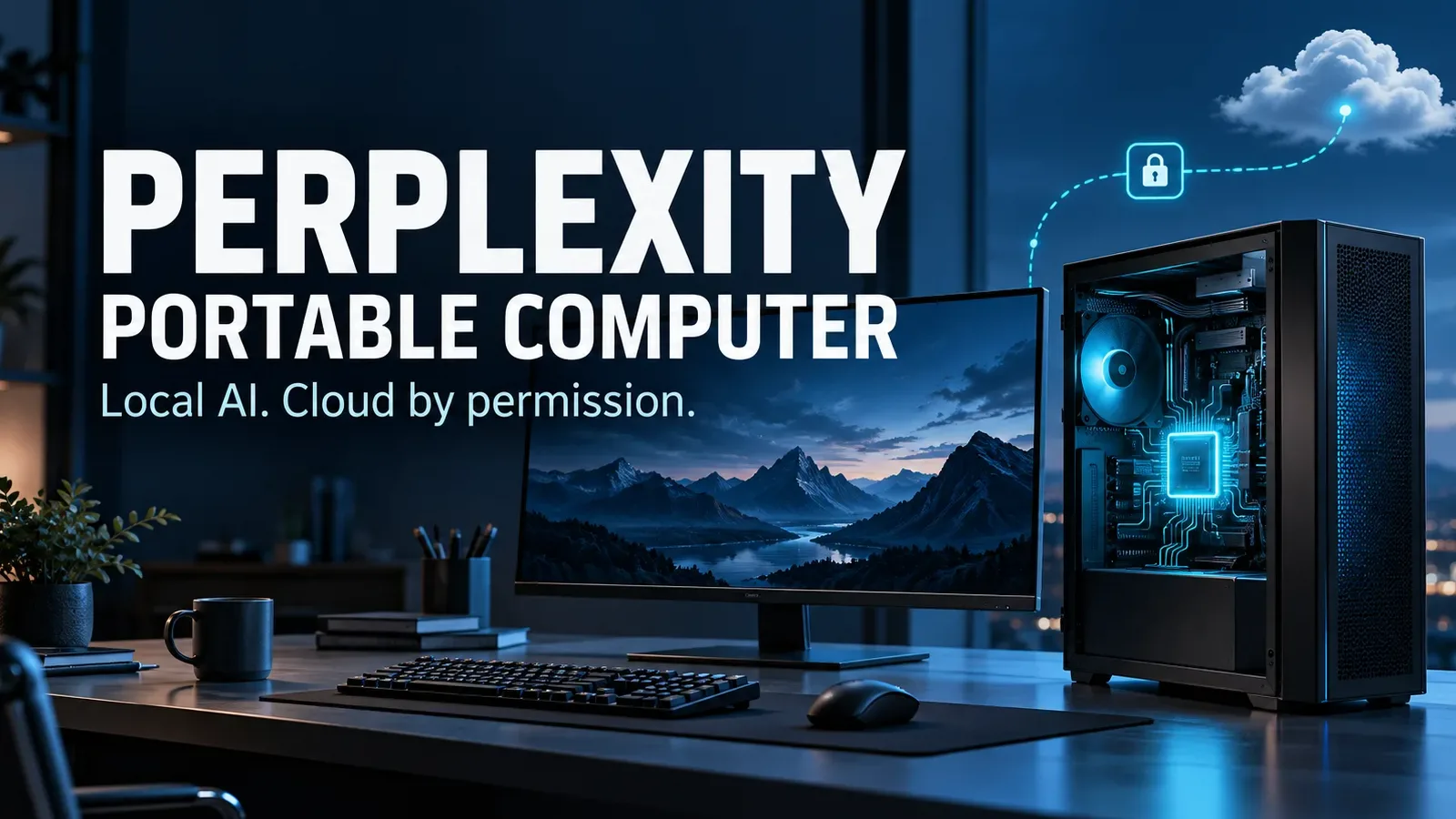
Perplexity Portable Computer brings an AI agent onto supported PC hardware. It can work with local files and run tasks on your device, with optional cloud help when you approve it. The catch: this is not a feature that runs on every laptop.
If you already own compatible hardware, it offers a practical way to explore local AI. Before paying for a plan—or buying a new computer—check GPU memory, available storage and the work you actually want to automate.
This is a research-based explainer, not a hands-on performance test. Official Perplexity and NVIDIA documentation and US pricing were checked October 11, 2026.
What is Perplexity Portable Computer?
It runs the model and agent machinery locally, rather than simply displaying a cloud chatbot in a desktop window. Think of an agent as software that can plan several steps, use permitted tools and produce an output—not just answer one question.
Perplexity introduced Portable Computer on August 25, 2026. NVIDIA announced Windows availability on September 14. Perplexity’s current materials also describe support for selected AMD Ryzen AI Max hardware.
The naming needs care: Personal Computer is the Windows app and local-file access feature. Portable Computer is local model inference inside it. Giving the app access to files does not, by itself, mean the AI is processing them locally.
What could you actually use it for?
Start with a repeatable document task: compare versions of a proposal, summarize a folder of meeting notes or draft a weekly project update. These are example workflows, not results we measured.
A useful trial has a clear finish line. Ask for a table of changed deadlines, with the source filename beside each entry. That makes mistakes easier to catch than an open-ended request to “manage my work.”
Keep the original files unchanged. Judge the result by accuracy and time saved after checking it; a convincing summary can still omit a qualification or confuse two similarly named documents.
Perplexity Portable Computer requirements: check your GPU first
A laptop advertised as an “AI PC” is not automatically compatible. Having 32 GB of system RAM does not establish that an NVIDIA GPU has 24 GB of VRAM. AMD’s GPU-accessible memory arrangement also needs checking on the specific supported system.
Perplexity’s newer AMD announcement and product page include AMD support, while its general help article still lists NVIDIA hardware. Check the app’s Local Inference eligibility before purchasing hardware; the official pages are not fully aligned.
The Windows help guide lists an approximately 19.6 GB initial download for PPLX 27B, including supporting components. Leave additional space for unpacking and updates. Download size is not the same as total storage needed.
Does local AI mean everything stays offline?
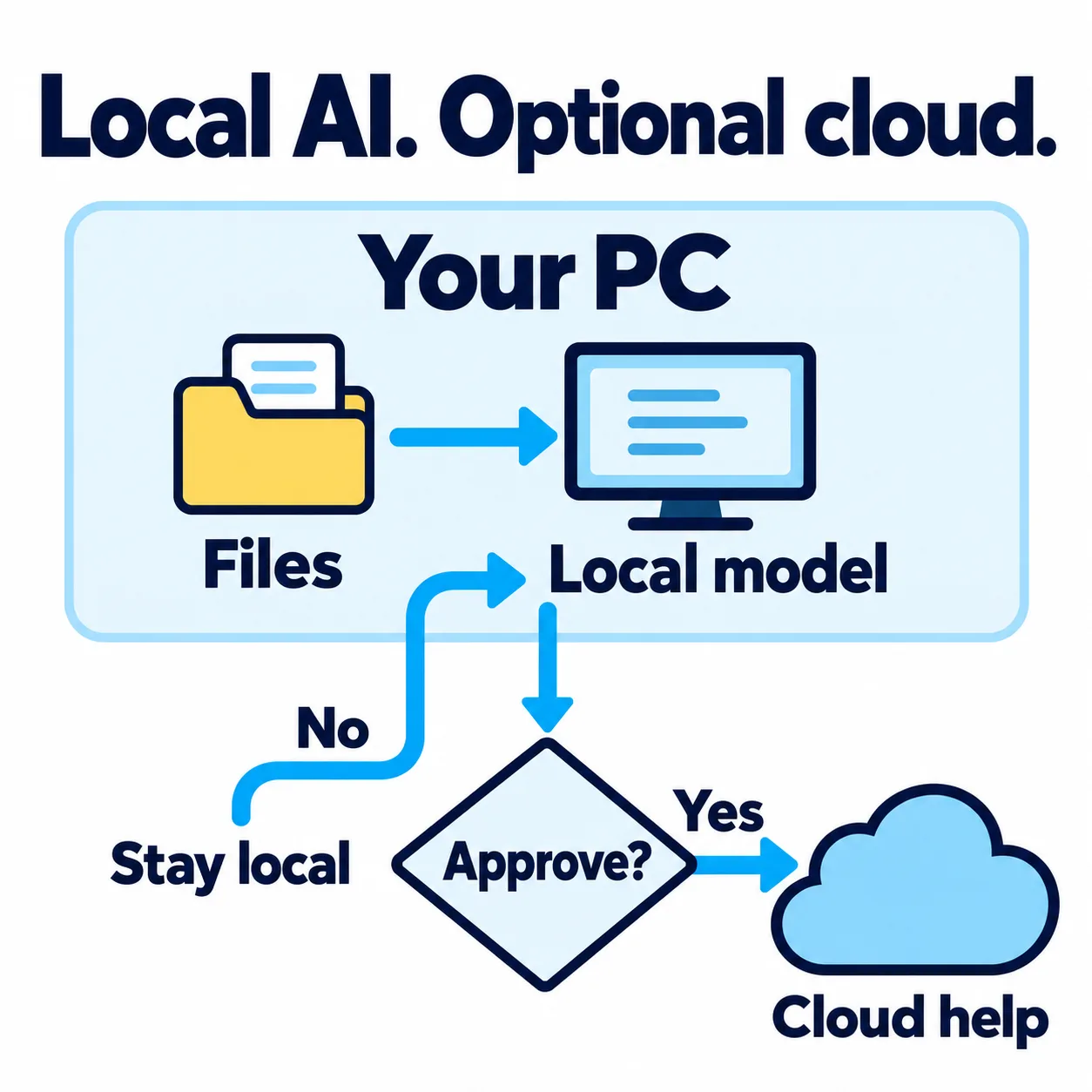
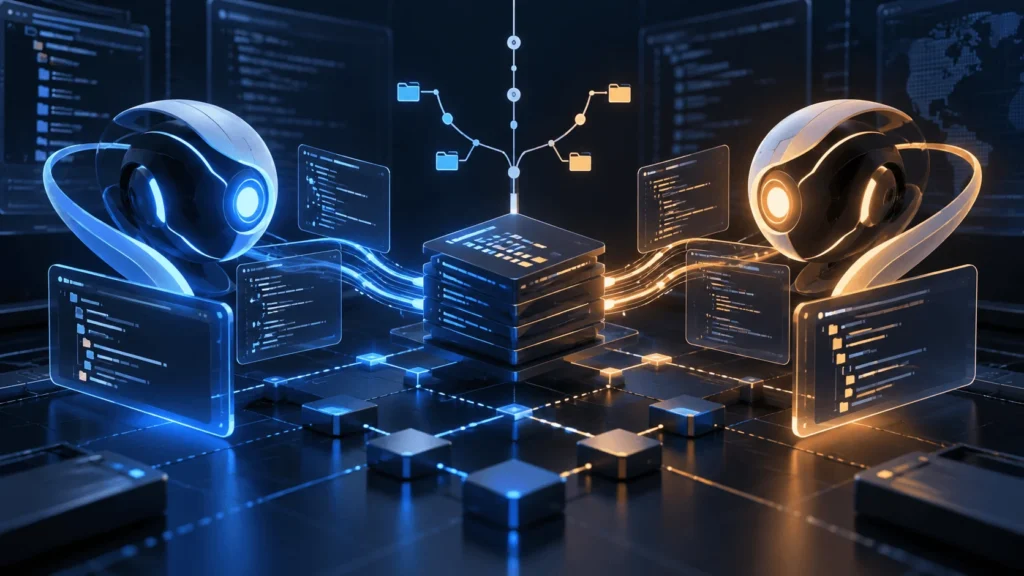
Conceptual workflow, not a screenshot of the app. Cloud assistance is optional; connected services introduce additional data flows.
Perplexity says local tasks can run on the device and asks permission before escalating a step to its cloud services. Fresh web research and connected online apps are different from reading a folder already on your computer.
Read an approval prompt as a data decision: which files or text will leave the machine, and why? Avoid assuming that every connector or workflow becomes offline because a local model is selected.
The help guide also notes that local MCP servers run outside the sandbox with your permissions. Add only trusted tools. Local processing gives you a different place to run AI; it does not make every tool safe or every answer correct.
How to set up Perplexity Portable Computer on Windows
1. Install and sign in. Use Perplexity’s official Windows app and an eligible Pro or Max account.
2. Open Settings → Local Inference. Download an available on-device model. The app also installs the required inference components.
3. Configure file access separately. In Settings → Permissions, enable the local filesystem and desktop tools needed for the task. Keep the working folder limited.
4. Select Local before starting. Choose the downloaded model under Local in the composer’s model menu. Check this again when starting a new workflow.
Linux setup follows separate official installation instructions. Scheduled work requires the app to remain open and the computer awake; do not assume it will finish after you close the laptop.
Is Perplexity Portable Computer free?
No: access requires an eligible paid plan. Standard US Pro pricing is $20 monthly or $200 annually; Max is $200 monthly or $2,000 annually. Check checkout for taxes, regional pricing and billing terms.
Local inference does not consume Computer credits. Cloud work follows the account’s included usage and credit rules, so “no local inference credits” does not mean unlimited cloud work for free.
Your own hardware, electricity and storage still have costs. Start with Pro if its current allowance fits your needs; a higher subscription does not remove hardware limitations or guarantee better results from a local model.
A better first task than handing over your whole computer
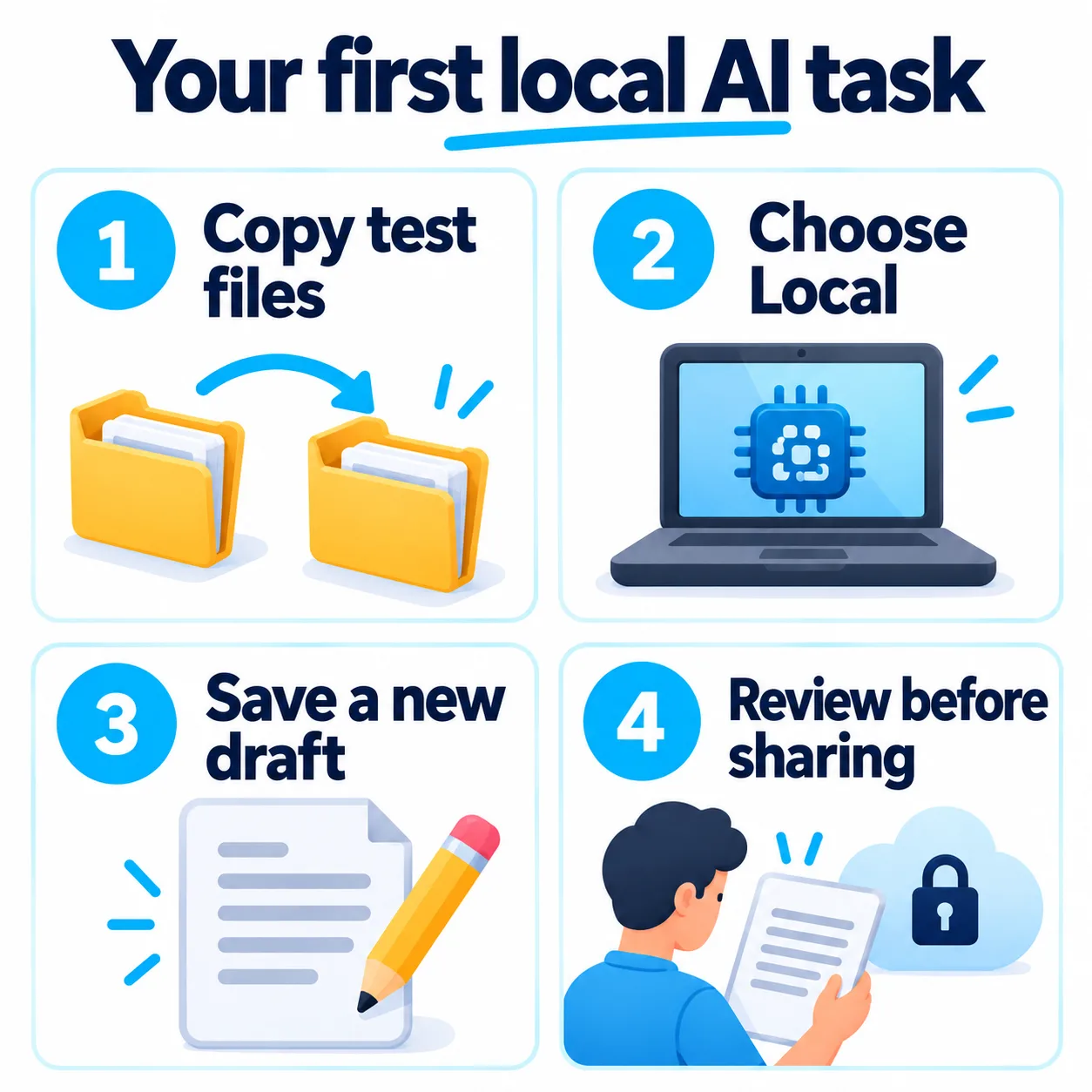
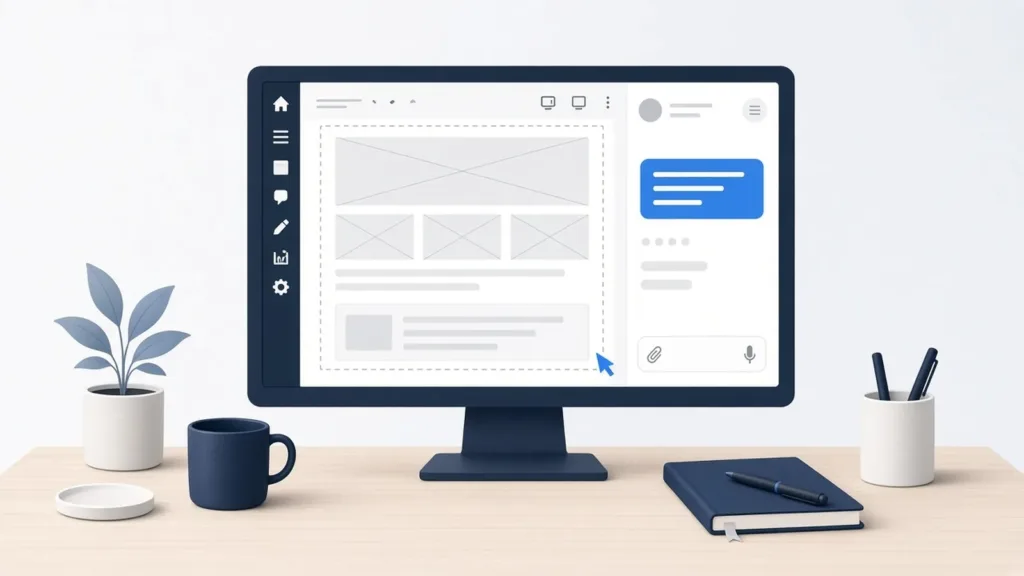
Suggested workflow illustration; it does not reproduce Perplexity’s interface.
Try this prompt on copies of a few non-sensitive documents: “Read only this test folder. Summarize the changes with filename and page references where available. Save a new draft in the output folder. Do not overwrite originals. Ask before cloud processing, web access or sending messages.”
Review missing context, dates and references before using the output. Give access to more files only after the small trial works reliably. A narrow task makes both usefulness and mistakes visible.
Is Perplexity Portable Computer worth trying?
Our view: the interesting shift is from asking AI for advice to asking it to complete a bounded task beside your own files. That could make local agents useful for everyday document work, especially when permissions remain understandable.
Try Perplexity Portable Computer if you already have supported hardware and a recurring task you can verify. If you mainly want quick answers on an ordinary laptop, the hardware requirement makes this a poor reason to replace your computer.
The next improvement that matters is dependable execution with clear permission controls. More autonomy is valuable only when you can see what happened, check the result and stop actions you did not intend.
Primary references
Perplexity — original Portable Computer announcement
NVIDIA — September 14 Windows launch and RTX requirements
Perplexity — current Portable Computer product overview
Perplexity — AMD requirements and setup
Perplexity Help Center — installation, disk space and local tool permissions
Perplexity — Pro pricing
Perplexity — Max pricing
Perplexity — usage and credit rules