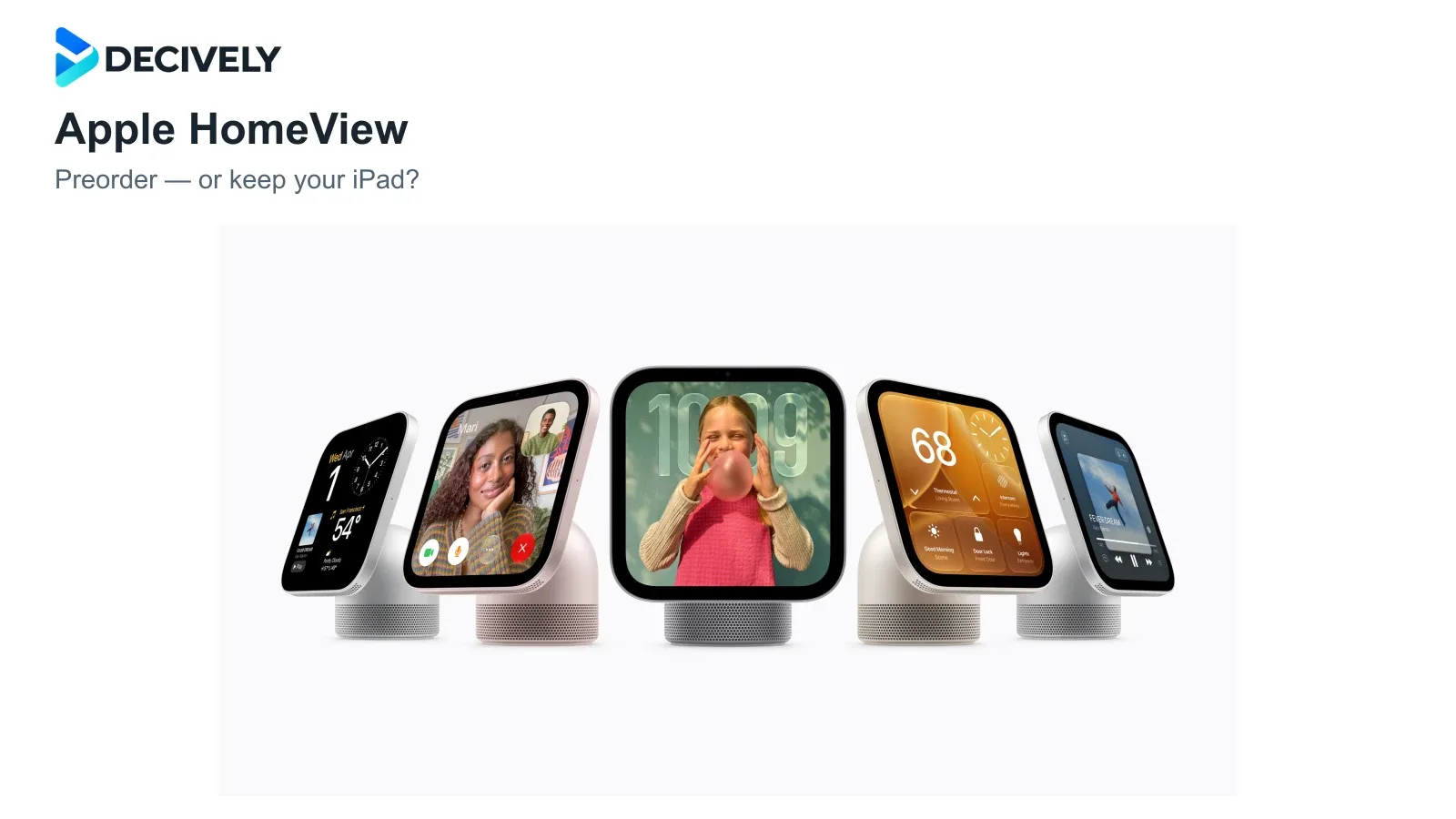
Apple HomeView is a new shared home display, announced on October 13, 2026. It promises easier household controls and calls, but the important question is whether that convenience deserves another purchase.
Quick verdict
Our recommendation: wait for home testing unless you already know where a permanent Apple Home screen would help. A shared kitchen or hallway dashboard is a clearer use case than replacing a perfectly useful tablet.
Preorders are open ahead of Apple’s announced November 13 release. This is a buying guide based on specifications and independent event demonstrations, not a Decively hands-on review.
Tabletop or wall-mounted: the purchase changes
Why choose HomeView over an iPad?
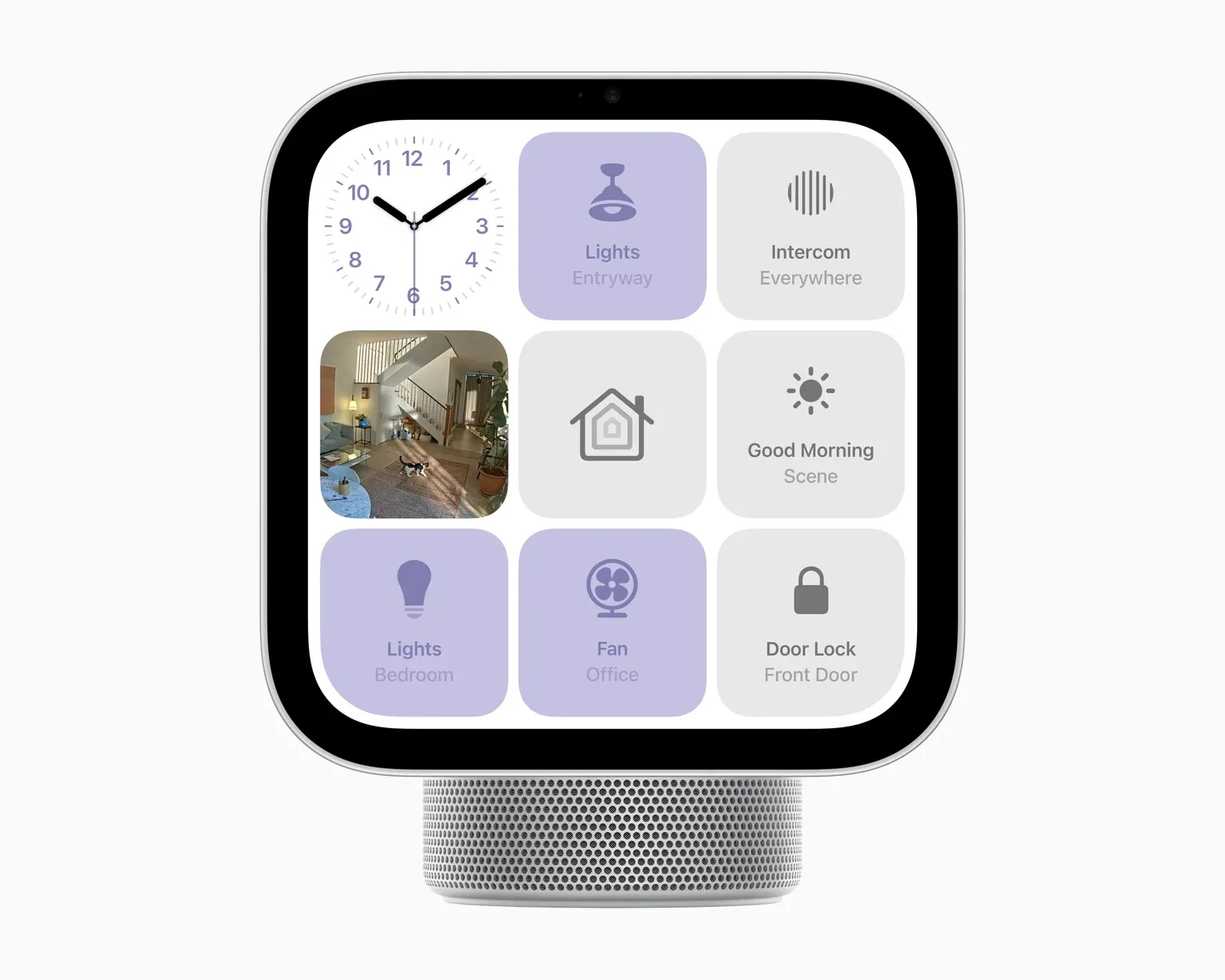
Apple’s official HomeView interface shows dedicated household controls. Manufacturer image; not a Decively test.
The case for HomeView is shared access, rather than more computing power. Apple’s product page describes recognition for up to six people, personal content separated by user, and controls that remain available to guests without exposing private information.
AppleInsider’s Andrew O’Hara found the dedicated home controls and Safari recipe Handoff promising during Apple’s demonstration. He also wanted broader third-party integrations; the demo units did not let him test third-party streaming apps or widgets.
An iPad remains the more flexible purchase if you need a general tablet. See our iPad A16 buying guide. If voice control and audio are enough, compare the HomePod mini 2 before paying for a screen.
Check the phone and Siri AI requirements first
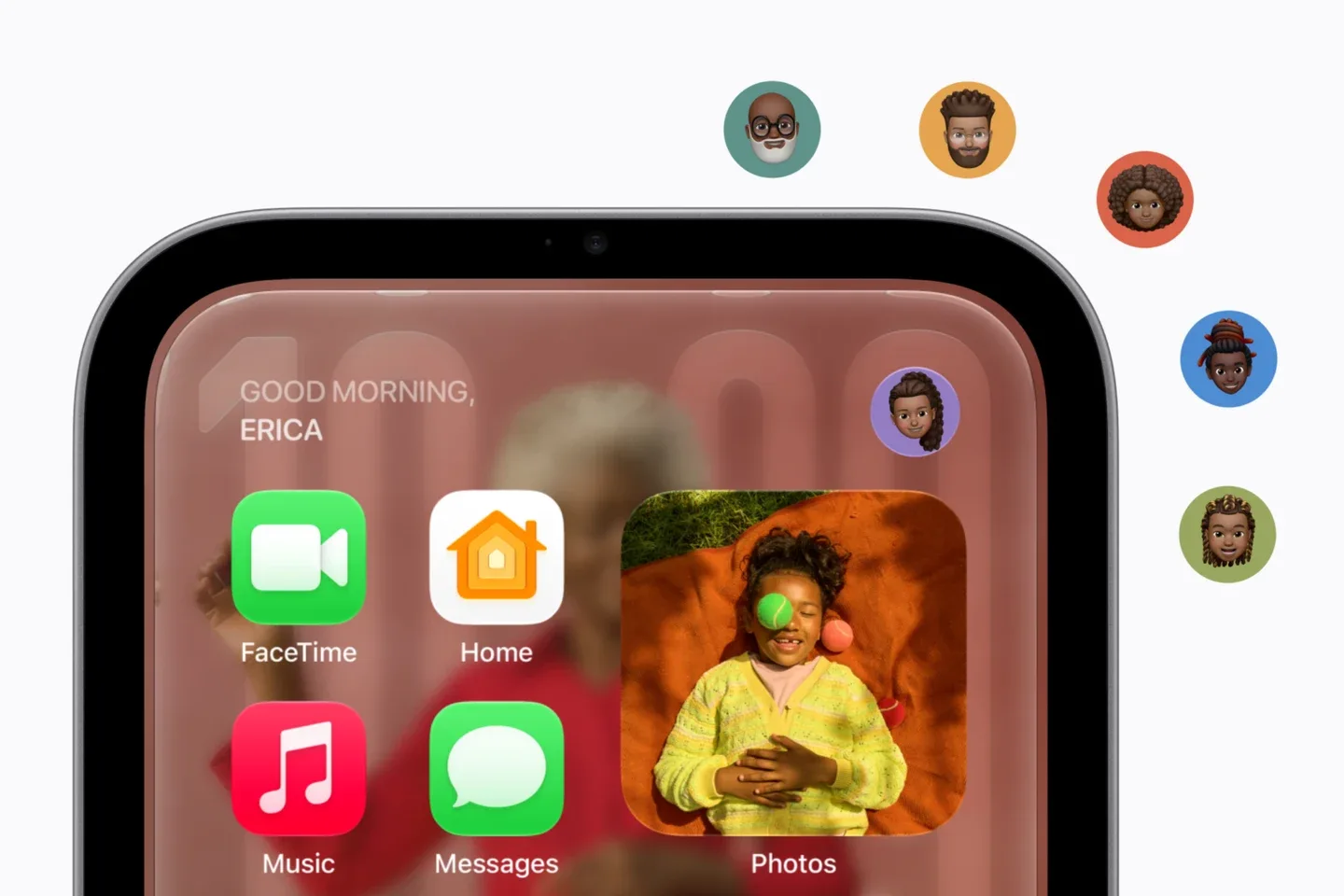
Apple illustrates recognition of different household members. Personalization also depends on a compatible paired device.
Apple says personal content normally requires facial recognition and a recently unlocked paired iPhone or iPad on the same Wi-Fi network. Personal-context Siri requests add another requirement: an Apple Intelligence-capable paired device, with Siri AI enabled in a supported language.
An older compatible device can therefore meet setup requirements without unlocking every AI feature. Guests can use shared functions such as timers and home controls without gaining access to someone else’s messages.
Siri AI is described as beta software. Apple’s usage terms allow feature-specific limits, and its launch footnotes say expanded access to certain server-based features will carry a fee in the future. Do not budget on unlimited AI remaining free.
For camera-recording summaries, Apple also specifies an eligible iCloud+ plan and compatible setup. Buying the display alone does not include cameras or every intelligence feature.
What early demonstrations cannot prove
TechRadar’s Jacob Krol liked the familiar interface but sometimes had to repeat Siri requests. He found the audio clear, while wanting more volume. His experience was in Apple’s demo space, not a long-term home test.
HomeView has no App Store, according to that hands-on report. Apple lists compatible third-party audio and video experiences from an iPhone; this is not permission to assume every iPad app will work.
These demonstrations support interest, not a settled reliability verdict. Wait for independent home tests if voice accuracy, household recognition or your particular streaming service will decide the purchase.
Price, countries and what is still coming
Apple announced US pricing of $299 for either model. That equal starting price makes the wall version less straightforward: it omits the tabletop power accessories and needs a separate mount. Compare the complete installed cost.
The announced November 13 launch includes the US, UK, Canada and Australia, alongside other selected markets. Siri AI on HomeView is English-only at launch; Canadian French is promised later. Apple says HomeView is not offered for sale in the European Union, with no EU launch date supplied in the announcement.
Apple Home Collection accessories begin arriving in December, with some scheduled for early 2027. The Power over Ethernet mount is also a future option. Do not treat these as accessories available today.
Before you preorder
Choose one permanent location and list three tasks you will use daily. Then verify your phone’s eligibility, the exact apps you need and the full accessory cost. If those checks do not produce a clear advantage over your existing iPad or HomePod, waiting is the stronger decision.
Research notes
Research checked October 19, 2026. Official specifications and launch plans are attributed to Apple; event impressions belong to the named reviewers. Decively has not tested HomeView. Release plans and software support can change. This independent editorial guide is not sponsored or approved by Apple. Product photography: Apple Newsroom; Decively logo and page layout: Decively.
Apple — announcement, release markets and launch footnotes Apple — HomeView technical specifications and box contents Apple — multiuser experience and compatible apps Apple Support — Apple Intelligence usage terms AppleInsider — Andrew O’Hara’s event hands-on TechRadar — Jacob Krol’s demo impressions