

Start with the routine you want to improve
A smarter home can begin with one welcoming lamp, a curtain that opens on time or an alert from beneath the sink. The best starting point is a device that serves a clear household need, with compatible controls.
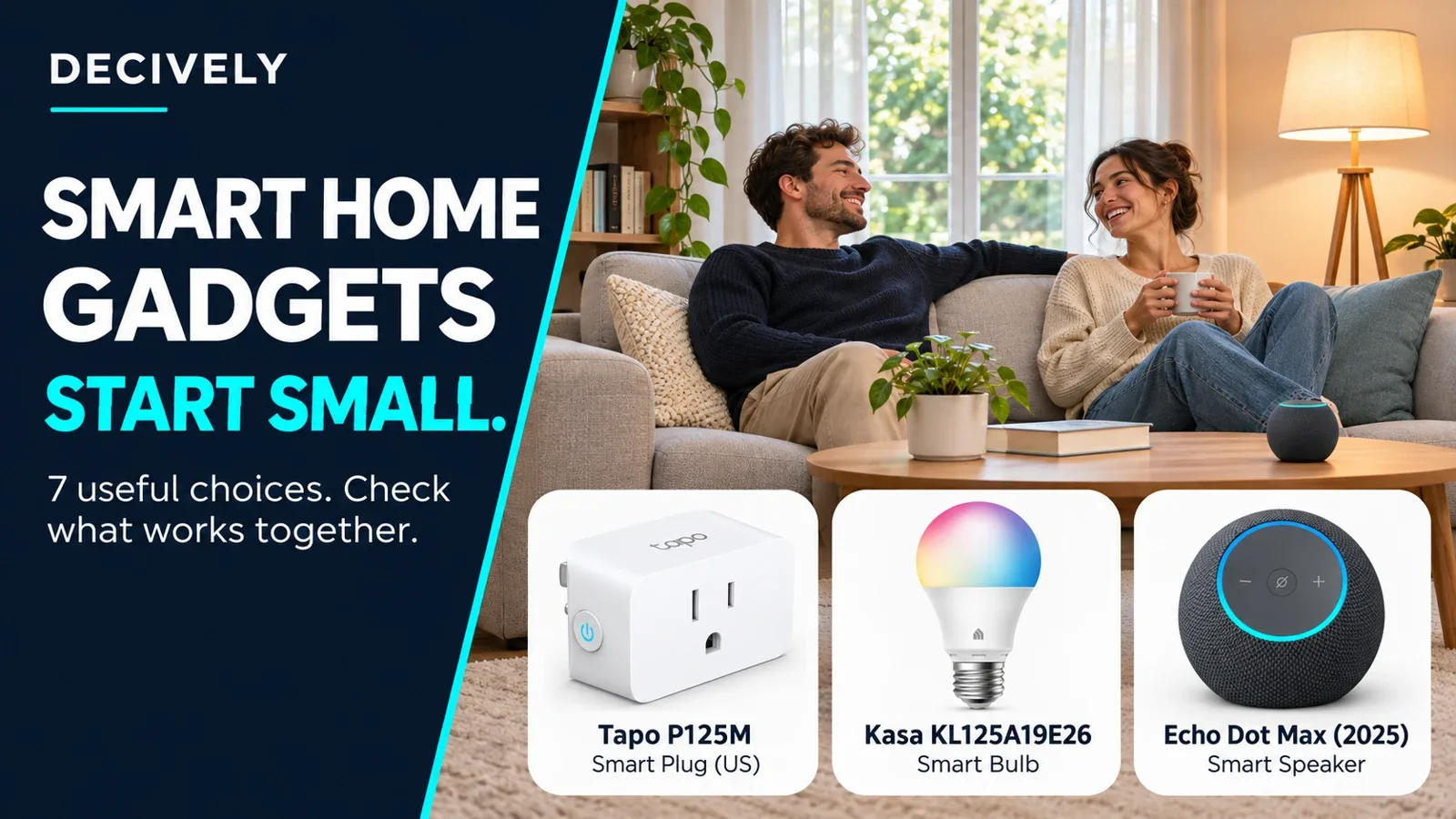
These seven smart home gadgets cover lighting, convenience and household awareness. This is a research-based buying guide, not a ranking from side-by-side testing. You do not need everything here, and the products do not all communicate through one shared protocol.
As an Amazon Associate, Decively earns from qualifying purchases, at no additional cost to you.
Choose your first purchase by its job
On smaller screens, swipe the table to see every column.
1. Tapo P125M: keep the lamp you already like
An ordinary lamp with a physical switch is a good first candidate for automation. The P125M adds on/off scheduling and remote control without changing the fixture. Matter gives supported households another control route, while the Tapo app works without a separate Tapo hub.
Choose it for: switching an existing lamp. Skip it for: dimming, consumption measurements or a device that waits for a button press after power returns. Read our Tapo P125M review before selecting a pack.
2. Kasa KL125: change the light, not just the power
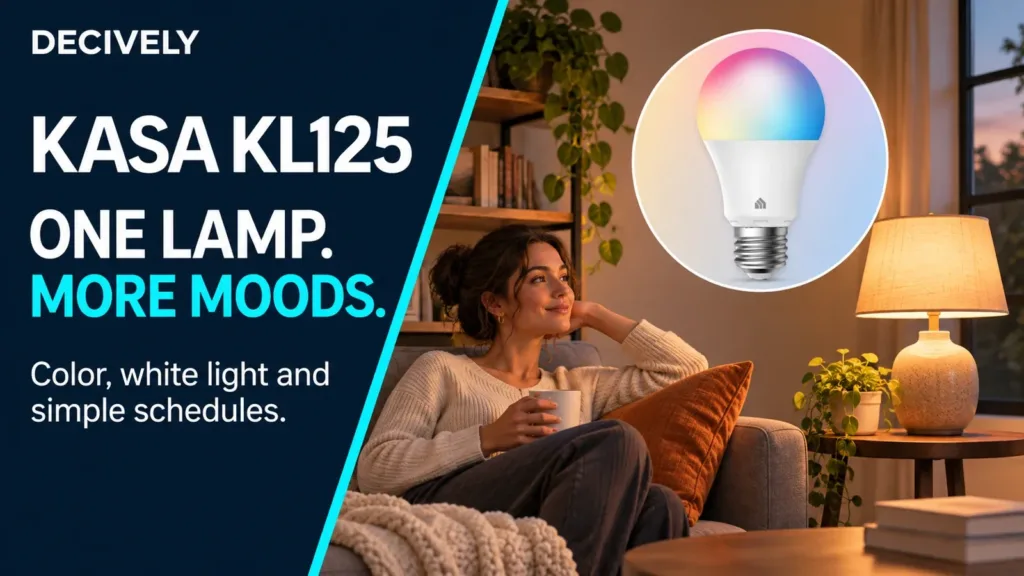
A smart bulb is the better route when you want warmer evening light, adjustable brightness or color. The US KL125 offers those controls through Kasa and supported assistants over 2.4 GHz Wi-Fi, without a dedicated lighting hub.
Check first: an appropriate E26/120V indoor fixture and a wall switch that can stay on. This model is not Matter-enabled and should not be paired with a conventional wall dimmer. Our Kasa KL125 review explains the fixture restrictions.
3. Echo Dot Max: a useful voice interface and hub
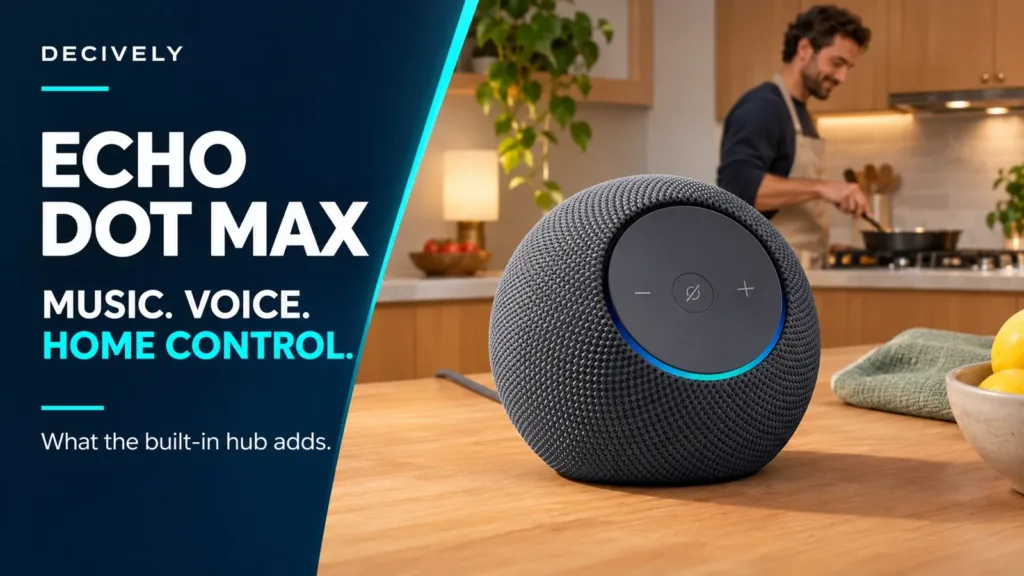
For an Alexa household, the 2025 Dot Max combines a compact music speaker with Zigbee, Matter and Thread-related hub functions. It can make everyday commands more convenient, but a hub only helps when the chosen accessories actually support its connection paths.
Budget beyond the hardware: check Alexa+ eligibility, any paid plan and music-service requirements. Do not buy it simply because a listing calls it newest; compare the current standard Dot too. Read our Echo Dot Max review for the model and service distinctions.
CHECK ON AMAZON · AFFILIATE LINKS
Start with lighting or everyday voice control
Confirm the exact model, included accessories, current price, seller and return terms.
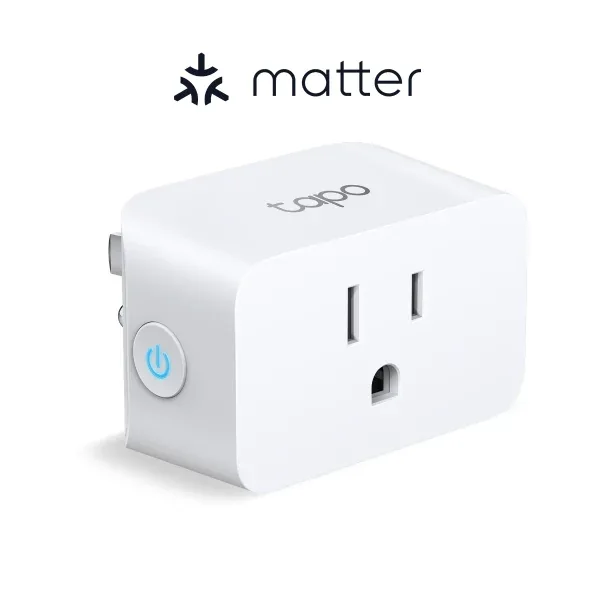
Tapo P125M — US smart plug
Matter over Wi-Fi. On/off switching; no dimming or energy monitoring.
Check price & availability on Amazon →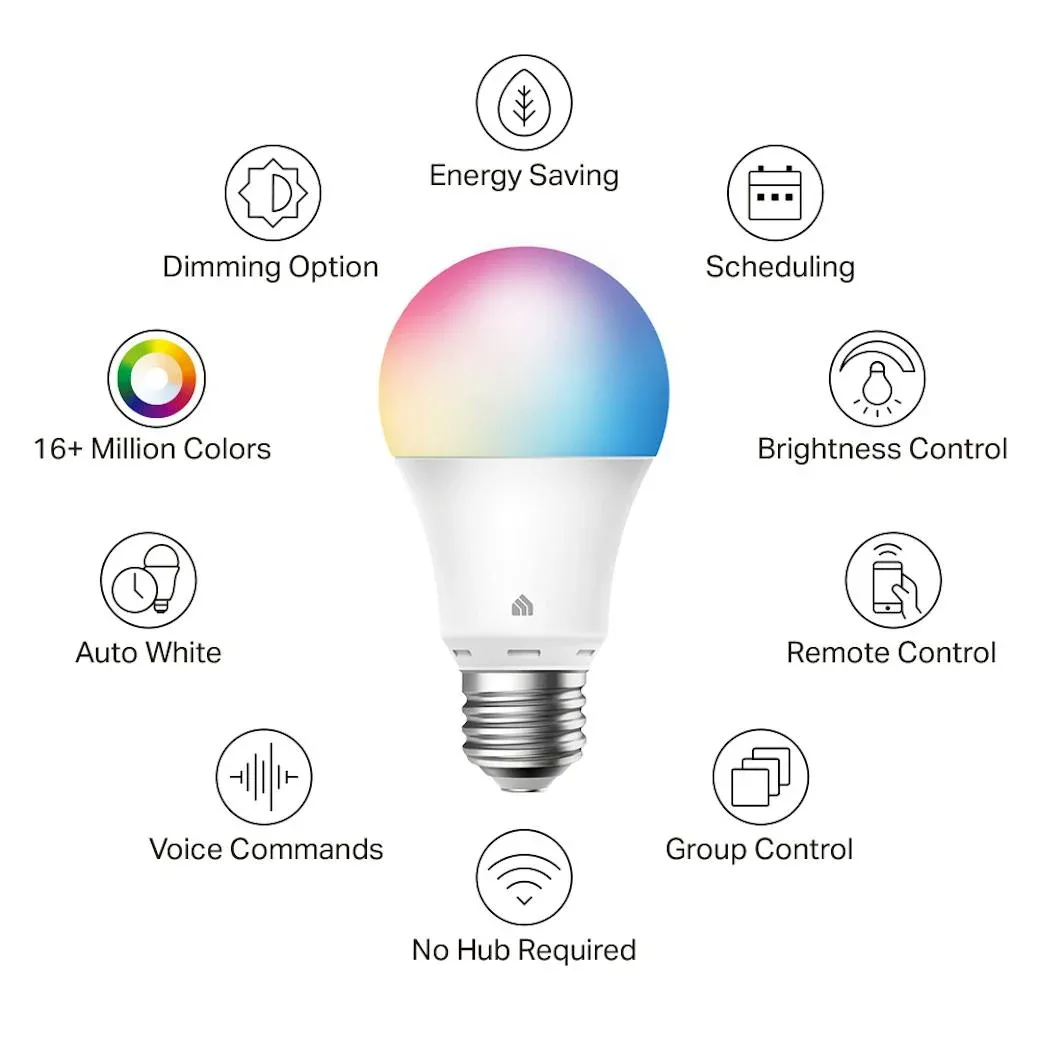
Kasa KL125 — US E26 single bulb
Color and tunable white; 2.4 GHz Wi-Fi; no Matter or native Apple Home.
Check price & availability on Amazon →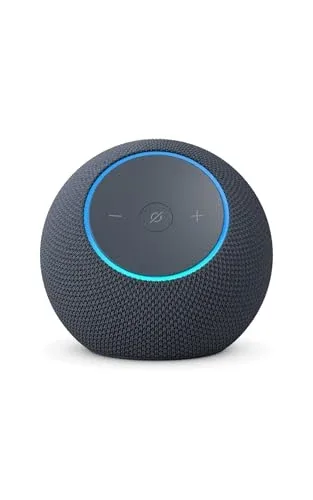
Echo Dot Max — 2025, Graphite
Smart speaker and home hub. Check Alexa+ eligibility and current plan terms.
Check price & availability on Amazon →As an Amazon Associate, Decively earns from qualifying purchases. Prices and availability can change.
4. Govee leak kit: another chance to notice a hidden drip
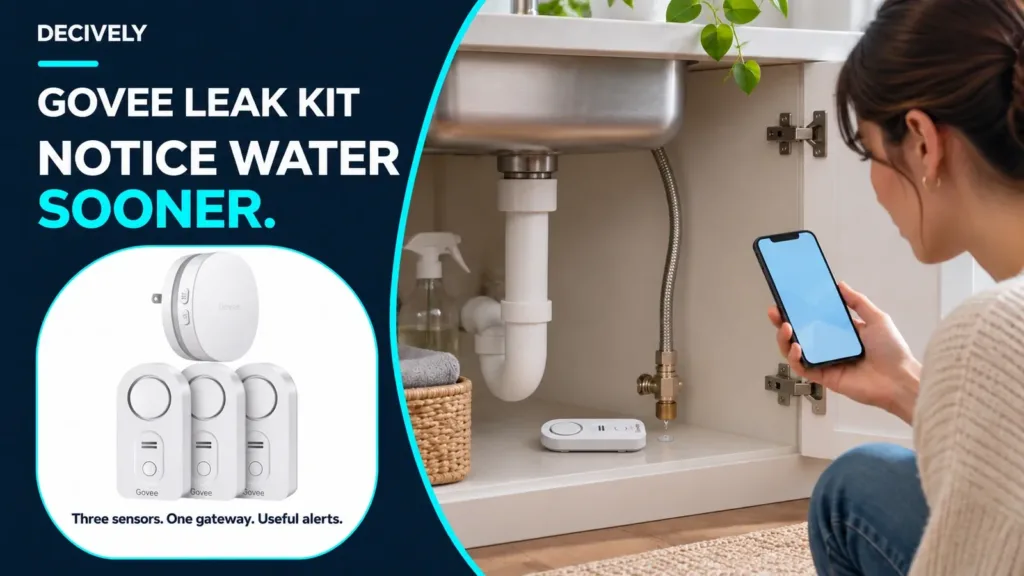
The original kit pairs three H5054 detectors with an H5040 gateway. A detector can sound locally when water reaches its contacts, while the gateway provides the route to remote app and email alerts. Start with accessible leak-prone locations, rather than scattering sensors without a plan.
Important: the sensors use radio to the gateway; they are not three independent Wi-Fi devices. Remote alerts depend on power and connectivity, and the kit does not close a valve. See our Govee water leak detector review for the exact bundle.
5. SwitchBot Curtain 3: automate curtains that already fit
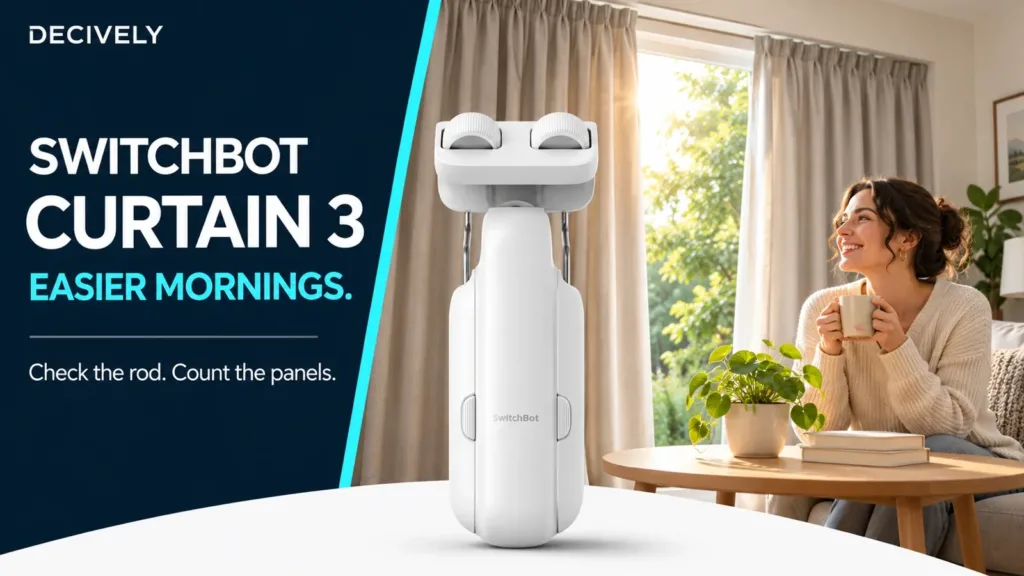
Opening the curtains before breakfast is a simple routine worth considering. Curtain 3 moves compatible existing curtains, with different hardware for Rod and U Rail installations. The linked option is one Rod motor, not a complete two-panel window system.
Count the moving panels: two independently opening panels normally need two motors. Remote access, voice assistants and Matter require the appropriate additional bridge; solar charging is optional. Our SwitchBot Curtain 3 review covers fit and the full-kit cost.
CHECK ON AMAZON · AFFILIATE LINKS
Choose a useful household routine
Confirm the exact model, included accessories, current price, seller and return terms.
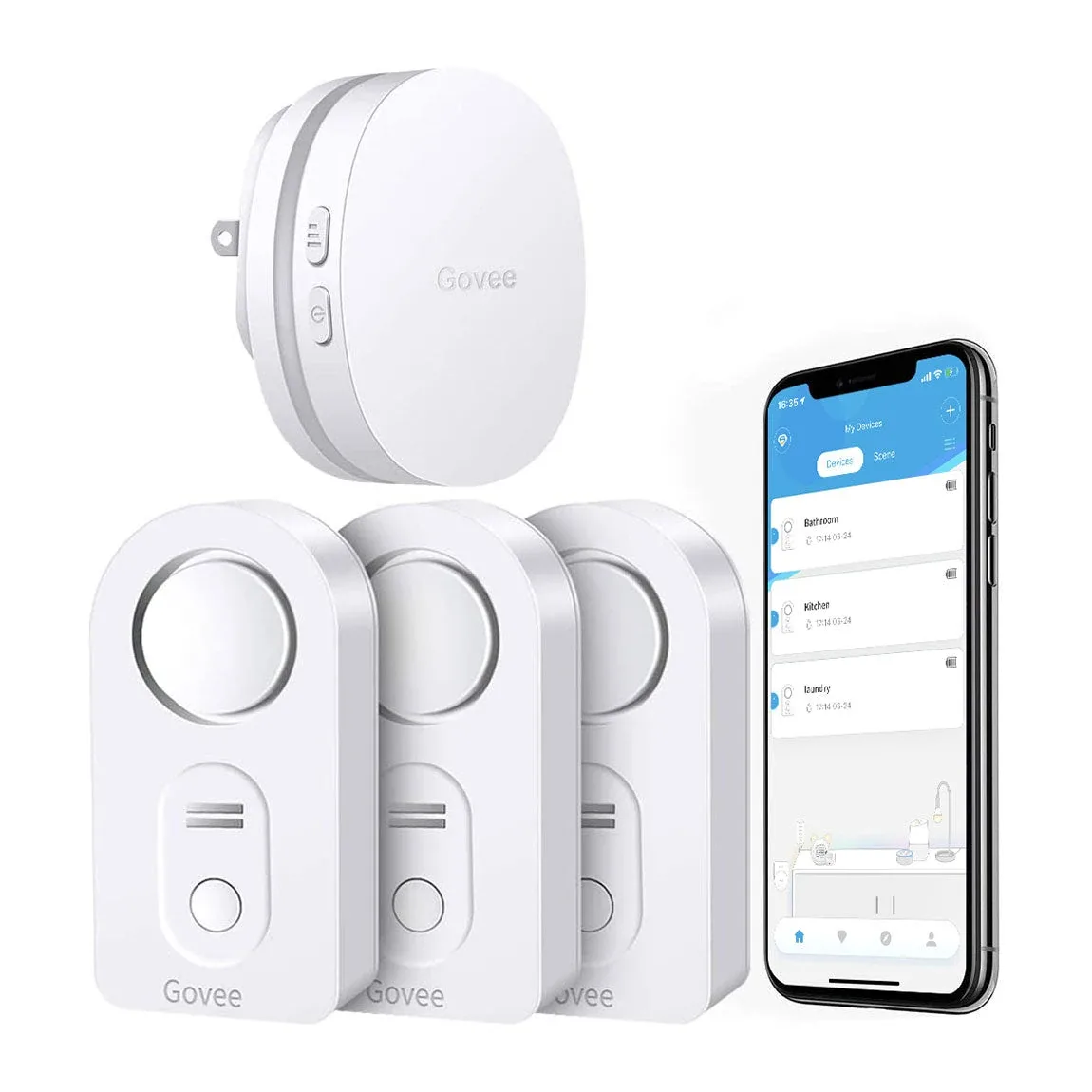
Govee H5040 kit — gateway + 3 H5054 sensors
Original three-sensor kit. Remote alerts need the included gateway, Wi-Fi and internet.
Check price & availability on Amazon →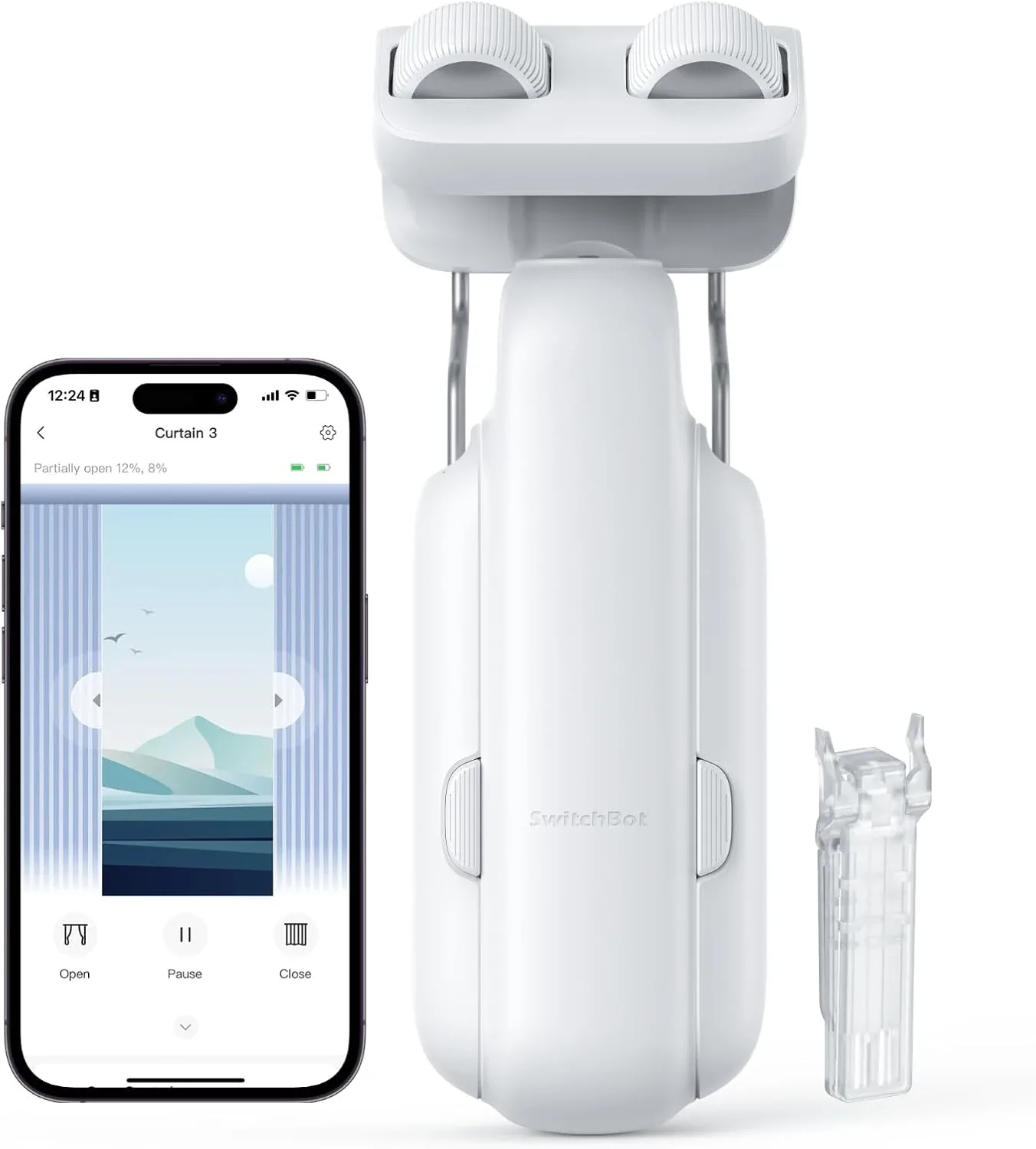
SwitchBot Curtain 3 — Rod, single motor
Match the rail type. Two opening panels normally require two motors; hub sold separately.
Check price & availability on Amazon →As an Amazon Associate, Decively earns from qualifying purchases. Prices and availability can change.
6. Ring Battery Doorbell 2K Plus: see who is at the door
Head-to-toe video and two-way conversation can make deliveries and visitors easier to handle. This battery model suits a household that wants the Ring app and Alexa integration, with a removable battery that still needs charging.
Check the ongoing cost: saved video and specified smart alerts require a compatible paid Ring plan. Do not assume a memory card removes that cost. Our existing Ring 2K Plus versus 4K Pro comparison helps decide whether the extra model features matter.
7. Tapo C645D KIT: a wider view of activity outside
The C645D KIT combines a fixed overview with a moving telephoto view and includes a solar panel. It is an option for watching a driveway or garden when Wi-Fi and suitable sunlight reach the mounting point. Solar assistance can reduce charging visits, but results depend on placement and workload.
Choose storage deliberately: a separately purchased microSD card offers local recording; Tapo Care is optional cloud storage. Its interval-based 24/7 Capture is not uninterrupted normal-frame-rate video. Read the Tapo C645D versus C660 KIT comparison for the trade-offs.
CHECK ON AMAZON · AFFILIATE LINKS
Compare front-door and outdoor coverage
Confirm the exact model, included accessories, current price, seller and return terms.
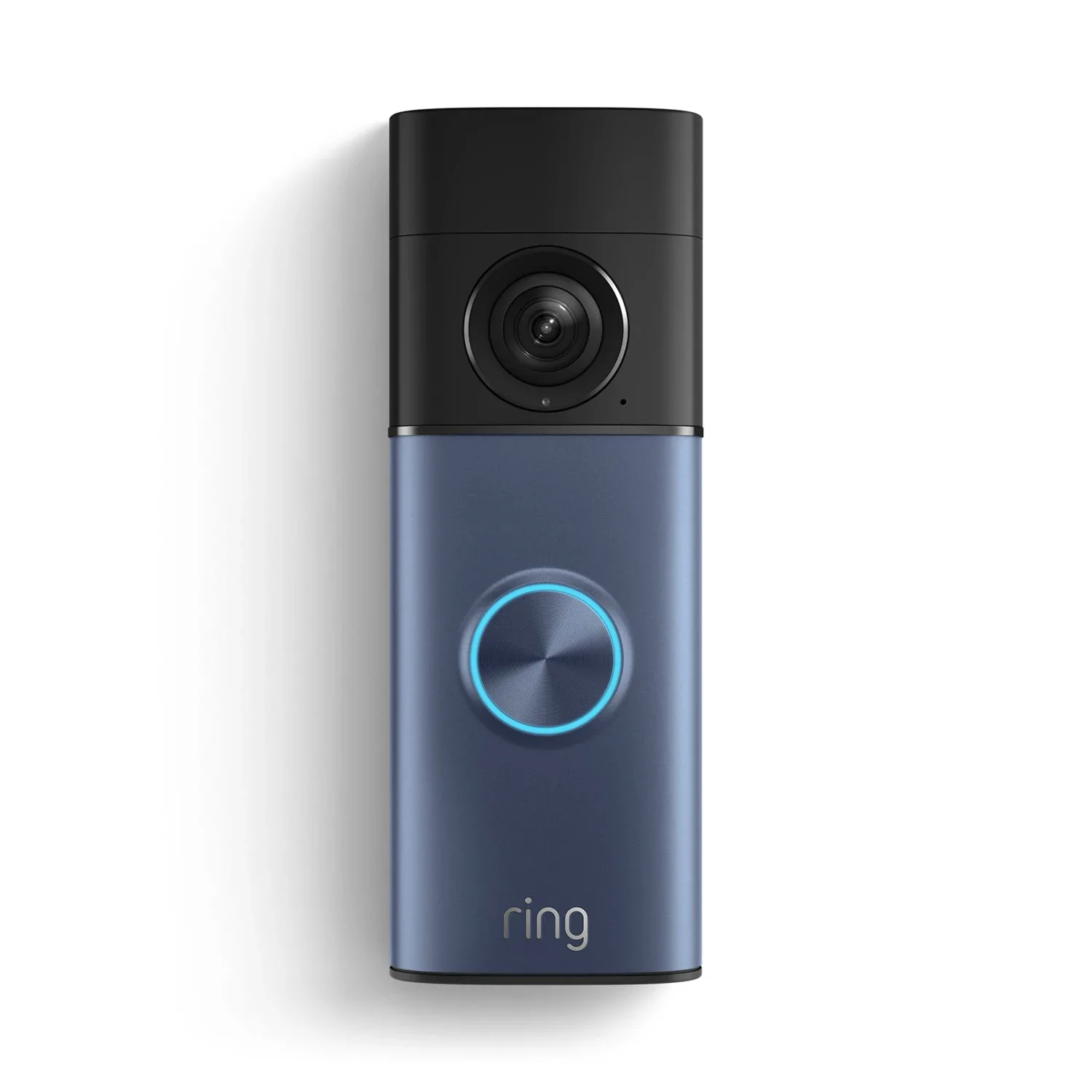
Ring Battery Doorbell 2K Plus — Polished Navy
Check the exact generation and paid recording-plan requirements.
Check price & availability on Amazon →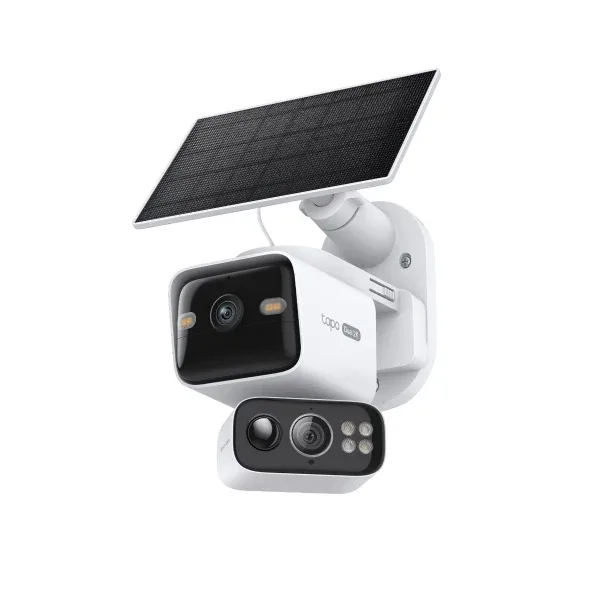
Tapo C645D KIT — camera and solar panel
Check Wi-Fi, sunlight and storage requirements. microSD sold separately.
Check price & availability on Amazon →As an Amazon Associate, Decively earns from qualifying purchases. Prices and availability can change.
Avoid buying seven devices that do not work together
For most beginners, one plug or bulb is enough to learn what is useful. Add a voice hub when hands-free control or compatible accessories justify it. Choose sensors and cameras for a defined location, with a plan for acting on an alert.
Research notes and sources
Researched November 5, 2026 using manufacturer documentation and the detailed Decively reviews linked above. Sources include TP-Link Matter guidance, SwitchBot Curtain 3, Ring plans and Tapo C645D KIT. Confirm current seller, bundle contents, service eligibility and availability on Amazon; no fixed price or discount is promised.
Product photographs belong to their respective manufacturers. Cover and explanatory illustrations are Decively editorial visuals, not photographs of hands-on testing. No comparative reliability, energy-saving or security-performance measurements were conducted by Decively.