

Start with one device and a question
A smart plug with energy monitoring measures the electricity used by a compatible device plugged into it. Use it to answer a specific question: What does my desk setup use over a normal week? How much power does my TV draw when it appears to be off?
If you only want to put a lamp on a schedule, the Tapo P125M is an existing on/off option. The P110M adds measurement in the Tapo app, which is what you need for this experiment.
Watts, kilowatt-hours and dollars
Watts (W) tell you how much power the device is drawing at that moment. Kilowatt-hours (kWh) tell you how much energy it used over time. A quick look at watts is handy for spotting standby load. Use kWh for a cost estimate.
On smaller screens, swipe the table to see every column.
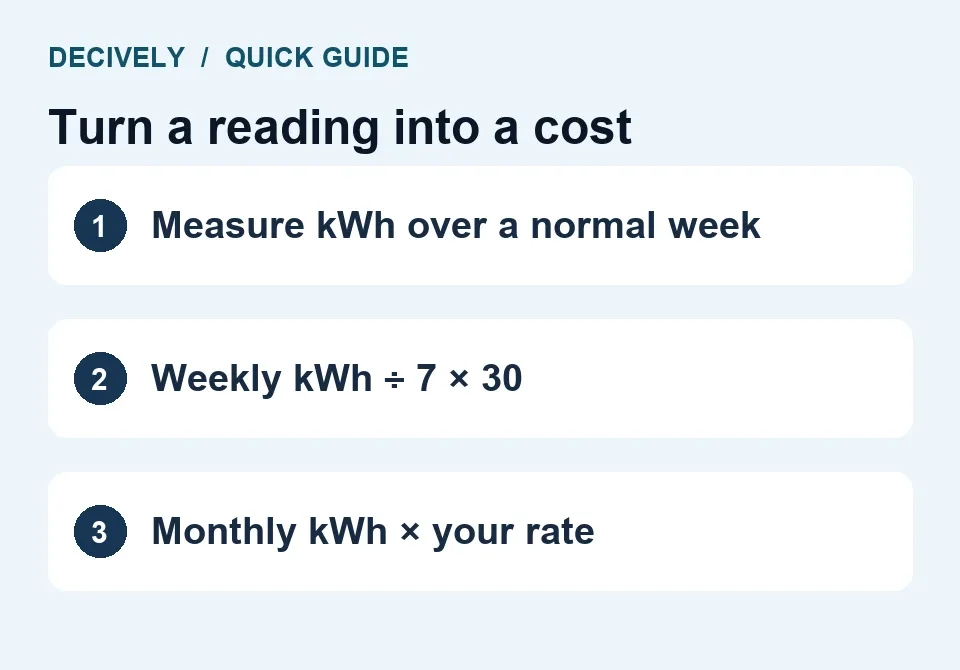
Example calculation. The kWh and electricity rate shown in the table are illustrative. View image at full size →
How to measure an appliance without fooling yourself
Keep high-load appliances, space heaters and anything that requires uninterrupted power out of this experiment unless the relevant manufacturers explicitly approve the exact setup. This guide focuses on indoor US plug-in electronics.
Is the Tapo P110M 4-pack worth buying?
The US Tapo P110M 4-pack is a useful option if you want to compare several compatible loads or leave measurement running in multiple rooms. Tapo lists energy monitoring and a rate input for estimated costs. Use the Tapo app for the energy dashboard and check what your other smart-home platform displays before choosing based on Matter support.
If you want to check a single device, consider a smaller pack or a simple plug-in meter. A smart plug is helpful when you want usage history on your phone or scheduling in the same device. Compare how many outlets you actually want to monitor before choosing a bundle.
CHECK ON AMAZON · AFFILIATE LINKS
Check the US energy-monitoring model
Confirm the exact model, included accessories, current price, seller and return terms.
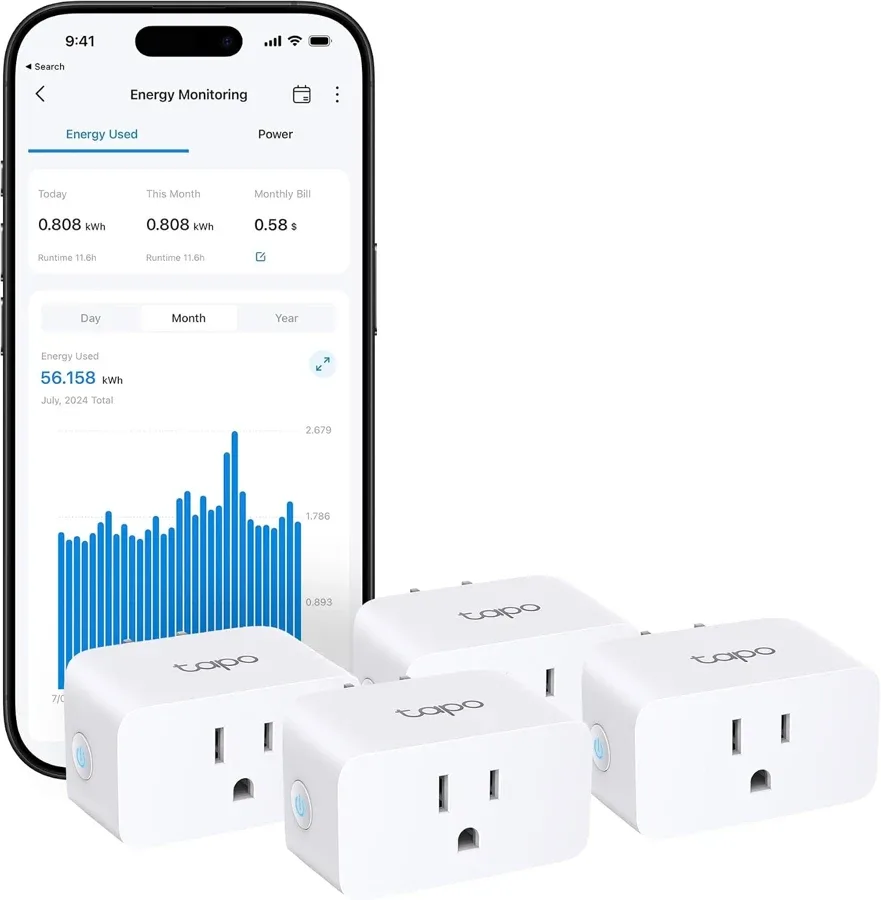
Tapo P110M — US energy-monitoring plug, 4-pack
For several compatible plug-in loads. Confirm regional version and pack size.
Check price & availability on Amazon →As an Amazon Associate, Decively earns from qualifying purchases. Prices and availability can change.
Read the result before changing your routine
If a device costs about $2 a month in the baseline, the potential savings from changing when it runs are smaller than $2. Use the estimate to prioritize the devices or routines that account for more energy. If your rate varies by hour, split the usage by rate period where possible. Fixed bill charges are outside this estimate.
Decively used manufacturer documentation and a worked example for this guide. We did not independently test the plug’s measurement accuracy. Confirm the exact US model, pack and load limits before buying.