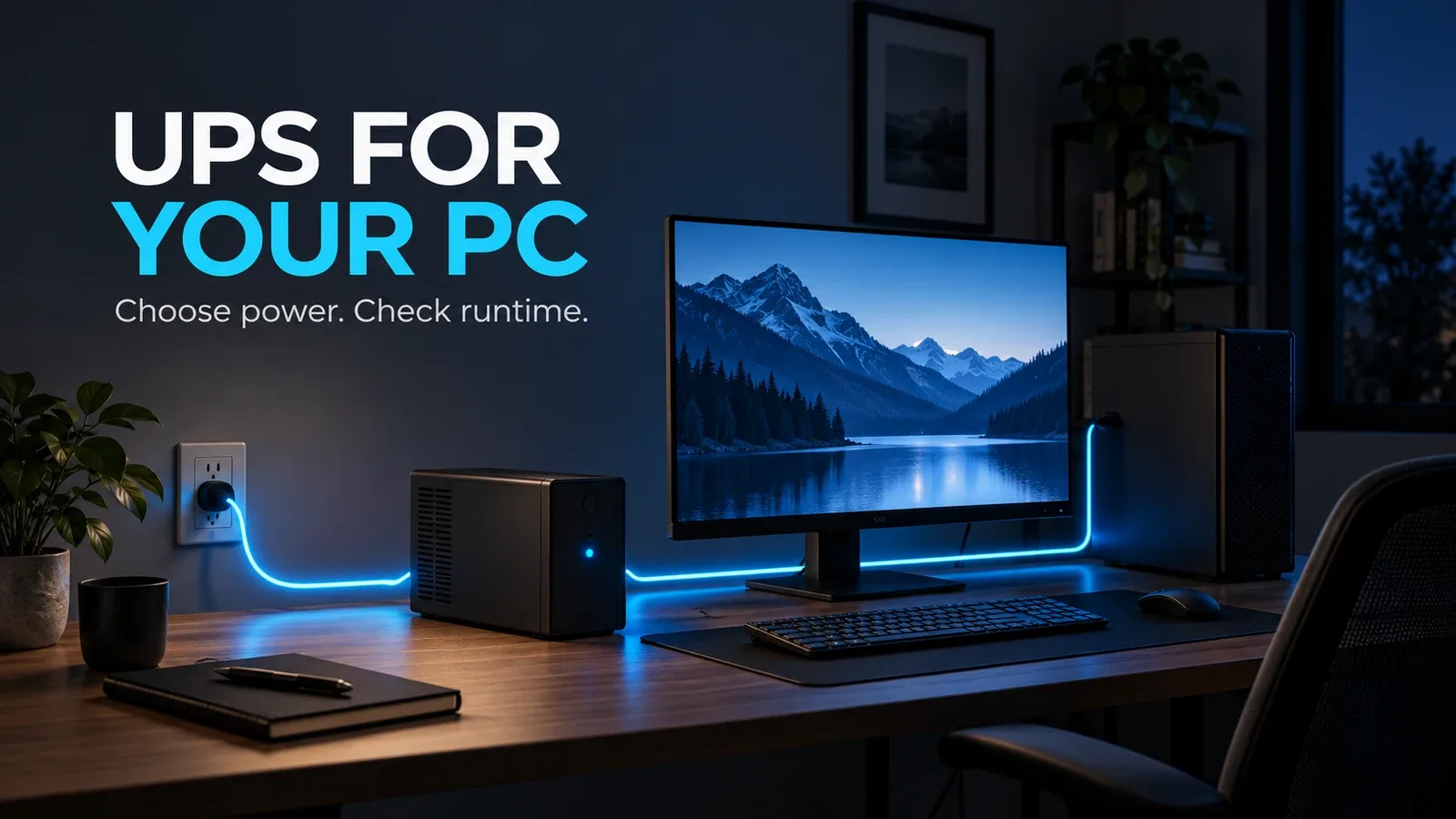
A power cut can turn an ordinary workday into lost progress. A UPS for PC use supplies temporary battery power so you can save files and shut down properly. The right purchase depends on what needs to stay running and for how long.
This guide compares three US-market options for networking equipment, an office desktop and a higher-load PC. It is manufacturer-based research, not a Decively hands-on test. Specifications checked October 8, 2026.
Do you need a UPS for PC use?
A UPS is especially useful when brief outages interrupt desktop work, a NAS needs an orderly shutdown, or your modem and router lose power during calls. A surge protector alone supplies no battery backup.
A laptop already has a battery, so protecting its network connection may be the more useful investment. Back up the modem or fiber ONT as well as the router; internet access still depends on your provider’s infrastructure.
A UPS for PC protection buys shutdown time. It does not replace file backups, fix weak wireless coverage or automatically provide hours of gaming.
How to choose a UPS for PC: watts, VA and runtime
Check both the watt and VA limits. Watts describe real power; VA describes apparent power. Neither rating tells you the battery’s runtime by itself.
Measure the equipment you will actually connect while running your demanding workload. A PC with an 850W power supply does not constantly draw 850W: that number describes the supply’s capacity.
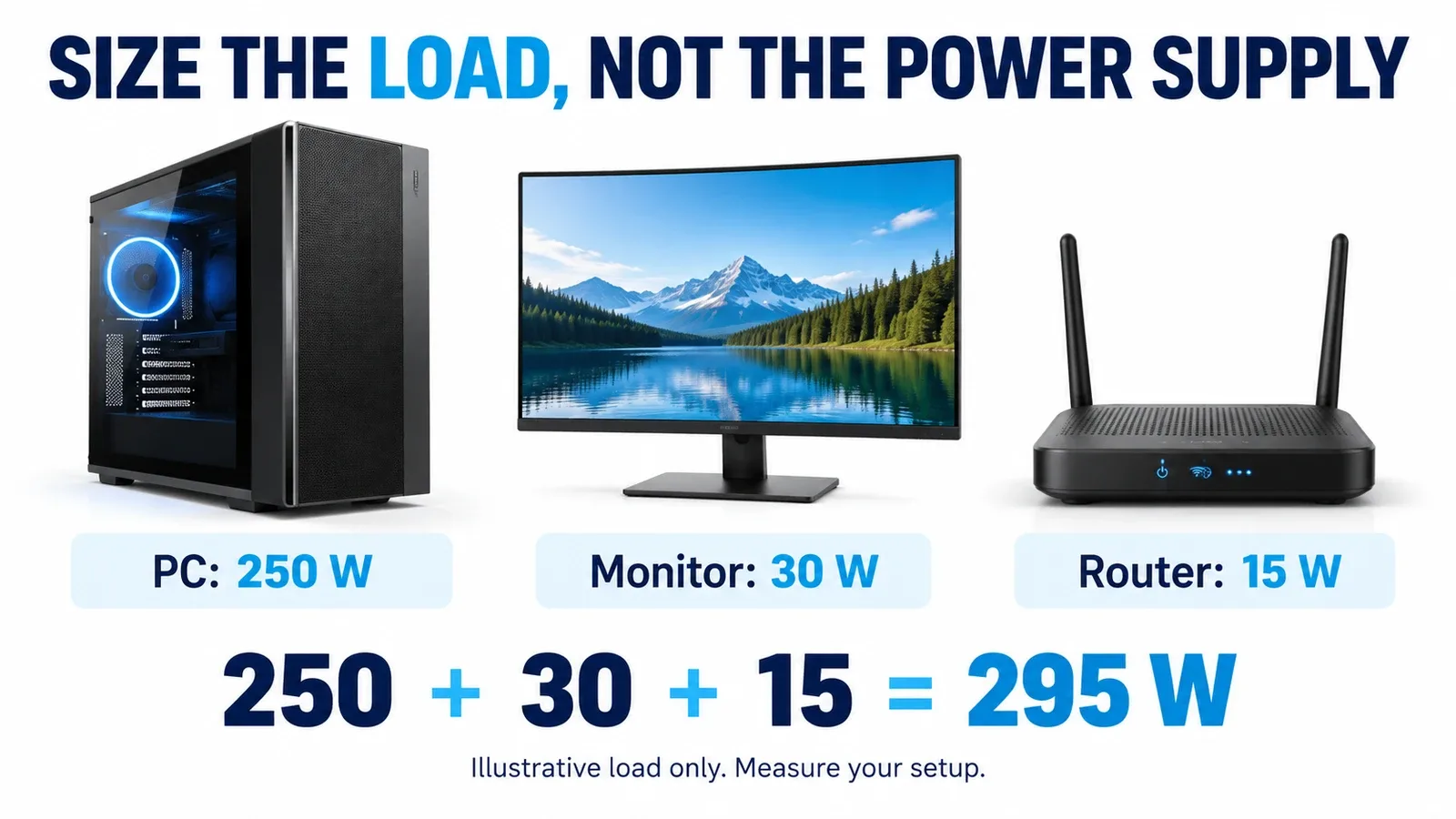
Illustrative example: a 250W PC, 30W monitor and 15W router total 295W. Allowing 25% watt headroom gives about 369W. Then check VA, transient-load compatibility and the manufacturer’s runtime curve at your measured load.
For a UPS for PC shopping decision, define the goal first: enough time to save and shut down, or a longer period of light work? Higher capacity alone does not establish longer runtime across different models.
Pure sine wave, AVR and automatic shutdown
For an active-PFC desktop power supply, shortlist a pure sine-wave UPS or a pairing explicitly supported by the manufacturers. Some combinations with simulated sine-wave output can shut down when battery power starts; compatibility varies.
AVR corrects certain voltage variations without switching to battery. It is useful where supply voltage fluctuates, but it does not make a UPS an unlimited power conditioner.
For unattended protection, check USB data communication and compatible shutdown software. USB charging sockets are a separate feature. Configure shutdown early enough to leave a safety margin rather than waiting until the battery is nearly empty.
Three UPS options for different needs
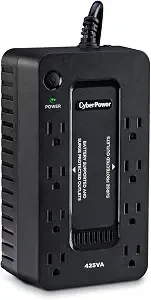
CyberPower ST425: modem and router backup
The ST425 is the small, simple shortlist for compatible low-power networking devices. Four battery-backed outlets accommodate separate power adapters. Its limited output makes it a poor default recommendation for a demanding desktop.
The non-user-replaceable battery is an ownership trade-off. A router’s lighter load may run longer than the figures above, but confirm its actual consumption and the relevant runtime estimate.
APC BR1000MS: an office desktop
For a measured office setup comfortably below its limits, this UPS for PC use provides sine-wave output, AVR and an LCD. Its USB data connection supports a configured shutdown, while the replaceable battery makes maintenance more practical.
Do not assume 600W means a full working afternoon. Check APC’s runtime information for your load and confirm the current software supports your operating system.
CyberPower CP1500PFCLCD: a higher-load PC
Its 1000W limit gives more room for a gaming desktop or workstation and monitor. Pure sine-wave output and active-PFC compatibility make it a stronger shortlist for this role. It remains a shutdown tool under heavy load.
Verify the 1000W, 12-outlet version when ordering. Manufacturer runtime figures assume specified conditions; battery age, temperature and actual load change the result. We have not independently measured these runtimes.
AVAILABLE ON AMAZON · AFFILIATE LINKS
Compare the UPS that fits your load
US 120V models. Check the exact model, selected version, seller and current availability.
CyberPower ST425
Check price on Amazon →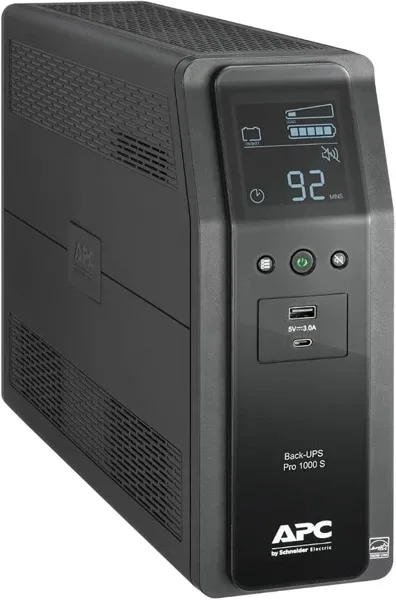
APC BR1000MS
Check price on Amazon →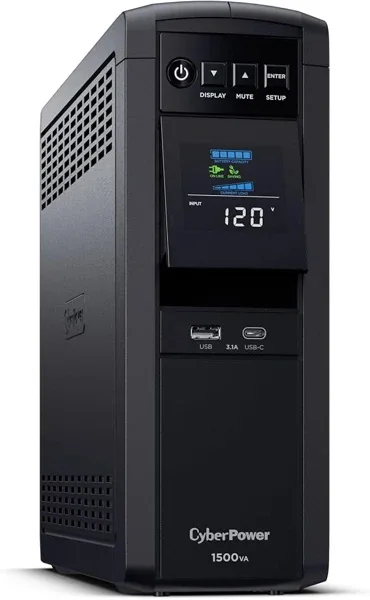
CyberPower CP1500PFCLCD
Check price on Amazon →As an Amazon Associate, Decively earns from qualifying purchases.
Set up your battery backup for computer use correctly
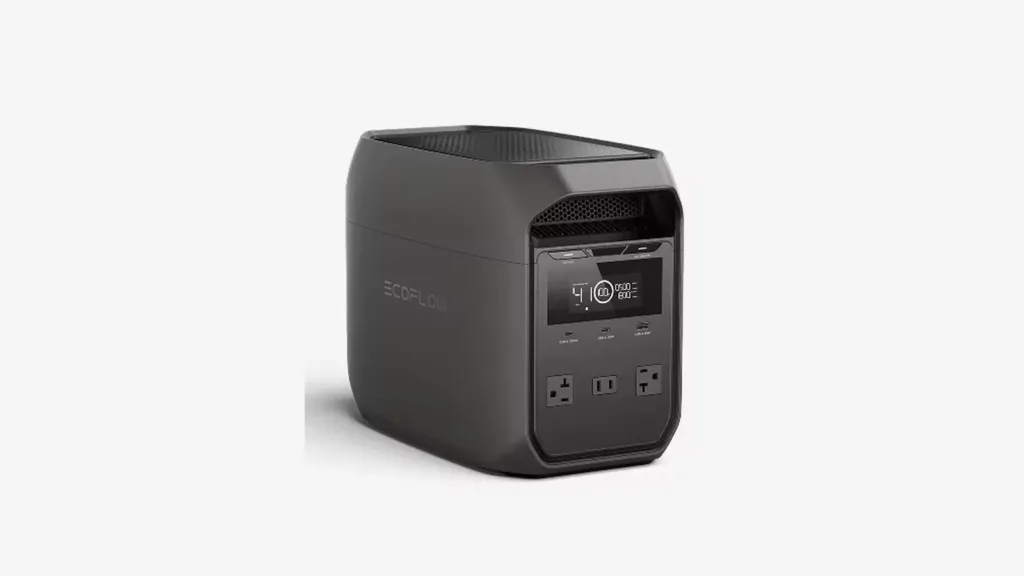
Connect essential devices to battery-backed outlets. Surge-only outlets lose power during an outage. The two panels below illustrate outlet functions, not two additional products.
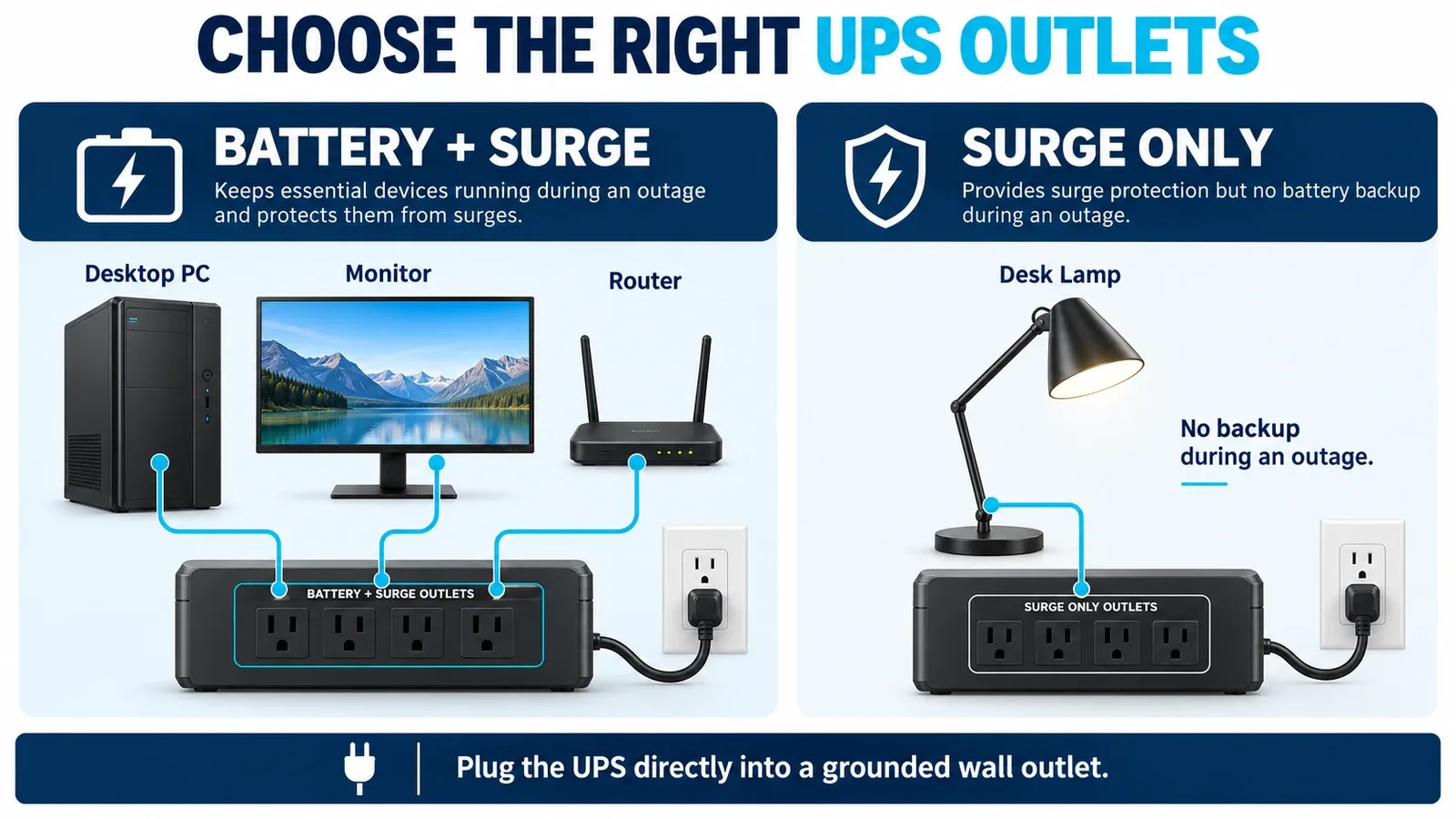
Plug the UPS directly into a grounded wall outlet and follow its manual. Do not connect a laser printer, heater or other high-draw appliance to these UPS units. Keep ventilation clear and allow the battery to charge before relying on it.
Use the manufacturer’s self-test and verify the shutdown configuration according to its instructions. Plan for eventual battery replacement or unit replacement; a UPS for PC reliability needs maintenance, not just installation.
Which UPS for PC should you buy?
Choose the ST425 when the job is compatible modem/router backup. Shortlist the BR1000MS for an office desktop within its 600W limit. Consider the CP1500PFCLCD for a higher-load setup within its 1000W limit.
The better fit depends on measured load, compatible output and useful runtime. Buy those capabilities before paying for extra outlets or a larger VA number.
AVAILABLE ON AMAZON · AFFILIATE LINKS
Check the exact US model before ordering
US 120V models. Check the exact model, selected version, seller and current availability.
CyberPower ST425
Check price on Amazon → APC BR1000MS
Check price on Amazon → CyberPower CP1500PFCLCD
Check price on Amazon →As an Amazon Associate, Decively earns from qualifying purchases.
Primary references
CyberPower — ST425 specifications and runtime
Schneider Electric — APC BR1000MS specifications
APC — BR1000MS technical data sheet
CyberPower — CP1500PFCLCD specifications and runtime
Schneider Electric — UPS sizing guide
CyberPower — waveform compatibility and selection
APC — laser printer restrictions
APC — direct wall connection guidance