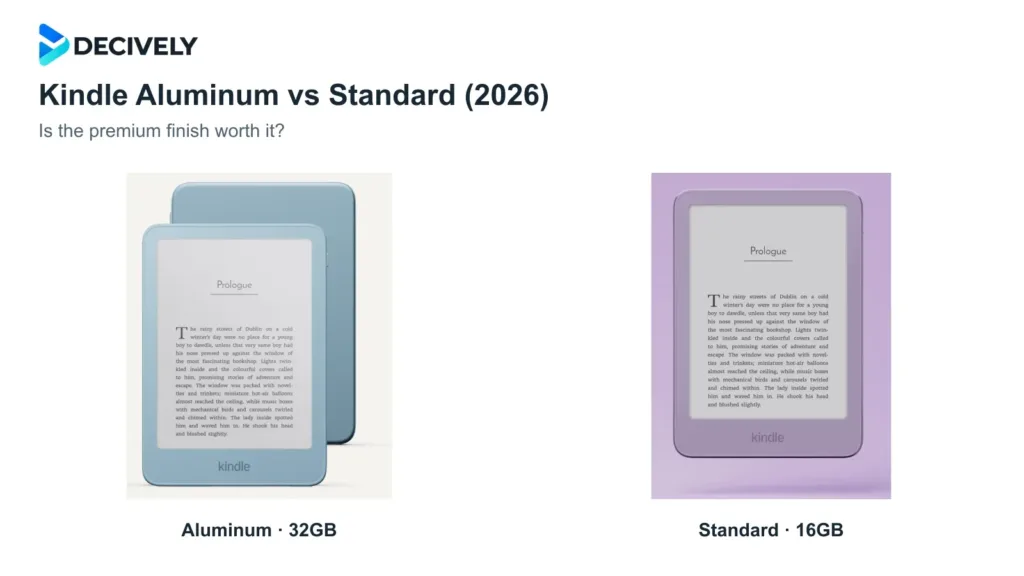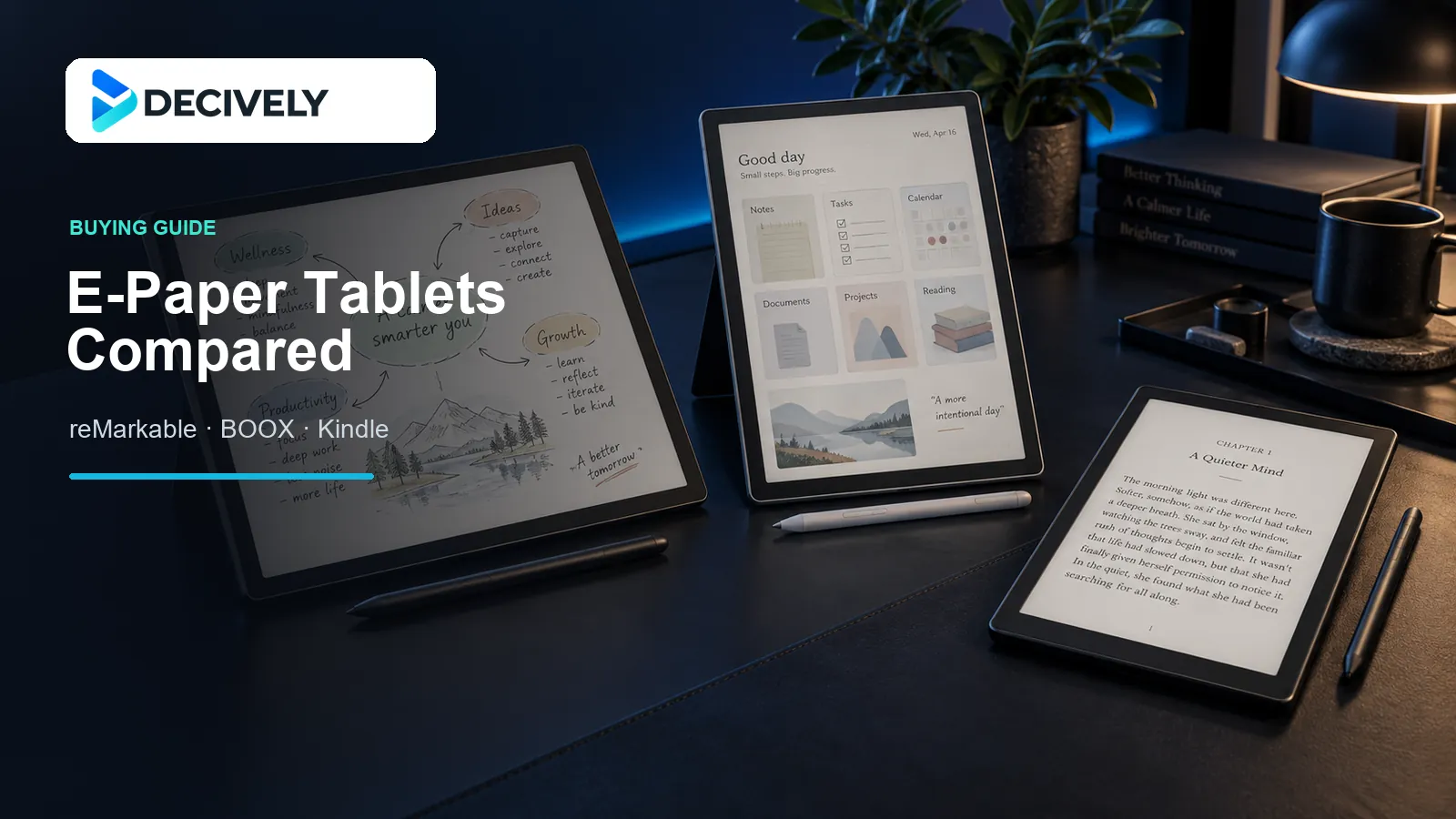
A digital notebook can replace piles of paper, but these three devices solve different problems. The reMarkable Paper Pro focuses on natural handwriting, the BOOX Note Air3 C adds Android apps and flexible file handling, and the Kindle Scribe puts reading first.
Decively has not tested these tablets side by side. This guide compares official specifications with published reviews and focuses on the reMarkable Paper Pro, the 2023 BOOX Note Air3 C and the 2024 monochrome Kindle Scribe. Newer BOOX and Kindle models now exist, so check the exact generation before buying. Prices and product pages were checked on 28 September 2026.
At-a-glance comparison
reMarkable Paper Pro
- Best for: distraction-free handwriting
- Display: 11.8-inch Canvas Color, 229 ppi
- Color: about 20,000 colors
- Battery claim: up to two weeks
- Apps: no third-party app store
- Official price checked: from $629 with Marker
BOOX Note Air3 C
- Best for: Android apps and flexible files
- Display: 10.3-inch Kaleido 3
- Resolution: 300 ppi in black and white, 150 ppi in color
- Battery: 3,700 mAh; active use varies widely
- Apps: Google Play on Android 12
- Official price checked: from $499.99
Kindle Scribe (2024)
- Best for: books, PDFs and simple notes
- Display: 10.2-inch monochrome, 300 ppi
- Color: no color display
- Battery claim: up to 12 weeks reading or three weeks writing
- Apps: Kindle Store only; no general app store
- Launch price: $399.99 for the 2024 model
Model and price note: Store prices change by country and during sales. The Note Air3 C is an older BOOX model, while Amazon now offers a newer Scribe family that includes Colorsoft. Compare model names and included pens before paying.
Five questions to answer before you buy
1. Which feels most like paper?
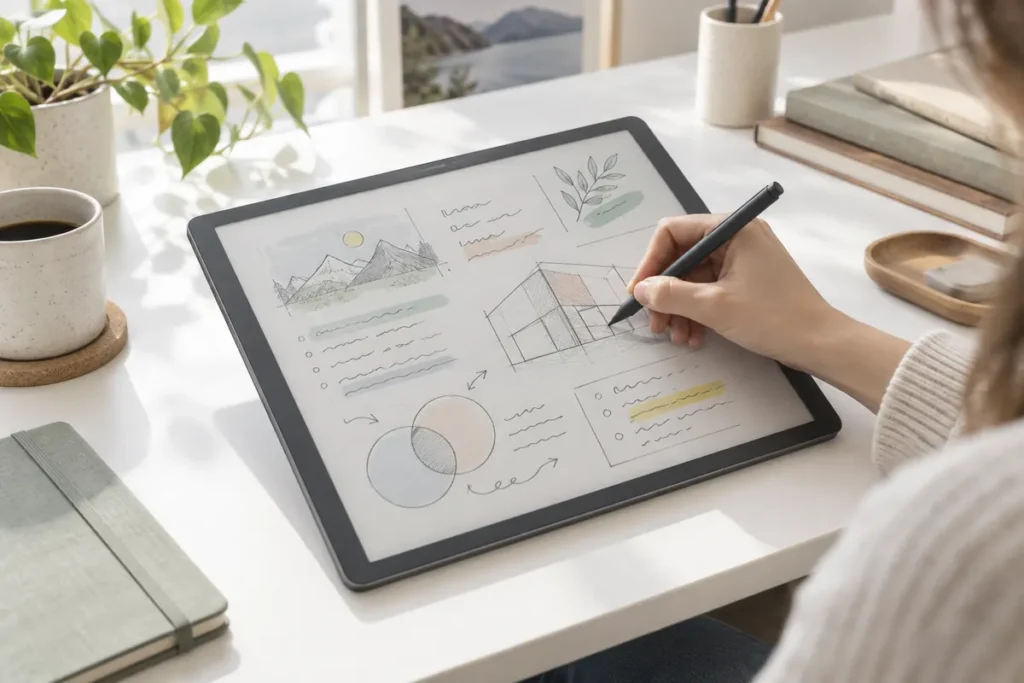
Best for a textured pencil-like feel: reMarkable Paper Pro. Its glass surface has deliberate friction, and the gap between the Marker tip and digital ink is very small. It feels focused and controlled, especially in reMarkable’s own notebooks.
Smoother alternatives: The Kindle Scribe has a softer, smoother pen feel that many readers prefer for long sessions. BOOX feels more like a pen on a matte screen, and third-party Android apps may respond less consistently than BOOX’s built-in Notes app.
Independent review: The Verge praised the Paper Pro’s textured glass and convincing pen feel. Read the review.
2. Which screen is easiest to live with?
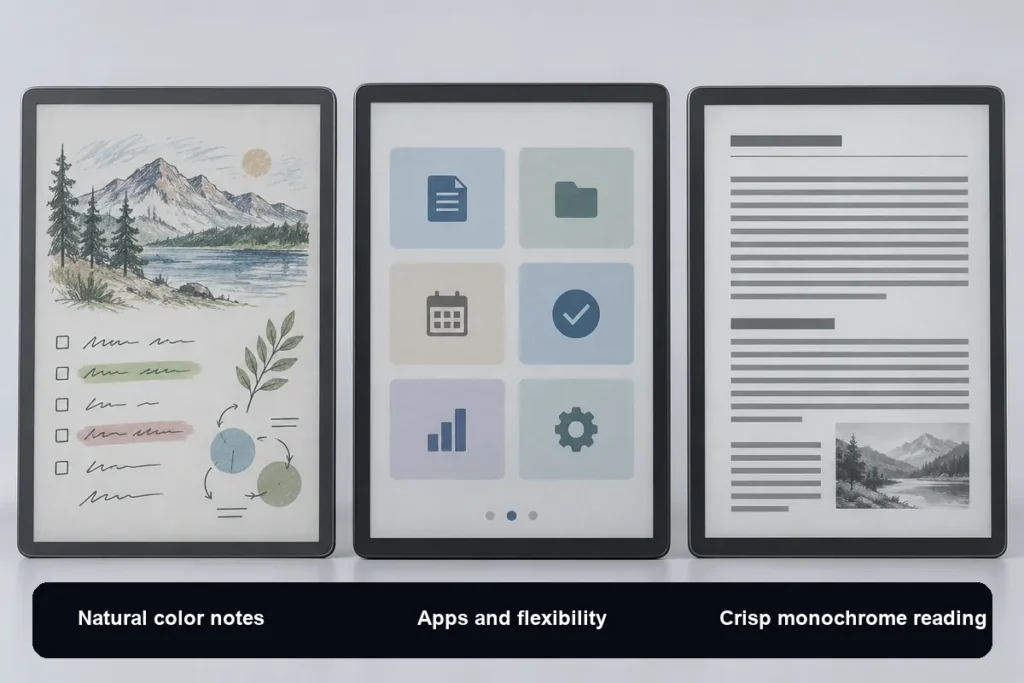
For natural-looking color notes: reMarkable Paper Pro. Its Gallery 3-based Canvas Color display uses physical color particles and can show about 20,000 colors. The result resembles muted ink or highlighter rather than an LCD screen. Color updates can produce a brief flash.
For apps, charts and faster page changes: BOOX Note Air3 C. Kaleido 3 places a color filter over the black-and-white screen. Color is limited to 150 ppi and the display looks darker, so the adjustable front light is useful indoors.
For crisp black-and-white reading: Kindle Scribe. Its 300 ppi monochrome screen makes book text and PDFs look sharper than color content on either color tablet. Choose it if reading clarity matters more than colored notes.
Independent review: WIRED liked the Paper Pro’s color display in daylight but also noted the visible refresh flash and subdued front light. Read the WIRED review.
3. How often will I need to charge it?
Kindle Scribe: Amazon claims up to 12 weeks when reading for 30 minutes a day, or up to three weeks when writing for 30 minutes a day. Brighter lighting, Wi-Fi and longer sessions reduce those figures.
reMarkable Paper Pro: reMarkable claims up to two weeks based on writing for two hours a day, five days a week. Keeping the reading light at maximum brightness will shorten that result.
BOOX Note Air3 C: BOOX lists a 3,700 mAh battery but does not publish a comparable active-use duration. Android apps, Wi-Fi, the front light and BOOX Super Refresh can use far more power than simple offline reading.
What that means: Kindle is the safest choice for long periods away from a charger. reMarkable is usually measured in days rather than hours. BOOX offers more freedom, but battery life is the least predictable. See the BOOX battery specification.
4. Can I use OneNote, Notion or Google Drive?
BOOX is the only one here with a general app store. It runs Android 12 and supports Google Play, so you can install apps such as OneNote, Kindle, Notion and Google Drive. Remember that ordinary Android apps were designed for fast LCD screens, so menus and scrolling may feel slower on e-paper.
reMarkable and Kindle are more restricted. reMarkable has no third-party app store, although it can import files from Google Drive, OneDrive and Dropbox. Kindle uses the Kindle Store and Send to Kindle instead of general Android apps.
5. Which offers the best value?
Best for reading-first value: Kindle Scribe makes sense when you mainly read books and PDFs and only need straightforward notebooks. Discounts can change the value quickly.
Best for flexibility: BOOX Note Air3 C gives you the most features for the money if Android apps, expandable storage and broad file support are essential.
Best premium writing experience: reMarkable Paper Pro is the most focused and refined notebook here, but you pay extra for the large color display and distraction-free design. The optional Connect plan adds cloud and app features; check its current price before subscribing.
Our verdict: choose by priority
Choose reMarkable Paper Pro if
You want the most focused paper replacement, prefer a textured writing surface and will use color mainly for highlights, diagrams and document review. Its premium price makes less sense if you mainly read books.
Choose BOOX Note Air3 C if
You need OneNote, Notion, Google Drive or other Android apps on an e-paper screen. Accept the darker color display, more complex settings and less predictable battery life in exchange for flexibility.
Choose Kindle Scribe if
You mainly read Kindle books and PDFs, want a sharp monochrome screen and need simple handwritten notes with long battery life. Check whether you are buying the 2024 model or the newer Scribe generation.
Sources and fact-checking
reMarkable Paper Pro: official product page · The Verge review · WIRED review
BOOX Note Air3 C: official product page and specifications. BOOX does not publish a directly comparable active-use battery figure, so this guide avoids promising a fixed number of days.
Kindle Scribe: Amazon specifications and battery assumptions · Tom’s Guide 2024 review · TechRadar 2024 review
AMAZON OPTION
reMarkable Paper Pro Move
With Marker Plus and Black Leather Book Folio.
This bundle is for the Paper Pro Move, a different model from the Paper Pro discussed in the comparison above. Check the selected bundle, current price and availability on Amazon.
Check the Paper Pro Move bundle on Amazon →Affiliate link: Decively may earn a commission at no additional cost to you.