
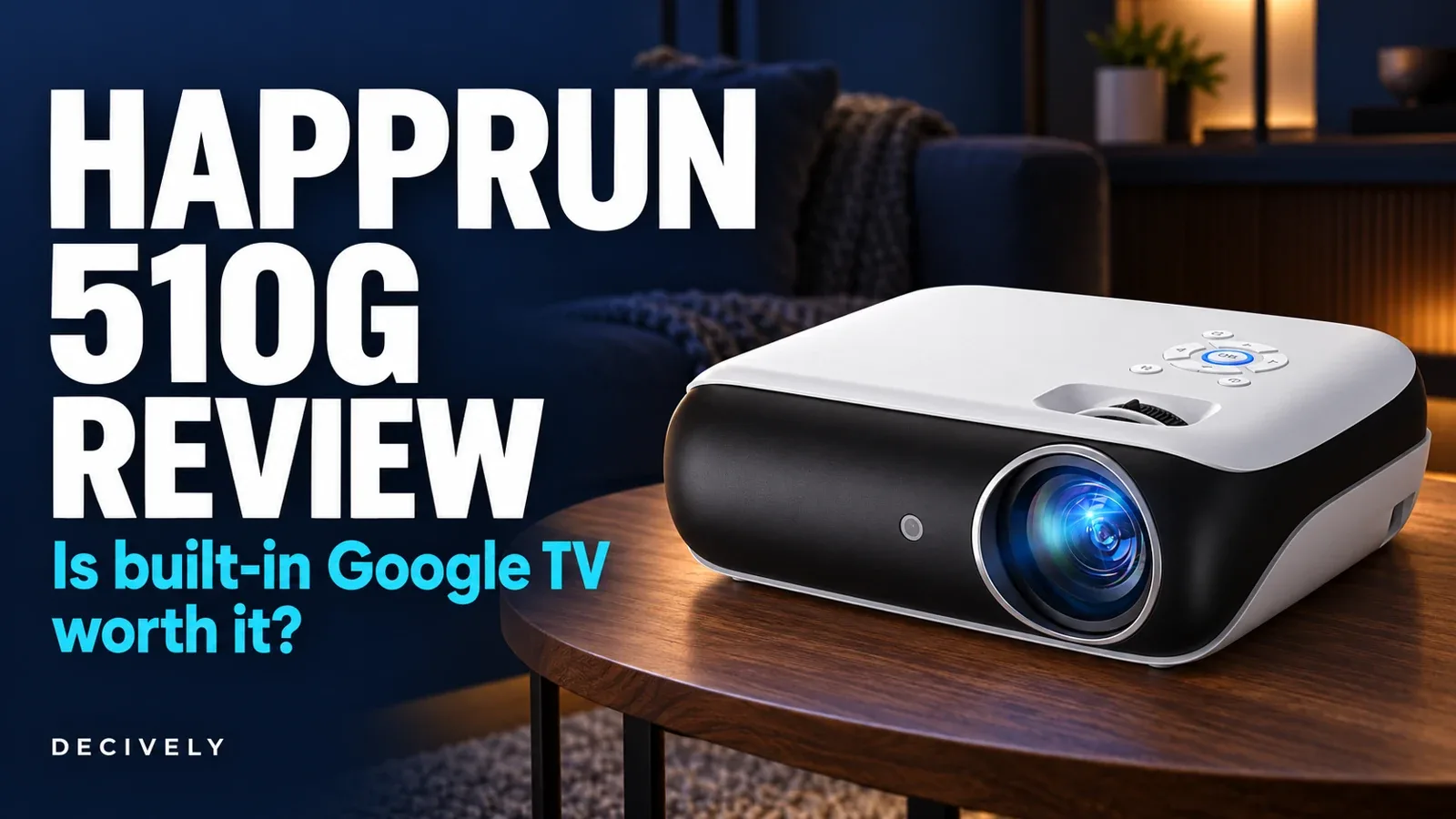
HAPPRUN 510G review: the quick verdict
Shortlist the 510G for evening movies when built-in streaming matters more than automatic setup or daytime brightness. Google TV removes the need for a separate streaming stick for supported apps. The native image is 1920 × 1080; accepting a 4K signal does not make this a native 4K projector.
The trade-offs are manual focusing, a small built-in speaker and limited evidence of measured performance. Keep a TV for a bright living room; compare more automated projectors if you move the setup frequently.
Reasons to consider it: official Google TV, direct streaming apps, voice remote, HDMI and external-audio options.
Reasons to pause: manual focus, uncertain real-world brightness and no verified input-lag or fan-noise measurement here.
This HAPPRUN 510G review is research-based. Decively has not tested the projector. We checked the exact Amazon model B0DJXRGJ66, manufacturer documentation and published reviews on November 1, 2026.
HAPPRUN 510G review: specifications in context
The linked Amazon option is Official Licensed Google TV, model 510G. Its page also offers a cheaper Standard version. Those selections are not interchangeable, and specifications from an H1, J7 Pro or similarly named HAPPRUN should not be transferred to this model.
On a small screen, swipe the table sideways to read every column.
The manual and sales copy also disagree on Bluetooth revision. We describe the useful audio function without treating a version number as proof of range, latency or quality.
AMAZON · AFFILIATE LINK
Compare the 510G Google TV offer
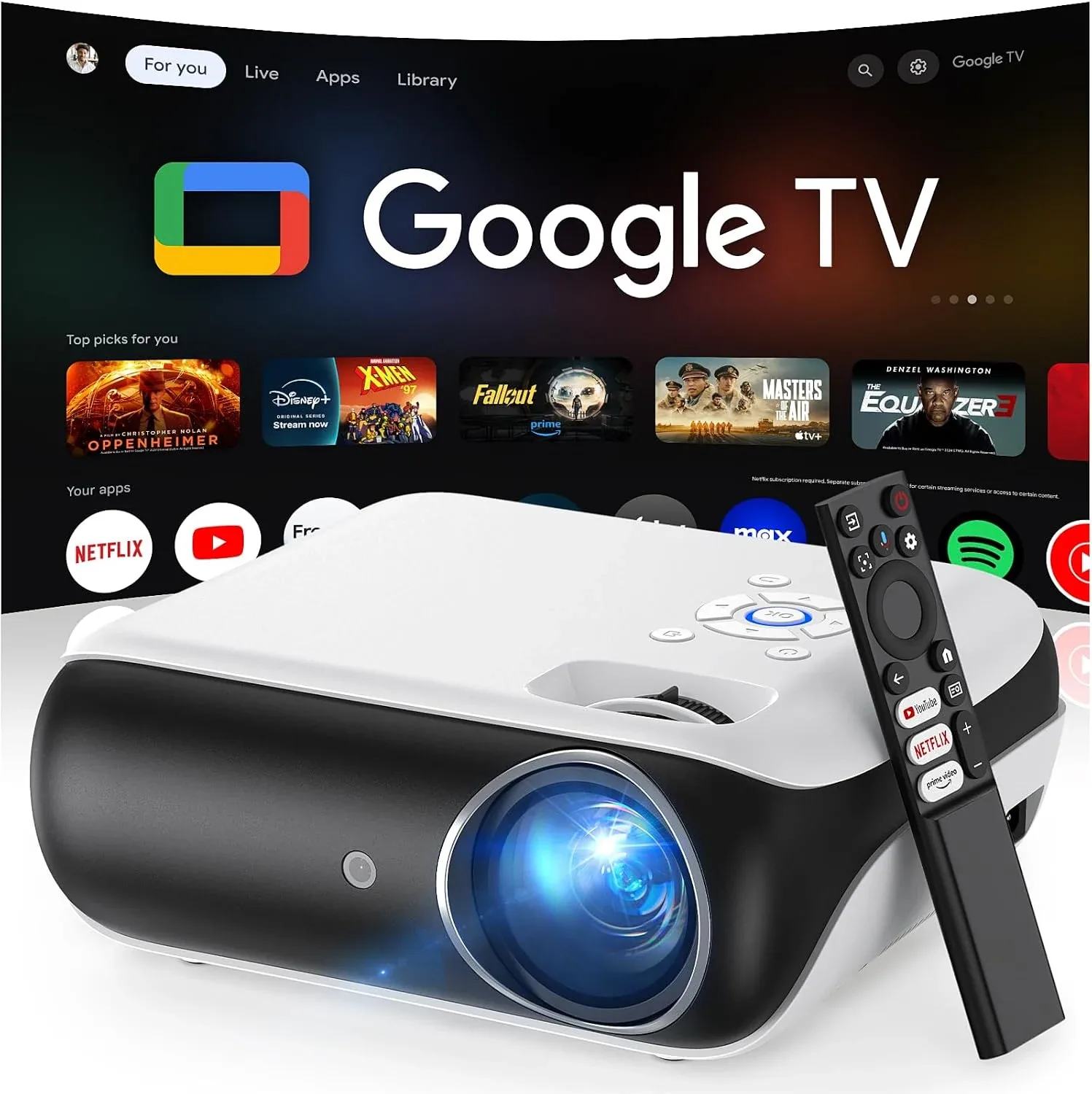
HAPPRUN 510G — Official Licensed Google TV
Confirm 510G / B0DJXRGJ66 and the Google TV style, not Standard.
Check price on Amazon →As an Amazon Associate, Decively earns from qualifying purchases. Check current price, local availability, selected version and return terms.
Google TV is the upgrade worth evaluating
Built-in Google TV gives supported services such as Netflix and Prime Video their own apps. That is more convenient than treating phone-screen mirroring as your main movie source. Internet access, accounts and paid subscriptions remain separate requirements.
The voice button helps search or open an app. It does not prove that menus are fast, that every regional service is available, or that software updates will continue for a particular number of years. No update-support commitment was verified for this HAPPRUN 510G review.
Check your essential apps before the return window closes. If you already own a streaming stick, compare the cost of the entire setup; Google TV alone may not justify replacing an otherwise suitable projector.
HAPPRUN 510G review: 1080p, light and screen size
The sharpest distinction is resolution versus decoding. The manual specifies 1080p output. A 4K-compatible source cannot turn that panel into a native 3840 × 2160 display, and an HDR label alone does not establish convincing contrast or highlight detail.
Start with a darkened room and a moderate image size. Enlarging a 16:9 image from 100 to 150 inches increases area by 2.25×. With identical total light output, light per unit area falls to roughly 44%. That is geometry, not a measured 510G result.
For this HAPPRUN 510G review, a maximum advertised screen size is a placement limit, not a quality recommendation. Check subtitles, corners and dark scenes at your intended size before committing to a permanent mount.
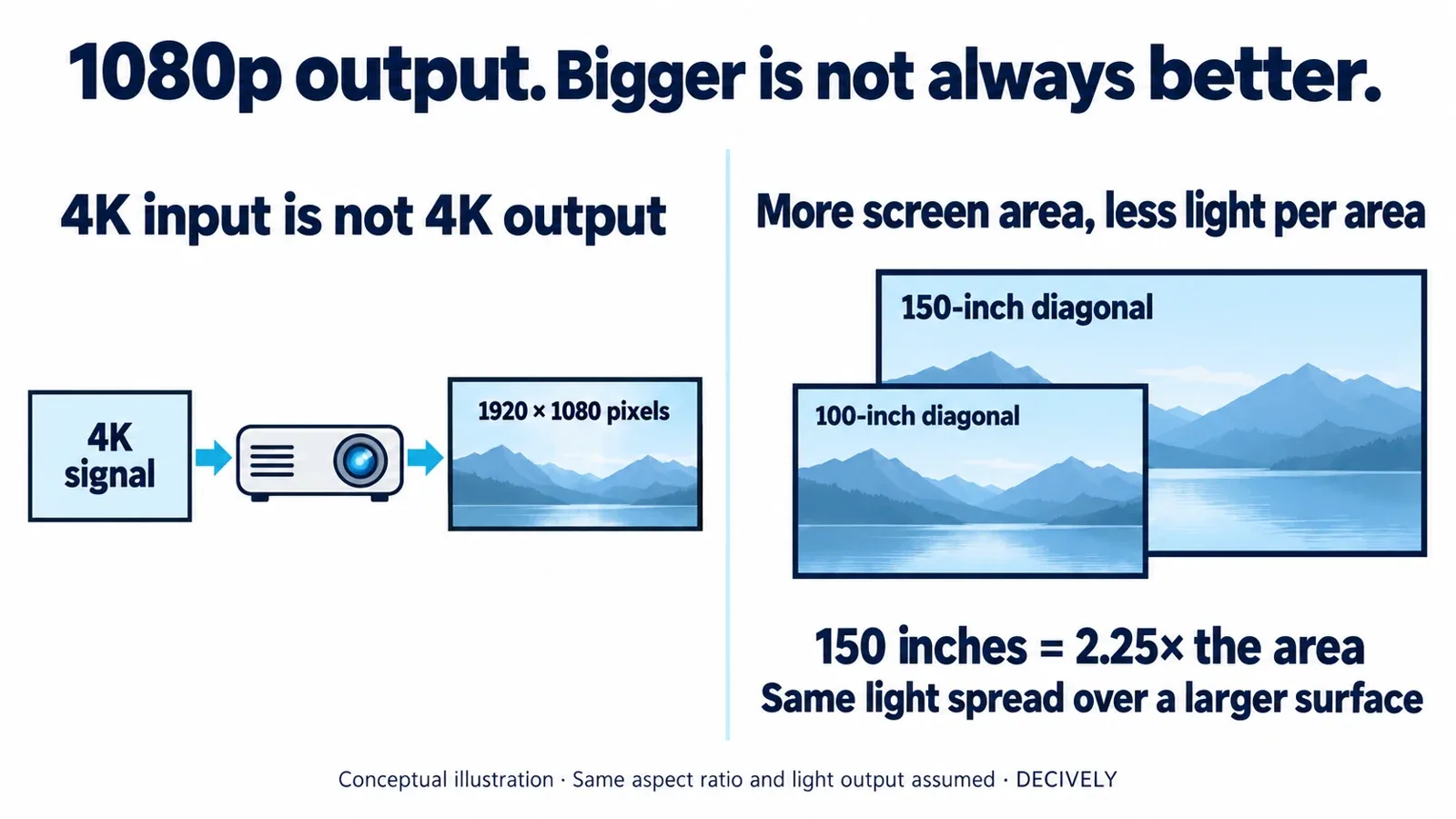
HAPPRUN 510G review explainer: conceptual resolution and screen-area illustration. Same aspect ratio and total light output assumed; not a measured picture comparison. View diagram at full size →
Placement and manual focus matter
The official manual shows a physical focus control and keystone adjustment. Put the projector square to a flat screen first, focus it, and use correction only as needed. Do not buy this version expecting the autofocus advertised on other HAPPRUN models.
Measure your room before ordering. The Amazon listing gives broad minimum/maximum distances rather than a verified screen-size chart for your space. Our HAPPRUN 510G review cannot promise a 100-inch picture from a particular shelf without that model-specific relationship.
A suitable stand, screen and clear ventilation space also affect convenience. Outdoor use still requires dry conditions and mains power; the manual warns against rain and moisture. It is not an all-weather television replacement.
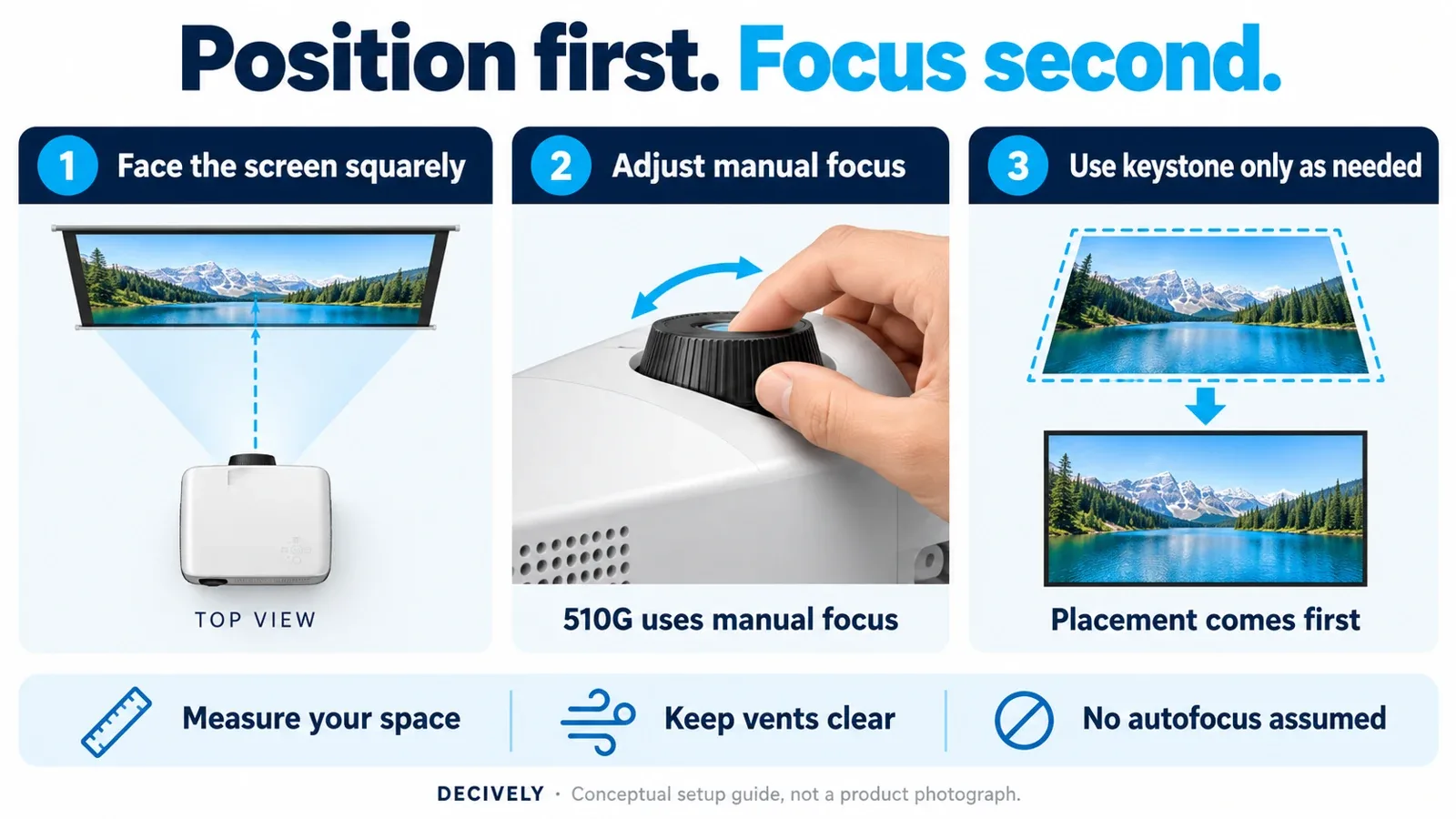
HAPPRUN 510G review setup guide: align first, focus manually, then correct shape only as needed. Generic controls illustrated; not a photograph or exact control-location diagram. View diagram at full size →
HAPPRUN 510G review: sound, Bluetooth and gaming
The 5W speaker is a starting point, not evidence that you can skip separate audio. Compare dialogue clarity at your seat before buying extra equipment. Bluetooth can connect compatible headphones or speakers; the 3.5mm output offers a wired alternative.
Bluetooth is not the video connection for your console. Use HDMI for that job, and check lip-sync when using wireless sound. We have no measured audio-delay, fan-noise or input-lag result establishing this projector as a competitive-gaming choice.
For private listening, our wireless headphones buying guide explains fit and feature trade-offs. Pairing and latency still need checking with the projector itself.
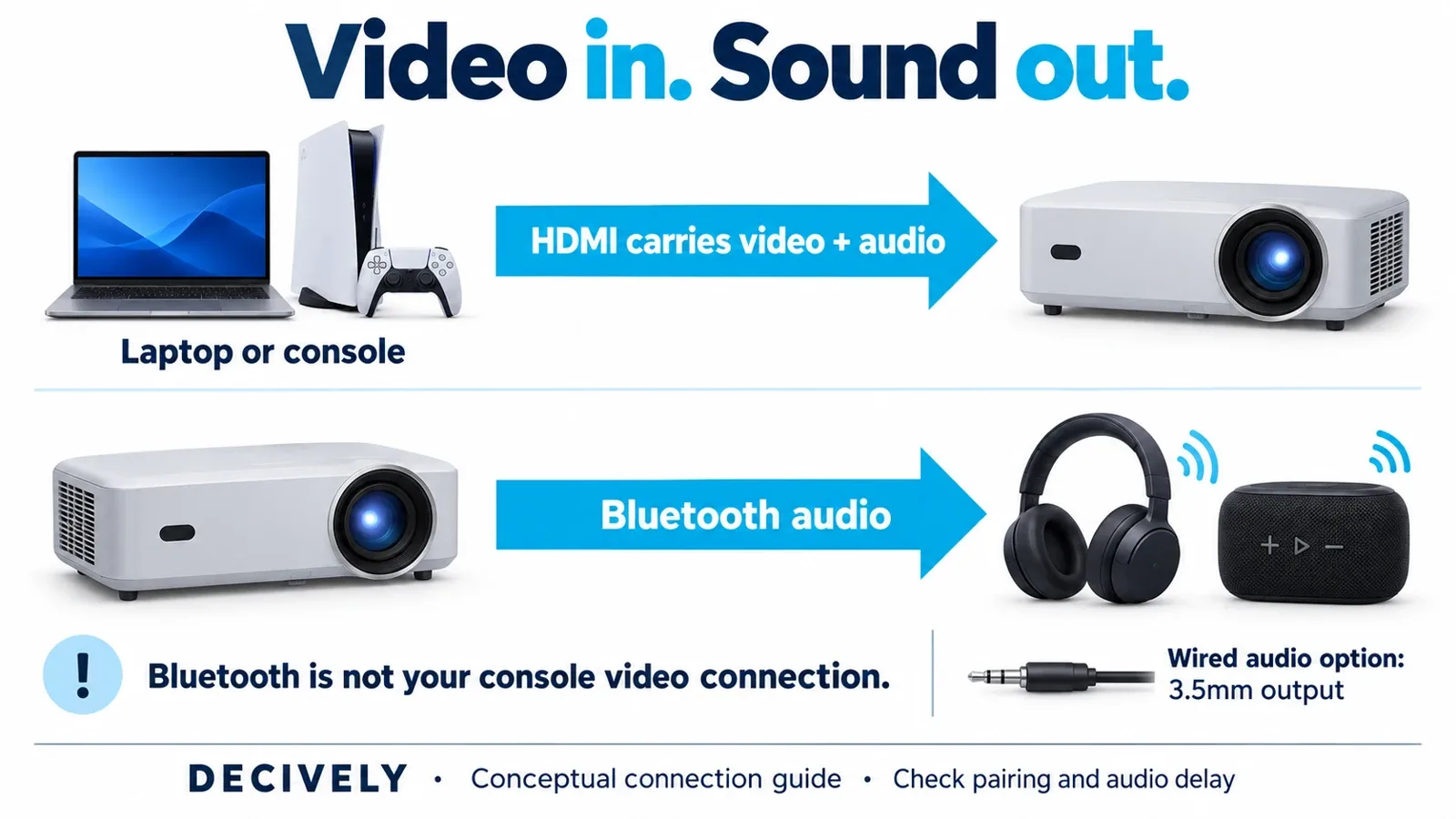
HAPPRUN 510G review connection guide: HDMI carries console video into the projector; Bluetooth sends audio to compatible listening devices. Generic devices illustrated; check pairing and audio delay. View diagram at full size →
What the published reviews actually establish
Orneil emphasizes Google TV, budget movie viewing and manual placement. Home Theater Review compares streaming convenience, brightness and audio against the Aurzen BOOM 3. These identify useful shopping questions, but the pages do not provide a reproducible set of 510G brightness, color and lag measurements we could verify.
Some details conflict with the official manual: one page labels the technology DLP, while another lists an 8W speaker. The manual says LCD and 5W. This HAPPRUN 510G review therefore checks model identity and primary documentation instead of repeating every favorable claim.
For another budget approach, see our HY300 Pro projector guide. Compare app access and setup compromises rather than assuming two inexpensive projectors are equivalent.
HAPPRUN 510G review: common buying questions
Is it genuinely 4K?
No. Native resolution is 1080p; 4K support means compatible input decoding.
Does Netflix require a separate stick?
The Google TV version advertises built-in Netflix access. A subscription and suitable internet connection are still needed.
Will it work well in daylight?
We would not choose it for that purpose. No verified measured brightness supports a confident bright-room recommendation.
Does it have autofocus?
The 510G manual specifies manual focus. Check the exact Amazon variation rather than borrowing another model’s features.
Who should buy the 510G?
Choose it when you want a straightforward streaming projector for a darkened room and can accept manual focusing. Skip it when daytime viewing, competitive gaming, battery operation or highly automated setup decides the purchase.
Our HAPPRUN 510G review verdict: compare its current delivered price with the features you will actually use. Confirm 510G / Official Licensed Google TV / B0DJXRGJ66, the seller and return terms. Coupons and account-specific offers are not a guaranteed price for every reader.
AMAZON · AFFILIATE LINK
Check the exact Google TV version
HAPPRUN 510G — Official Licensed Google TV
Confirm 510G / B0DJXRGJ66 and the Google TV style, not Standard.
Check price on Amazon →As an Amazon Associate, Decively earns from qualifying purchases. Check current price, local availability, selected version and return terms.
Research notes and sources
Sources for this HAPPRUN 510G review: HAPPRUN’s 510G page, its 510G manual, the linked Amazon variation, Orneil’s review and Home Theater Review’s comparison. Review statements are attributed commentary, not Decively test results.
Product thumbnail: HAPPRUN sales artwork. Cover and explanatory graphic: Decively illustrations. No original testing photos, measured rating or guaranteed shopping discount is claimed.