
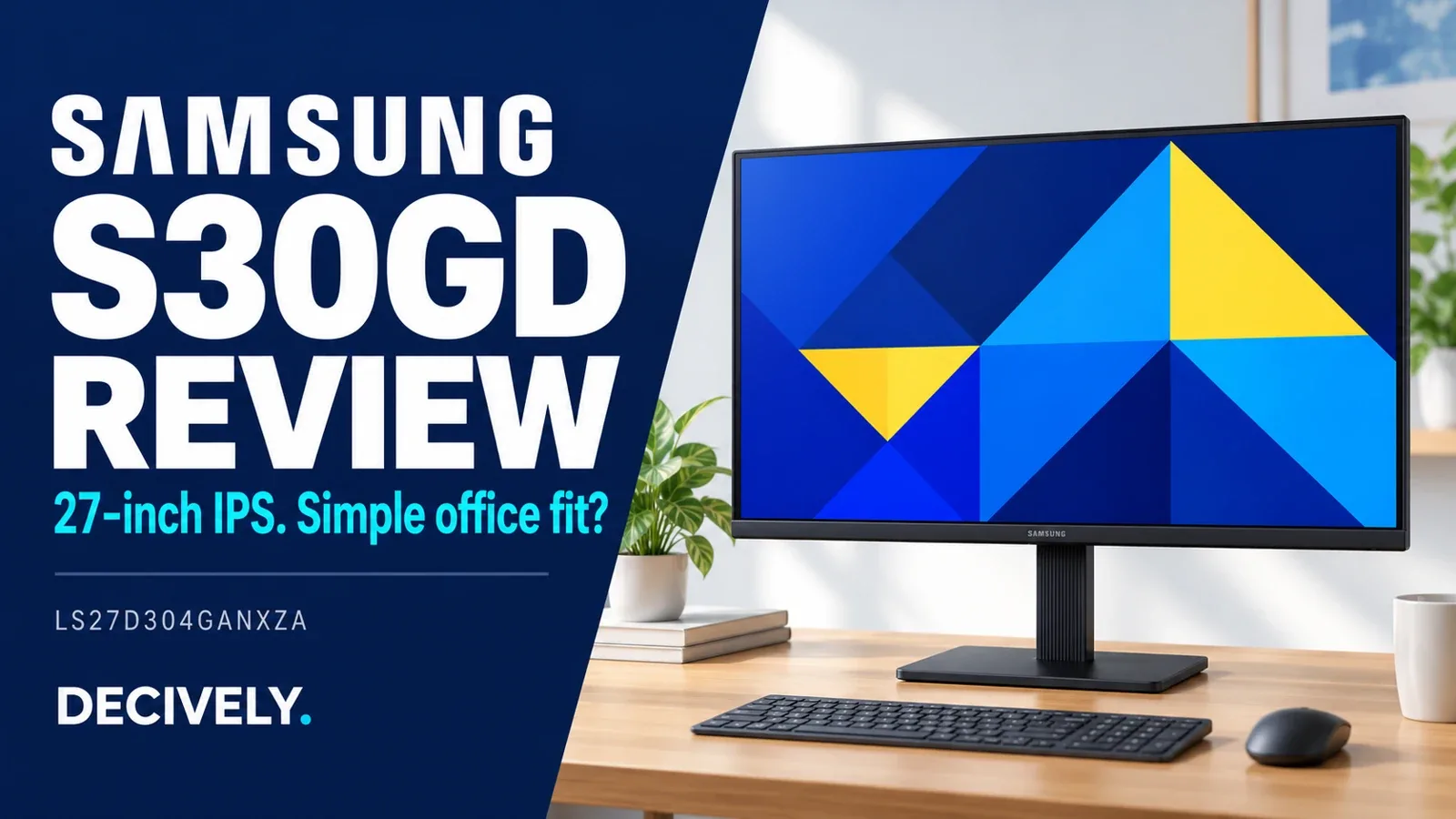
Samsung S30GD review: the quick verdict
The 27-inch Samsung S30GD LS27D304GANXZA suits a straightforward desk that needs one HDMI connection or compatibility with an older VGA computer. Its IPS panel and advertised 100Hz maximum are useful basics. The trade-offs are Full HD resolution at a larger size, a tilt-only stand and separate audio requirements.
This Samsung S30GD review covers the exact LS27D304GANXZA, not every Samsung S3 or similarly named S30GD. Decively has not tested it. We checked official documentation and search-result coverage on November 1, 2026; this is a specification-based buying assessment rather than a laboratory verdict.
Check the full model code before comparing reviews
S3 search results mix sizes, model suffixes and customer-review pages. Some prominent listings cover LS27D300GANXZA instead. Shared names and photographs are not enough to transfer every feature or owner experience to the linked LS27D304GANXZA.
On a small screen, swipe the table sideways to read every column.
AVAILABLE ON AMAZON · AFFILIATE LINK
Compare the exact model on Amazon
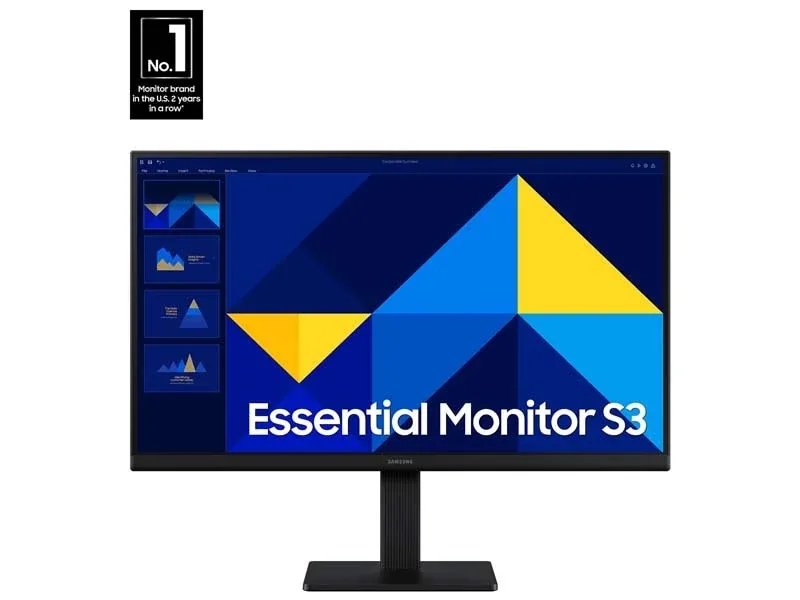
Samsung S30GD 27 — LS27D304GANXZA
Confirm Samsung S30GD 27 — LS27D304GANXZA and the selected size before buying.
Check price on Amazon →As an Amazon Associate, Decively earns from qualifying purchases. Check current price, local availability, selected version and return terms.
Samsung S30GD review: picture size versus workspace
A 27-inch screen can make a laptop-based desk easier to use when you prefer physically larger interface elements. It does not create extra desktop pixels over a smaller 1920 × 1080 monitor at the same scaling. The approximate pixel density is 82 pixels per inch, calculated from the stated size and resolution.
For this Samsung S30GD review, that is the first trade-off to resolve. If small text at close range is your priority, compare a smaller Full HD screen or a higher-resolution 27-inch model. If larger text and simple browsing matter more, Full HD may already meet your needs.
IPS is a panel technology, not a calibration certificate. Samsung’s published brightness and contrast numbers do not establish measured uniformity, reflection handling or professional color accuracy. Treat screen-comfort modes as optional settings rather than a guarantee against discomfort.
Plan the video connection and sound separately
The single HDMI input is the straightforward path for a modern computer. VGA can serve compatible older hardware, but is not a reason to buy an adapter if your computer already provides a suitable digital output. A USB-C-only laptop needs supported video output, an appropriate adapter and separate power.
The often-missed detail in this Samsung S30GD review is audio. Samsung’s exact-model datasheet lists no built-in speakers and no headphone output. Keep sound on the laptop, use a headset connected to the computer, or provide another suitable audio route. Do not expect HDMI alone to make this monitor play sound.
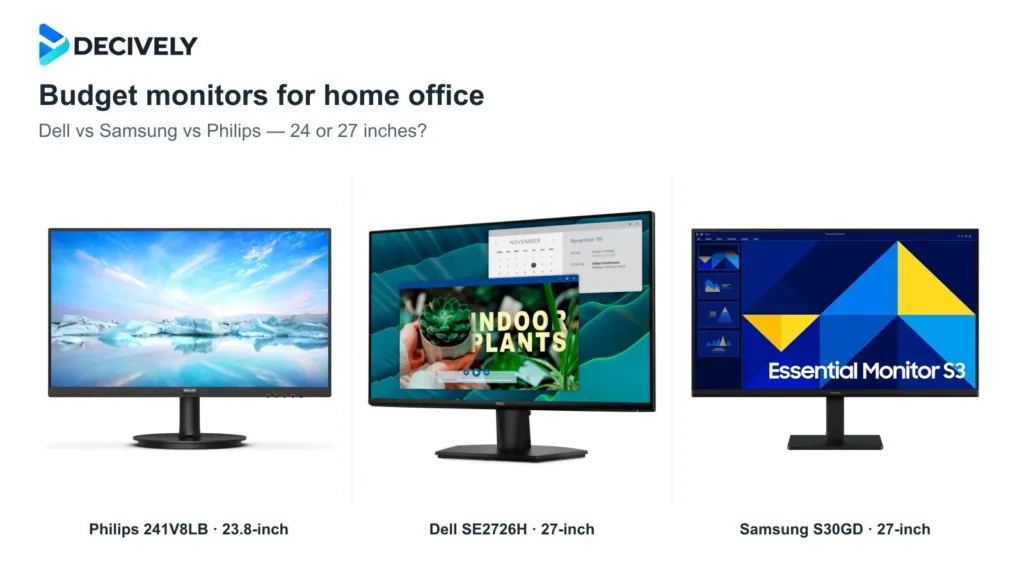
For two modern HDMI sources, cable swapping or an external switch becomes part of the setup. Compare the Dell in our budget home-office monitor guide if leaving both sources connected would be more useful than retaining VGA.
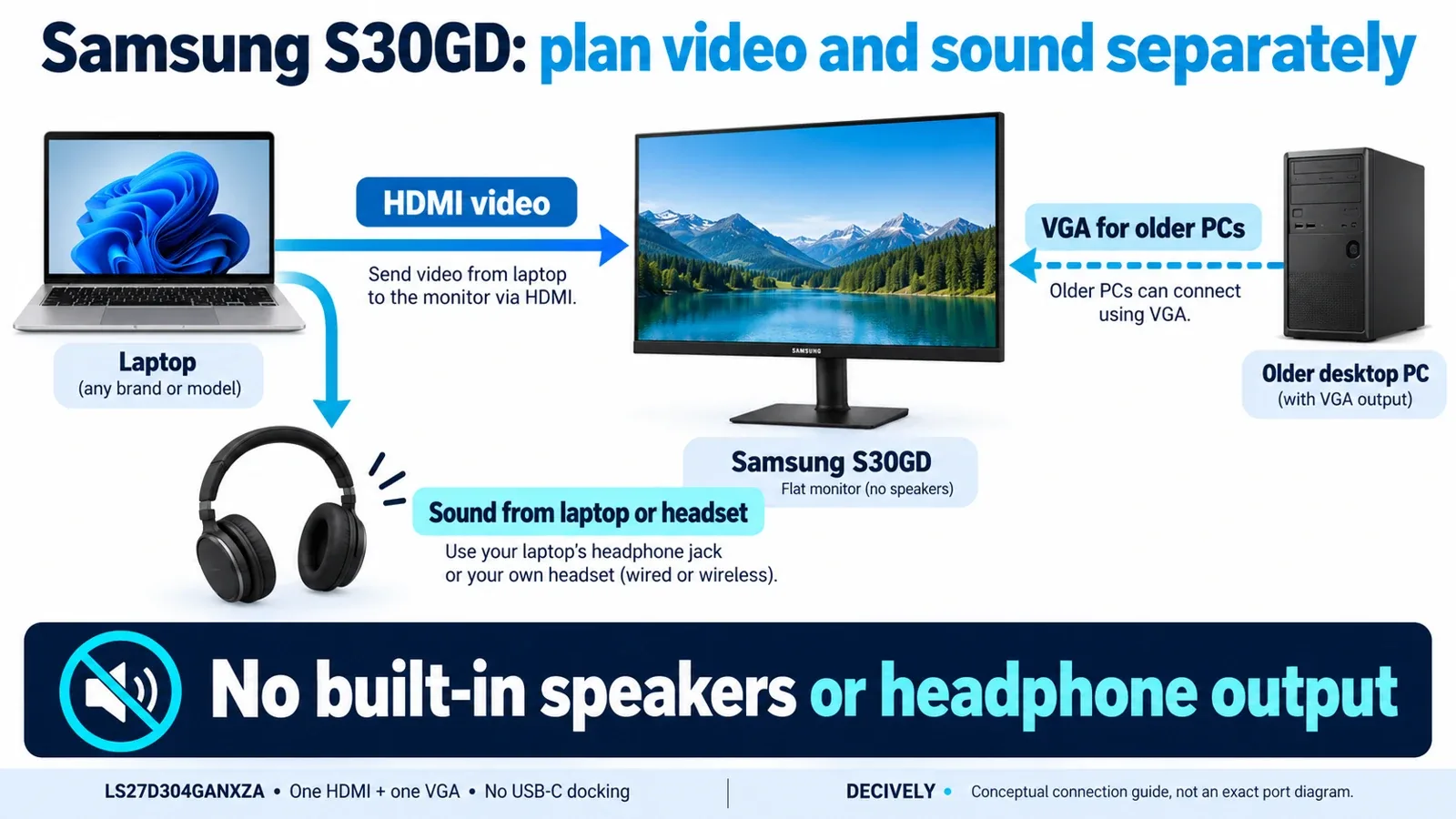
Samsung S30GD review connection guide: route video to the display and audio separately from the computer. Generic devices illustrated; not an exact port-location diagram. View diagram at full size →
100Hz is a useful ceiling, not a gaming test
A higher refresh ceiling can make pointer movement and scrolling look smoother than a 60Hz mode when the source and settings support it. It does not increase native resolution, guarantee clean pixel transitions or prove low input delay.
Our Samsung S30GD review also avoids assuming Game Mode means adaptive sync. The exact US datasheet marks FreeSync and G-Sync as unavailable. Picture presets and variable refresh are different capabilities, even when retail descriptions place them near gaming language.
Check the active refresh rate after connecting; do not assume the maximum mode selected itself. For fast competitive games, seek an exact-model response-time and lag test. We did not verify reproducible laboratory results for this version and would not award it a gaming score from the spec sheet.
A slim screen still needs a positioning plan
The stand tilts but does not adjust vertically or provide portrait rotation. Measure your desk, chair position and desired screen height before ordering. A low purchase price becomes less compelling if accessories bring the total close to a screen with the adjustments you already need.
Samsung lists a 100 × 100mm mounting interface. A compatible arm must also meet weight, screw and clearance requirements; the mounting pattern alone is not the whole fit check. Our monitor arm buying guide explains how to compare those requirements.
In this Samsung S30GD review, basic stand limitations matter more than the word ergonomic in a sales title. Choose a fixed screen position only if it suits your daily work; do not buy expecting adjustments the stand does not have.
Samsung S30GD review: when does it make sense?
Shortlist this exact 27-inch version if its current delivered offer is attractive, one HDMI input is enough, and you already have audio and positioning covered. A VGA requirement is another concrete reason to consider it.
Pay more only for a feature you will use: QHD for additional pixels, USB-C for a suitable one-cable laptop setup, or a height-adjustable stand for positioning. Our Samsung S30GD review would not choose it merely because a general S3 review praises a different variation.
Samsung S30GD review: common questions
Does the LS27D304GANXZA have speakers?
No. The exact datasheet also lists no headphone output. Use audio from the computer or another suitable device.
Can it charge a laptop over USB-C?
No. The specified inputs are HDMI and VGA; there is no USB-C docking hub.
Does the stand rotate into portrait?
No. Portrait use requires suitable alternative mounting; confirm all compatibility requirements first.
AVAILABLE ON AMAZON · AFFILIATE LINK
Check the current monitor offer
Samsung S30GD 27 — LS27D304GANXZA
Confirm Samsung S30GD 27 — LS27D304GANXZA and the selected size before buying.
Check price on Amazon →As an Amazon Associate, Decively earns from qualifying purchases. Check current price, local availability, selected version and return terms.
Research notes and sources
Primary sources for this Samsung S30GD review: Samsung US exact-model page and S30GD US datasheet, 27-inch column. Search results were checked for buyer questions and variant confusion. Customer comments are not substituted for laboratory measurements, and no Amazon rating or changing price is reproduced.
Product thumbnail: Samsung official imagery. Cover and explanatory diagram: Decively illustrations, not testing photographs.