
Philips 241V8LB review: the quick verdict
The Philips 241V8LB/27 is worth shortlisting for a small desk and everyday document work, provided its basic connections and tilt-only stand fit your setup. It combines a 23.8-inch Full HD VA panel with an advertised 100Hz maximum. The main attraction is a compact, straightforward second screen rather than a docking station or professional editing display.
This Philips 241V8LB review covers the US /27 version linked in our comparison. Decively has not tested it. We checked manufacturer documentation and published review coverage on November 1, 2026. Recommendations below concern specification-based fit; they are not measured performance scores.
Key specifications and their practical meaning
The 24-inch class description means a 23.8-inch viewable diagonal. Confirm 241V8LB/27 and the selected size before ordering; nearby Philips model numbers and larger variants are not interchangeable.
On a small screen, swipe the table sideways to read every column.
AVAILABLE ON AMAZON · AFFILIATE LINK
Compare the exact model on Amazon
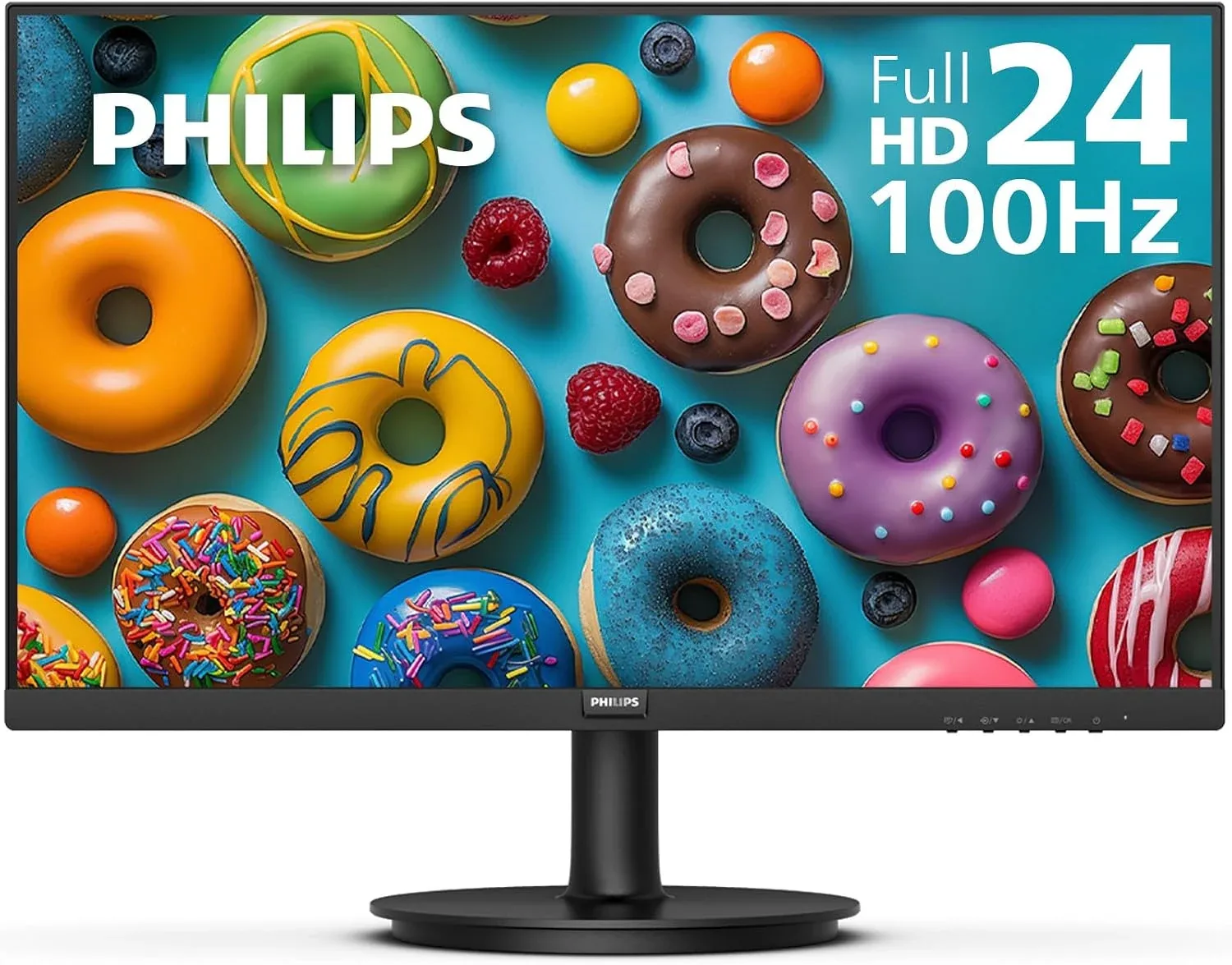
Philips 241V8LB/27
Confirm Philips 241V8LB/27 and the selected size before buying.
Check price on Amazon →As an Amazon Associate, Decively earns from qualifying purchases. Check current price, local availability, selected version and return terms.
Philips 241V8LB review: why the smaller size can help
A 23.8-inch Full HD screen has about 93 pixels per inch, calculated from its resolution and diagonal. A 27-inch Full HD screen has about 82. The smaller screen puts the same number of pixels into less physical space; it does not show more spreadsheet cells at identical software scaling.
That makes the Philips a reasonable starting point when you sit close and want to leave room beside the screen for a laptop. A larger 1080p monitor makes the interface physically bigger instead. Choose based on the text size you find comfortable, not a blanket rule that more inches means more workspace.
For this Philips 241V8LB review, screen size is the buying decision before refresh rate. If your goal is substantially more room for multiple windows, compare a higher-resolution screen rather than expecting 100Hz to add detail.
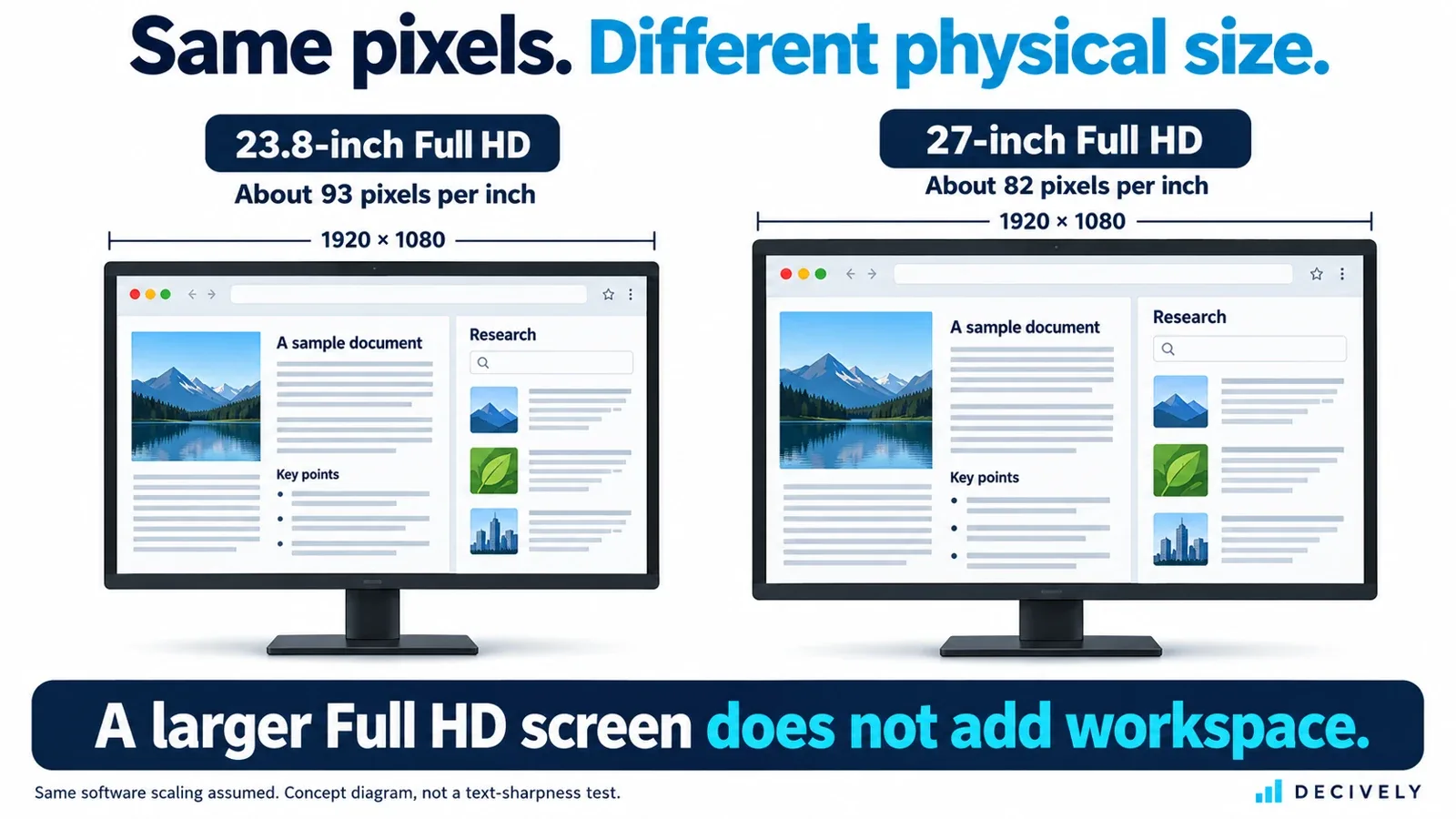
Philips 241V8LB review explainer: identical resolution and software scaling at different physical sizes. Approximate concept illustration, not a photographed text-clarity test. View diagram at full size →
VA contrast and 100Hz: useful, with limits
The published 4000:1 contrast specification is one reason to consider the VA panel for mixed office and evening video use. It does not establish actual black uniformity, color accuracy or reflection handling on the unit you receive. An anti-glare coating also cannot guarantee a comfortable picture beside direct sunlight.
Our Philips 241V8LB review would not turn the 4ms response claim into a gaming verdict. Refresh rate describes how often the screen can update; pixel transition behavior and input delay are separate issues. We did not verify reproducible exact-model motion measurements suitable for a competitive-gaming recommendation.
Philips specifies the maximum 1920 × 1080 at 100Hz mode for HDMI. Use that digital connection when available, then check the operating system’s display settings and your adapter’s supported modes. LowBlue and EasyRead are optional display modes, not a promise to prevent eye strain.
Philips 241V8LB review: connections and positioning
One HDMI input suits one main modern computer. VGA provides an option for compatible older hardware; the listed audio output is different from built-in speakers. Plan to use your laptop audio, a headset or suitable powered speakers. A USB-C-only laptop needs a compatible video adapter and separate charging.
The stand tilts but does not raise the panel. Before buying an accessory, measure where the screen will sit relative to your chair and working position. A riser only raises it; an arm needs compatible mounting, weight capacity and desk clearance. Our monitor arm buying guide explains those checks.
The total setup cost matters in this Philips 241V8LB review. Add any adapter, audio equipment and positioning accessory before comparing it with a monitor that includes the missing feature. The cheapest screen alone is not always the cheapest completed desk.
When to choose Dell or Samsung instead
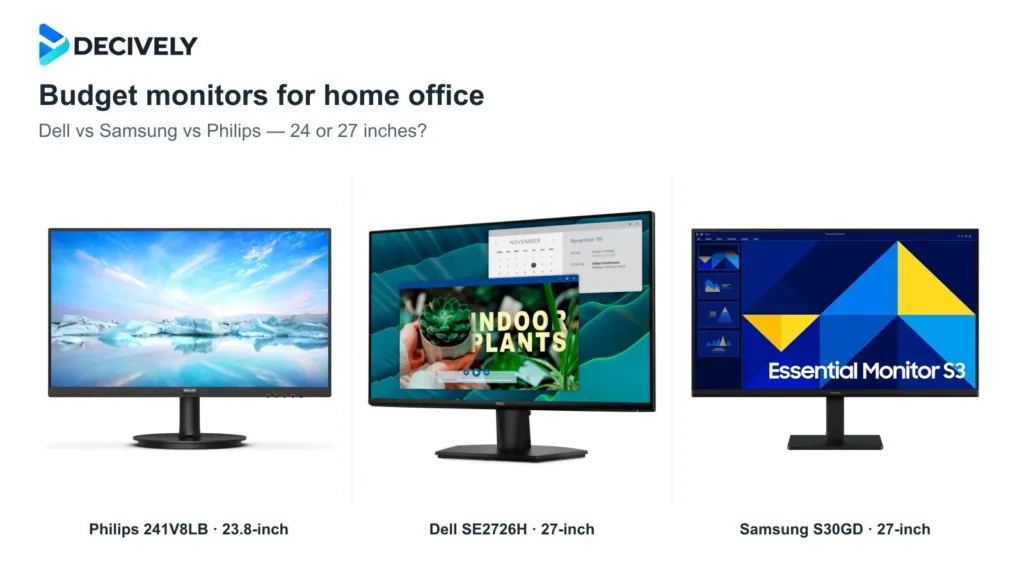
For a larger interface and two HDMI devices, the Dell SE2726H is the more relevant alternative from our budget monitors for home office guide. Samsung’s exact 27-inch S30GD adds IPS and retains VGA, but still has a simple stand. Neither 27-inch Full HD option increases pixel count over this Philips.
Choose Philips when compact size and a suitable offer align. Skip it when you need a USB-C hub, adjustable stand, confirmed color-critical performance or more native resolution. Our Philips 241V8LB review favors a clear match to a modest task over buying features that do not solve your constraint.
Philips 241V8LB review: common questions
Is this an IPS monitor?
No. The exact 241V8LB/27 datasheet specifies VA. Do not transfer specifications from another Philips model.
Can it run at 100Hz over HDMI?
The datasheet lists Full HD at 100Hz and qualifies the maximum mode as HDMI-only. Your computer and adapter must support it too.
Can I adjust its height?
Not on the supplied tilt-only stand. Its published VESA interface is 100 × 100mm; check compatible hardware and mounting instructions.
AVAILABLE ON AMAZON · AFFILIATE LINK
Check the current monitor offer
Philips 241V8LB/27
Confirm Philips 241V8LB/27 and the selected size before buying.
Check price on Amazon →As an Amazon Associate, Decively earns from qualifying purchases. Check current price, local availability, selected version and return terms.
Research notes and sources
Sources for this Philips 241V8LB review: Philips US product page and exact /27 datasheet. Published reviews were examined for the questions buyers ask, not treated as our own testing. No current Amazon price, customer rating or laboratory score is reproduced.
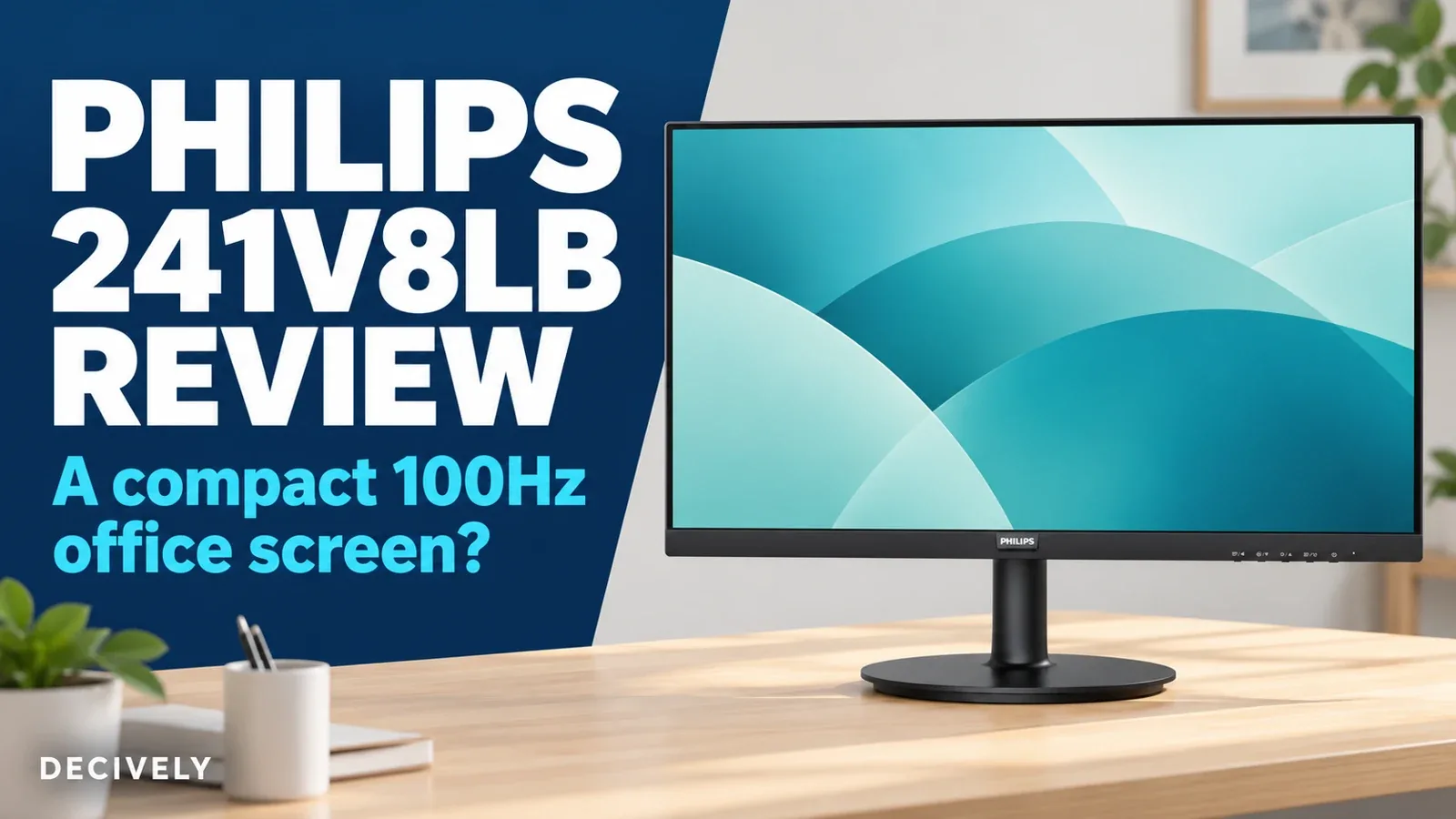
Product thumbnail: Philips sales artwork from the exact linked listing. Cover and explanatory image: Decively illustrations, not original testing photographs.