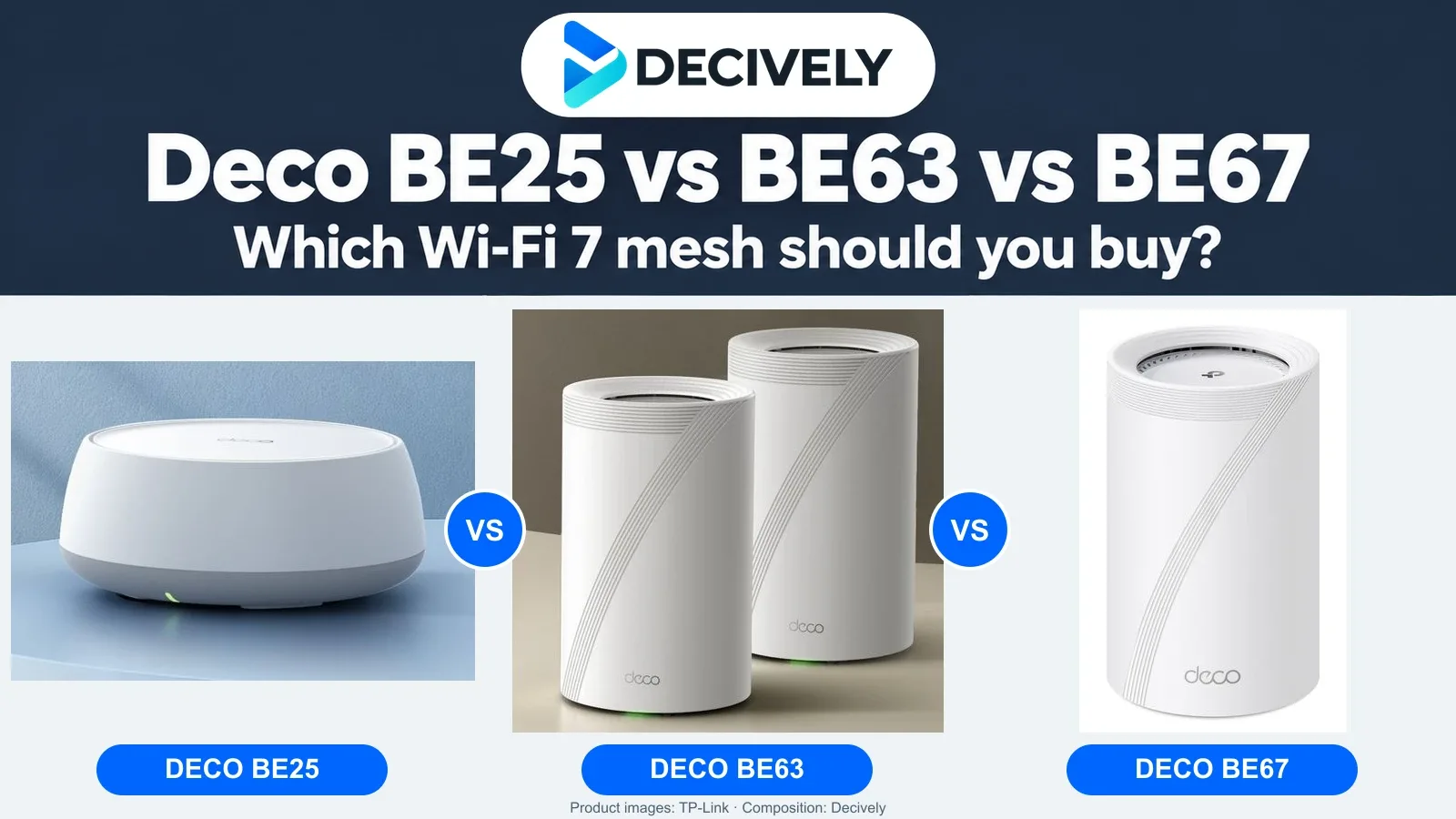
The Deco BE25 vs BE63 vs BE67 decision comes down to three things: cables between rooms, a 6 GHz radio, and the Ethernet ports your network can actually use. The most expensive kit is not automatically the best fix for a weak bedroom signal.
Quick verdict: which Deco should you buy?
BE25: start here for a lower-cost upgrade, especially with Ethernet backhaul.
BE63: the balanced step up if you want tri-band mesh and more 2.5 Gbps connections.
BE67: choose it for a faster internet or local network that can justify its 10 Gbps socket—not simply because your house is large.
As an Amazon Associate I earn from qualifying purchases. Affiliate disclosure.
All three supplied Amazon.com listings are 3-packs. Check the selected model, package and delivery terms at checkout; local Amazon redirects may show a different listing.
Deco BE25 vs BE63 vs BE67 at a glance
BE5000, BE10000 and BE14000 add together theoretical radio link rates. They do not promise a 5, 10 or 14 Gbps internet connection to one laptop.
Start with the link between rooms
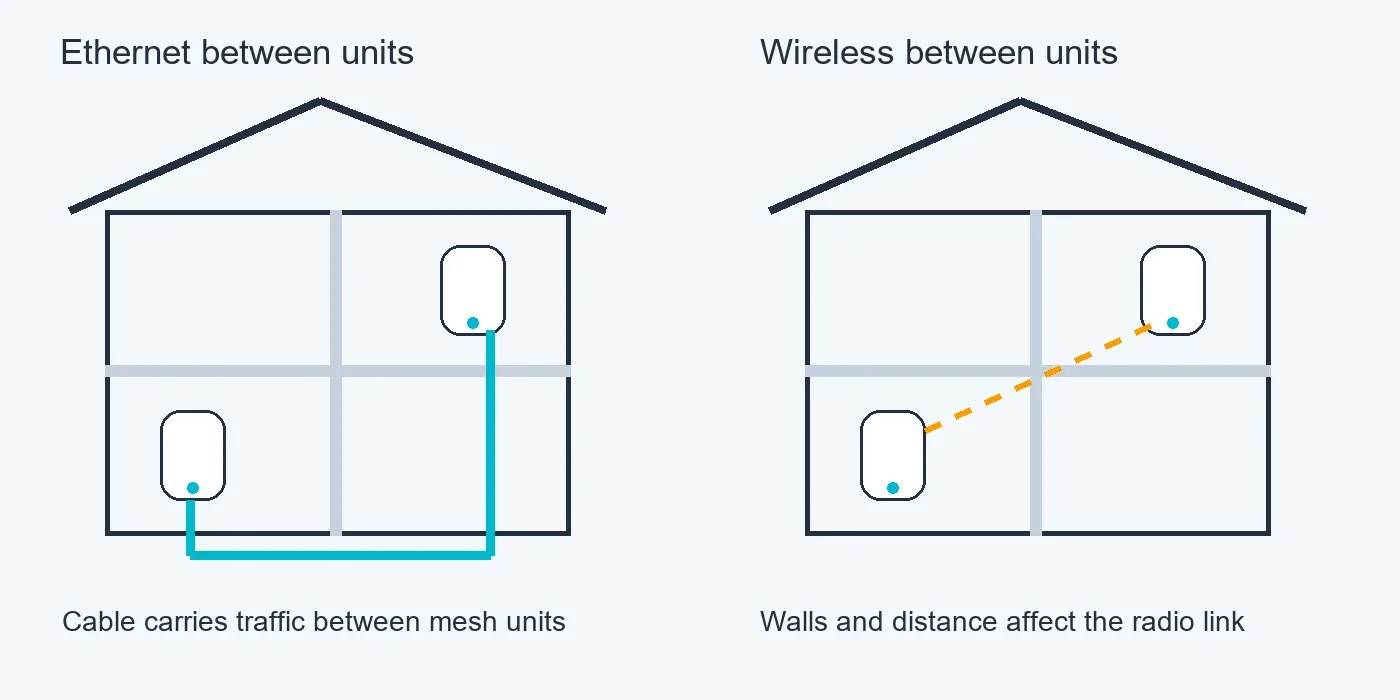
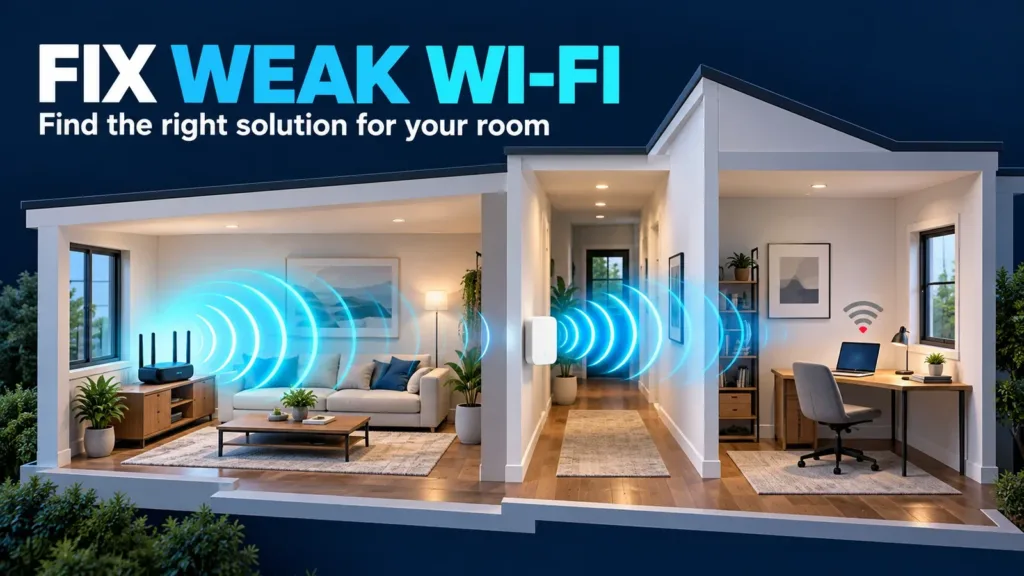
Ethernet backhaul carries traffic over a cable. Wireless backhaul depends on the signal between units. Illustrative layout, not measured coverage.
Every satellite needs a good connection back to the main Deco. With Ethernet between rooms, data uses that cable instead of competing for wireless airtime. This makes the BE25 a particularly sensible starting point: its two 2.5 Gbps ports provide room beyond gigabit without paying for a 6 GHz radio.
Without cables, the BE63 and BE67 add another radio band that can help distribute traffic. Their 6 GHz band is not an exclusive, dedicated backhaul radio: it can also serve compatible devices. Walls and distance still affect it. Put a satellite where it receives a useful signal, rather than inside the dead zone.
Dong Ngo’s hands-on BE25 review highlights wired backhaul as the more convincing setup. That supports buying the cheaper hardware with a good connection between units, rather than judging the kit only by its Wi-Fi 7 badge.
For an isolated weak room, also see our weak Wi-Fi buying guide.
BE25 or BE63: when is 6 GHz worth paying for?
The BE25 suits ordinary streaming, video calls and a wired mesh on a gigabit or modest multi-gig plan. It remains compatible with older Wi-Fi devices, but it has no 6 GHz band. “Wi-Fi 7” alone does not mean every Wi-Fi 7 feature is present.
The BE63 is the more versatile middle option. Its 6 GHz radio gives compatible Wi-Fi 6E and Wi-Fi 7 clients another band to use; four 2.5 Gbps sockets per unit are useful for a desktop, console, wired backhaul and other equipment. A busy network can benefit even when the internet plan is not especially fast.
Pay the premium when you have compatible clients, want tri-band wireless mesh, or need the extra ports. If most devices use 2.4 or 5 GHz and every satellite is wired, the BE25’s lower price may matter more. Neither system can raise your ISP’s subscribed speed.
BE63 or BE67: the 10 Gbps catch
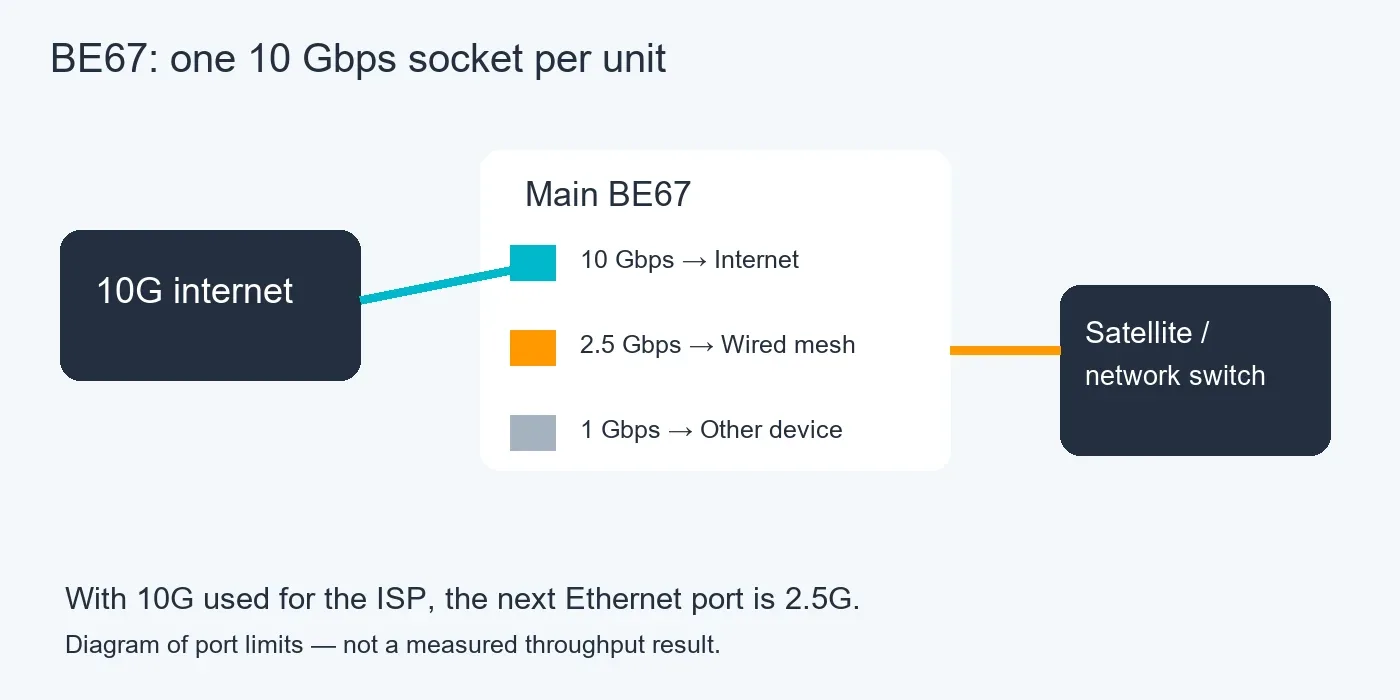
A 10 Gbps internet connection uses the BE67’s only 10 Gbps socket; the next Ethernet socket is 2.5 Gbps.
The BE67 adds a 10 Gbps port and higher advertised radio capability. That makes it more interesting for very fast fibre, demanding local transfers and suitably equipped Wi-Fi clients. It is an expensive upgrade to buy without one of those needs.
There is only one 10 Gbps socket per BE67. Use it for a 10 Gbps ISP connection and the next Ethernet port available for a wired satellite or switch is 2.5 Gbps. A 10 Gbps port is therefore not a guarantee of an end-to-end 10 Gbps wired mesh. Plan the actual port connections first.
The BE63 has no 10 Gbps socket, but all four of its Ethernet sockets are 2.5 Gbps. For several wired devices, that can be more convenient than the BE67’s mixed-speed three-port layout.
RTINGS found the BE67 offered higher top speeds and lower latency than the BE63, while the BE63 had better range in its tests. These are results from one test environment, not a promise for your floor plan. They are a useful reason to avoid treating “more expensive” as “better coverage everywhere.”
Before buying a 3-pack
Match the layout. Three units are useful only if you can place them with good links between them. A smaller home may need fewer. TP-Link’s advertised square-foot coverage is a manufacturer estimate, not a guarantee through concrete walls or across several floors.
Check setup and ongoing costs. All three use the Deco app and support router or access-point mode. You still need the appropriate ISP modem or ONT where your service requires it. Some advanced HomeShield security and parental-control features require a subscription; decide whether the free functions cover your needs.
Check regional specifications. This comparison uses the US versions. Local models, hardware revisions, permitted 6 GHz operation, power adapters and warranty terms can differ. A redirected Amazon listing should be checked against these requirements before ordering.
If you are comparing a cheaper Wi-Fi 6 kit, our Deco X55 buying guide explains the simpler alternative.
Final choice: buy the upgrade you can use
Choose BE25 if the price gap is substantial and you can connect the units with Ethernet. Choose BE63 when tri-band flexibility and four 2.5 Gbps ports are worth that gap. Choose BE67 when you have a specific 10 Gbps or faster-radio use case—and have checked its port layout.
Compare today’s prices for the same 3-pack configuration. If BE67 costs only slightly more, it may be attractive for future upgrades; if it costs much more, BE63 is the safer general recommendation. Use the current listing rather than assuming any sale price is permanent.
Common buying questions
Does Deco BE25 have 6 GHz?
No. The US BE25 is dual-band, using 2.4 and 5 GHz. BE63 and BE67 are tri-band with 6 GHz.
Is BE67 better than BE63 for a large house?
Not automatically. Layout, walls, placement and backhaul matter. RTINGS measured better BE63 range despite higher BE67 peak performance.
Can these Decos use Ethernet backhaul?
Yes. All three support it. The speed of the chosen ports, cables and any intervening switch limits the wired connection.
Will an older phone work?
Yes, but it will not gain Wi-Fi 7-specific capabilities. Using 6 GHz requires a compatible client and regional support.
Research notes
Research checked October 12, 2026. Decively has not physically tested these systems. Hardware details come from TP-Link’s US specifications; performance observations are attributed to independent reviewers. The recommendations are our editorial assessment. Diagrams explain network layouts, not measured coverage.
TP-Link US BE25 specifications
TP-Link US BE63 specifications
TP-Link US BE67 specifications
RTINGS: Deco 7 Pro BE67 testing and BE63 comparison