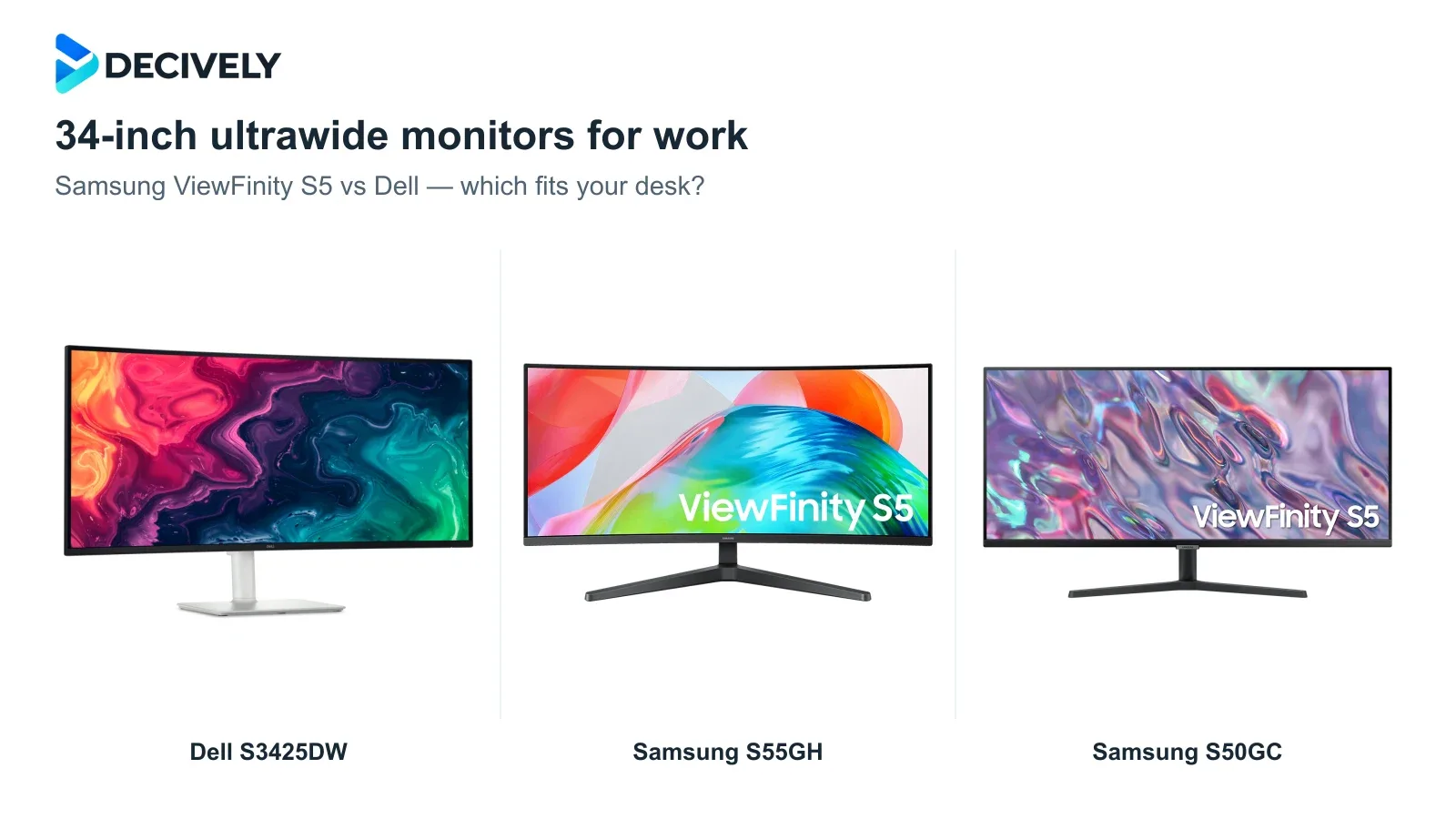
The best 34-inch ultrawide monitor for work depends on what you plug into it. These three 3440 × 1440 displays make room for side-by-side windows, but only the Dell can also charge a compatible laptop through its video cable.
Quick verdict
Choose Dell S3425DW for a laptop-first desk. Its USB-C connection delivers video, USB data and up to 65W charging, while the height-adjustable stand makes positioning easier. The extra is worthwhile if it replaces accessories you would otherwise buy.
Choose Samsung ViewFinity S55GH for a curved screen without docking features. It offers 120Hz and HDMI/DisplayPort inputs. Pick the flat S50GC instead if it costs meaningfully less and you prefer a straight screen.
Keep two monitors if you need two full QHD desktops. A 3440 × 1440 ultrawide has the same vertical pixel count as one 2560 × 1440 monitor, with about 34% more horizontal pixels—not double the workspace.
Affiliate links. As an Amazon Associate I earn from qualifying purchases.
Samsung ViewFinity vs Dell: the differences that matter
Does a 34-inch ultrawide replace two monitors?
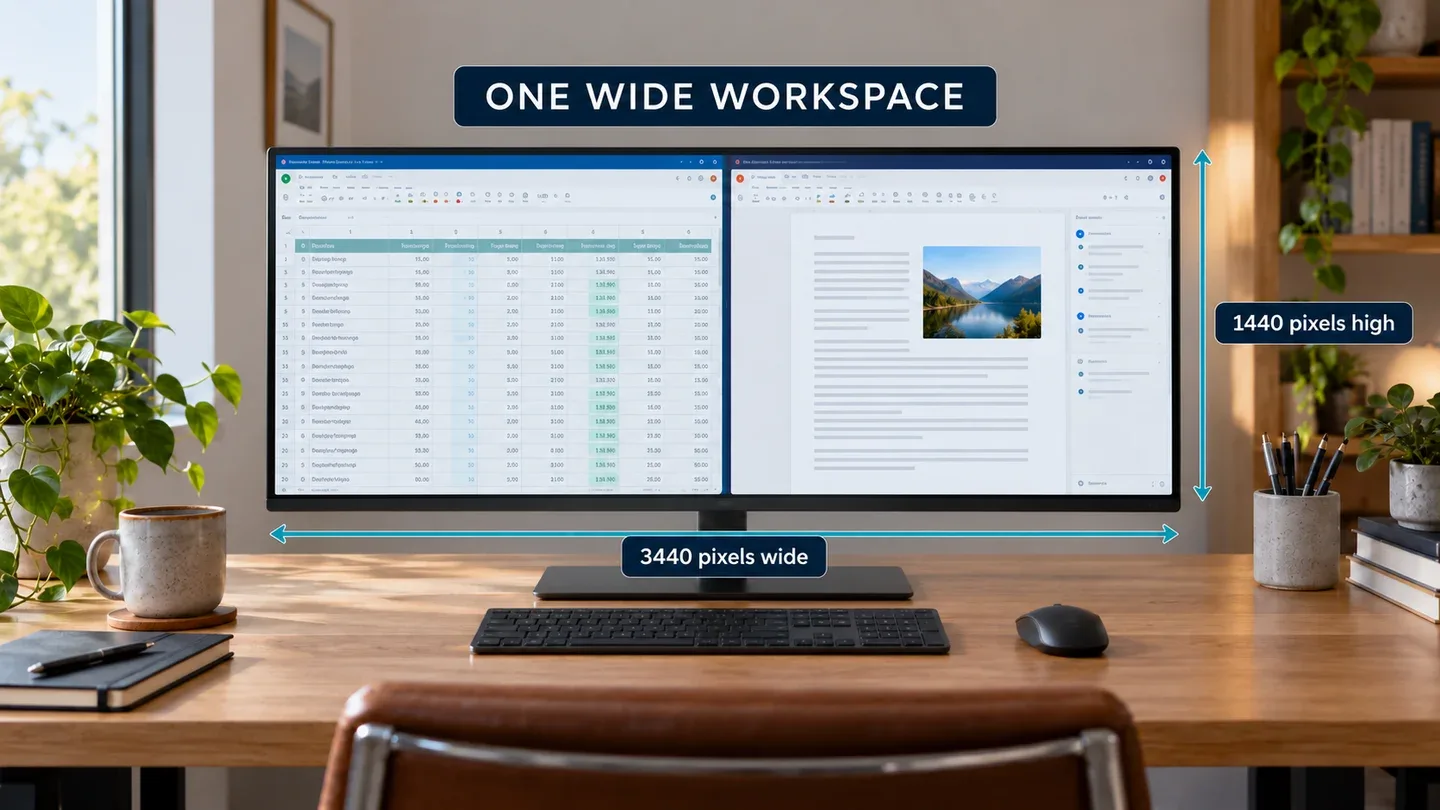
Generated illustration of a generic ultrawide workspace, not a photograph or test of any recommended monitor. Window layout and proportions are illustrative.
It can replace the way you use two screens when you mainly keep a document beside a spreadsheet, browser or chat window. One continuous surface also suits wide spreadsheets and editing timelines. At comparable scaling, you gain width without more vertical rows.
It cannot reproduce two 2560 × 1440 desktops: those total 5120 × 1440 pixels. Two equal halves of an ultrawide are roughly 1720 × 1440 each. That matters when two applications both need wide toolbars or large worksheets.
An ultrawide also gives a video call one broad desktop to share. Share an application window when colleagues need readable text. For two separate screens, see our laptop dual-monitor connection guide.
Which ultrawide should you buy?
Dell S3425DW: pay for the connection and stand
This is our strongest fit for a laptop that regularly moves between desk and bag. Use the upstream USB-C port for video and charging; the downstream USB-C port supplies accessories at up to 15W. Your laptop must support video over USB-C, and a power-hungry machine may still need its charger.
Independent testing adds a useful limit: Ben Andrews at Digital Camera World found accurate sRGB color on his S3425DW, but measured 85% DCI-P3 coverage against Dell’s 95% claim and uneven brightness across the panel. That supports general office use more convincingly than demanding color-critical editing. It is one tested sample, not a guarantee for every unit.
Samsung S55GH: the curved, display-only option
Samsung lists this as a 2026 model. It makes sense for a desktop PC or an existing dock when the Dell costs substantially more: you still get the same resolution and a 120Hz refresh ceiling. The 1800R curve is a shape preference, not evidence of sharper text or higher productivity.
The stand only tilts, and its roughly 11-inch depth deserves attention on a shallow desk. We found no robust exact-model independent measurements to establish uniformity or response performance. Treat those as unknowns; the newer model name alone is not a reason to pay extra.
Samsung S50GC: buy the flat screen at the right discount
The older S50GC keeps the same usable pixel grid, so its 100Hz refresh rate does not reduce spreadsheet capacity. Its flat surface may suit people who dislike curved lines, while two HDMI inputs are useful for leaving two devices connected alongside DisplayPort.
Its value depends on the saving. Once a riser, monitor arm or separate docking accessories enter the budget, the Dell’s included features may be the better purchase. Do not confuse this flat S50GC with the curved S55GH: neither Samsung provides USB-C laptop charging.
Before ordering: three checks that prevent a poor fit
Check the output, not just the connector. Confirm that your laptop, adapter or dock supports 3440 × 1440 at the refresh rate you want. A USB-C socket may be data-only. A video-capable USB-C-to-HDMI/DisplayPort adapter can feed the Samsungs, but they will still need separate laptop charging.
Measure the desk and eye height. Allow about 32 inches of monitor width plus working clearance. Both Samsung stands lack height adjustment. If using an arm, check the correct VESA pattern and weight capacity; our monitor arm buying guide covers those checks.
Compare the complete setup cost. Choose Dell when docking and adjustable height solve your daily problem; S55GH when you want a curved screen and already have the connections; S50GC when a flat panel and meaningful saving are the priorities. Amazon links target the US listings; delivery, returns and warranty can vary by seller and destination.
Research notes
Researched 19 October 2026. This is an editorial comparison of manufacturer specifications and attributed independent testing; Decively has not tested these monitors. Samsung US/Canada specifications identify the exact North American models. Dell test findings refer to one reviewer’s sample. We do not infer global sales, assign test scores or publish changing Amazon prices.
Samsung S55GH — exact US model Samsung S55GH — complete model specifications Samsung S50GC — exact-model specifications Dell S3425DW — official specifications Dell S3425DW — official datasheet Digital Camera World — Ben Andrews’s S3425DW test