
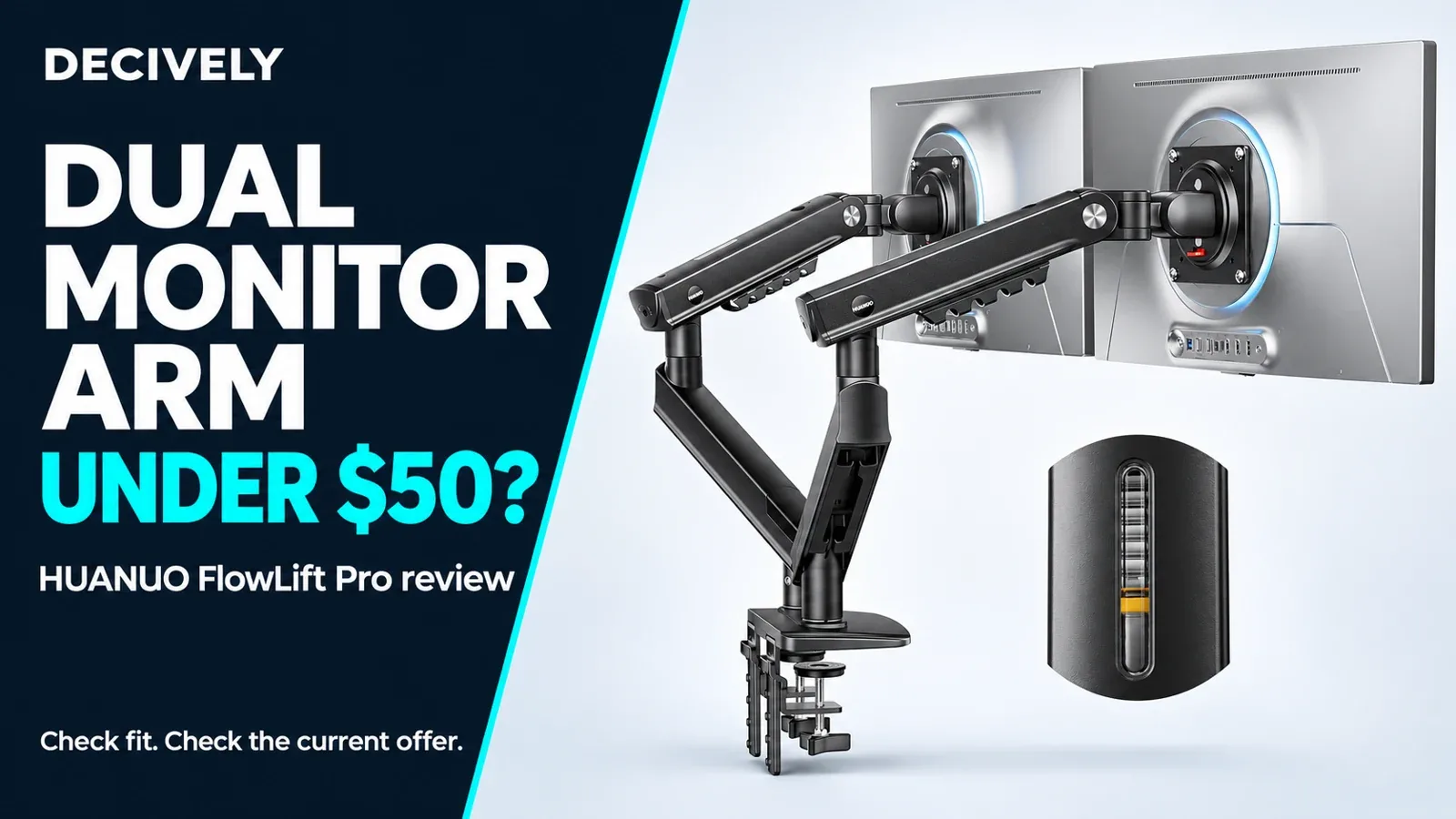
Is this dual monitor arm under $50 worth considering?
A dual monitor arm under $50 can be a worthwhile upgrade when two bulky screen stands crowd your keyboard and working area. The HUANUO FlowLift Pro offers independently adjustable arms, quick-release monitor plates and a visible spring-tension indicator. The useful question is whether those features fit your screens and desk.
Our verdict: a promising budget option for two compatible, relatively light monitors. Buy for the placement flexibility and recovered desktop space; do not assume a low price includes premium stability on every desk.
Price context: the Amazon campaign displayed $49.99 on November 4, 2026. This is an observed offer, not a permanent price. Confirm current conditions, shipping and tax before ordering.
Affiliate disclosure: As an Amazon Associate, Decively earns from qualifying purchases. This product is listed in an Amazon Creator Connections campaign that may pay an additional commission on eligible purchases. This is a research-based review; Decively has not physically tested this mount.
AVAILABLE ON AMAZON · AFFILIATE LINKS
Compare this dual monitor arm under $50
Check the current price, exact version, seller and return terms. Price and availability can change; confirm compatibility before ordering.
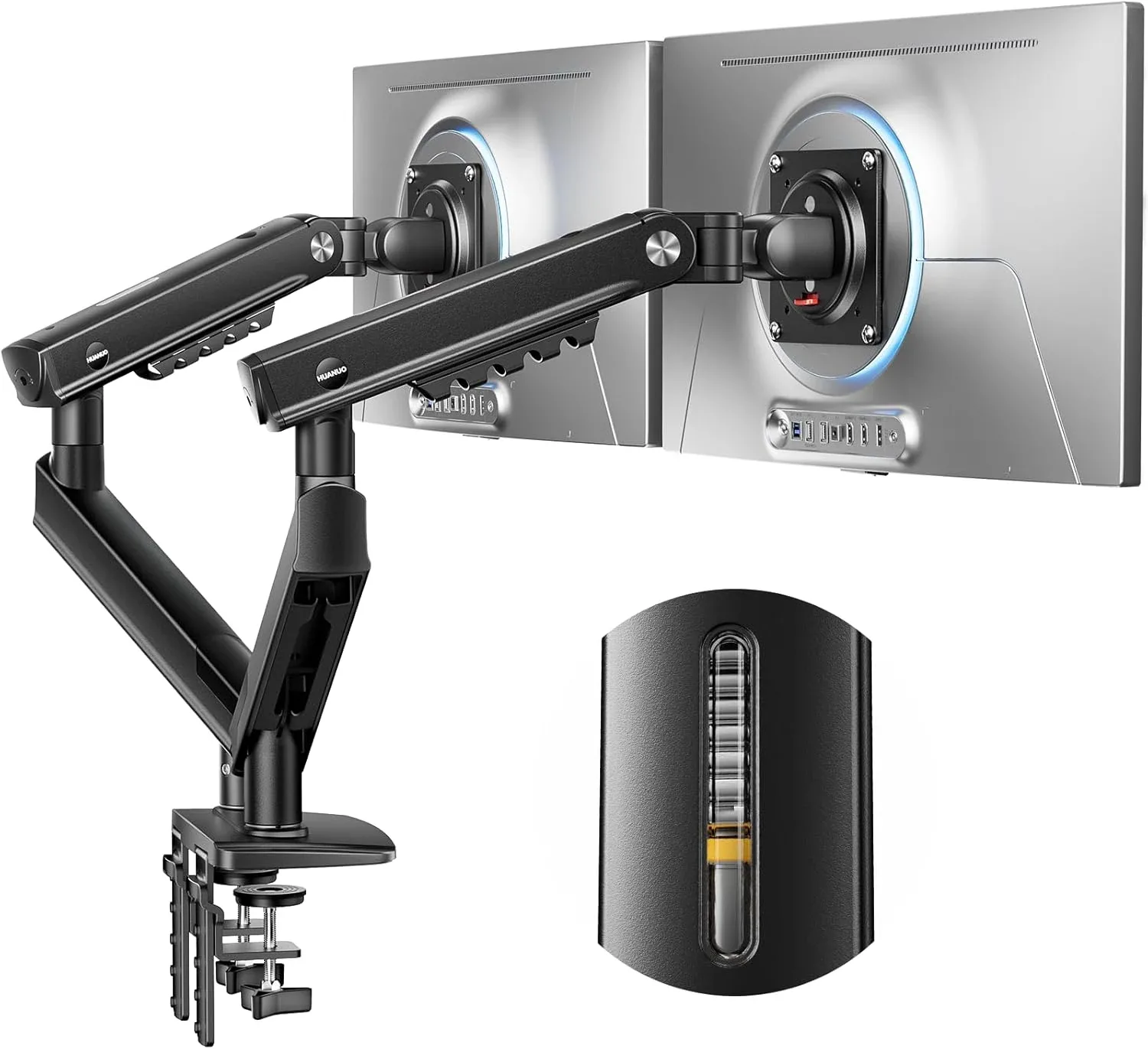
HUANUO FlowLift Pro — dual monitor mount
Two independently adjustable arms. Verify the exact screen, weight and desk requirements before buying.
Check options on Amazon →As an Amazon Associate, Decively earns from qualifying purchases, at no additional cost to you. Prices and availability can change.
Specifications: check the exact Amazon version
Choosing a dual monitor arm under $50 starts with the model, not just the brand name. This review links to Amazon ASIN B0GK6DT5SF. Its title specifies 13–27-inch screens and a maximum load of 15.4 lb. HUANUO’s own HNDMA119B-DS page describes 13–32 inches and 19.8 lb, so the published descriptions do not agree.
Use the lower Amazon-listed limit when shortlisting this offer. If either screen needs the higher rating, obtain confirmation for the exact supplied version before purchasing. Do not treat the manufacturer’s larger specification as permission to exceed the Amazon listing.
On a small screen, swipe the table sideways to read every column.
What you gain beyond removing two stands
The strongest reason to choose this dual monitor arm under $50 is independent screen positioning. A fixed crossbar stand can make unequal monitor heights awkward. Separate articulated arms give you more options for bringing a main display forward and angling a secondary screen toward you.
With this dual monitor arm under $50, keep the main screen centered and place reference material beside it. For coding or long documents, check whether one screen can rotate into portrait without striking the desk or its neighbour. Rotation capability alone does not establish enough clearance.
Removing two stock stands also makes the surface easier to use for a notebook or larger mouse mat. The clamp and arms still occupy space: the benefit is a clearer desktop, not a physically larger desk. Our guide to monitor arms for multiple monitors explains when a shared base makes sense and when separate mounts are more flexible.
The tension window is the feature to understand
On a dual monitor arm under $50, adjustment convenience can matter more than a long specification list. HUANUO’s PrecisionView window shows an indicator moving as spring tension changes. This gives you visible feedback while setting up, rather than relying entirely on repeated turns and guesswork.
The indicator does not weigh your monitor or certify that the installation is safe. Follow the supplied instructions, support the screen during adjustment, and check whether it stays at the chosen height. Each arm needs adjustment for its own screen, especially with a mismatched pair.
HUANUO markets this dual monitor arm under $50 around durability and anti-sag improvements. These are manufacturer claims, not results from Decively testing. We would not promise zero wobble: desktop rigidity, clamp contact and how far the arms extend all affect the finished setup.
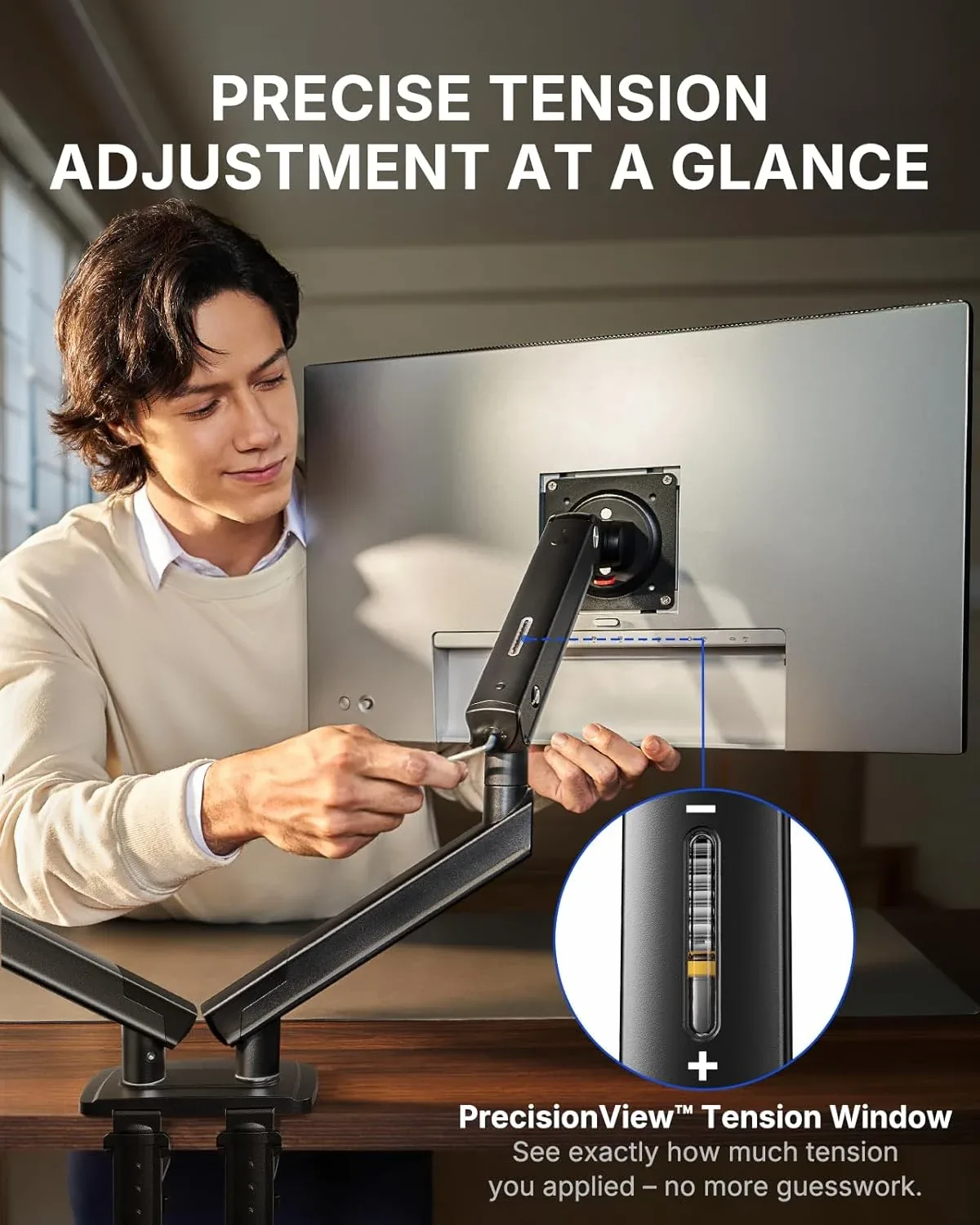
Manufacturer illustration of the PrecisionView tension window. It explains the adjustment feature; it is not evidence of testing by Decively. View diagram at full size →
Watch HUANUO’s demonstration of the tension window above. Manufacturer footage explains the feature; it does not establish long-term stability in your setup.
AVAILABLE ON AMAZON · AFFILIATE LINKS
A dual monitor arm under $50 for your setup?
Check the current price, exact version, seller and return terms. Price and availability can change; confirm compatibility before ordering.
HUANUO FlowLift Pro — dual monitor mount
Two independently adjustable arms. Verify the exact screen, weight and desk requirements before buying.
Check options on Amazon →As an Amazon Associate, Decively earns from qualifying purchases, at no additional cost to you. Prices and availability can change.
Will a dual monitor arm under $50 fit your desk?
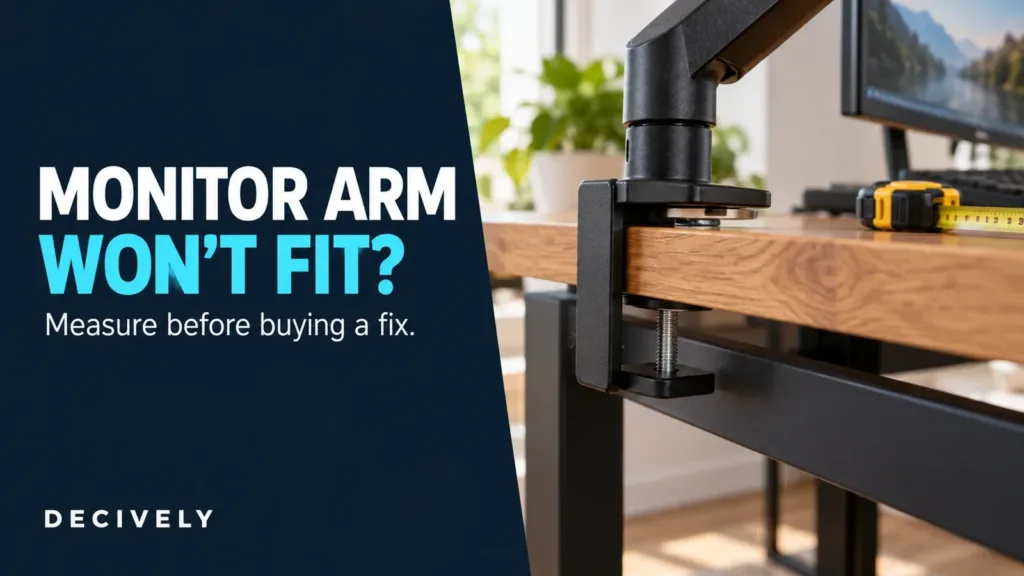
Measure before ordering. Look underneath the rear edge for a drawer, support rail, cable tray or bevel that could stop a clamp sitting flat. A suitable top surface is only half the check; the lower jaw also needs proper contact.
HUANUO’s manufacturer page recommends wood desks 15–90 mm thick for its HNDMA119B-DS version. Because the Amazon descriptions differ, confirm the supplied version’s installation limits rather than transferring that range automatically. Avoid assuming glass or hollow-core tops are suitable.
Also measure the space behind the desk. Articulated elbows can hit a wall before the screens reach your preferred position. A dual monitor arm under $50 saves little useful space if it forces both screens too close to your face. See our monitor-arm clamp fit checklist for the measurements that matter.
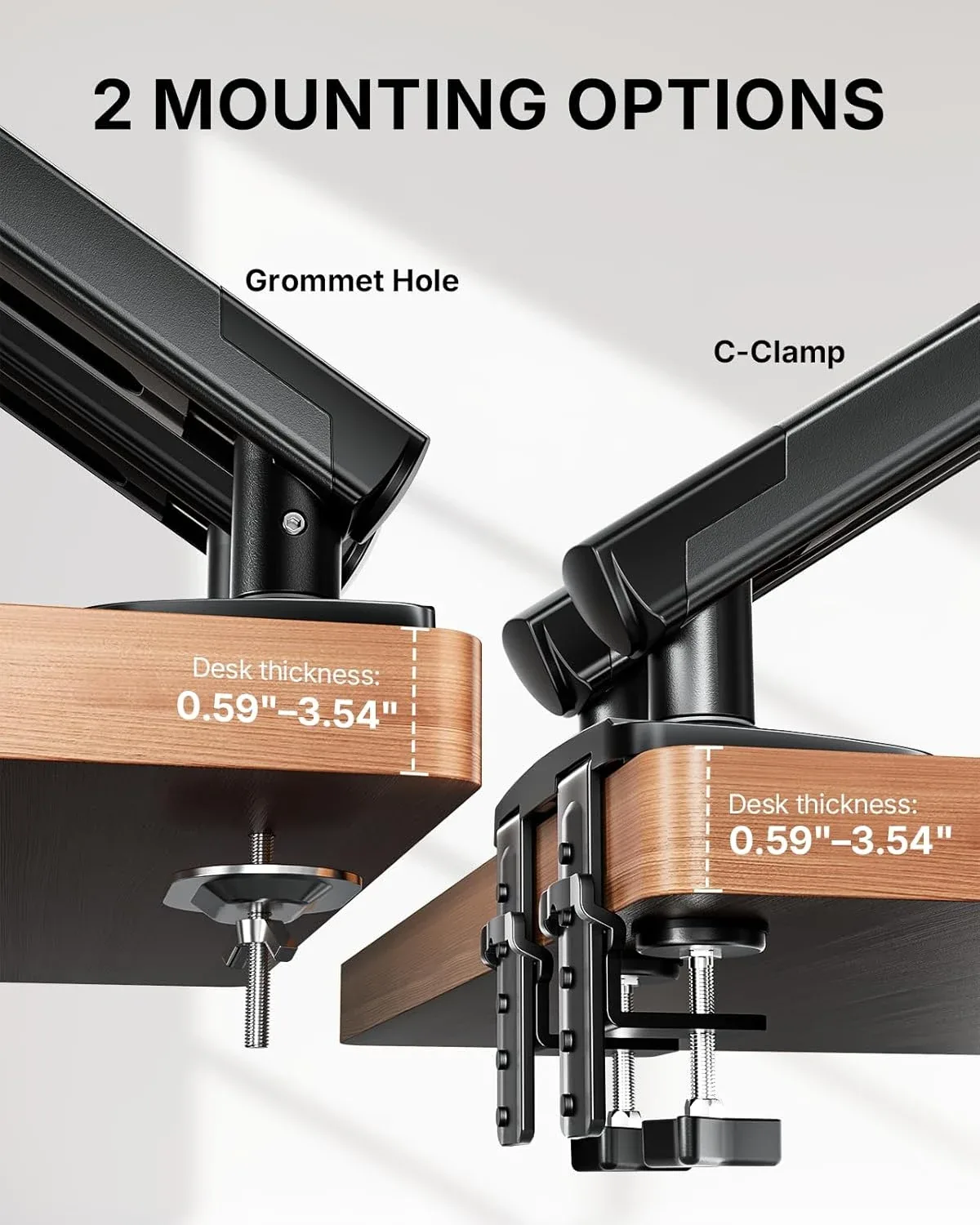
Manufacturer illustration of clamp and grommet mounting. Its 15–90 mm range applies to the manufacturer-described version; verify the hardware and limits supplied with the linked Amazon offer. View diagram at full size →
Who should buy it—and who should skip it?
This dual monitor arm under $50 makes the most sense for a home-office user with two compatible 24- or 27-inch monitors, a solid suitable desktop and a clear need for independent positioning. Screen size alone is insufficient: both panels must meet the supplied version’s weight and VESA requirements.
Skip this offer if your screens need the higher disputed weight rating, you want a tall vertical stack, or you cannot confirm a safe clamp location. Heavy ultrawides and specialist stacked layouts deserve a mount explicitly rated for that job.
Compared with a basic pole mount, the appeal is easier repositioning and the tension window. If you set both screens once and never move them, a simpler stand may meet your needs. Our Monitor Arm Buying Guide helps compare those approaches without buying unnecessary adjustment features.
Buying verdict: a useful budget shortlist
Our assessment of this dual monitor arm under $50 is positive for the right setup: its practical attractions are the independent arms, visible tension adjustment and quick-release mounting design. Those benefits address everyday desk use more directly than durability slogans.
The remaining decision is compatibility. Confirm your monitor weights, mounting holes, desk edge and the exact limits of the delivered version. Then compare the current Amazon total with your budget. If those checks pass, the FlowLift Pro is a sensible candidate for replacing two stock stands.
AVAILABLE ON AMAZON · AFFILIATE LINKS
Check this dual monitor arm under $50 before buying
Check the current price, exact version, seller and return terms. Price and availability can change; confirm compatibility before ordering.
HUANUO FlowLift Pro — dual monitor mount
Two independently adjustable arms. Verify the exact screen, weight and desk requirements before buying.
Check options on Amazon →As an Amazon Associate, Decively earns from qualifying purchases, at no additional cost to you. Prices and availability can change.
Research notes and sources
Researched November 4, 2026. This review of a dual monitor arm under $50 uses the linked Amazon listing and HUANUO’s official FlowLift Pro product page. The capacity discrepancy remains unresolved; we have not treated the larger manufacturer rating as verified for Amazon ASIN B0GK6DT5SF.
Product and feature images: HUANUO. Cover: Decively illustration based on manufacturer imagery. Video: HUANUO demonstration from the Amazon product page. Decively has not measured stability, longevity or installation time.