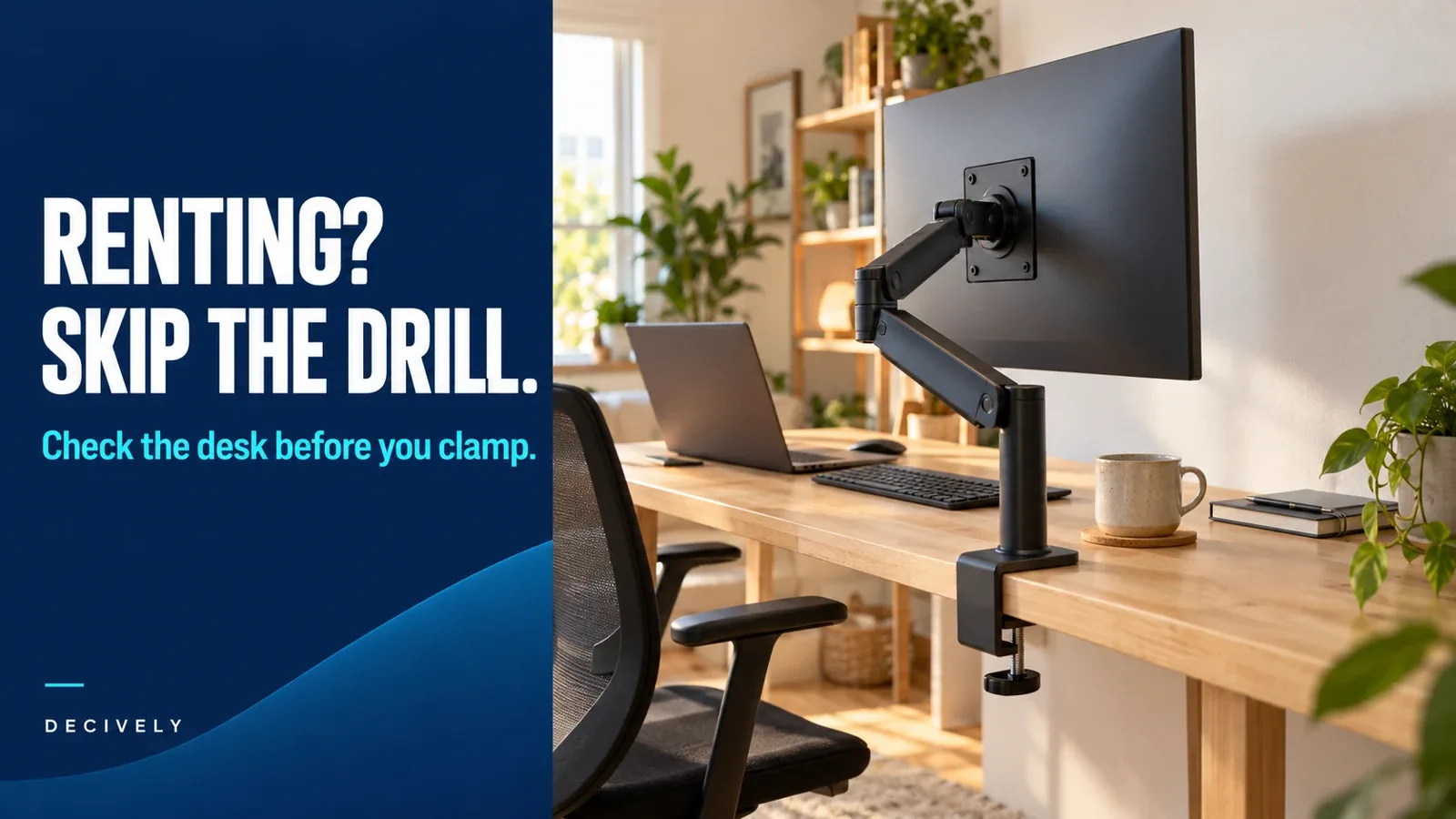
A monitor arm for renters: the short answer
A monitor arm for renters usually means a desk-clamp mount that leaves the wall and desktop undrilled. It can free the space occupied by a monitor's original base, provided the desk has a suitable edge and can support the installed load. If clamping is unsuitable, a freestanding VESA stand is the practical alternative.
For screen weight, VESA compatibility and positioning checks, read our monitor arm buying guide alongside this no-drill mounting guide.
The distinction that matters: no drilling does not guarantee no marks. A clamp still presses against furniture, and an extended arm changes the load on that mounting point. Check the desk before choosing the arm—especially with supplied furniture you will need to return in its original condition.
This is a research-based buying guide using manufacturer documents and current listings checked October 16, 2026, not hands-on damage or stability testing. As an Amazon Associate, Decively earns from qualifying purchases at no extra cost to you.
Which mounting methods actually avoid drilling?
When choosing a monitor arm for renters, distinguish how it attaches from how it moves. An articulated arm can be supplied with a clamp, a through-desk fitting or a wall bracket. The words gas spring, mechanical spring and fully adjustable do not identify the mounting method.
On a small screen, swipe the table sideways to read every column.
Already happy with your original stand's position? Keeping it is a valid no-drill choice. You do not need a replacement simply because the room is rented.
Before buying a monitor arm for renters, check the desk edge
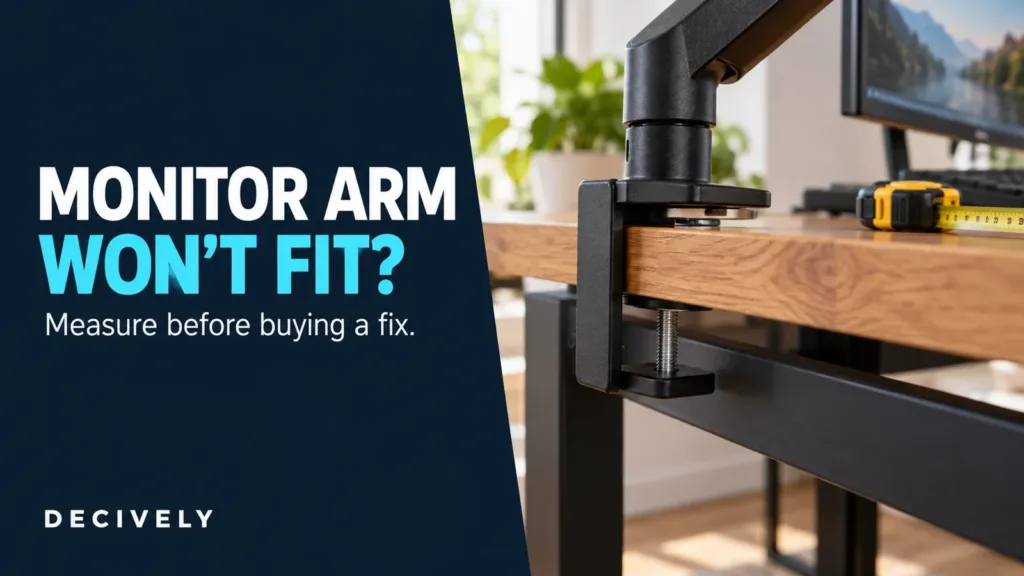
Measure thickness at the mounting point. Use the actual edge the clamp will grip, including any lip. A published thickness range does not confirm compatibility with a beveled edge, an obstructing drawer or an uneven underside.
Look underneath. The lower pad and tightening mechanism need room to sit as the instructions specify. Rear aprons, cable trays and a desk fixed tightly against a wall can prevent installation even when the desktop looks suitable from above.
Identify the material. Check the desk maker's mounting guidance, particularly for glass, hollow-core construction, thin panels or a damaged edge. A desk's total weight rating does not by itself approve concentrated clamp loading. If suitability cannot be established, keep the stock stand or investigate a freestanding option.
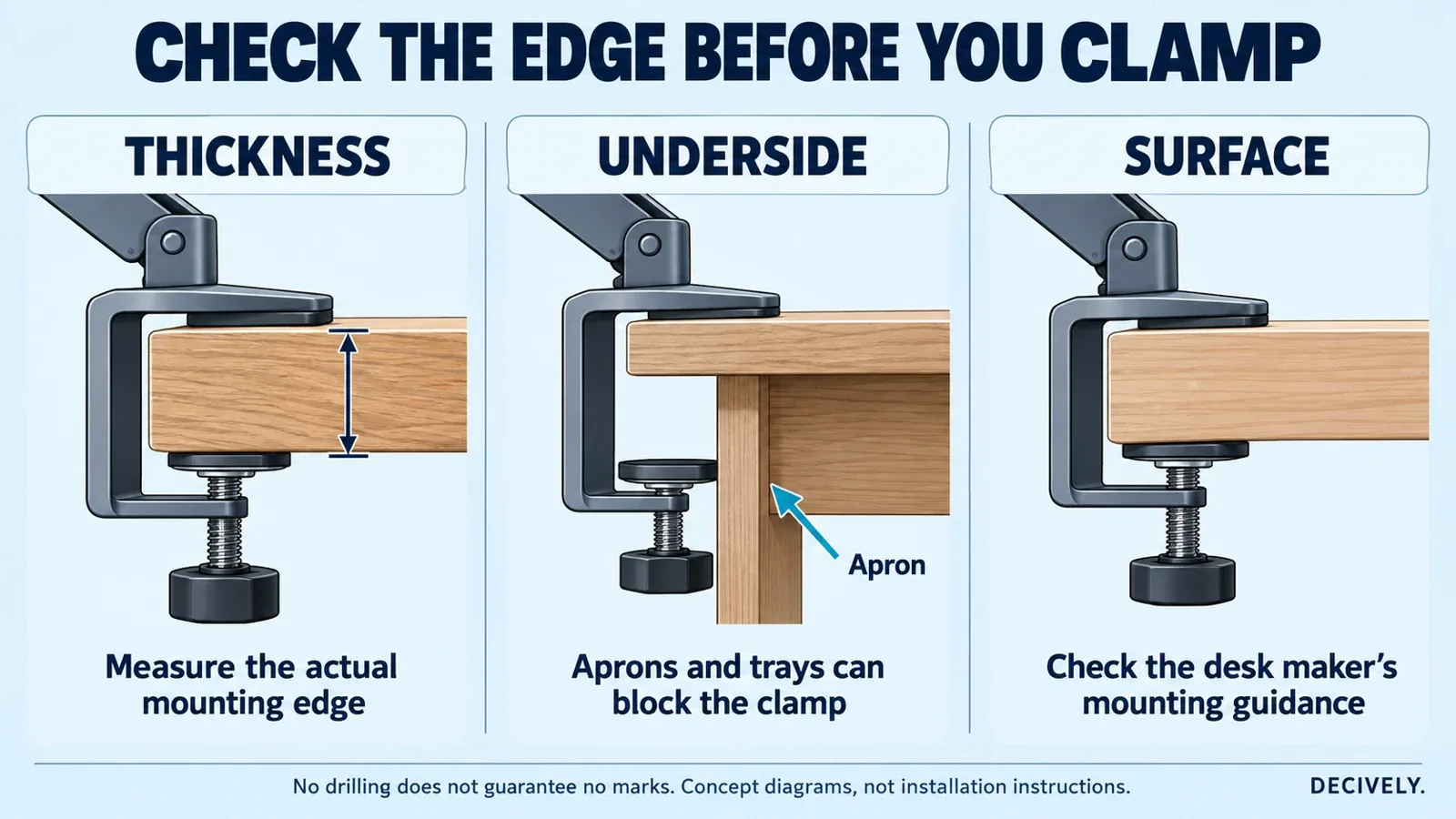
Conceptual clamp checks, not an installation drawing. Use the selected arm's manual for contact surfaces, assembly and tightening.
Also check the room behind the screen. Joints need space as they fold, and the monitor must not swing into the wall. Our monitor-arm guide for small desks explains the viewing-distance and clearance trade-offs.
What to buy: a monitor arm for renters—or a stand
These three options cover different mounting situations. They are conditional choices, not guarantees against furniture damage. Compare the exact configuration and delivered cost; no fixed Amazon price is assumed.
VIVO STAND-V001O: for a compatible clamp location
VIVO's mechanical-spring arm supports 17–32-inch screens weighing 4.4–19.8 lb (2–9 kg). Its listed clamp range is 0.4–3.1 inches of desk thickness. The included grommet option is a different installation method; choose the clamp when the goal is avoiding a new hole.
Consider it for a suitable desktop when removing the monitor base is useful. The manual requires the screen to remain over the desktop and uses tools for initial counterbalance setup and tilt adjustment. No-drill describes installation into the furniture, not an absence of assembly tools.
Ergotron LX Pro: for regular repositioning
The linked matte-black LX Pro, model 45-682-292, includes a two-piece clamp for 0.4–2.4-inch desk edges. It supports a 4–22 lb (1.8–10 kg) screen load and offers 13 inches (33 cm) of lift. A grommet fitting is a separate accessory for this configuration.
Shortlist it if you will use the adjustment regularly and its current price makes sense. Its rotation stop can limit movement, but is not a promise that the monitor cannot hit a wall. Check the complete movement path and leave the clearance the installation requires.
VIVO STAND-V001H: when a clamp will not fit
This freestanding steel stand rests on the desk. VIVO lists a 22 lb (10 kg) maximum load for regular 13–32-inch screens and ultrawides up to 38 inches. Height adjusts along its pole; it does not provide a spring-balanced arm's forward reach.
Its 15.5 × 11-inch base envelope—about 39.4 × 27.9 cm—must fit alongside your keyboard and mouse. Compare it with the original base before buying. It avoids clamp pressure at the edge, but still needs a suitable supporting desktop and the balanced positioning described in its manual.
On a small screen, swipe the table sideways to read every column.
All three use 75 × 75 or 100 × 100 mm VESA patterns. Check the monitor's mounting holes and weight without its original stand; include attached accessories. Spring-balanced models also have a minimum load.
AVAILABLE ON AMAZON · AFFILIATE LINKS
Compare the no-drill options on Amazon
Compare the exact model, mounting configuration and return terms. Choose a clamp only when the desk is suitable; the freestanding option needs room for its base.
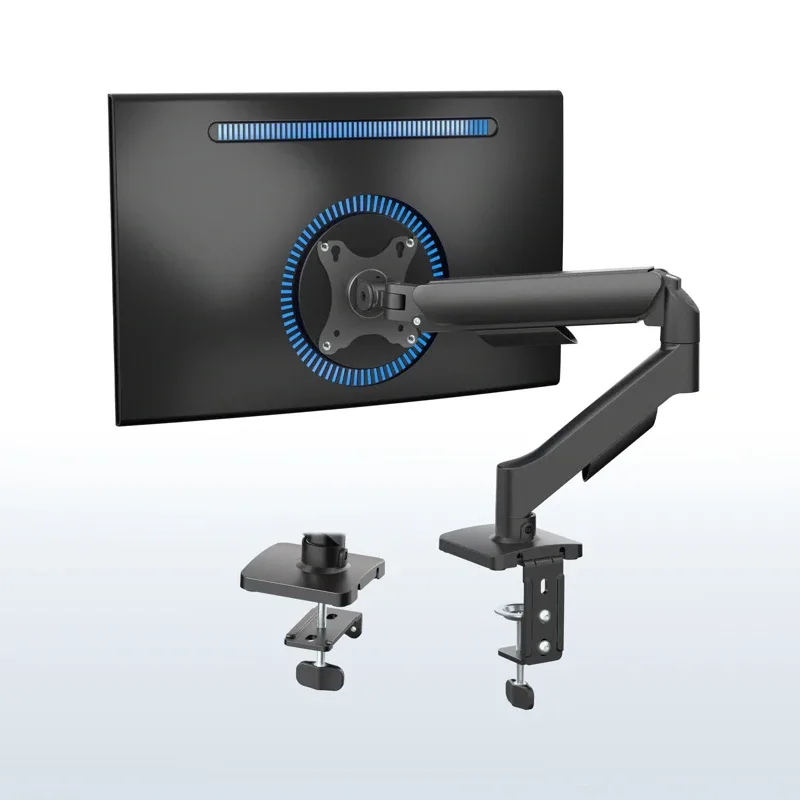
VIVO STAND-V001O — clamp arm
Check options on Amazon →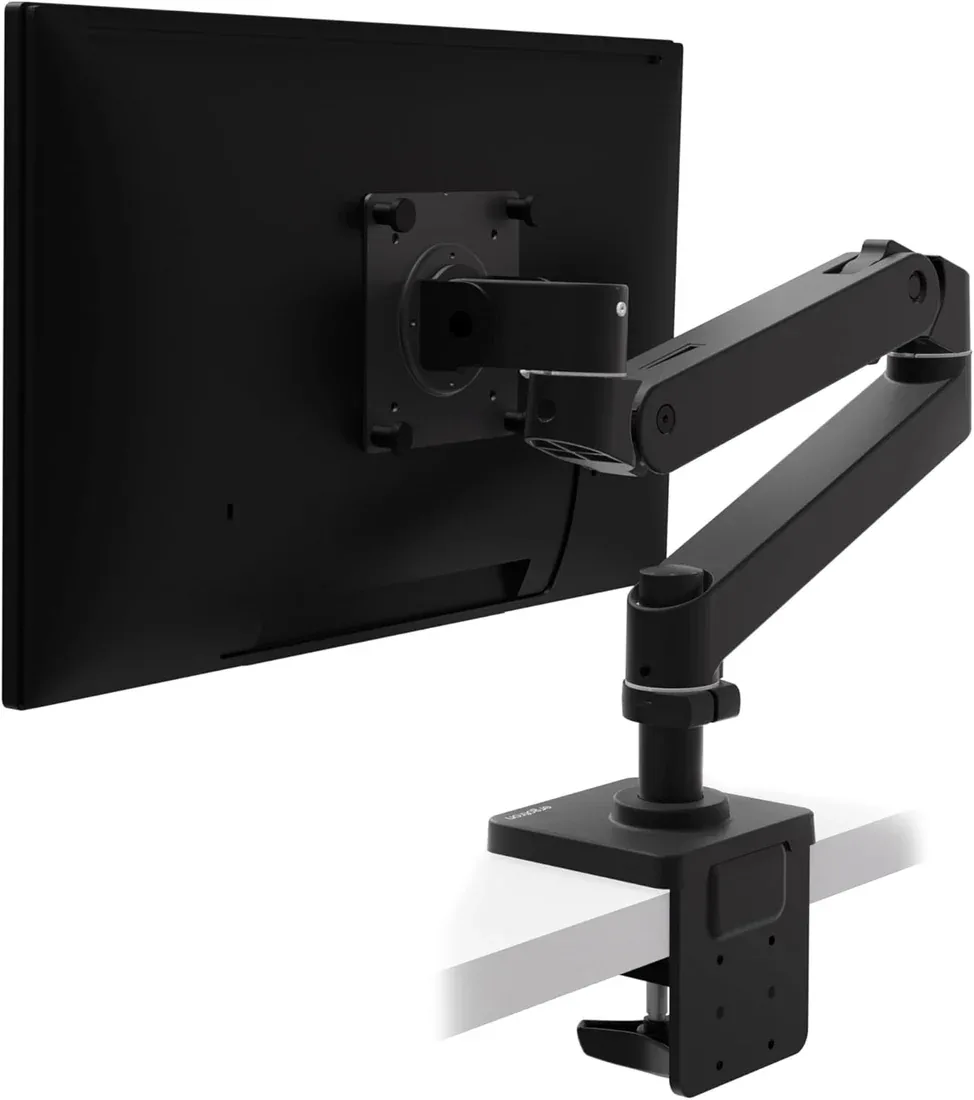
Ergotron LX Pro — matte black
Check options on Amazon →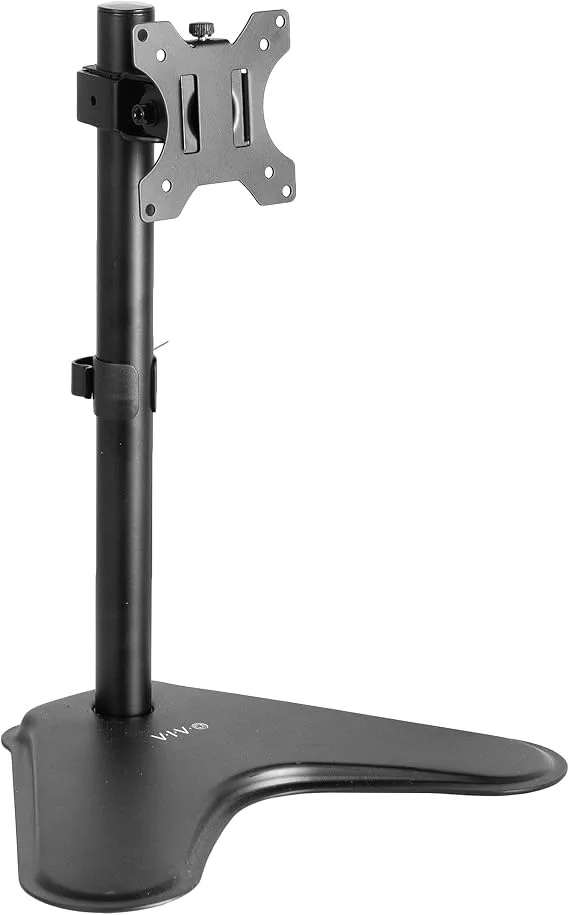
VIVO STAND-V001H — freestanding
Check options on Amazon →Affiliate links use Decively’s tracking ID. Availability and the local Amazon destination can vary.
Protect the furniture without improvising the mount
Before fitting a monitor arm for renters, photograph the existing furniture condition and keep the original monitor stand. Confirm what changes are permitted to supplied furniture; a removable clamp still makes contact with someone else's desk.
Clean the contact surfaces and use the supplied pads and hardware as instructed. Do not substitute stacks of soft fabric or improvised packing that could compress or change the clamp's grip. Tighten according to the manual rather than continuing to tighten until movement seems impossible.
A reinforcement plate may be useful where the arm and desk makers approve it. It does not convert an unsuitable surface into a verified mounting point, and it adds thickness to the clamp fit. Check the whole arrangement instead of treating a plate as damage insurance.
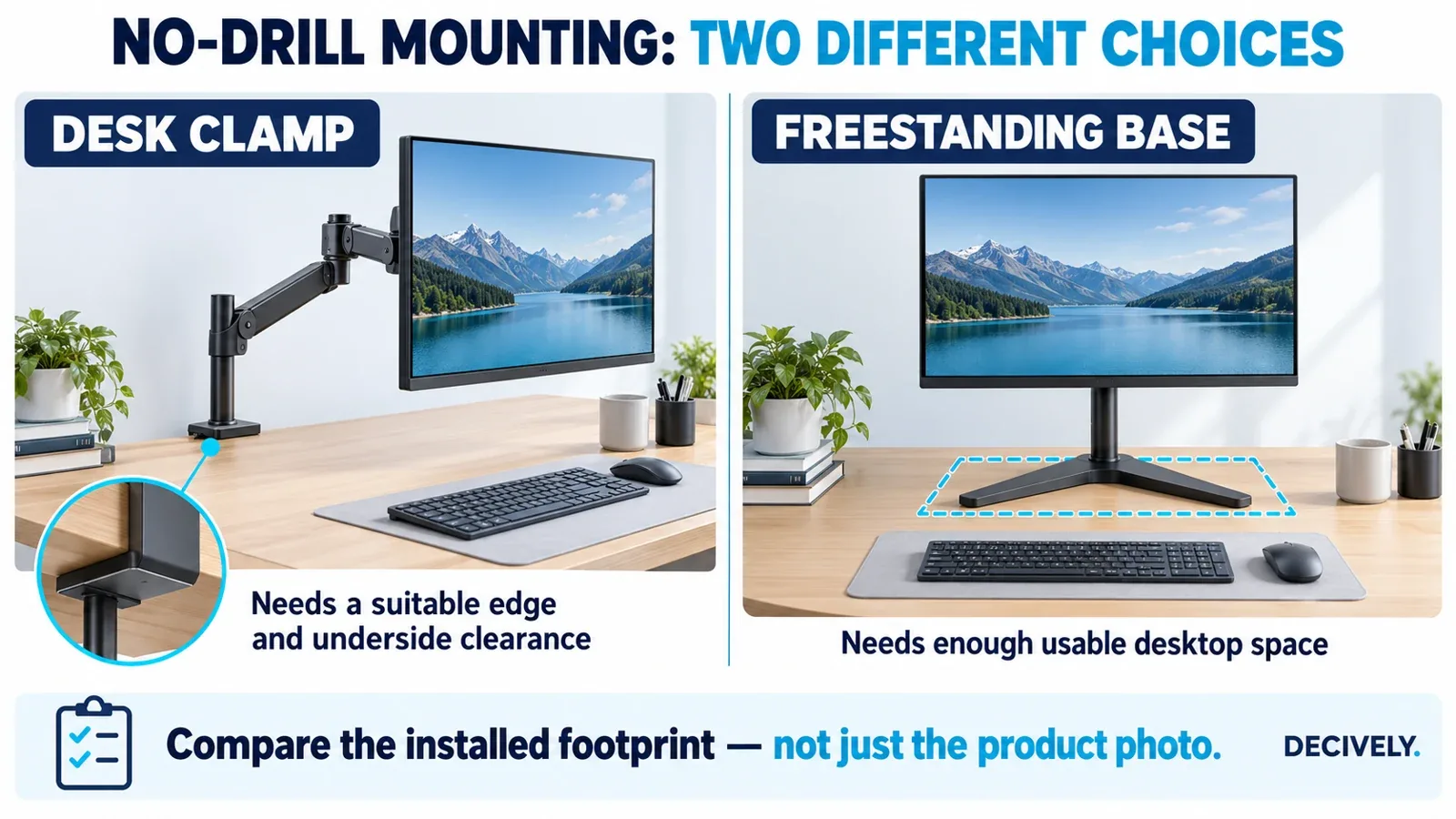
Generic clamp and freestanding arrangements. A smaller clamp footprint does not establish desk compatibility; a stand's base does not automatically save space.
Set up, remove and reuse it carefully
Support the screen during assembly, set the mechanism for its weight and leave cable slack for normal movement. Check the monitor's permitted position before tidying the cables. If the clamp slips, the desktop deforms or a joint cannot hold its position, stop and recheck the instructions and compatibility.
When moving out, support and remove the monitor before releasing the clamp, following the disassembly guidance. Keep the fittings and tools together. A monitor arm for renters that fitted the old desk still needs a fresh fit check at the next home.
For a broader choice between freestanding bases, risers and other arrangements, see our monitor arm alternatives for small apartments. Choose the solution around the actual mounting restriction.
Monitor arm for renters: common buying questions
Does a clamp monitor arm damage a desk?
It can leave marks or damage an unsuitable surface. Correct fit, supplied contact pads and proper installation reduce avoidable problems, but this guide does not establish a damage-free guarantee.
Can I use an existing cable hole for a grommet mount?
Only if its size, location, desktop material and underside clearance meet the mount's requirements and the installation is permitted. Do not enlarge the hole simply because the arm includes grommet hardware.
What if the desk has no usable edge?
Keep the original stand or compare a freestanding VESA base. Do not force a clamp against an apron or rely on an adhesive wall attachment as a substitute for a specified load-bearing mount.
Sources and research notes
Primary documents: VIVO STAND-V001O specifications and linked manual; Ergotron LX Pro specifications and mounting configurations; LX Pro dimensioned drawing; VIVO STAND-V001H specifications and linked manual.
Decively has not performed clamp-load, surface-damage or long-term durability tests. Product photographs are existing supplied/manufacturer images. The cover and diagrams are original AI-assisted editorial illustrations. Retail availability, sellers, selected variants and international Amazon destinations can change.