How to improve webcam lighting before buying anything
To improve webcam lighting when your face looks dark on video calls, move the brightest light in front of you before replacing your webcam. A window behind your chair can leave your face in shadow. A small adjustable light becomes useful when daylight is unreliable or your desk cannot move.
Our shortlist: Logitech Litra Glow for a compact monitor-mounted setup; Elgato Key Light Neo with Clamp for adjustable desk placement and more brightness headroom. Neither fixes a poor internet connection or guarantees a particular camera result.
Free fixes for improving webcam lighting
- Face the window. Position your desk so daylight reaches your face from in front or slightly to one side. Use a curtain if direct sun is harsh.
- Reduce backlighting. Move away from a bright window behind you, or close its blinds.
- Raise the camera. Bring it near eye level and clean the lens. Keep the laptop stable rather than balancing it precariously.
- Preview your actual meeting app. Check framing and exposure at the time you normally take calls.
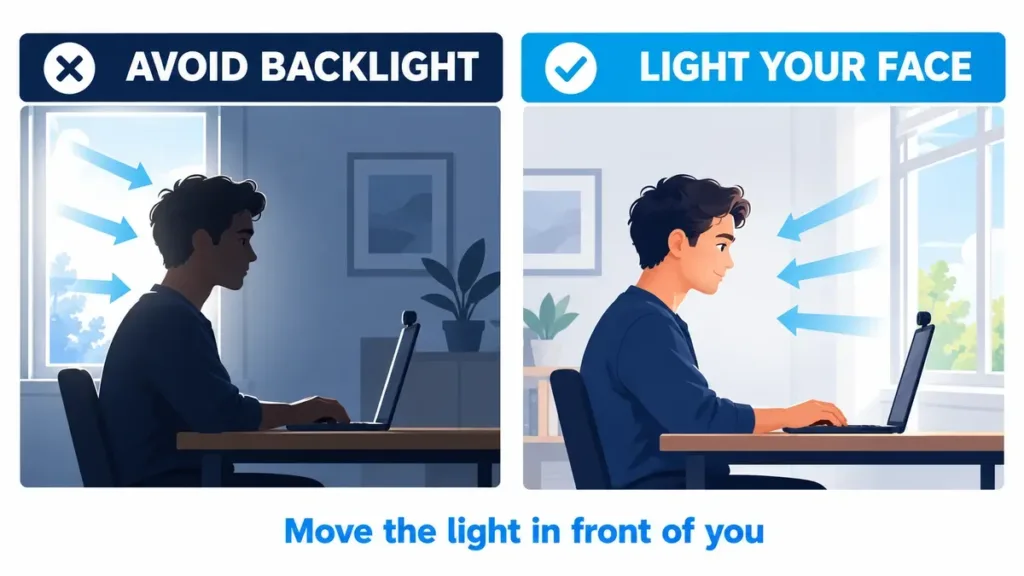
Conceptual placement illustration; not a measured product comparison.
Where should a webcam light go?
To improve webcam lighting with a small panel, start near the camera, slightly above eye level, then move the light a little to one side. Increase brightness only until your face is readable; a washed-out face is not an improvement.
When improving webcam lighting for glasses, adjust the light’s height and angle while watching the preview. Reflections depend on your lenses, camera position and room. A larger or brighter light can still reflect in glasses.
Keep the room softly lit instead of creating an extremely bright face against a completely dark background. Match the light’s color temperature to your surroundings rather than mixing an orange desk lamp with a very cool panel.
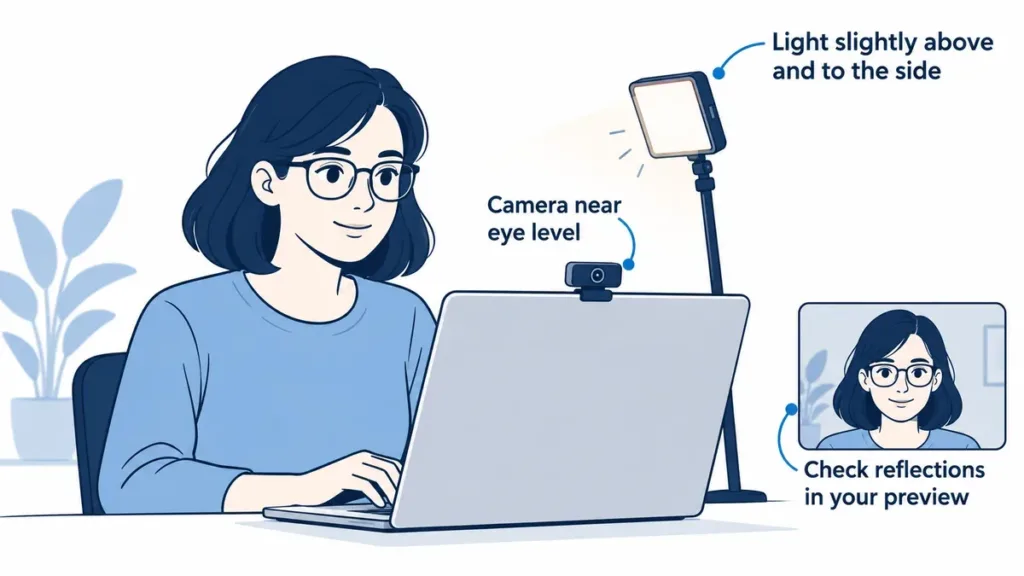
Conceptual placement illustration; not a measured product comparison.
Logitech Litra Glow: compact fill light
Consider it if: you want a small light close to a laptop or monitor, with straightforward brightness and color-temperature adjustments.
Logitech specifies a removable monitor mount, USB power and a 2700–6500K color-temperature range. Optional G HUB software provides desktop controls. Its maximum rated output is 250 lumens, which makes it a compact fill-light option rather than a way to illuminate a whole room.
The main trade-off: positioning depends on your screen and mount. Check clearance around the webcam, screen stability and an appropriate USB connection. Do not assume every low-power hub supplies what the light needs.
Elgato Key Light Neo: check power and mounting
Consider it if: a desk-mounted light gives you more useful positioning than a panel resting on the screen. The Amazon option linked below is the Key Light Neo with Clamp bundle, not the mount-only accessory or the no-mount version.
Elgato rates the panel at 400 lumens on 4.5W USB-A power, 700 lumens on 7.5W USB-C power and up to 1,000 lumens with a suitable 3A supply. Those are manufacturer specifications, not results from our testing. Physical controls work without installing its optional Control Center software.
The main trade-off: maximum brightness requires suitable power. Budget for an adapter if your selected bundle does not include one, and verify that the clamp fits your desk. A brighter panel does not automatically make you look better.
Before buying, check the whole setup
- Mount: monitor support versus desk-clamp clearance and thickness.
- Power: available USB output, cable length and any extra adapter.
- Controls: physical adjustments if you prefer not to install another app.
- Real cost: exact bundle, shipping, tax and accessories.
- Returns: seller terms, because fit and reflections are difficult to judge online.
What to buy for improving webcam lighting
As an Amazon Associate, Decively earns from qualifying purchases. These affiliate links do not increase your price.
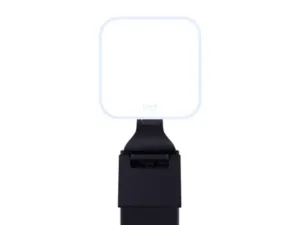
Logitech Litra Glow
View Litra Glow on Amazon →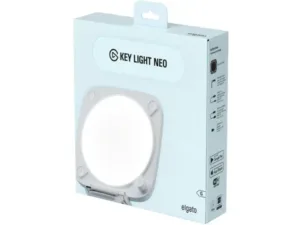
Elgato Key Light Neo with Clamp
View Key Light Neo with Clamp on Amazon →Verify current price, selected bundle, power supply, mount, seller and returns. Amazon may redirect to a local store; confirm the model before ordering.
Buy for the constraint you cannot fix
You may be able to improve webcam lighting without buying anything: keep your money if moving toward daylight already solves the problem. Consider Litra Glow when compact screen-mounted fill light fits your desk. Consider the Key Light Neo clamp bundle when adjustable desk placement matters and you can provide suitable power.
If your image stays blurry after improving webcam lighting, inspect focus, lens cleanliness, camera settings and connection quality before buying more lighting. For a cramped setup, our monitor-arm buying guide explains another way to reclaim desk space.
Sources and research notes
Method: desk research; no hands-on testing, controlled image-quality comparison or brightness measurement by Decively. Information checked October 3, 2026. U.S. buying context; bundles, delivery and return terms vary by market. The illustrations explain placement and do not show measured product performance.
We compared official specifications, mounting and power requirements, and checked the linked Amazon product identities. Manufacturer lumen figures do not measure how your webcam will render a face. Product thumbnails are manufacturer images; the Elgato thumbnail shows the light’s retail box, not every component of the clamp bundle.
Primary references: