Quick verdict: fit comes before brand
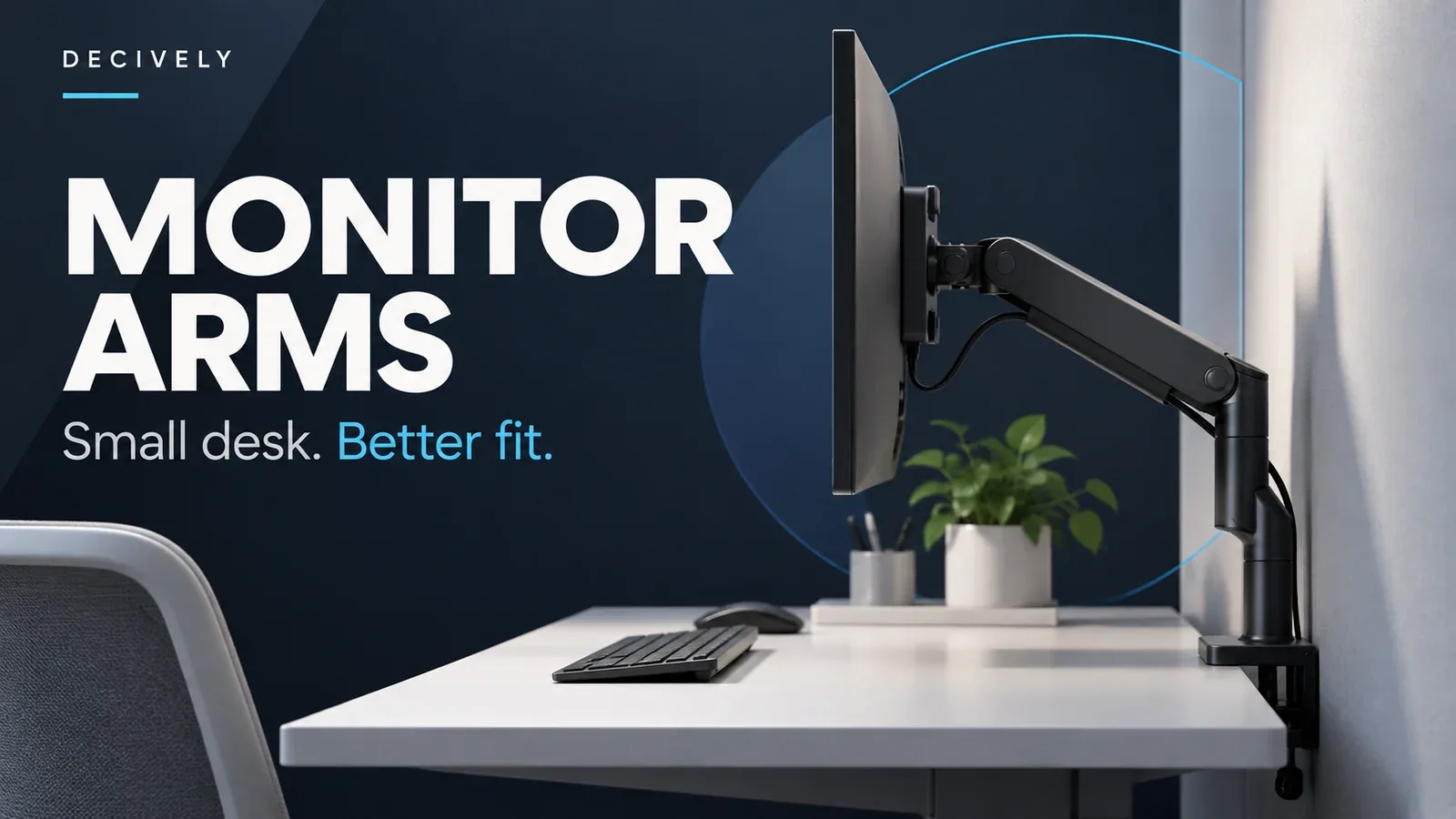
The best monitor arm for a small desk is the one that supports your screen, clamps safely to your desktop and leaves enough room to move. A large screen-size claim alone does not answer those questions.
For the full screen-compatibility and mounting checklist, start with our monitor arm buying guide, then use this guide to compare the constraints of a small desk.
- HUANUO FlowLift HNSS6: consider it for a compatible 13–32-inch monitor when you want convenient height adjustments.
- VIVO STAND-V001: consider it for a mostly fixed setup where height adjustment along a pole is acceptable.
- Ergotron LX Pro: consider it when frequent repositioning, an expandable system and a longer manufacturer warranty justify the extra spend.
Research method: desk research using manufacturer specifications and documentation. We have not physically tested these arms. No stability, durability or comfort scores are implied.
Affiliate disclosure: As an Amazon Associate, Decively earns from qualifying purchases. The Amazon links below are affiliate links and may earn us a commission at no additional cost to you.
Before buying a monitor arm, check these five things
1. Monitor weight without the stand
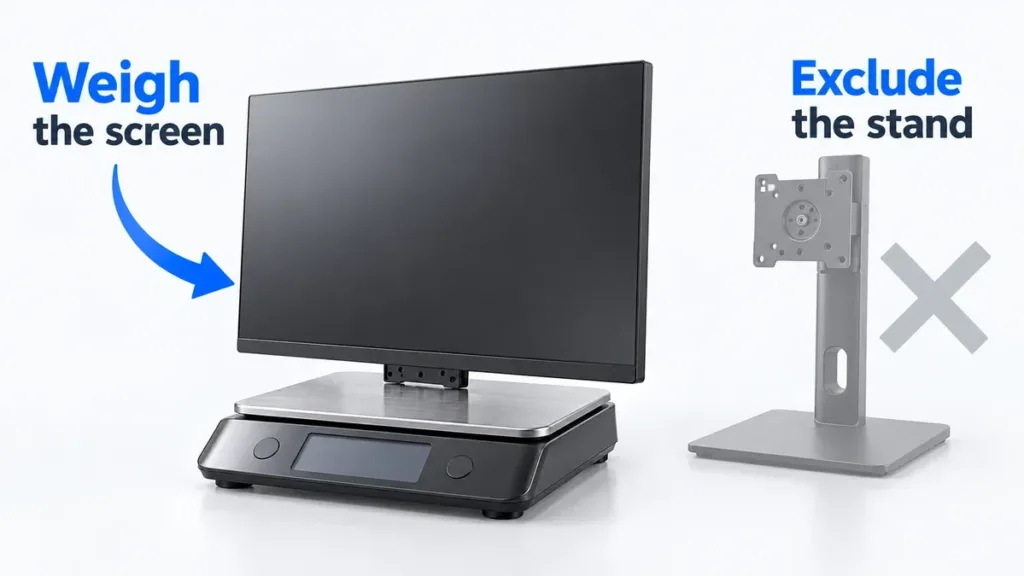
Look up the weight of the screen itself, not the boxed weight or the weight including its original stand. Spring-assisted arms have a minimum as well as a maximum load: a very light monitor can be just as unsuitable as a heavy one. Include any accessories attached to the display.
2. VESA mounting holes
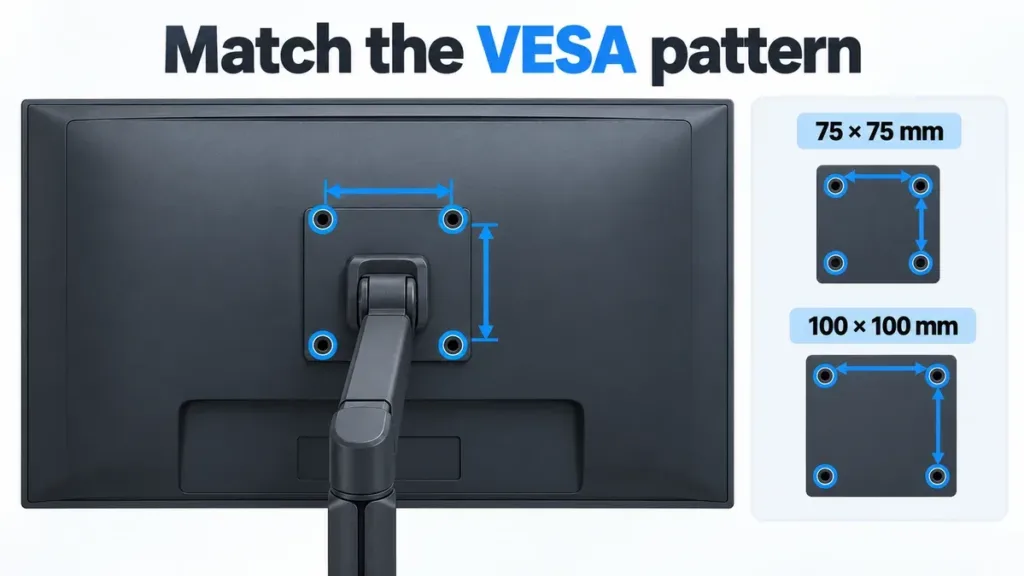
All three options use 75 × 75 mm or 100 × 100 mm VESA patterns. Check your monitor’s manual and the actual rear panel. A recessed mounting area, unusual screw requirement or missing VESA holes can mean extra hardware—or a different mount.
3. Desk thickness and underside clearance
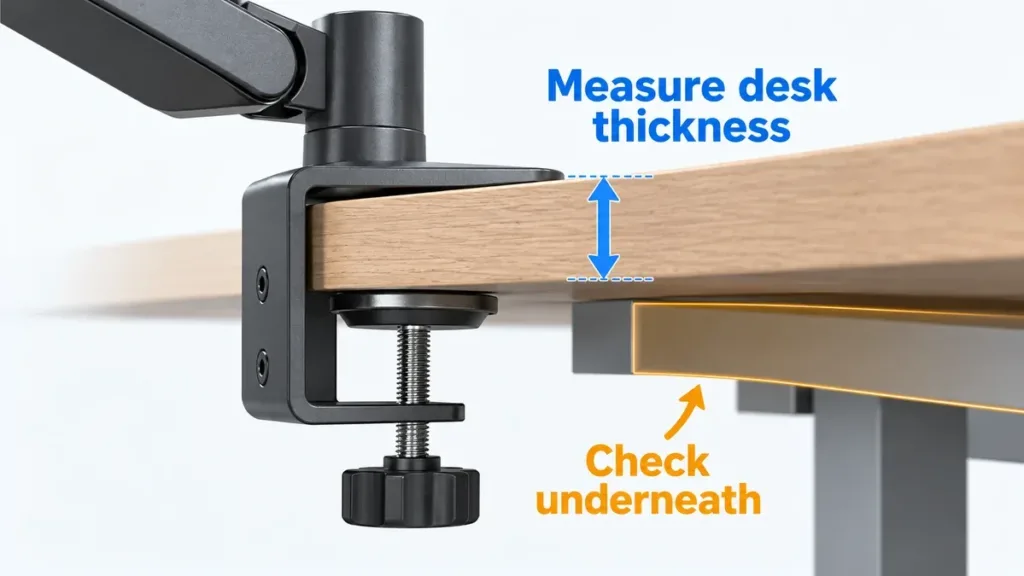
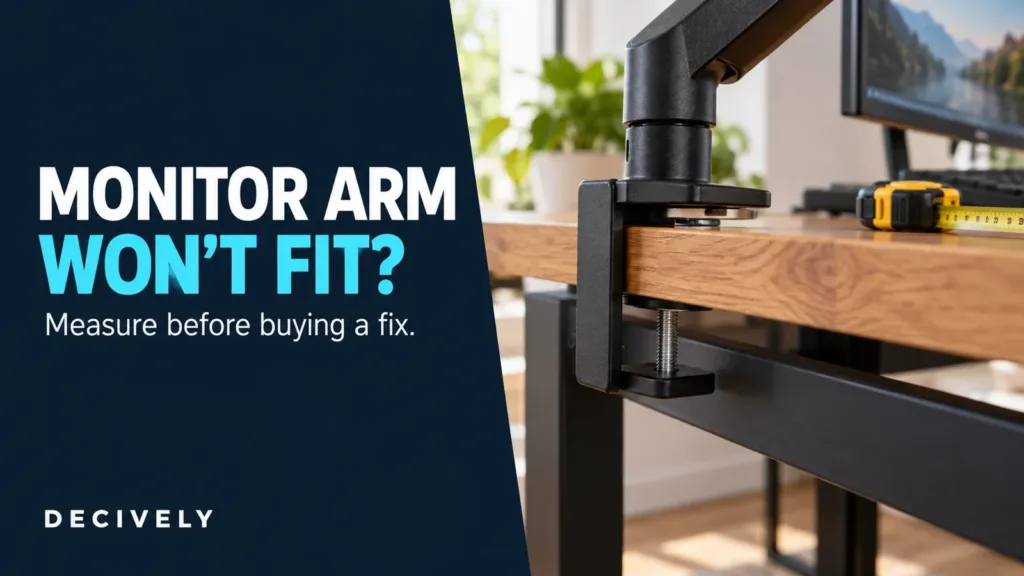
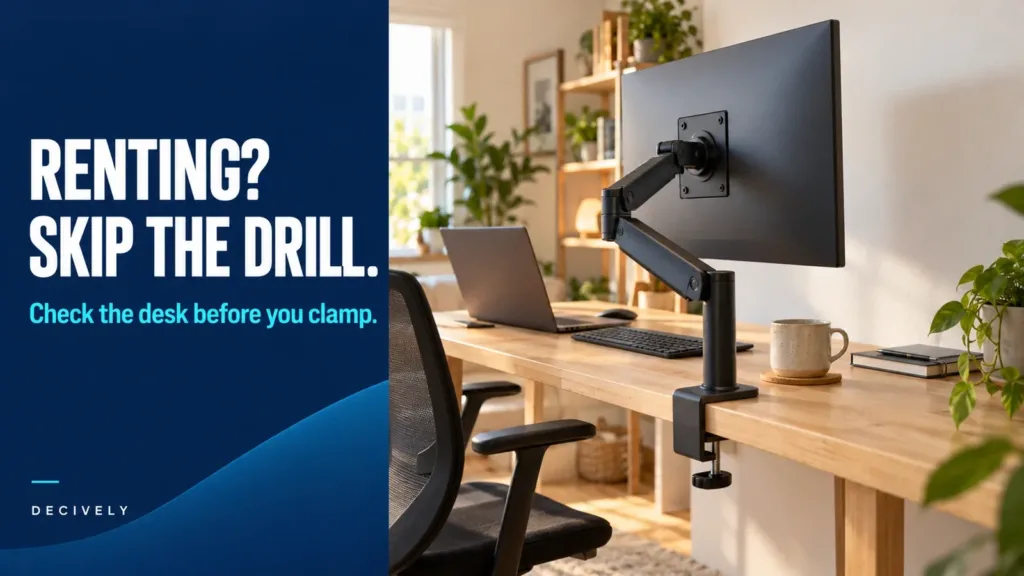
Measure at the exact clamp position. A rear frame, drawer, cable tray or beveled edge can block the lower clamp even when the desktop thickness looks compatible. Check the desk maker’s guidance before clamping to glass, a hollow-core top or another delicate surface. A reinforcement plate does not automatically make an unsuitable desk safe.
4. Clearance behind the desk
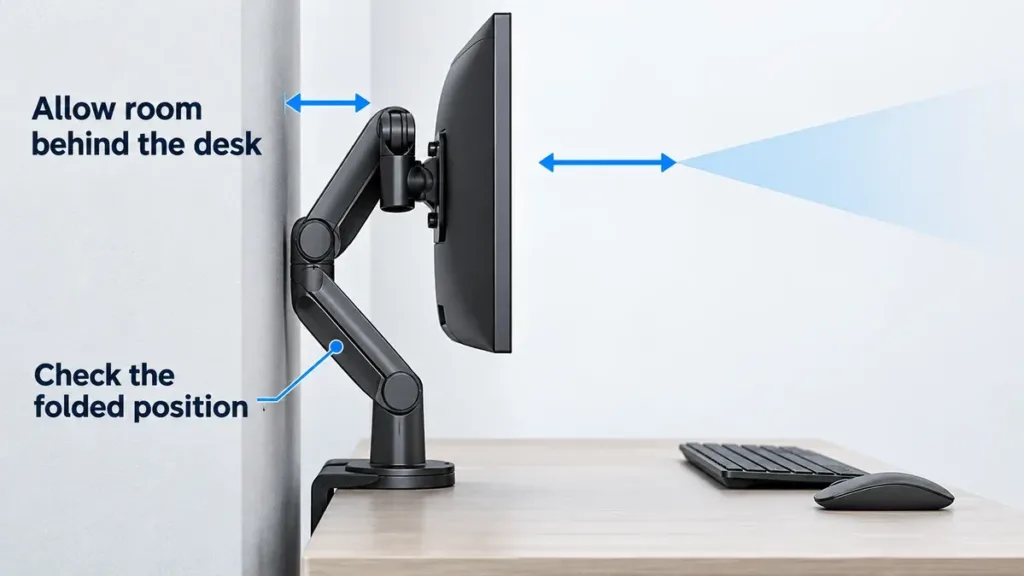
An articulated arm needs room for its joints as it folds. If your desk sits against a wall, measure the available gap and check the arm’s movement diagram. Maximum extension is not the same as minimum wall clearance. A mount that replaces a bulky monitor base can still push the screen too far forward.
5. How often you will move it
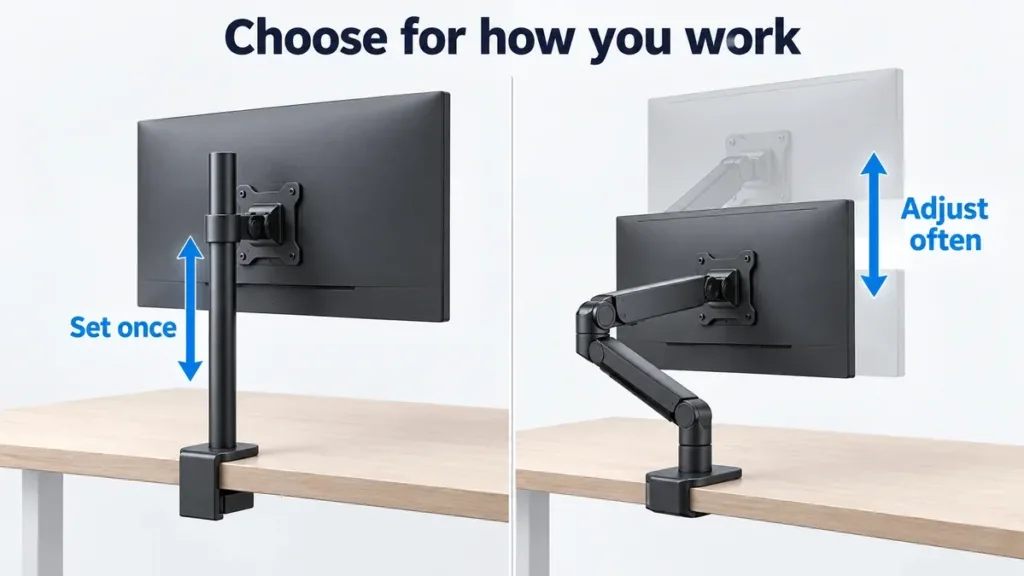
For one seated position, a pole-mounted arm may be enough. If you regularly change height or share the desk, a spring-assisted or counterbalanced design is more convenient in principle. On a shallow desk, prioritize a usable viewing position over the longest possible reach.
Three monitor arms to compare for a small desk
These are different routes to a better-fitting setup, not a ranked list. Choose around the measurements above, then compare the current price of the exact configuration.
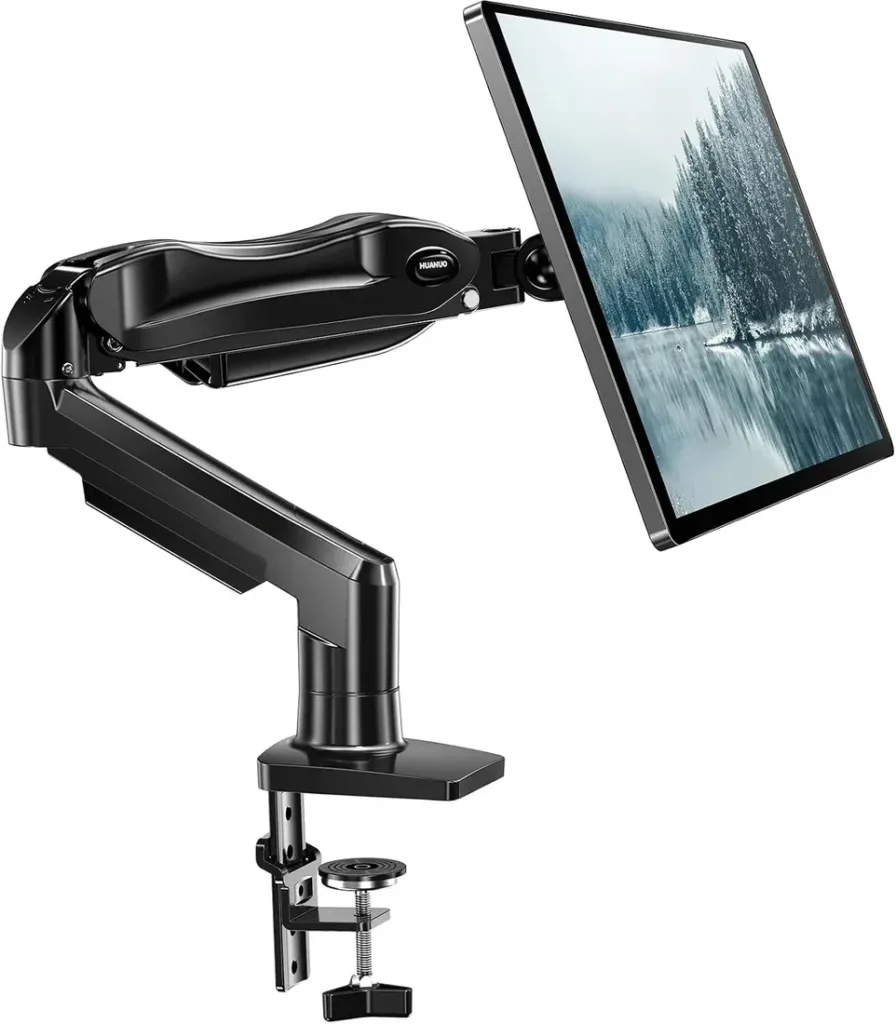
HUANUO FlowLift HNSS6: for convenient repositioning
This gas-spring option covers 13–32-inch screens weighing 4.4–19.8 lb. It provides clamp and grommet mounting options, with a listed maximum height of 15.75 inches. The useful distinction is adjustable height without sliding a mount up and down a fixed pole.
Consider it if: your screen falls within the load range and you expect to change its position regularly.
Main limitation: the minimum load matters, and screen size does not guarantee desk or wall clearance. Check the HNSS6 manual for the exact mounting requirements; similar HUANUO models can have different specifications.
HUANUO FlowLift HNSS6. Monitor shown for installation context; it is not included.
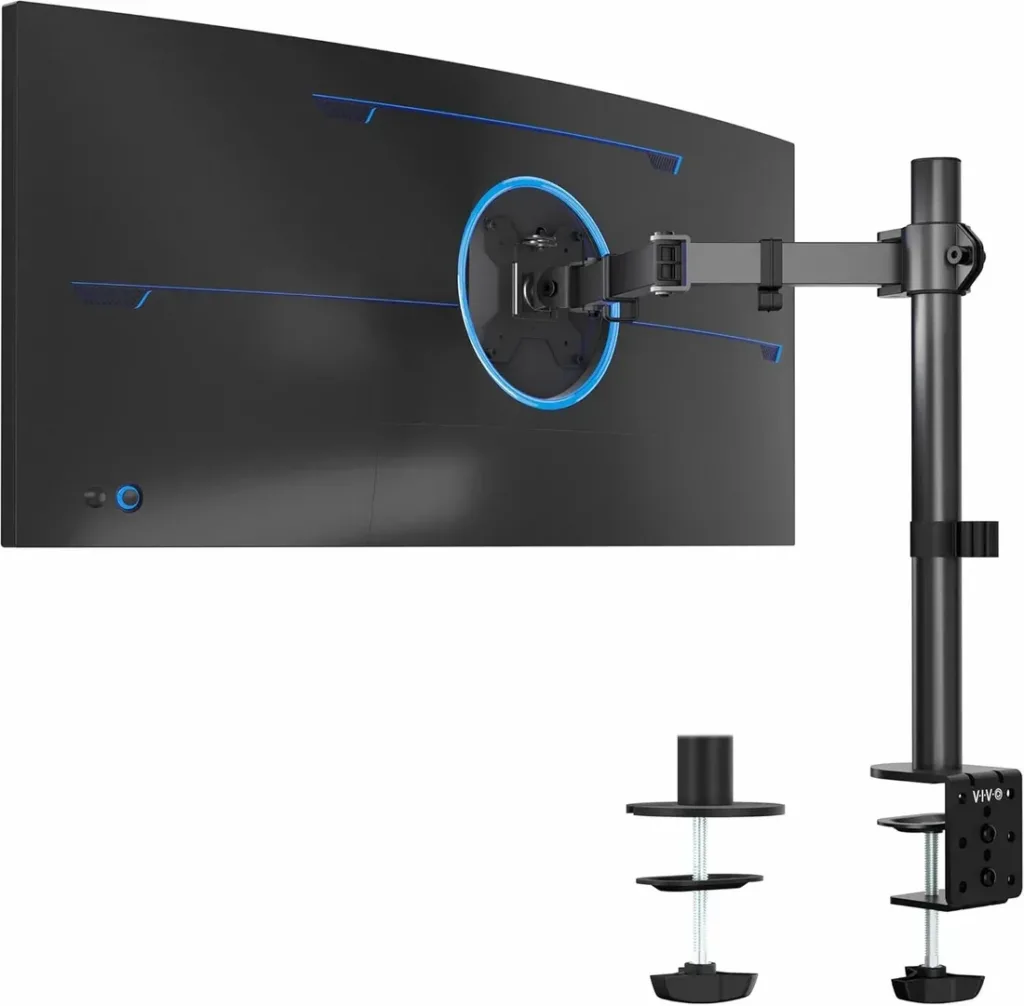
VIVO STAND-V001: for a mostly fixed setup
VIVO specifies support for regular 13–32-inch monitors and ultrawides up to 38 inches, with a 22 lb maximum load. Its 17-inch pole provides height adjustment along the column; this is not a gas-spring lift. The manufacturer lists a 3.25-inch maximum desktop thickness and up to 16 inches of extension.
Consider it if: you want to remove the original monitor base and usually keep the screen at one height.
Main limitation: changing height along a pole is less convenient than a counterbalanced lift. The 38-inch ultrawide claim is conditional on weight and VESA fit—not approval for every 38-inch screen.
VIVO STAND-V001 with pole, clamp and grommet hardware. Monitor not included.
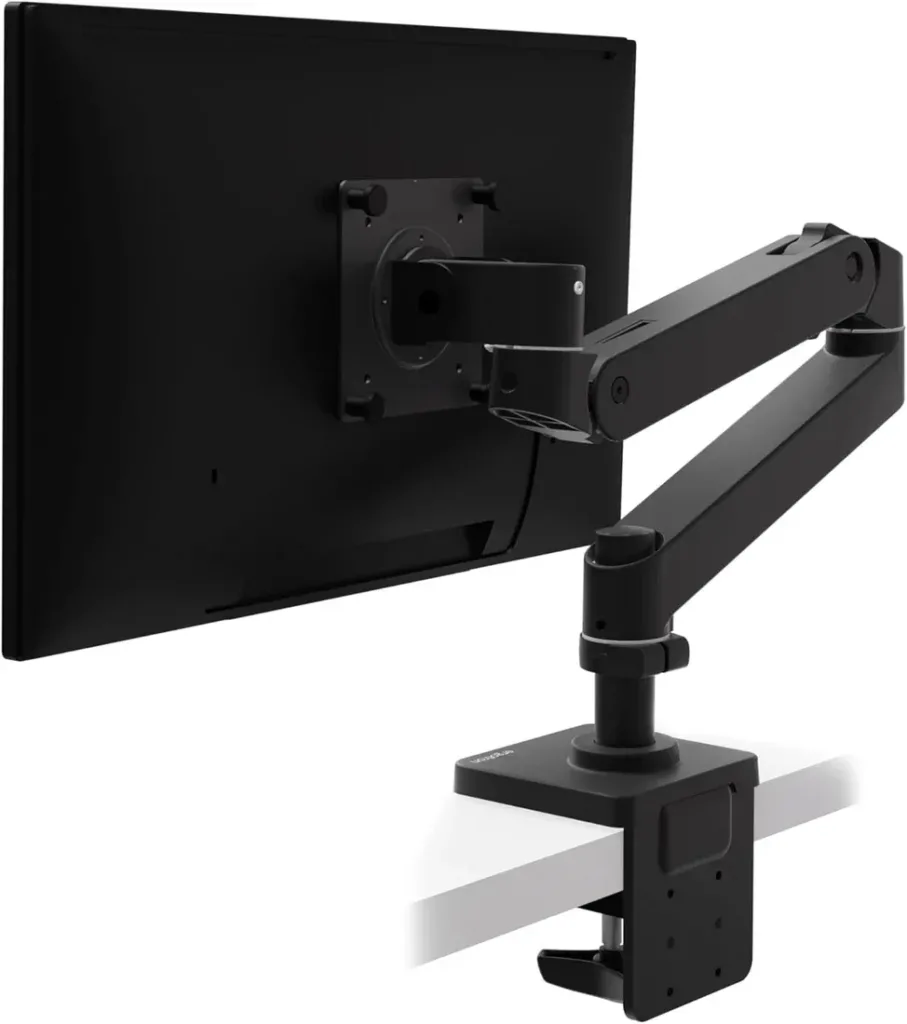
Ergotron LX Pro: for frequent adjustment and future changes
The LX Pro supports a manufacturer-listed 4–22 lb load range, typical screens up to 34 inches and about 13 inches of lift. It uses Ergotron’s Constant Force mechanism and includes a rotation stop. The official specification sheet lists a 10-year warranty; check the applicable terms and seller before buying.
Consider it if: you will use the adjustment regularly and value an accessory system that can adapt to later changes.
Main limitation: extra accessories add to ownership cost. A grommet accessory is sold separately for the clamp configuration. Do not confuse the LX Pro’s specifications with those of the older LX.
Photo shows the black LX Pro. The supplied Amazon link selected white in our location-based check; confirm the color and mounting configuration before checkout. Monitor not included.
The cost is more than the arm
Before comparing prices, include any required VESA adapter, approved desk reinforcement, grommet accessory or longer cables. Check what is in the box rather than assuming every mounting option is included. Returns matter if your desk geometry turns out to be incompatible; confirm the seller’s current policy before ordering.
During installation, support the monitor while attaching or repositioning it and follow the model’s instructions for clamp tightening and tension adjustment. Leave enough cable slack for the full movement range. Test the intended screen position before routing all cables neatly.
Which monitor arm should you choose?
Choose HUANUO if your monitor meets its spring-load range and regular repositioning is the priority. Choose VIVO if a pole-based setup meets your needs and its current total cost is attractive. Shortlist the LX Pro if its adjustment mechanism, accessory options and warranty are features you will actually use.
If the desk cannot accept the mount safely, or the screen ends up too close to your face, choose a different mounting solution—or keep the original stand. No saving or premium brand name overrides a poor fit. The deciding factor is usable space after installation, not the arm’s advertised screen size.
Common questions
Does a monitor arm always save space on a small desk?
It can remove a bulky monitor base, but the arm still occupies space behind or under the desktop. Check the folded position and wall gap, especially on shallow desks.
Can a 38-inch ultrawide use the VIVO STAND-V001?
VIVO lists ultrawides up to 38 inches, but the screen must also stay within the 22 lb load limit and have a compatible VESA pattern. Check the monitor’s weight without its stand.
Will a monitor arm fix neck pain?
It changes where you can position the display; it does not guarantee comfort or treat a medical condition. Chair height, viewing distance and the rest of the workstation still matter.
Primary references
Method: desk research; no hands-on stability or long-term durability testing. Information checked: October 3, 2026. Models covered: HUANUO HNSS6, VIVO STAND-V001 and Ergotron LX Pro. Scope: U.S.-oriented buying guidance. Retail listings, warranty terms and bundles can vary by country. No fixed Amazon price is quoted.
HUANUO HNSS6 official specifications
HUANUO HNSS6 installation manual
VIVO STAND-V001 specifications and mounting information
Ergotron LX Pro official specification sheet and accessories
Product photographs were supplied for this article. The cover and five instructional diagrams are original editorial illustrations, not photographs of the reviewed models. No review scores, medical benefits or universal winners are claimed.