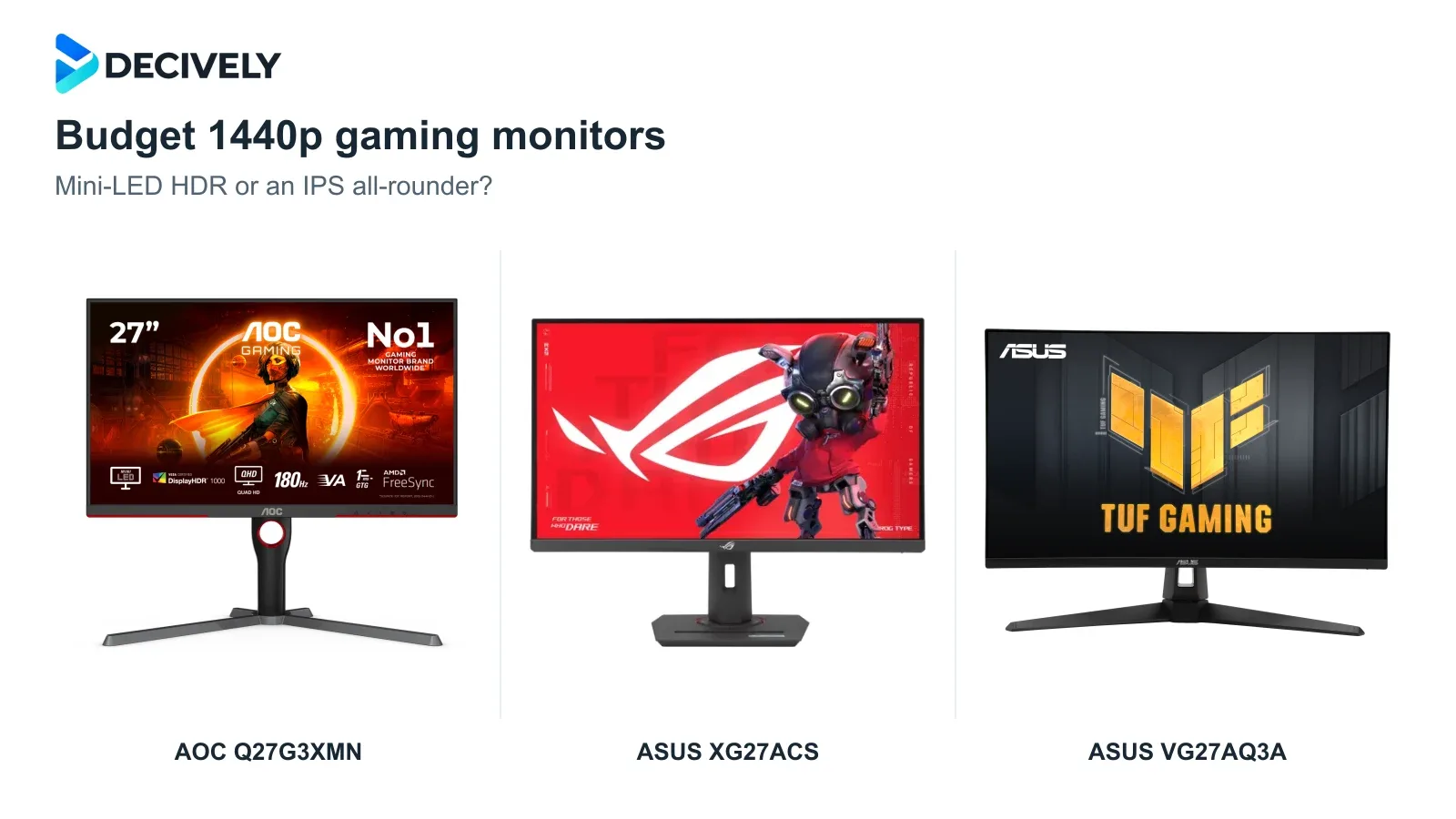
The best budget 1440p gaming monitor depends on what you notice most: convincing HDR, clear movement or the lowest sensible cost. These three 27-inch models reach up to 180Hz, but their picture quality and everyday compromises differ.
Quick verdict
Best for HDR games: AOC Q27G3XMN. Its Mini-LED backlight gives dark scenes and bright highlights more impact than these basic IPS alternatives. The compromise is some dark smearing and potential VRR flicker.
Best balanced IPS choice: ASUS ROG Strix XG27ACS. Buy it for responsive gaming, a fully adjustable stand and occasional laptop video over USB-C. Its HDR picture is limited, and USB-C is not a laptop-charging dock.
Best when discounted: ASUS TUF VG27AQ3A. It keeps 1440p/180Hz, VRR and speakers. Choose it when the saving over the XG27ACS matters more than height adjustment; at similar prices, prefer the ROG.
Affiliate links. As an Amazon Associate I earn from qualifying purchases. Check the exact model, seller, current price, delivery, warranty and returns; availability and local alternatives vary.
Three budget 1440p gaming monitors compared
Why 180Hz and 1ms do not tell the whole story
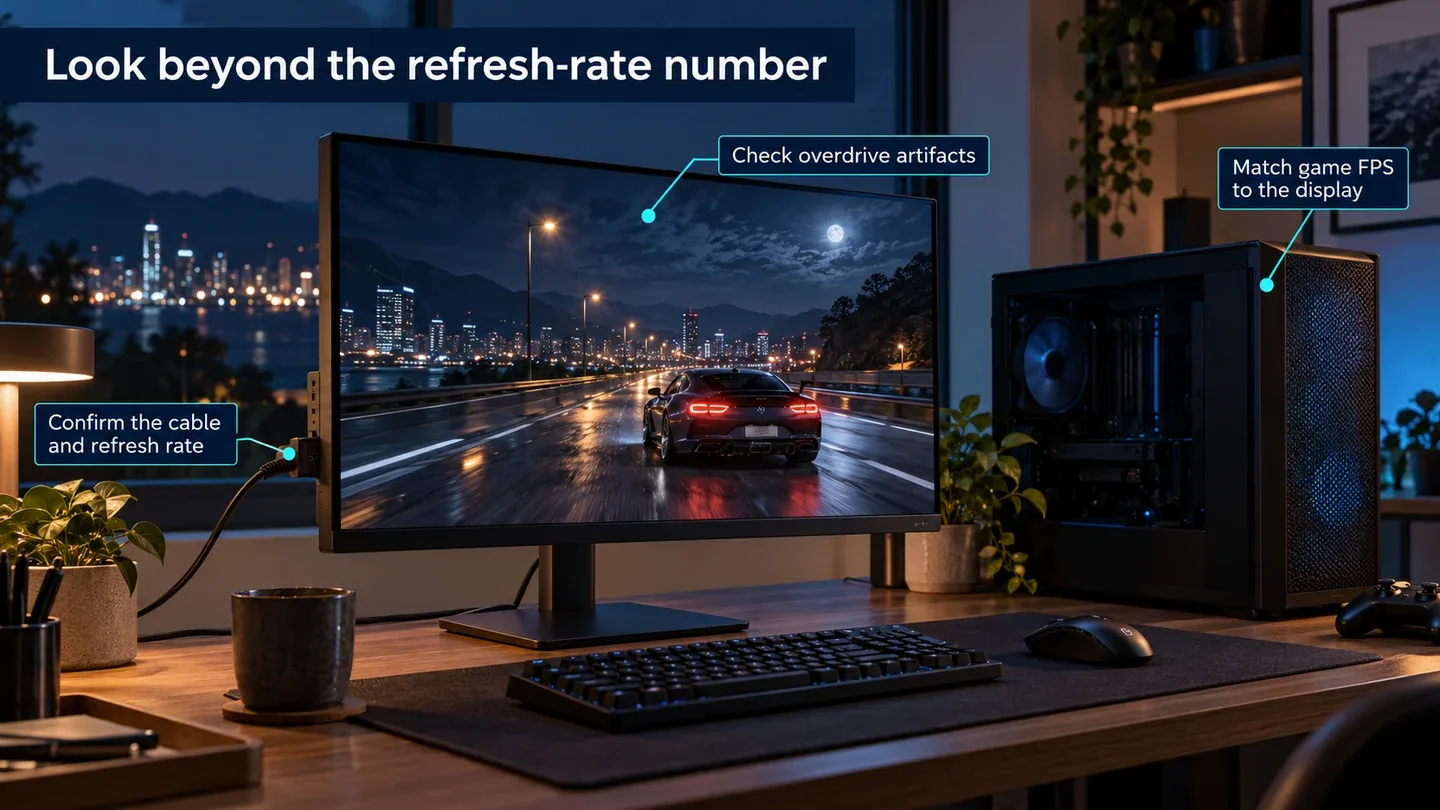
Generated explanatory illustration with generic equipment, not a product photograph, benchmark or wiring diagram. Check game frame rates, overdrive behavior and the supported video connection.
Refresh rate is only the ceiling. At 180Hz, a new refresh begins about every 5.56ms, calculated as 1000 ÷ 180. Your PC still has to render the frames. Check performance in the games and settings you actually use before paying extra for a higher-Hz screen.
Response time describes a different job. Pixels must change quickly enough without bright or dark trails. Advertised 1ms figures do not prove that every transition is that fast. Stronger overdrive can reduce blur but create inverse ghosting; inspect both fast play and lower-frame-rate scenes.
VRR helps when frame rates vary, but it is not flawless. RTINGS observed visible flicker with fluctuating frame rates on the AOC and some inverse ghosting at lower refresh rates on the XG27ACS. These are different compromises; no monitor here gets a blanket artifact-free claim.
Which monitor fits your games?
AOC Q27G3XMN: prioritize HDR over IPS viewing angles
This is the strongest HDR choice of the three for atmospheric adventures and dark-room gaming. Its local dimming can brighten highlights while keeping surrounding areas darker. That is a practical hardware advantage over accepting an HDR signal on a screen without local dimming.
RTINGS found good local dimming, low input lag and fast overall response, alongside some black smearing and distracting VRR flicker. Sit reasonably centered: viewing angles are narrower than the IPS alternatives. Mini-LED is not pixel-level OLED control, so do not expect every bright object against black to be halo-free.
ASUS XG27ACS: the more complete everyday IPS setup
Choose this ROG for shooters, racing and work on the same desk when its premium over the TUF is modest. The stand adjusts in height and rotates into portrait; USB-C accepts DisplayPort video from a compatible laptop. Its 7.5W power delivery does not replace the laptop charger.
RTINGS found sharp motion across the refresh range and low input lag, but some inverse ghosting at lower refresh rates. Its test also found image duplication with ELMB strobing, low contrast and weak HDR highlights. Buy the practical stand and gaming behavior, not the HDR badge.
ASUS VG27AQ3A: worthwhile when the discount is real
The TUF makes sense when it is clearly cheaper, especially if you already use a compatible monitor arm. It retains 180Hz, Adaptive-Sync and ELMB Sync, adds basic speakers and has two HDMI inputs. Its included stand tilts and swivels but cannot move vertically.
TechPorn tested this exact model and preferred overdrive Level 4: lower settings increased blur, while Level 5 added artifacts. It measured roughly 236 nits maximum SDR brightness and found HDR unconvincing without local dimming. That is evidence for a modestly lit gaming desk, not a brightness or HDR upgrade over the ROG.
What to check before buying
Use the right input. Manufacturer documentation lists 1440p/180Hz over DisplayPort and up to 144Hz over HDMI for these models; the ROG also supports 180Hz over compatible USB-C video. The AOC reaches 180Hz through overclocking; its manual advises 165Hz if errors occur. Select the refresh rate in your PC settings rather than assuming it happens automatically.
Budget for the whole setup. An arm can erase the TUF saving, so compare its total cost with the height-adjustable ROG. All three use 100 × 100mm VESA mounting; see our monitor arm buying guide. For a laptop, check the output, dock and cable using our external-display connection guide.
Keep value conditional. Choose the AOC for HDR, the ROG for a more complete IPS setup, or the TUF for a meaningful saving. These are established models, not new 2026 launches. Avoid paying a premium simply for old list prices; compare current offers on newer tested monitors too. Console users should verify exact 1440p/120Hz and VRR support rather than buying for an unused 180Hz ceiling.
Research notes
Research checked 19 October 2026. Decively has not tested these monitors. Specifications come from AOC and ASUS; independent observations are attributed to RTINGS and TechPorn. Results use different methodologies and are not a Decively head-to-head benchmark. Product imagery: AOC and ASUS; composition: Decively.
AOC — Q27G3XMN specifications AOC — Q27G3XMN manual and supported refresh rates RTINGS — independent Q27G3XMN testing ASUS — XG27ACS specifications RTINGS — independent XG27ACS testing ASUS — VG27AQ3A specifications TechPorn — VG27AQ3A motion, brightness and HDR tests