
Start with the room, not the speed on the box
To fix weak Wi-Fi in one room, first check whether the problem is coverage or your internet connection. A range extender can help one isolated room; mesh makes more sense for several weak spots. For a desk that needs a dependable connection, Ethernet is often the simplest route.
These are research-based buying suggestions, not hands-on speed tests. Your walls, layout, router and devices affect results. Specifications and model identities checked October 4, 2026.
How to fix weak Wi-Fi in one room before buying
Run a speed test on the same phone or laptop near the router, then in the troublesome room. Repeat with another device. If everything is slow beside the router, investigate the internet service, router or device before buying coverage equipment.
Try moving the router into an open, central position, away from a cabinet or floor-level corner. Restart it and check for manufacturer firmware updates. Test 2.4 GHz if 5 GHz struggles through walls: it may reach farther, although congestion and lower speeds can be trade-offs.
If the connection improves dramatically near the router, coverage equipment may help fix weak Wi-Fi in one room. Placement comes first: an extender needs a usable signal to repeat. Putting it inside the dead zone simply gives it a poor starting point.
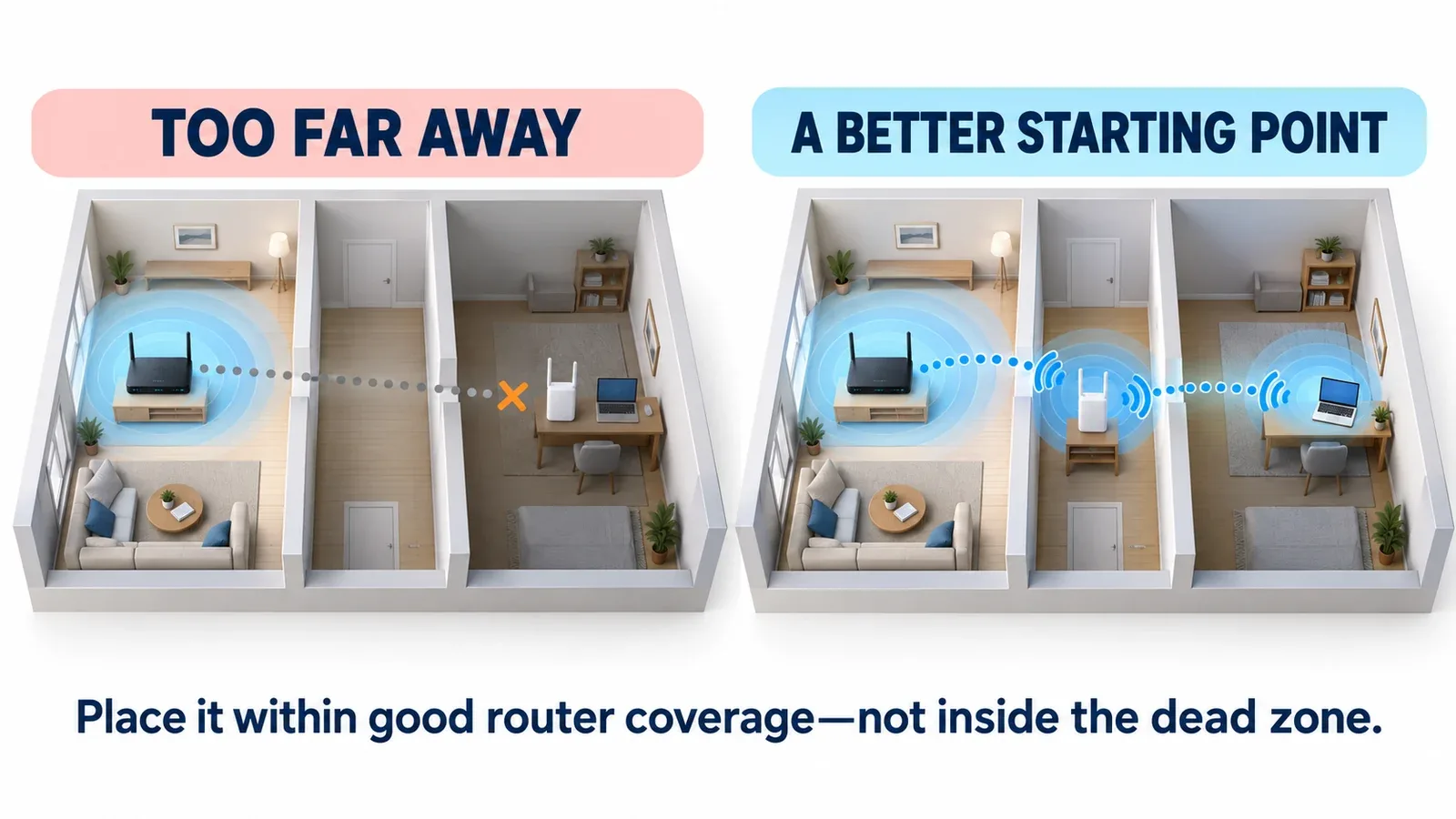
Placement illustration, not a guaranteed coverage map. Start where the router signal is still good, then test the room again.
What to buy to fix weak Wi-Fi in one room
TP-Link RE315: for one isolated coverage gap
The RE315 is an AC1200 dual-band range extender for a home where the existing router works well almost everywhere. Start with an outlet between the router and weak room, still within good coverage. Its signal indicator helps you adjust placement.
The limitation matters: its Ethernet port is 10/100 Mbps, so it is not a gigabit wired connection. “AC1200” is a combined theoretical wireless classification, not the download speed you should expect. Shortlist it for basic browsing and a modest coverage gap.
TP-Link Deco X55 (2-Pack): for several weak spots
This Wi-Fi 6 mesh kit is a better starting point when you want coordinated coverage across multiple rooms. Connect the main Deco to your existing modem or gateway; place the second where it can maintain a useful connection, rather than at the farthest corner.
Each unit has three gigabit Ethernet ports, and Ethernet backhaul is supported if you can wire the units together. Access Point mode can suit an existing router. Two units are not a coverage guarantee; buy for your layout, not the advertised square footage alone. Read our TP-Link Deco X55 review for a closer look at two-pack coverage, backhaul and limitations.
Cable Matters Cat6, 25 ft: for one work desk
A wired Ethernet connection bypasses the weak wireless link for a laptop or desktop. This 25-foot Cat6 patch cable is worth considering if a safe route reaches a router LAN port. Measure the real cable path, not the straight-line distance.
Your computer needs Ethernet or a compatible adapter. Keep the cable out of walkways, and use appropriately rated cable for in-wall or outdoor runs. This option improves one device’s connection; it does not fix the room’s Wi-Fi for phones.
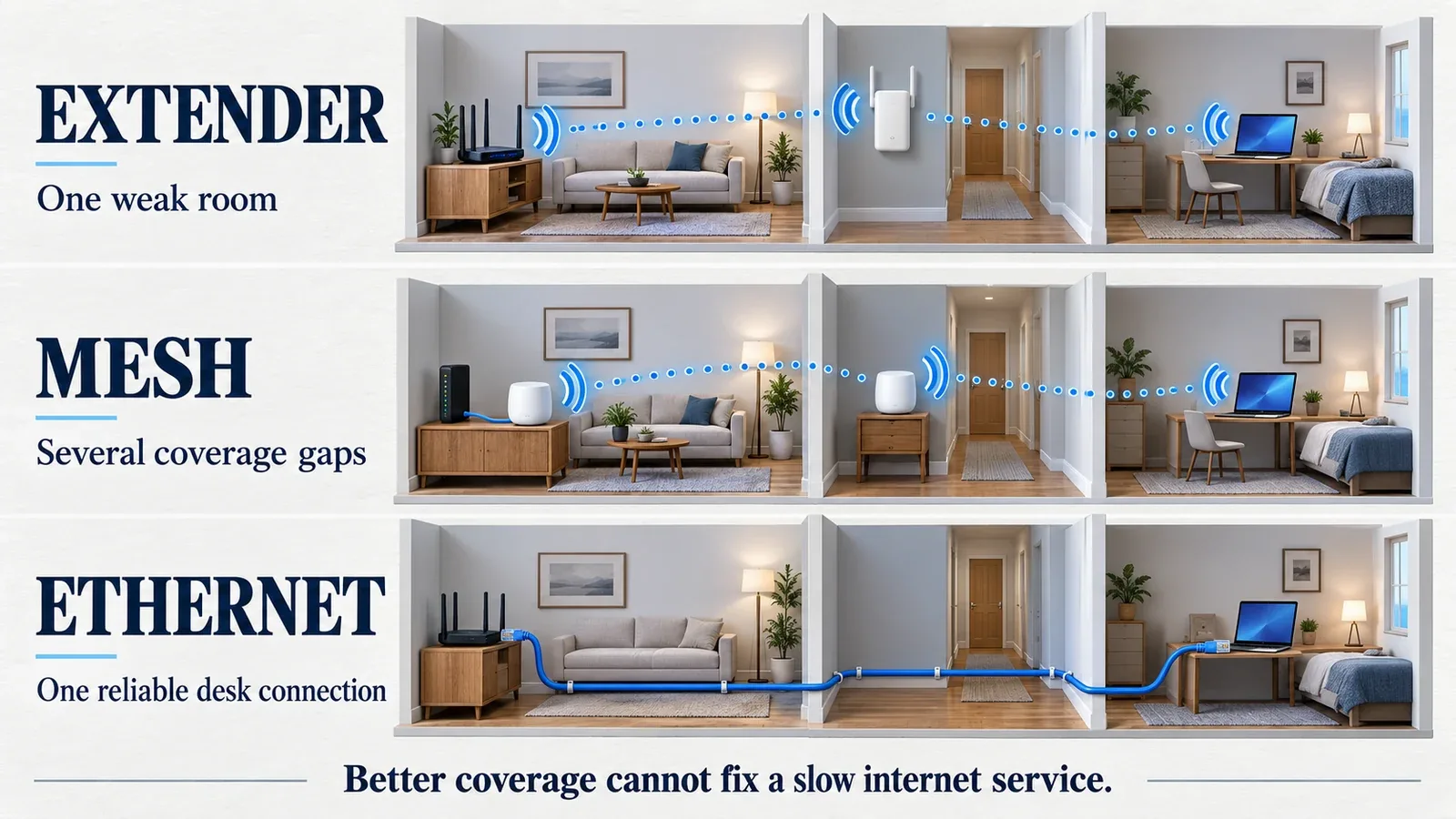
Connection illustration. Mesh and extender coverage depend on placement; Ethernet connects an individual device.
AVAILABLE ON AMAZON · AFFILIATE LINKS
Compare the current offers.
Choose the connection your room needs. Check the exact model, current price, seller and return conditions.
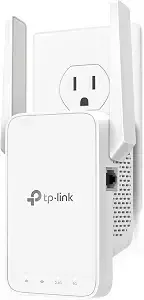
TP-Link RE315
Check price on Amazon →
TP-Link Deco X55 (2-Pack)
Check price on Amazon →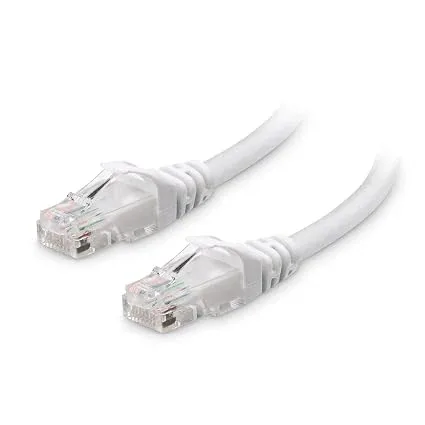
Cable Matters Cat6 — 25 ft
Check price on Amazon →As an Amazon Associate, Decively earns from qualifying purchases. Offers and availability can change.
Wi-Fi extender vs. mesh: choose for your room
To fix weak Wi-Fi in one room without replacing a working setup, start with the extender. Choose mesh when several areas need attention. Choose Ethernet when one workstation matters most. You rarely need all three purchases.
Three checks before you order
Placement: Is there a suitable outlet with good router reception? Compatibility: Check your gateway, setup requirements and intended router or Access Point mode. Practical fit: Measure the cable route or available shelf space and read the return conditions.
Will an extender make your internet faster?
Coverage equipment cannot increase the speed of your internet plan. It may improve performance where weak reception was the bottleneck. To fix weak Wi-Fi in one room successfully, diagnose, place the equipment carefully and retest before buying another device.
AVAILABLE ON AMAZON · AFFILIATE LINKS
Buy for the connection you actually need.
Choose the connection your room needs. Check the exact model, current price, seller and return conditions.
TP-Link RE315
Check price on Amazon → TP-Link Deco X55 (2-Pack)
Check price on Amazon → Cable Matters Cat6 — 25 ft
Check price on Amazon →As an Amazon Associate, Decively earns from qualifying purchases. Offers and availability can change.
Primary references
Manufacturer documentation supports the specifications and setup guidance above. Illustrations explain connection types; they do not represent measured performance.
TP-Link RE315 specifications
TP-Link Deco X55 specifications
TP-Link range extender placement guidance
Cable Matters Cat6 patch cable specifications