
THE DECIVELY EDIT · KNOW BEFORE YOU CHOOSE.
Mary is a developer and writer at Decively. She researches everyday technology, home and kitchen products, hair tools and software, focusing on compatibility, practical limitations and who each product suits. Read Mary’s full bio →
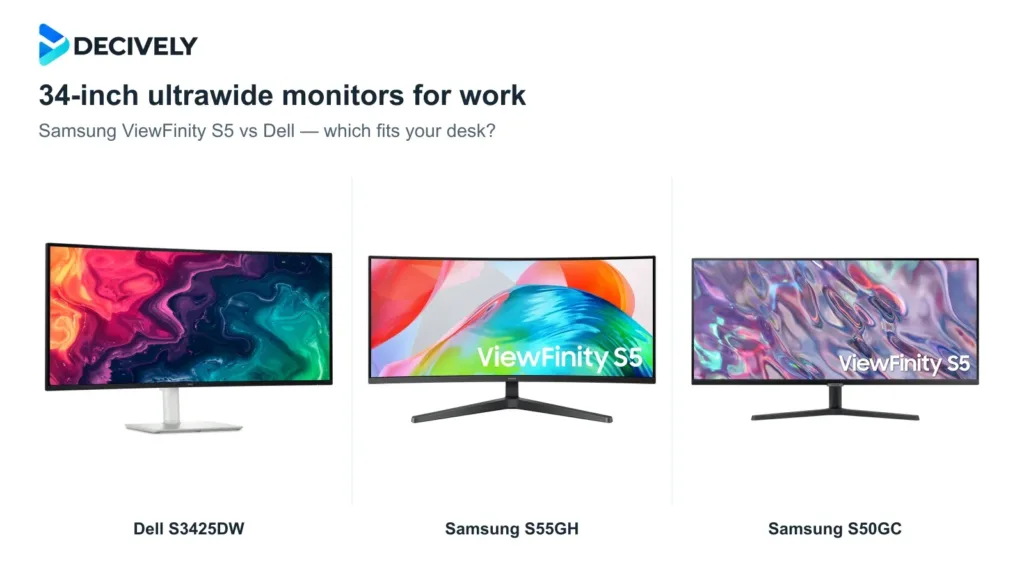
Three 34-inch ultrawides, three different desk setups: Dell for USB-C laptop docking, Samsung S55GH for a curved screen, and S50GC for a flat budget option.
Published October 19, 2026
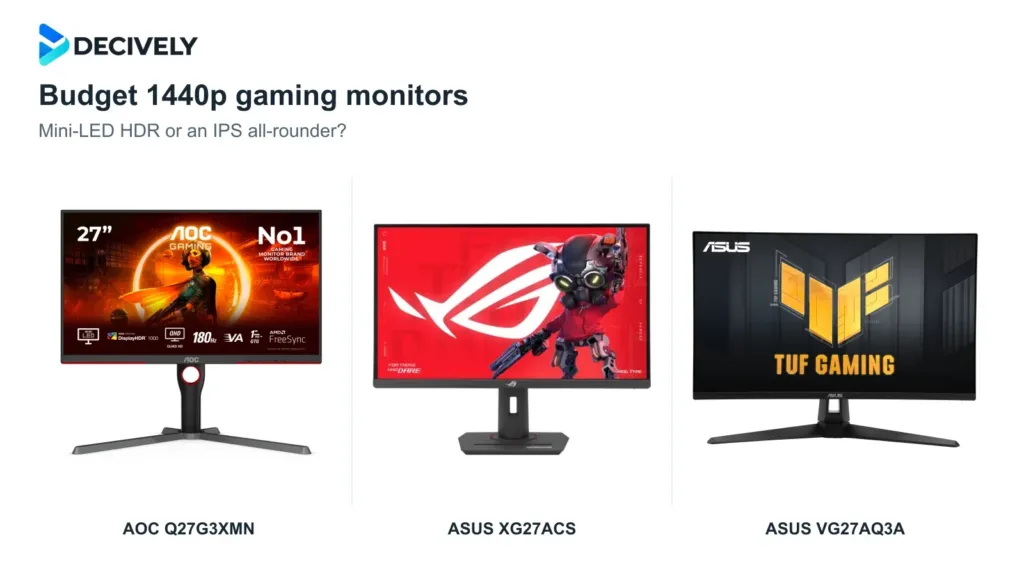
Choose AOC Q27G3XMN for Mini-LED HDR, ASUS XG27ACS for an adjustable IPS all-rounder, or TUF VG27AQ3A when its discount outweighs the simpler stand.
Published October 19, 2026
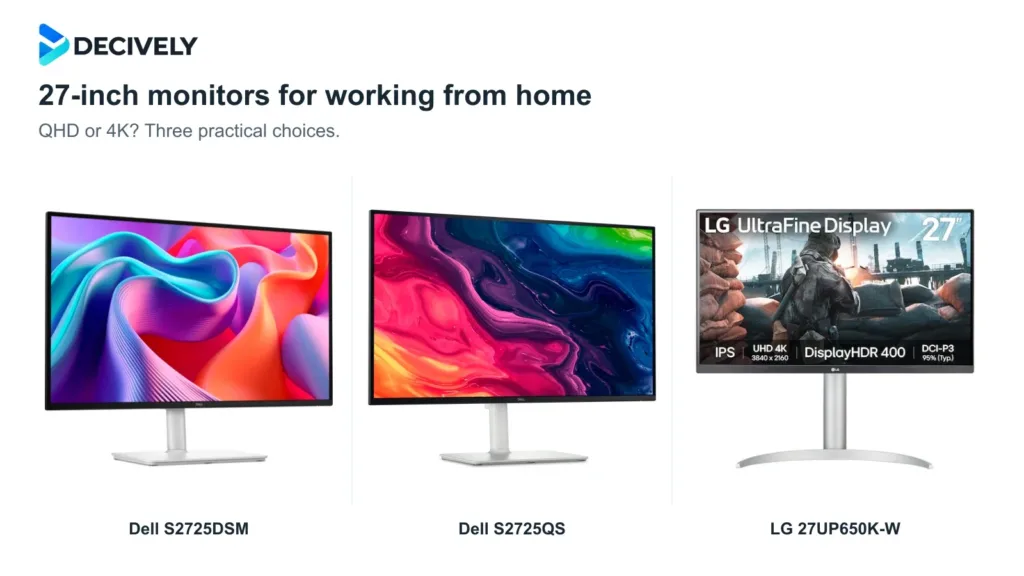
Dell S2725QS is our most rounded pick for sharp text and smooth scrolling. Choose S2725DSM to save with QHD, or LG 27UP650K-W when its lower price makes 4K/60Hz worthwhile.
Published October 18, 2026
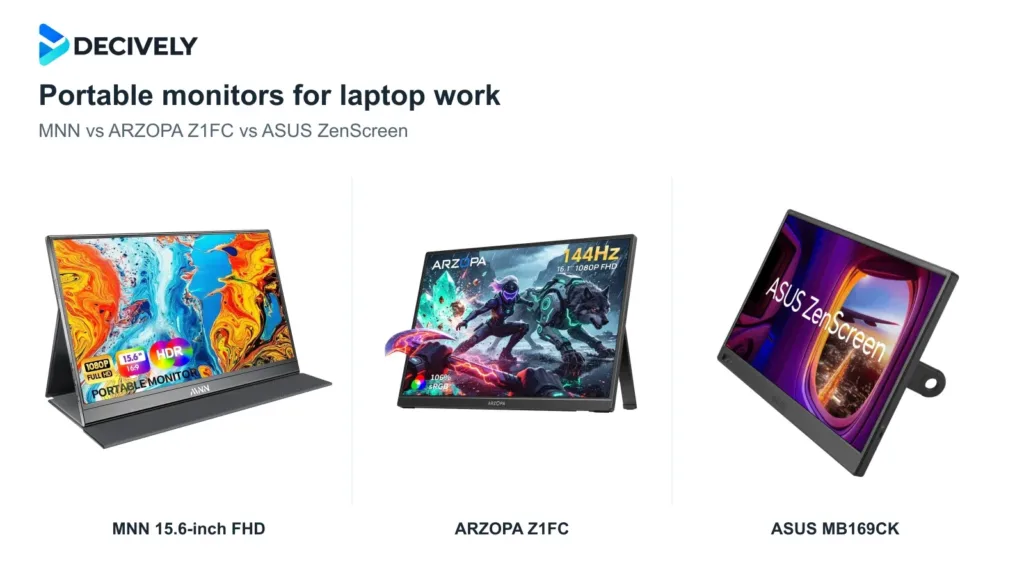
Choose MNN for a low-cost document screen, ARZOPA Z1FC for a built-in stand and smoother motion, or ASUS MB169CK for flexible portrait positioning. Check your laptop's video output first.
Published October 18, 2026
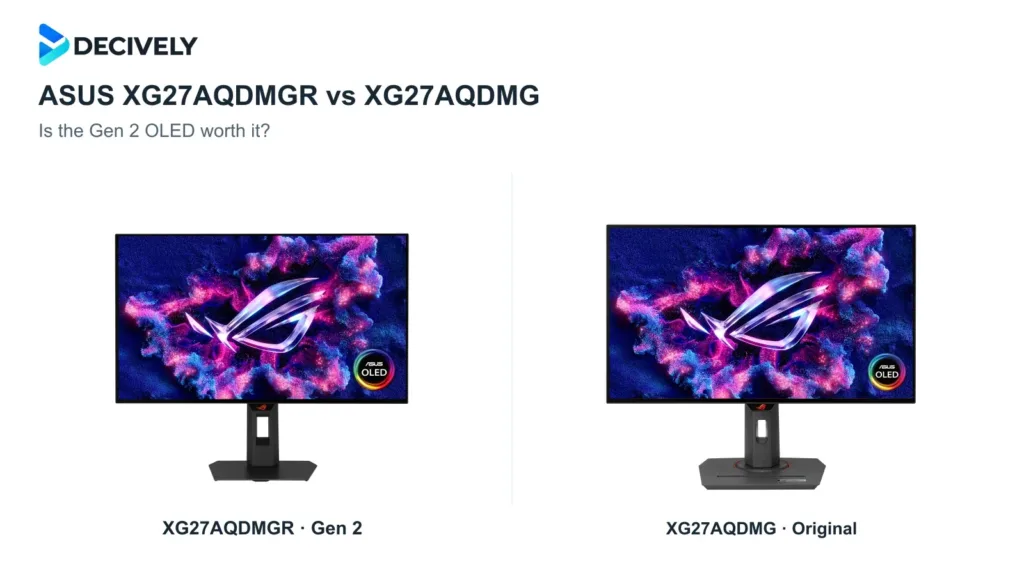
The Gen 2 adds HDMI 2.1, a revised glossy coating and a proximity sensor, while keeping 1440p and 240Hz. Choose it at similar prices; most original-model owners can keep theirs.
Published October 18, 2026
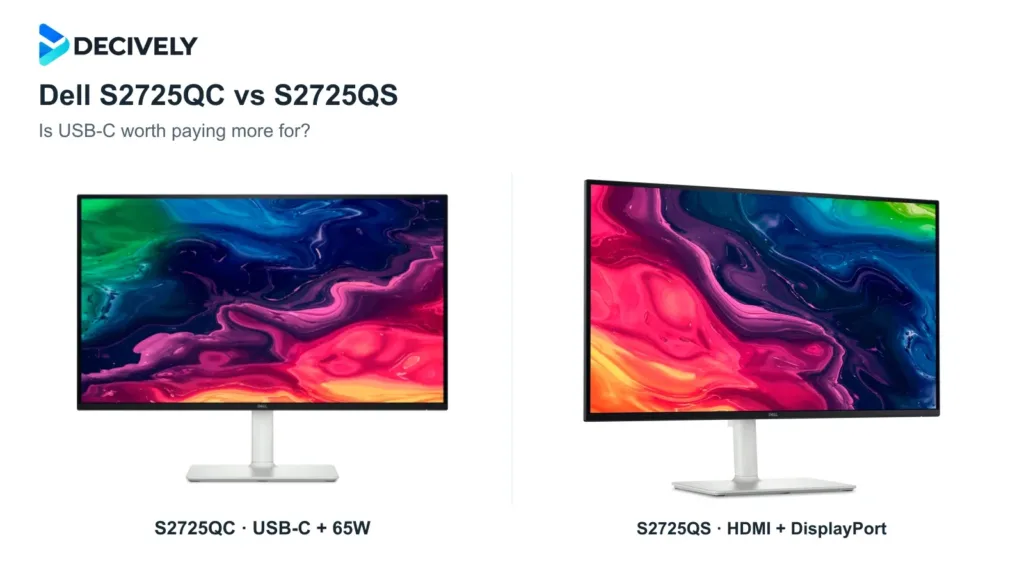
Choose the S2725QC for a compatible laptop and one-cable charging; choose the S2725QS for DisplayPort or a desktop setup. The extra cost buys connectivity, not a higher resolution.
Published October 18, 2026