
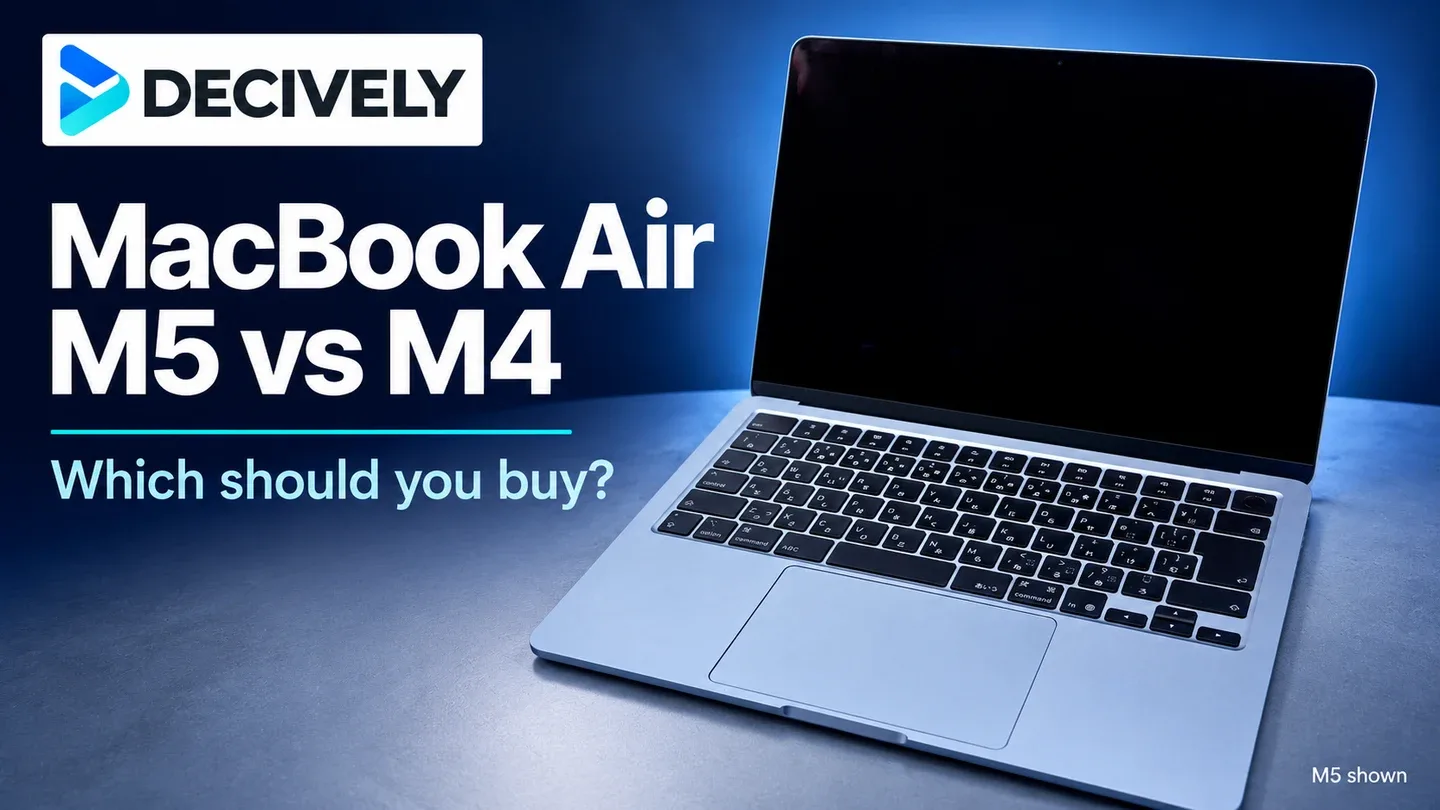
The MacBook Air M5 vs M4 decision starts with the configuration, not just the chip. The 2026 M5 adds faster performance, a 512GB starting SSD and newer wireless connectivity; the 2025 M4 keeps much of the same everyday experience. This guide focuses on the 13-inch models.
Quick verdict
Choose M5 when similarly equipped models cost about the same. Choose M4 for a substantial saving or a better RAM configuration that suits your work. Already own an M4? Keep it unless you can identify a specific bottleneck—the M5 is a modest upgrade, not a redesign.
Affiliate links. As an Amazon Associate I earn from qualifying purchases.
For the newer chip and faster storage
MacBook Air M5
13-inch · 16GB RAM / 512GB SSD · Starlight. A straightforward choice for a new buyer when the price gap is small. Fanless cooling still limits long, demanding workloads.
For more memory at the right price
MacBook Air M4
13-inch · 24GB RAM / 512GB SSD · Silver. This linked configuration has more RAM than the M5 option above. Compare the actual price, seller and condition; it is not a matched-RAM chip comparison.
MacBook Air M5 vs M4: the differences that matter
Compare RAM and storage before comparing prices
A cheap 16GB/256GB M4 is not equivalent to a 16GB/512GB M5. If you need 512GB, compare that capacity on both machines first. Check the GPU configuration too: the entry 13-inch M5 has an 8-core GPU, while some M4 configurations have 10 GPU cores. Core counts alone do not determine performance.
The linked M4 here is a 24GB/512GB Silver configuration; the M5 is 16GB/512GB Starlight. That extra RAM may be more useful for memory-heavy multitasking than a newer chip. Memory is not user-upgradeable, and an external SSD cannot add RAM.
Our price rule for equal RAM, storage and condition: a premium around $100 favors M5 for a new buyer; an M4 saving around $200 deserves serious consideration for office work or study. These are editorial thresholds, not live Amazon prices. A 24GB M4 versus a 16GB M5 needs a workload-based decision instead.
Will the M5 feel faster in your actual work?

Illustration of everyday and creative workloads using generic laptops—not Apple product photography or Decively testing. Both generations can handle these tasks.
For email, documents, video calls and ordinary browser work, the M4 remains a sensible buy. RTINGS describes the M5 as a modest upgrade with nearly identical everyday hardware, rather than a reason for every M4 owner to replace their laptop.
Heavier work gives M5 more room to help. In Cinebench 2026, WIRED reported roughly a 10% CPU improvement and a 30% GPU advantage over M4. Those results describe its tested configurations and workload; they are not a promise that every app or the linked entry GPU will improve by the same amount.
RTINGS tested the base 13-inch M5 with 16GB/512GB and found very fast storage, but performance still drops during sustained demanding work. If long renders or demanding 3D projects are your daily job, the Air’s fanless design matters more than a small generation change.
Battery, screens and ports: what stays familiar
The M5 does not buy you a smoother built-in screen or more physical ports. Both keep the 60Hz display, 12MP Center Stage camera and two Thunderbolt 4 connections. Apple’s battery claims remain up to 18 hours of video streaming or 15 hours of wireless web browsing; those are controlled-test claims, not a guaranteed working day.
M4 already supports two external displays alongside its own screen. M5 adds options including one 8K/60Hz or 5K/120Hz display and support for two displays over one Thunderbolt port. Check the monitor, dock and cable together: an ordinary dual-HDMI hub is not automatically compatible with every Mac display arrangement.
Wi-Fi 7 and Bluetooth 6 are useful additions, but Wi-Fi 7 needs compatible network equipment to deliver its benefits. For a desk setup, our Dell S2725QC vs S2725QS comparison explains when paying for USB-C connectivity makes sense.
Should an M4 owner upgrade?
Usually, no. If your M4 handles your applications comfortably, the similar display, design and battery claims leave little reason to replace it. Apple Intelligence is supported on both generations; M5 is not an entry ticket to every AI feature, and availability still depends on software, language and region.
Upgrade for a problem you can name: storage that is too small, memory pressure in your actual applications, or frequent work that benefits from M5 performance. If your present machine needs more RAM, moving to another 16GB model may miss the point. For a first-time buyer, choose the best configuration at today’s price rather than assuming either generation always wins.
Research notes
Research checked October 29, 2026. Decively has not tested these laptops. Specifications come from Apple; independent findings are attributed to RTINGS and WIRED. Linked offers are different RAM configurations, not a controlled benchmark pair. Price-gap examples are editorial judgments; check current price, selected configuration, seller and new/used condition on Amazon.
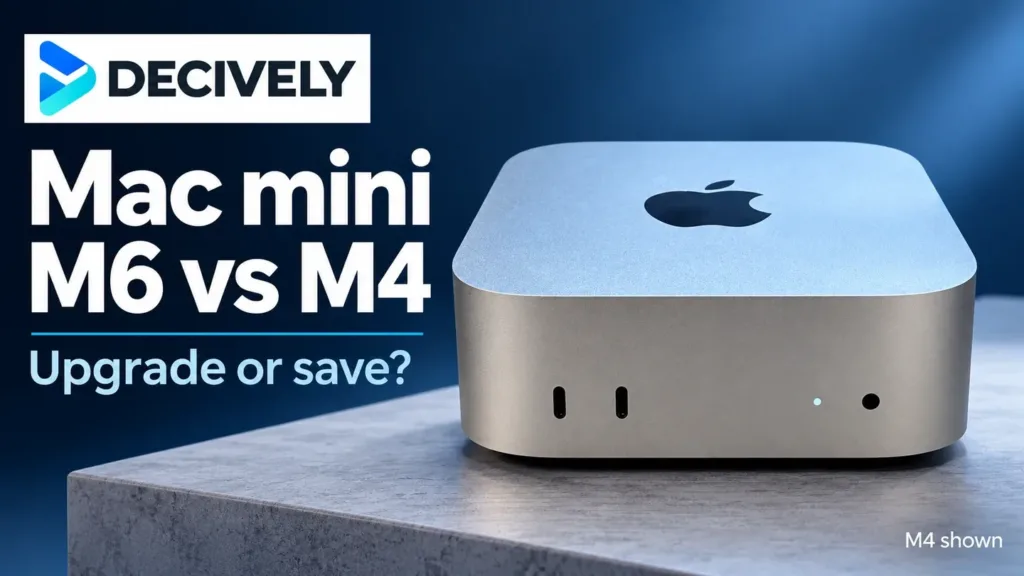
M5 photograph: Kyu3a / Wikimedia Commons, CC BY-SA 4.0. Resized and placed in a Decively layout; Sky Blue model shown.
Apple: M5 announcement and starting storage Apple: current M5 technical specifications Apple: 13-inch M4 technical specifications RTINGS: 13-inch M5 review and tested configuration WIRED: M5 review and Cinebench comparison Cover photograph: Kyu3a / Wikimedia Commons Photograph licence: CC BY-SA 4.0