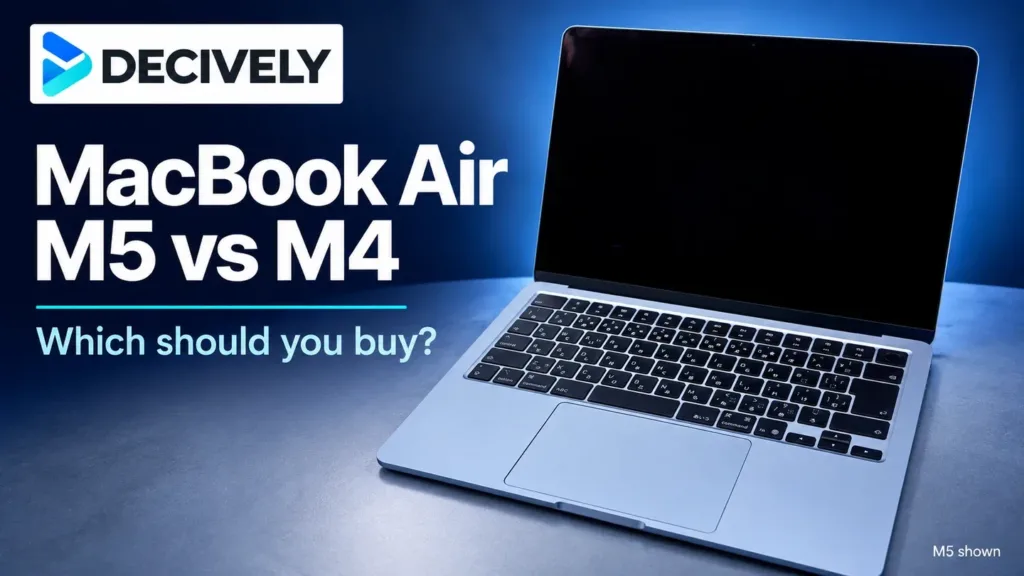

The Mac mini M6 vs M4 decision is about the price gap and the work you actually do. The 2026 M6 is faster and adds newer networking, while the 2024 M4 remains a capable compact desktop. This comparison covers the standard chips—not the M5 Pro or M4 Pro.
Quick verdict
Buying new? Choose M6 when equivalent configurations are close in price. Choose M4 for a meaningful saving on everyday office, study or lighter creative work. Already own an M4? Keep it unless recurring waits, memory limits or a specific networking need make replacement worthwhile.
Affiliate links. As an Amazon Associate I earn from qualifying purchases.
For more speed and faster networking
Mac mini M6
2026 · 16GB RAM / 256GB SSD · Silver. 12-core CPU/GPU and standard 2.5Gb Ethernet. The newer chip does not fix the small 256GB starting SSD.
For a substantial saving
Mac mini M4
2024 · 16GB RAM / 256GB SSD · Silver. 10-core CPU/GPU and Gigabit Ethernet. Compare the same condition and capacity; an older model is not automatically cheaper.
Mac mini M6 vs M4: the buying differences
When does paying more for M6 make sense?
M6 is the stronger starting point for frequent video exports, demanding multitasking and other work where waiting costs you time. Apple advertises up to 4× faster AI performance against M4 in selected tests; that is a manufacturer claim, not a promise that every AI app runs four times faster.
Independent results show a real performance step, with an important configuration caveat. Tom’s Guide reported a Handbrake transcode time of 2:45 for M6 versus 4:42 for M4. Its performance discussion identifies the M6 review unit as 24GB/512GB—not the 16GB/256GB version linked here. Those timings should not be treated as a controlled test of these two base offers.
For ordinary browsing, spreadsheets and video calls, extra performance may change less than a better screen or more RAM. Notebookcheck found its 24GB/512GB M6 quiet during simple tasks, but the fan becomes audible under demanding load. This is an actively cooled desktop, not a guarantee of silence.
How much cheaper should the M4 be?
Compare equal RAM, SSD capacity and condition first. Our practical rule: a premium around $100 favors M6 for a new buyer; an M4 saving around $200 becomes persuasive for everyday work. These are editorial decision thresholds, not current Amazon prices. Check the seller and return terms, especially for used or renewed stock.
A higher-memory M4 can be a more useful buy than a base M6 if your applications already run short of RAM. Both standard chips support up to 32GB, but memory is not user-upgradeable. Likewise, 256GB can feel restrictive once applications and local project files accumulate; an external SSD adds storage, not RAM.
If you already own an M4, upgrade for a recurring problem rather than the model number. Replacing a comfortable 16GB machine with another 16GB machine may solve little. M4 already supports Apple Intelligence, so that label alone is not a reason to replace it.
Networking improves; the useful port layout stays
Standard 2.5Gb Ethernet is a meaningful M6 benefit for large transfers to compatible network storage. It needs a sufficiently fast switch, storage device and network path; it does not turn a slower internet plan into a faster one. Wi-Fi 7 likewise needs compatible network equipment.
M4 already supports three displays, so a normal two-monitor desk is not a reason by itself to upgrade. Use the rear Thunderbolt or HDMI ports for displays; the front USB-C ports are for USB data and accessories. Neither standard model has USB-A. Thunderbolt 5 belongs to the Pro-chip versions, not the M6 compared here.
Budget for the complete desk, not just the mini
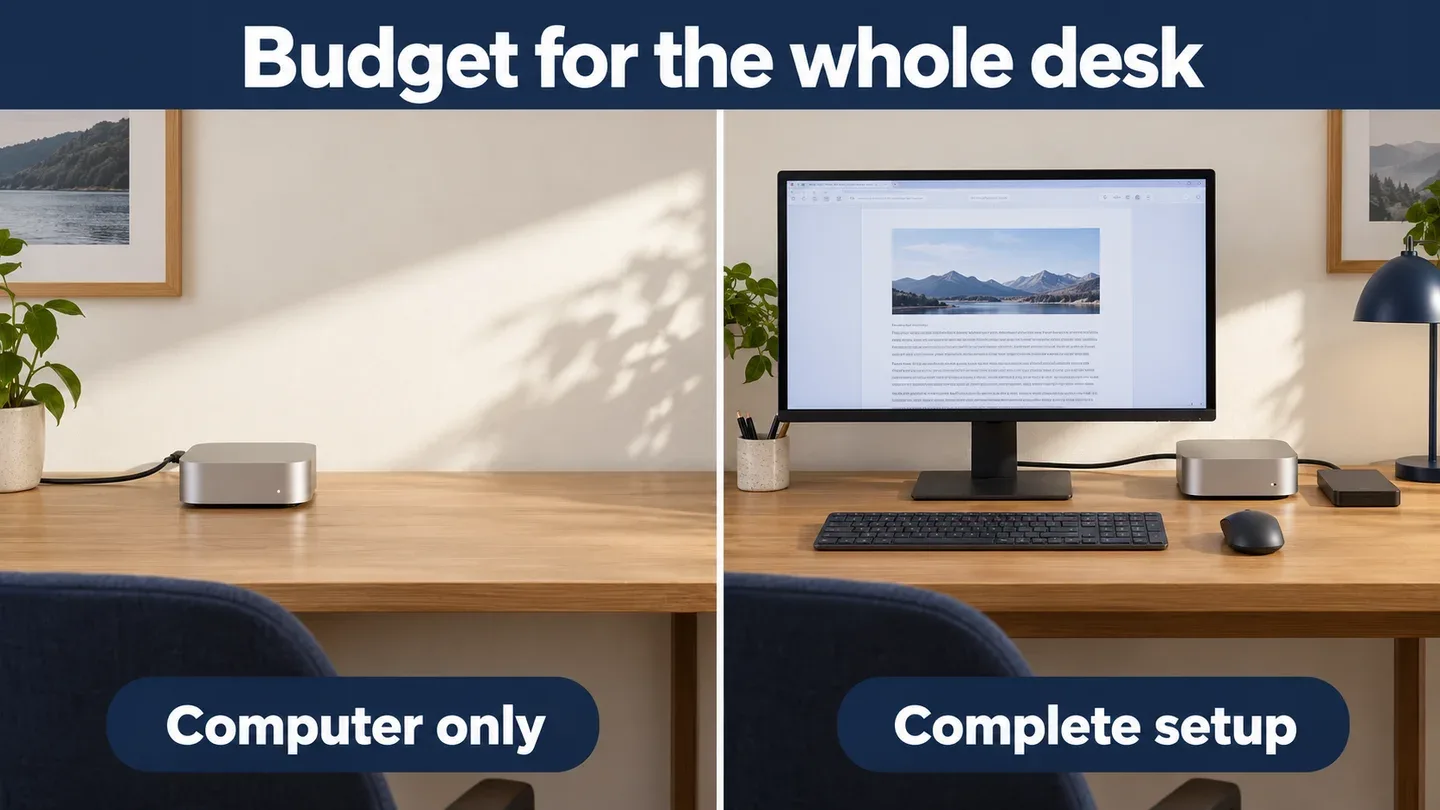
Illustration of a computer-only purchase versus a complete desk using generic hardware—not an Apple product photograph, bundle or Decively test.
The Mac mini box supplies the computer and power cord. If you are starting from scratch, add a display, keyboard, mouse and any webcam, adapters or extra storage you need. Existing compatible accessories make either model much better value.
Protect the screen budget before overspending on a chip upgrade. Our best monitors for Mac mini guide explains when 5K is worth paying for over 4K. For a new desk, the best-value computer is the one that leaves enough budget for the setup you will use every day.
Research notes
Research checked October 29, 2026. Decively has not tested these computers. Apple supplies specifications and manufacturer claims; Tom’s Guide and Notebookcheck supply separately attributed testing. Their M6 performance findings concern 24GB/512GB review units, not the linked base configuration. Price-gap examples are editorial judgments, not live Amazon prices. Confirm selected capacity, condition and seller before buying.
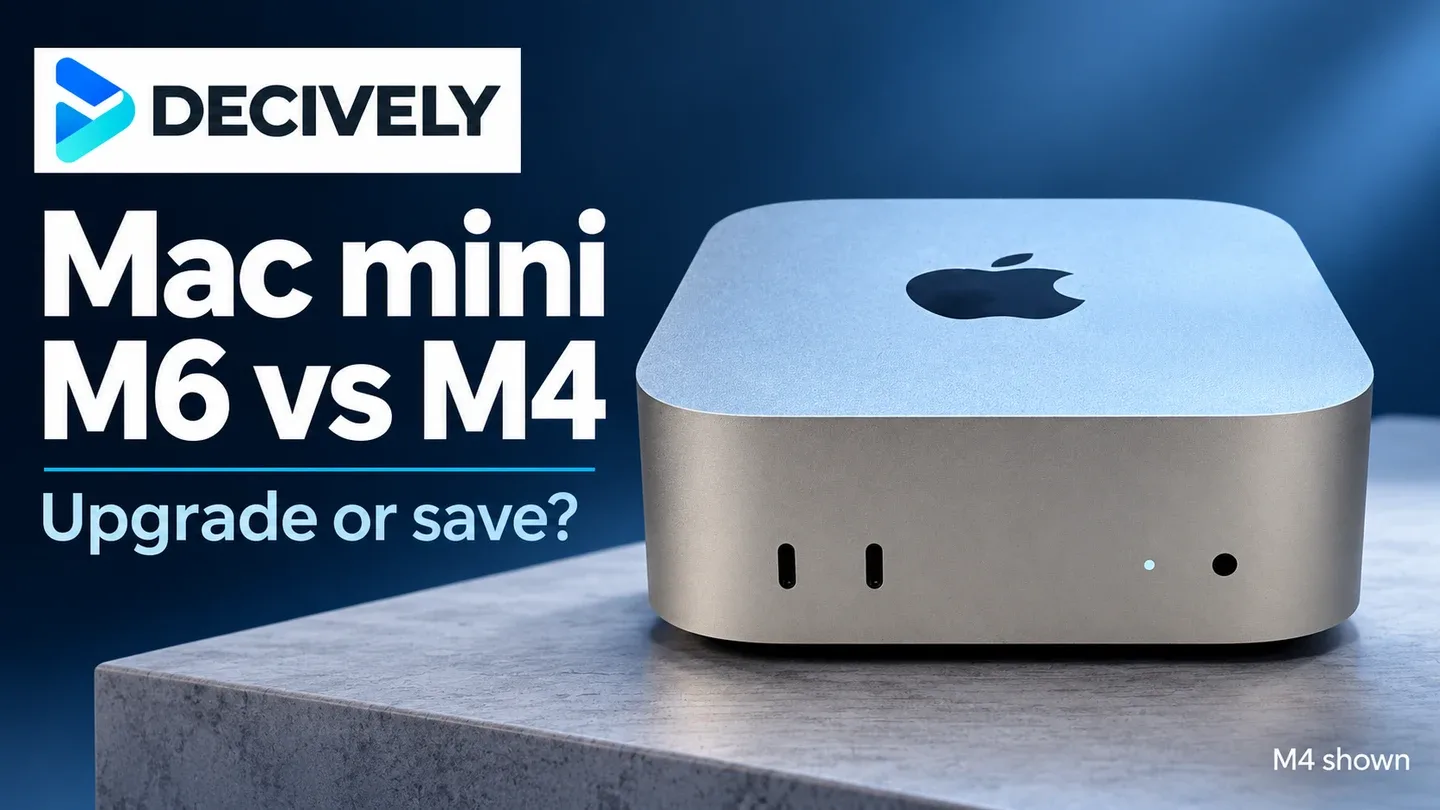
M4 photograph: Seasider53 / Wikimedia Commons, CC BY 4.0. Resized and placed in a Decively layout; M4 shown.
Apple: M6 and M5 Pro announcement Apple: current Mac mini specifications Apple: M4 and M4 Pro specifications Tom’s Guide: M6 testing and configuration caveat Notebookcheck: M6 review, test configuration and noise Cover photograph: Seasider53 / Wikimedia Commons Photograph licence: CC BY 4.0