A better reason to upgrade than a new number.
Your watch still shows notifications, tracks a walk and wakes you up on time. Then Apple launches another one, and suddenly a perfectly useful device feels old. Series 12 deserves a more practical question: what would it change in your day?
Our buying take: Series 12 is worth shortlisting if you want its new health-sensing hardware and Readiness app, or your current watch is becoming difficult to live with. If you own a healthy Series 10 or 11 and mainly use everyday watch functions, keeping it is a sensible starting position.
Apple announced Series 12 on September 9, 2026, with store availability from September 18 and a US starting price of $399. This is a researched buying guide, not a Decively hands-on review. Apple’s launch announcement.
Consider upgrading
Your battery or condition is getting in the way, or the new sensor-based features are something you intend to use regularly.
Keep your current watch
It still covers your routine, and you cannot name a Series 12-only feature worth the complete upgrade cost.
What changes, and what does not.
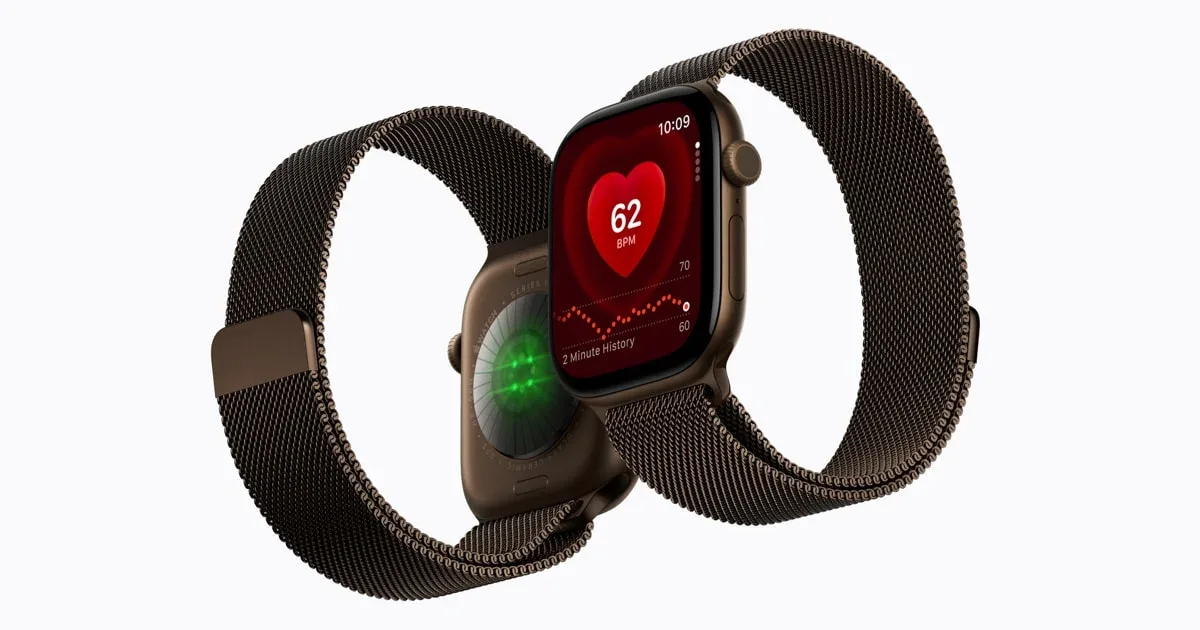
Apple’s main hardware changes are the Health Sensing System and S11 chip. The company says background heart-rate readings now happen every five seconds. Aluminium models also move to Ceramic Shield 2. These are Apple’s specifications and durability claims, not results from our own testing. Official hardware announcement.
The comparison below focuses on differences that can affect the upgrade decision. It deliberately avoids treating every watchOS improvement as a reason to buy new hardware.
Sources: Apple’s model comparison and Readiness compatibility. Battery figures are manufacturer estimates, not matched Decively test results.
| Feature | Series 12 | Series 11 |
|---|---|---|
| Chip | S11 | S10 |
| Apple Readiness app | Supported | Not supported |
| Normal-use battery estimate | Up to 24h | Up to 24h |
Readiness matters only if you will wear the watch to bed.
Apple’s Readiness app is available on Series 12 and Ultra 4. It combines activity, vitals and sleep information into a score from 0 to 10. Apple says setup includes overnight vitals, at least seven nights of sleep wear and sleep tracking from the previous night. How Readiness works.
That changes the buying question. Are you comfortable sleeping with a watch, and can you fit charging into your day? If it spends every night on a charger, a sleep-dependent feature may be less useful than the launch presentation suggests.
A wellness signal, not permission to exercise
Apple says Readiness does not account for all health factors and should not be relied on by itself to decide whether exercise is safe. Treat it as context, not a replacement for professional medical judgment. Read Apple’s limitations.
The useful upgrade is not simply more data. It is information you understand and will use. If your existing routine already works, decide what this score would add before paying for it.
Battery: a daily routine, not a multi-day promise.
Apple rates Series 12 for up to 24 hours of normal use, or up to 38 hours in Low Power Mode. It lists about 30 minutes to reach 80% charge, and a 15-minute charge for up to 12 hours of normal use. Actual results depend on conditions and use. Battery and charging specifications.
The normal-use headline does not increase over Series 11 in Apple’s comparison. The more useful question is whether faster top-ups help you keep the watch on overnight. Compare the battery figures.
Before replacing an older watch, check its battery condition and ask for a current battery-service quote. Compare that with the full new-watch cost after trade-in. That calculation is more useful than assuming a worn battery makes the whole watch obsolete.
Check the charger too
Confirm which charger and adapter your chosen model needs for the advertised charging performance. Do not assume the cable already on your bedside table delivers the same result.
Do not buy tomorrow’s AI as if it works today.
Apple’s Audio Intelligence support page says Live Rewind and Siri Recap are due in beta later in 2026, starting in English. Live Rewind is intended to show a short text snippet of something just said; Siri Recap is intended to create summaries. These are future-rollout features as of our October 1 research date. Audio Intelligence availability and controls.
Apple describes the features as opt-in, with controls for when Live Rewind and Siri Recap are active. Read those controls and data-handling details before using them around private conversations. A convenient memory aid and an acceptable everyday habit are separate questions.
The launch notes also say Siri AI starts as a beta, needs an Apple Intelligence-enabled device and supported language, and is not initially available on watchOS in the EU. Check current regional availability before buying specifically for AI. Apple’s availability footnotes.
Buy for what is available to you
If a promised feature is the main reason you want Series 12, wait until you can verify its rollout, requirements and usefulness in your country. A future update should not carry the whole purchase decision.
What early reviewers actually noticed.
MacRumors: familiar outside, different underneath
Its September 18 hands-on describes a familiar design, updated rear sensors and no excessive battery drain in its early use. It suggests Series 10 and 11 owners may not need to upgrade. That is an early impression, not a long-term durability verdict. Read the hands-on.
Tom’s Guide: encouraging charging and sensor experience
The reviewer found the advertised battery performance broadly accurate and noticed faster charging. She also reported close heart-rate tracking against a chest strap on a run. Those observations come from her testing and cannot establish identical results for every wearer. Read the review.
Decively has not independently tested Series 12. These reports help frame the purchase, but longer-term experience and your own fit matter too.
Should you upgrade? Start with what you own.
The decision table below is our editorial assessment, rather than a claim that everyone with the same watch needs the same upgrade.
For an older device, verify its current software support and feature compatibility in Apple’s comparison tool. For a recent one, test the latest supported software before assuming a new watch is needed.
New to Apple Watch?
Start with the iPhone requirement: Apple lists iPhone 11 or later, including iPhone SE second generation or later, with iOS 27 or later. AI has additional requirements. Series 12 is not a shortcut around phone compatibility. Check compatibility.
| Your situation | Starting position | What could change it |
|---|---|---|
| Series 11 | Keep it | You want the new sensor-led features |
| Series 10 | Keep it if it serves you | Condition or a specific missing feature |
| Series 9 or older | Compare upgrade with service | Battery, support and features you need |
| Existing Ultra | Compare your real routine | You prefer the Series form factor |
| First Apple Watch | Compare Series, SE and Ultra | Phone compatibility and total cost |
Choose the version around your routine.
GPS or Cellular?
Consider Cellular if you regularly leave your iPhone behind and need connected functions. Check supported carriers, plan charges and coverage first. If your phone is usually nearby, make the extra cost justify itself.
42mm or 46mm?
Try both sizes. Readability and comfort matter more than choosing the larger one by default, especially if you plan to sleep in it.
Case material
Aluminium is the starting point to compare on price. Titanium and ceramic deserve a look if their finish is worth the premium to you, not because a more expensive case automatically makes the software more useful.
SE or Ultra instead?
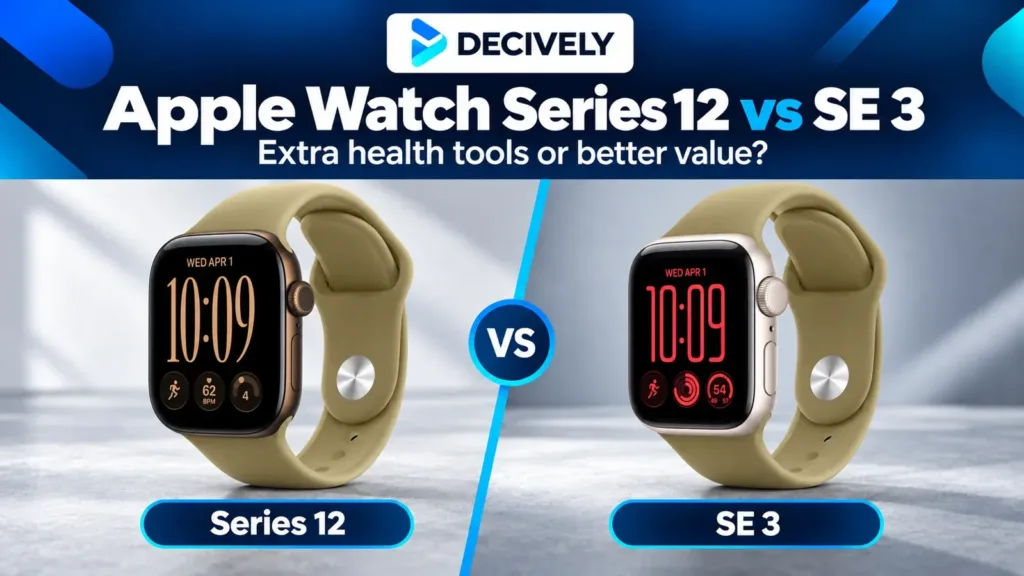
Shortlist the SE if basic watch use covers your needs; our Apple Watch Series 12 vs SE 3 comparison explains what you give up before choosing on price. Look at Ultra if endurance or outdoor use is the actual reason for replacing your watch.
Apple’s model comparison is the place to confirm the exact capabilities of each version. Local prices, stock, bands and carrier charges can change the total.
The verdict: upgrade to solve a problem.
Series 12’s strongest case is for someone who wants the new sensor-led features and will build a routine around them. It is a weaker case when the current watch works well and the purchase depends on AI features that have not reached that person yet.
Before buying, finish this sentence: “My current watch cannot reliably do ___, and Series 12 fixes it.” If the blank stays empty, keeping what you own is a defensible choice.
For other wearable approaches, read our Huawei Watch GT 6 guide or browse Decively buying guides. Our research approach explains how we separate documentation from firsthand testing.
Sources and research notes.
Researched October 1, 2026. US starting price is a launch reference, not a live checkout quote. Availability, software rollout, language support and health features can differ by country. Recheck the feature that matters to you before ordering.
Official sources: Apple launch announcement; Series 12 specifications; Apple Watch comparison; Readiness support; Audio Intelligence support. Firsthand reporting: MacRumors hands-on and Tom’s Guide review.
Featured image: Apple / Apple Newsroom. Official product image, not a Decively test photograph.