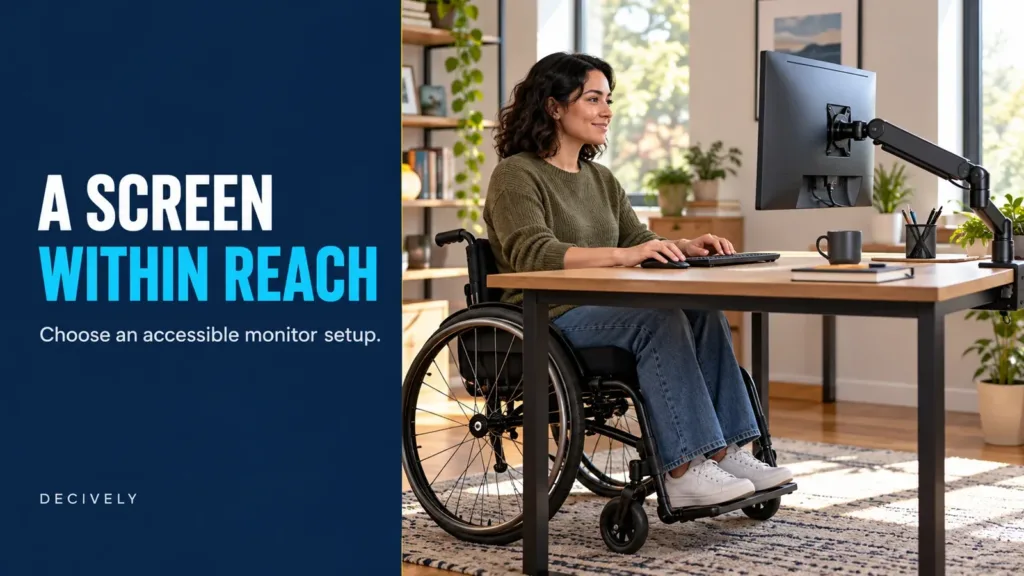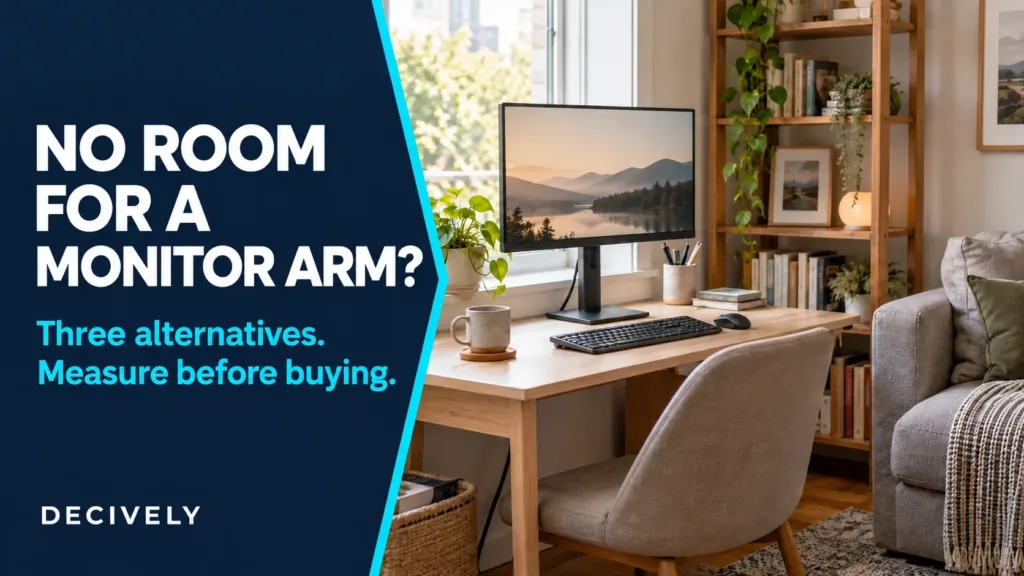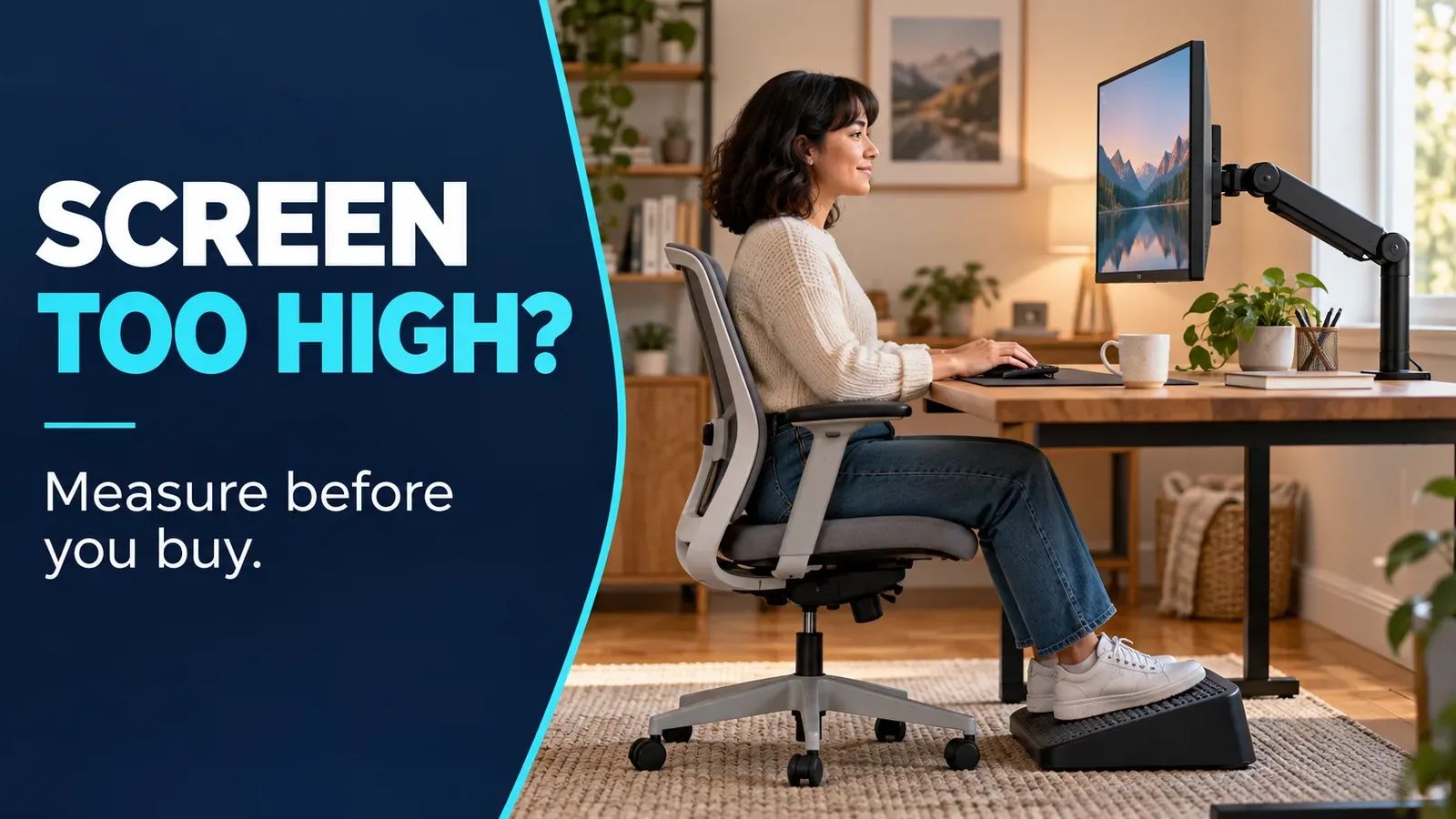
The right monitor arm for short people is one that puts your particular screen low enough while keeping the keyboard comfortable. A tall pole or impressive adjustment range does not tell you whether the monitor can reach your seated eye level.
Our monitor arm buying guide covers screen weight, VESA fit and mounting methods. Use it alongside the height measurements below when choosing an arm that can place your screen low enough.
Measure the height you need first. Then check the lowest usable VESA mounting position, your screen’s weight without its stand and the space available behind the desk. You may solve the problem by lowering the existing stand instead.
This is a research-based buying guide, not a hands-on test or a medical assessment. OSHA workstation guidance and manufacturer documentation were checked October 11, 2026. Amazon purchases may earn Decively a commission.
Before choosing a monitor arm for short people
OSHA recommends positioning the top of the screen at or below eye level, directly in front of you. Its suggested viewing distance is generally 20–40 inches (50–100 cm), with text sized so you can read comfortably. These are starting points to adjust for your tasks and vision.
Set up the chair and keyboard together: relaxed shoulders, supported back and feet resting on the floor or a stable footrest. If a fixed desk requires a higher chair, a footrest can support your feet. Simply lowering the chair to compensate for a high monitor may make the keyboard too high.
Check whether the stock stand already lowers far enough. Remove a riser if you have one. An arm is useful when the stand limits your position or takes needed desk space; it is not automatically necessary.
Measure the lowest monitor height you actually need
Sit in your working position, then measure A: your eye height above the desktop. Next measure B: the vertical distance from the center of the monitor’s VESA mounting holes to its top edge. Do not assume the mounting holes sit at the screen’s center.
Target VESA-center height = A − B. For example, eyes 15 inches above the desk and a screen top 7 inches above its VESA center give an 8-inch target mounting height. That positions the top at eye level; a lower top needs a lower mount.
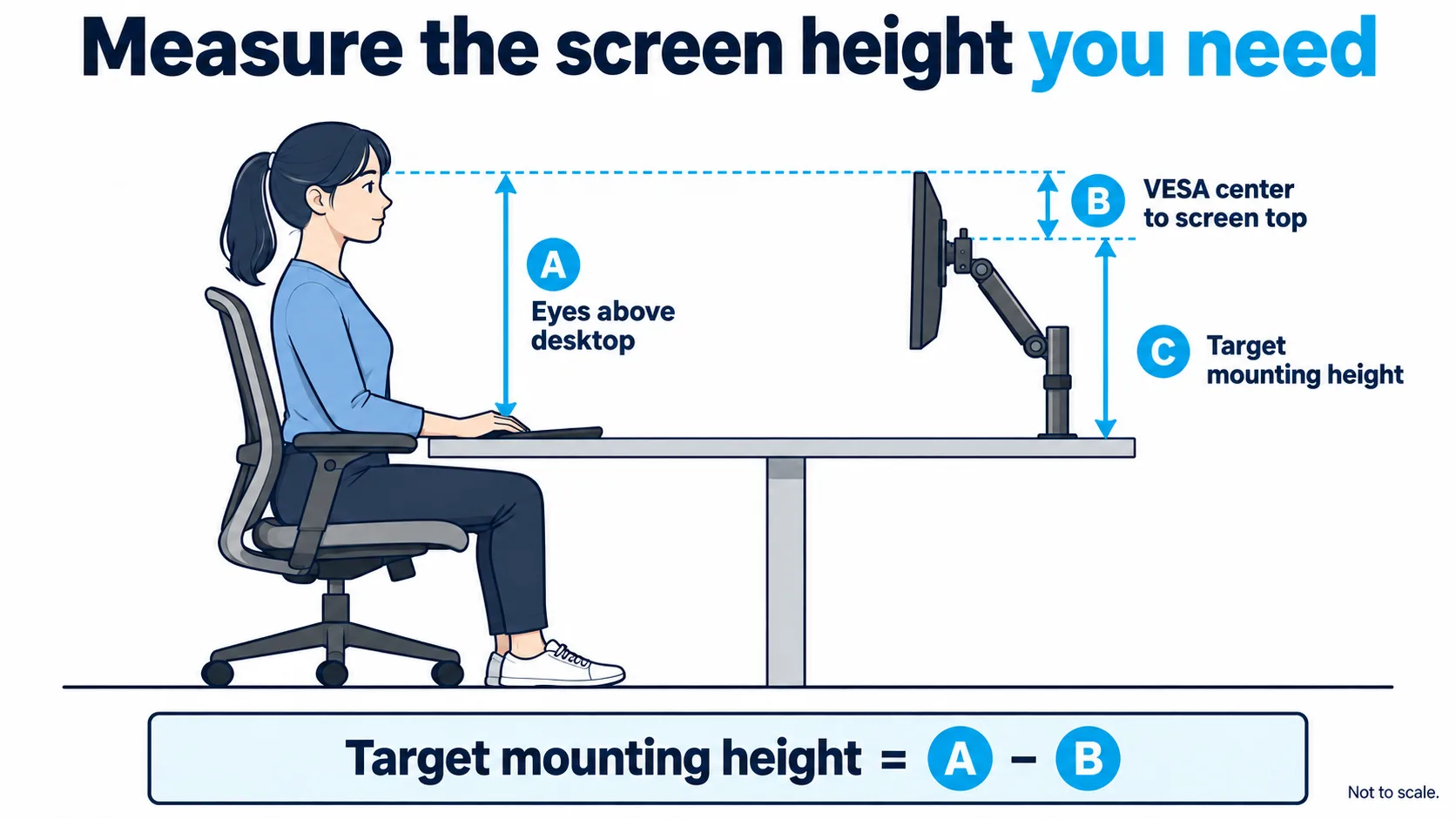
Concept diagram, not to scale. Measure the actual screen in the orientation you use; a portrait display changes the calculation.
When comparing a monitor arm for short people, ask whether its VESA center can reach that target with your monitor attached. Also check that the screen’s bottom edge clears the desktop and cables. If the calculated position would put the screen into the desk, an arm alone cannot solve the geometry.
Four checks before buying a low monitor arm
Minimum height: Look for a dimensioned drawing showing the VESA center relative to the desktop. “13 inches of lift” describes travel, not the lowest position. Pole length is not a minimum-height specification either.
Weight and VESA: Weigh the monitor without its stand or check its manual. Stay within the arm’s stated load range, including any minimum on a spring-balanced model. Both arms below support 75 × 75 and 100 × 100 mm VESA patterns; recessed mounts or adapters need separate checks.
Desk mounting: Confirm clamp thickness, underside clearance and the desktop’s suitability. Drawers, rear aprons and cable trays can obstruct a clamp. Avoid assuming every thin, glass or hollow desktop can support one.
Wall clearance: An articulated arm may need space behind the display to fold into a low position. Test the proposed arrangement before tightening everything. For desk depth and mounting trade-offs, see our monitor arm guide for small desks.
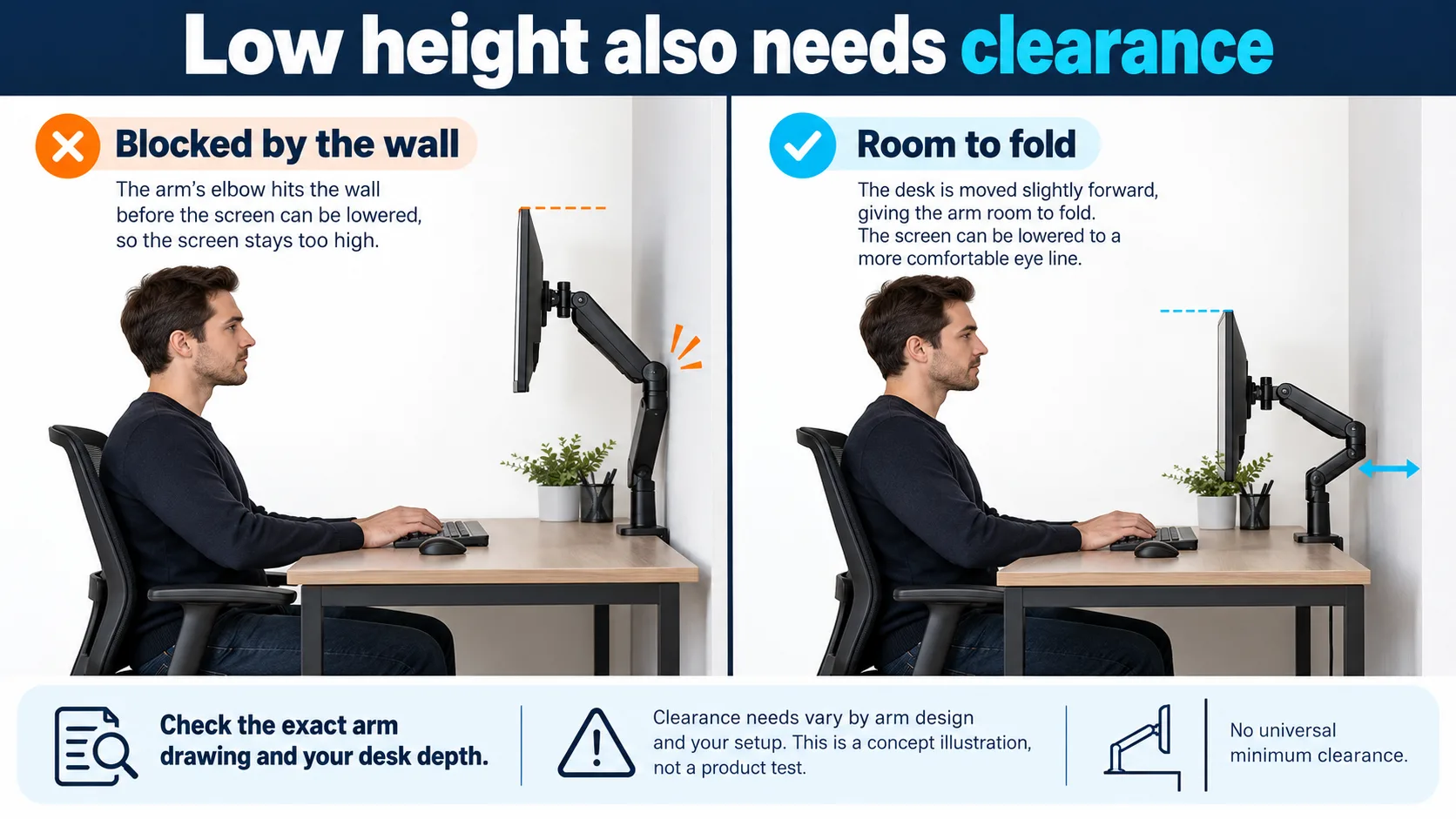
Illustration of clearance, not a product-specific folding path. Moving a desk forward may help, but check the arm’s drawing and your room.
What to buy: a monitor arm for short people
These are two adjustment approaches to investigate, not guaranteed fits for every shorter person. Neither a screen-size label nor maximum height proves that an arm will reach your measured target.
VIVO STAND-V001: for a position you rarely change
Its mounting assembly adjusts along a pole, making it worth considering when you want to set the screen at one measured height. VIVO lists a 22-pound maximum load and a clamp suitable for desks up to 3.25 inches thick.
Height changes are manual rather than spring-assisted. Support the screen while adjusting, following the assembly instructions. Confirm the lowest usable mounting point before ordering; the advertised 17-inch pole does not answer that question.
Ergotron LX Pro: for frequent repositioning
The standard-pole LX Pro offers a 13-inch lift range and supports 4–22 pounds. It is a conditional option if you regularly reposition the display and your measured target falls within its usable range.
Check the standard-pole drawing and monitor depth as well as weight. A tall-pole version adds height; that is not a reason to choose it for lowering a screen. Follow the instructions for tension adjustment, and do not force the mechanism below its designed stop.
The table does not claim a verified universal minimum mounting height. Compare each current drawing with your measurements before purchase.
AVAILABLE ON AMAZON · AFFILIATE LINKS
Check the fit before comparing prices
Confirm the minimum mounting height for your screen before buying. The LX Pro photo shows black; the linked variant is white. Check the selected model, color, seller and local destination.
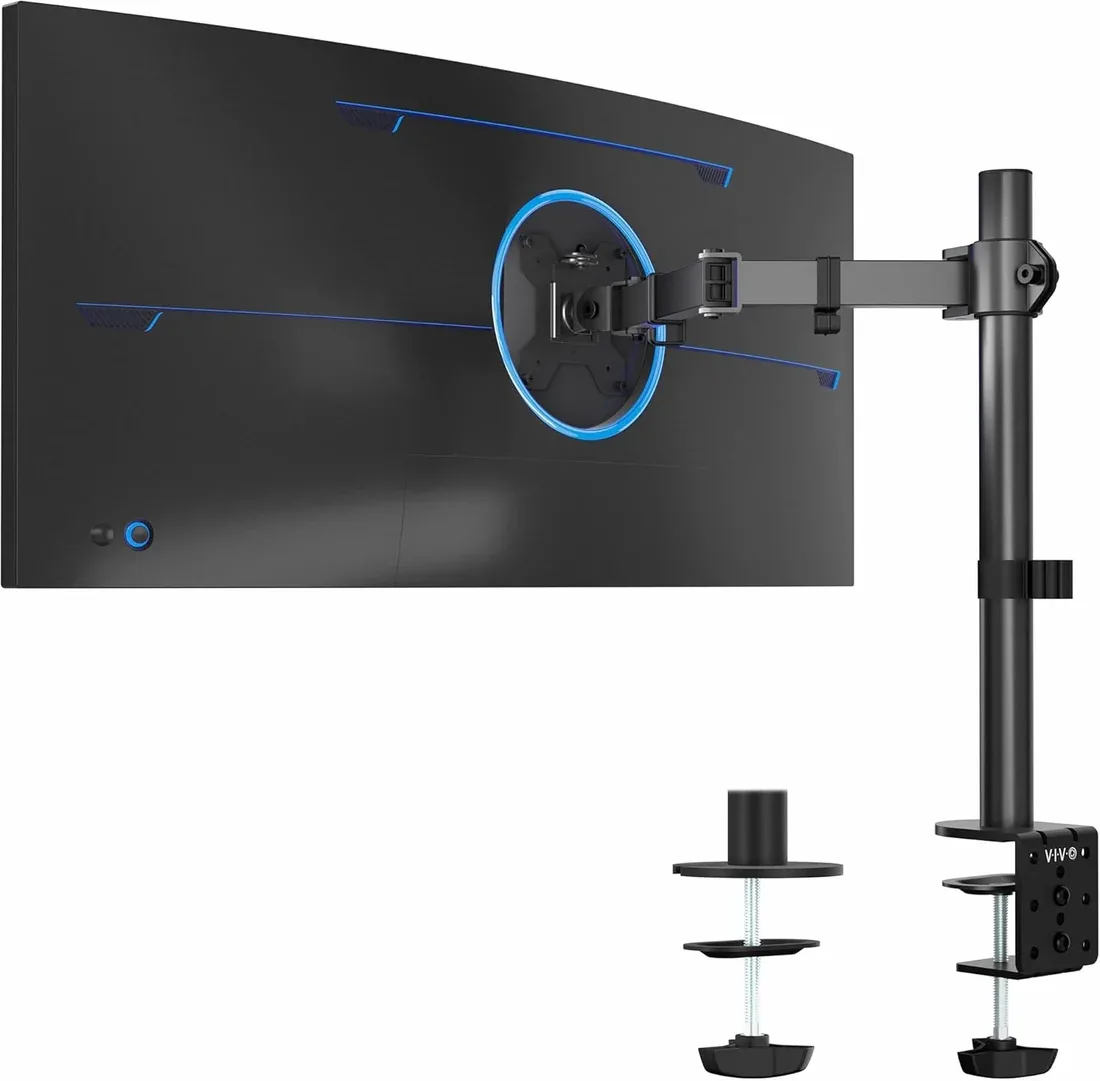
VIVO STAND-V001 — set-and-stay setup
Check options on Amazon →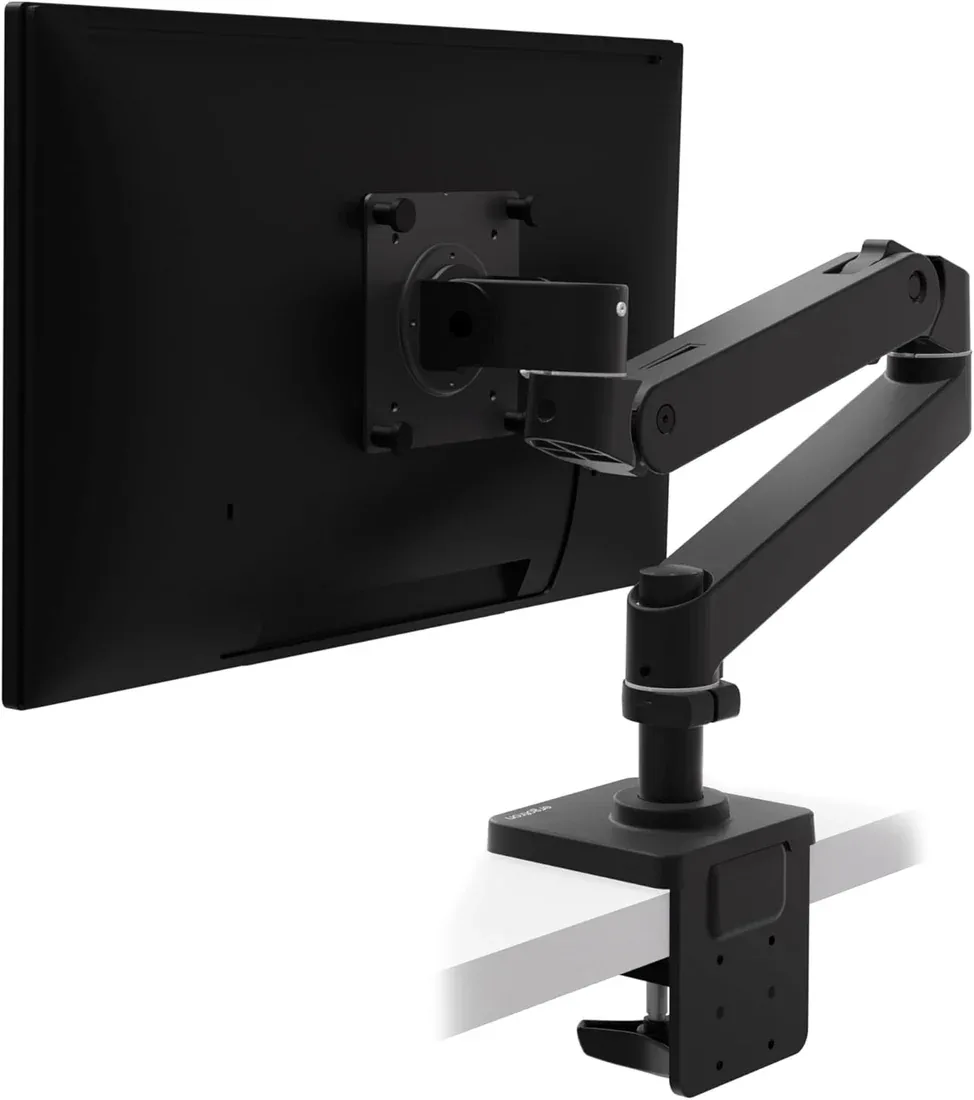
Ergotron LX Pro — frequent adjustment
Check options on Amazon →As an Amazon Associate, Decively earns from qualifying purchases, at no additional cost to you.
Will a monitor arm fix a screen that is too high?
Yes, if the existing stand is the limiting factor and the new mount reaches the required position. It may not help if the desk is too high, the display itself is too tall or the arm cannot fold because it hits a wall.
Is there one best monitor arm for short people?
No single model fits every screen and workstation. Seated eye height, VESA location and available clearance are more useful than your standing height alone. Choose the lowest usable position you need, then decide whether manual or frequent adjustment matters.
A practical monitor arm for short people should let you read without continually tilting your head upward while keeping your hands comfortable at the keyboard. Measure, confirm compatibility and retain the return option if the real setup cannot achieve the intended position.
AVAILABLE ON AMAZON · AFFILIATE LINKS
Compare the two adjustment approaches
Confirm the minimum mounting height for your screen before buying. The LX Pro photo shows black; the linked variant is white. Check the selected model, color, seller and local destination.
VIVO STAND-V001 — set-and-stay setup
Check options on Amazon → Ergotron LX Pro — frequent adjustment
Check options on Amazon →As an Amazon Associate, Decively earns from qualifying purchases, at no additional cost to you.