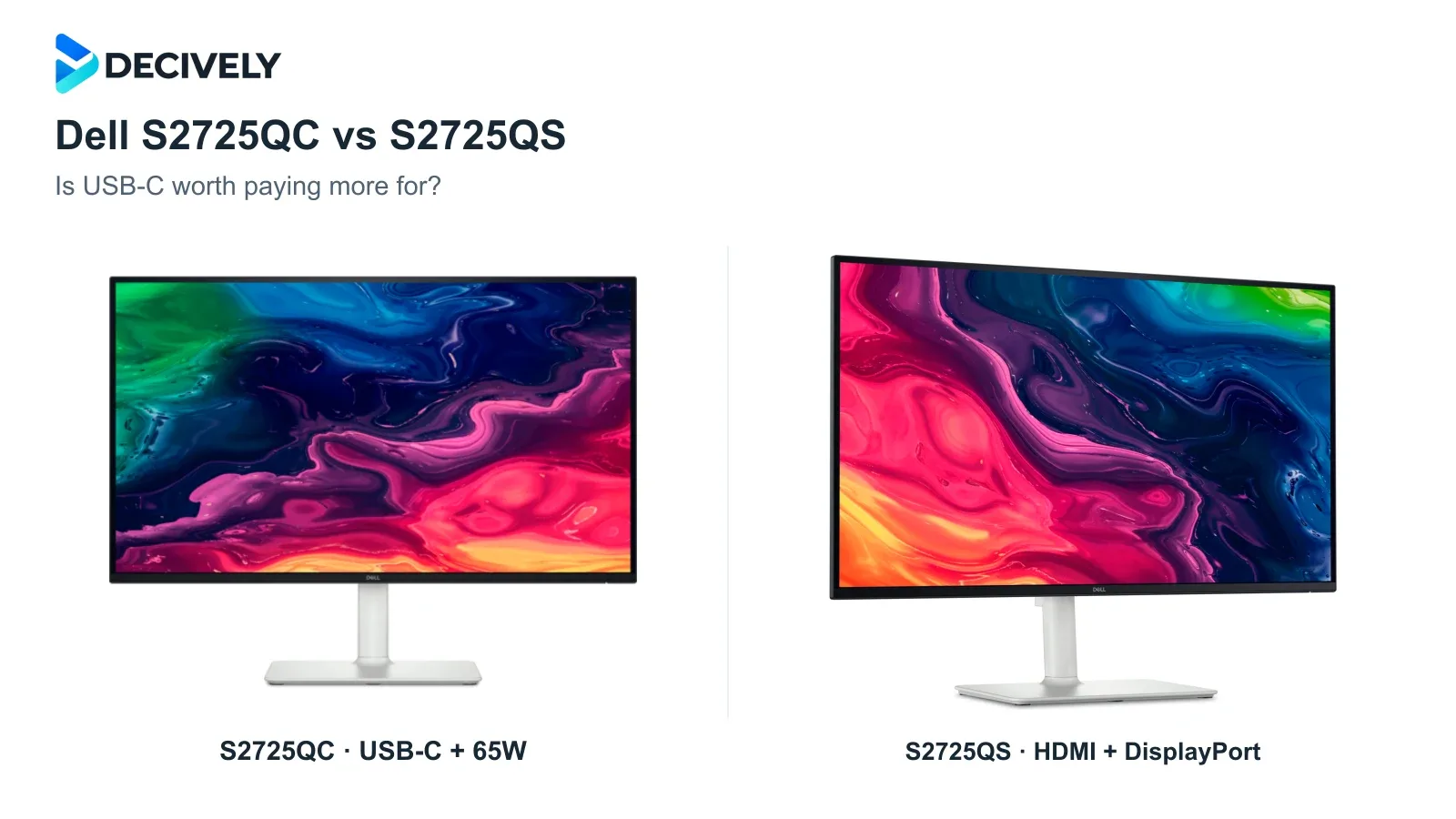
The Dell S2725QC vs S2725QS decision is mainly about your computer connection. Both are 27-inch 4K IPS monitors with up to 120Hz; paying more for the QC makes sense only if its USB-C features solve a problem for you.
Quick verdict
Choose the S2725QC if you regularly connect a laptop that supports USB-C video and can run comfortably on up to 65W charging. Its USB hub can also keep your keyboard and mouse attached to the monitor.
Choose the S2725QS if you want a full-size DisplayPort input, use a desktop, or already have a suitable dock. Compare current offers: if the QC costs little more, its hub may justify the difference.
Affiliate links. As an Amazon Associate I earn from qualifying purchases. Amazon may show local alternatives; confirm the exact 27-inch model, seller, delivery and returns before ordering.
Dell S2725QC vs S2725QS at a glance
What changes at your desk?
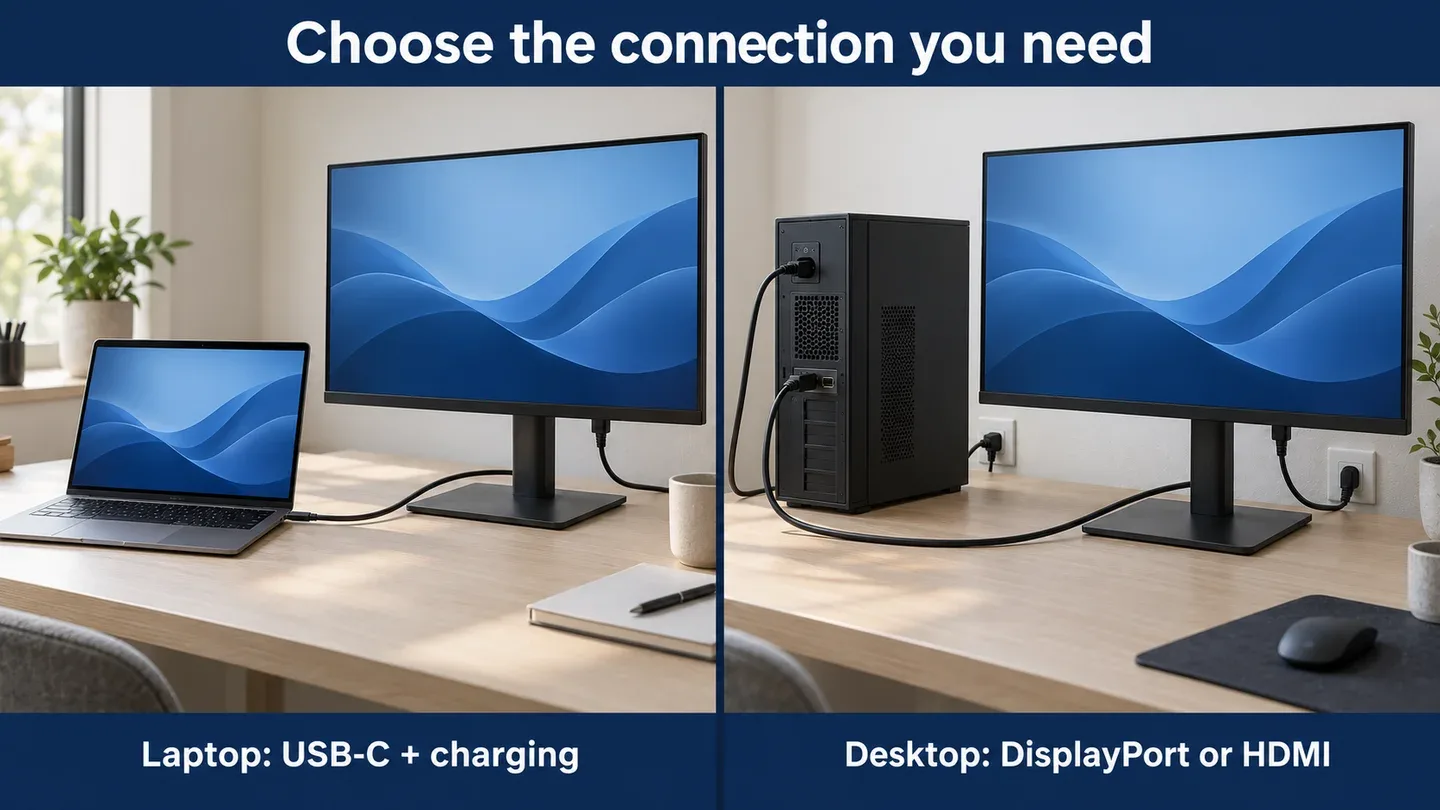
Illustration of connection choices, not Dell product photography or a performance test. Each monitor still needs mains power.
S2725QC: fewer laptop connections. Plug the supplied USB-C cable into a video-capable laptop port, and the monitor can receive the picture while powering the laptop and linking its USB accessories. Connect to the monitor’s upstream USB-C port; its 15W downstream port is for peripherals, not the laptop video input.
Check two limits first. A charge-only laptop port will not send video, and 65W may be insufficient for a power-hungry workstation or gaming laptop. Keep its original charger if needed. The QC is USB-C, not a Thunderbolt dock, and it has no Ethernet port or DisplayPort output for daisy-chaining.
S2725QS: simpler for a desktop. Its DisplayPort 1.4 input is useful when your graphics card’s HDMI port is already occupied. HDMI is available on both monitors. If your current dock already handles the display, charging and USB accessories, the QC may duplicate equipment you own.
MacBook or Windows laptop? Either can work with a compatible video output. Getting 4K at 120Hz depends on the computer, cable and any adapter, not just the monitor. Dell’s QC manual documents USB-C bandwidth prioritization settings; older hosts can trade USB data speed for video bandwidth. For a two-screen setup, see our laptop dual-monitor connection guide.
Does the QC give you a better picture?
Do not pay the premium expecting a picture upgrade. RTINGS’ direct comparison found small advantages for its QS sample in brightness and color performance, but judged those differences difficult to notice in person. Both provide detailed 4K text; the QC’s main advantage remains connectivity.
120Hz is not a guarantee of crisp gaming motion. RTINGS found motion blur on both models and limited HDR impact. Dell’s advertised 4ms figure refers to Extreme overdrive mode; its manual warns that this setting can introduce visible artifacts. These are more convincing work-and-entertainment screens than choices for competitive gaming or demanding HDR.
Both stands adjust in height and rotate into portrait orientation. RTINGS noted wobble on its QC sample. If desk stability or positioning matters, both support 100 × 100mm VESA mounting; our monitor-arm buying guide explains what to check.
Which one should you buy?
Buy the QC when it replaces daily cable juggling. Compare its extra cost with the dock or hub you would otherwise need, while remembering its 65W charging and port limits.
Buy the QS when the USB hub would sit unused. A desktop, suitable existing dock or specific need for DisplayPort makes it the more logical choice when it is meaningfully cheaper.
Before checkout: confirm S2725QC or S2725QS, the 27-inch size, your computer’s supported output and the included cable. Do not confuse these IPS models with the differently specified S3225QC. International buyers should check local warranty and final delivered cost.
Research notes
Researched 18 October 2026. Decively has not physically tested these monitors. Specifications come from Dell; performance observations are attributed to RTINGS’ original tests. Recommendations are editorial judgments and depend on current prices. Product imagery: Dell; branded composition: Decively.
Dell S2725QC specifications and ports Dell S2725QS specifications and ports Dell S2725QC user’s guide — USB-C and setup RTINGS — direct QC vs QS comparison RTINGS — S2725QC testing RTINGS — S2725QS testing