
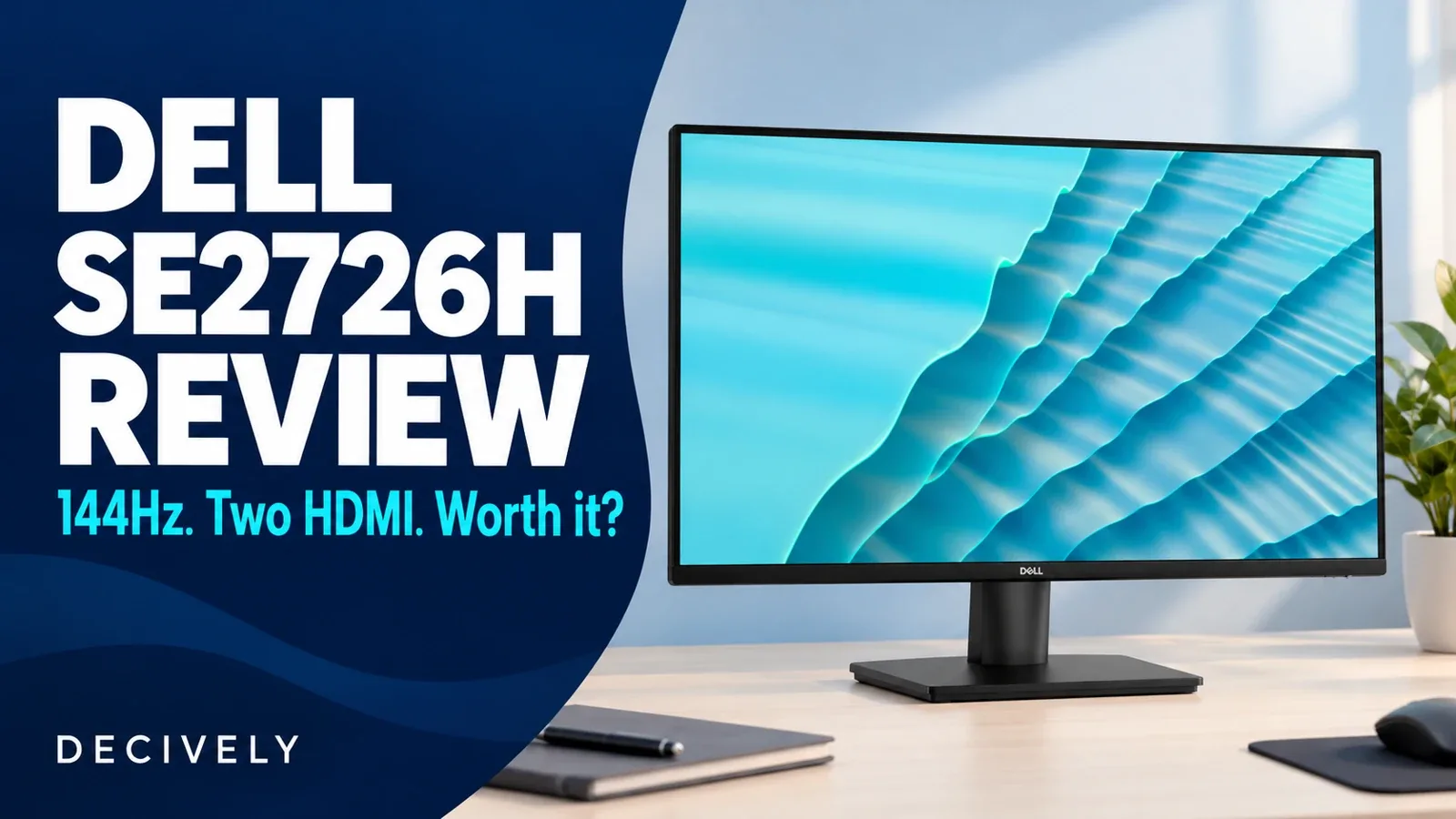
Dell SE2726H review: the quick verdict
The Dell SE2726H is a sensible shortlist choice when you want a larger Full HD screen, two HDMI inputs and a higher refresh ceiling without a docking setup. Its 27-inch IPS panel supports up to 144Hz, but the resolution remains 1920 × 1080. Buy it for those connections and physical size, not the assumption that 27 inches adds more document space.
This Dell SE2726H review is based on the exact manufacturer specifications and published coverage checked November 1, 2026. Decively has not tested the monitor. We separate advertised capabilities from performance that requires measurement, including pixel response, input delay and color accuracy.
The specifications that affect the decision
Check the final H in SE2726H. The similarly named SE2726D is a different, QHD model; its review does not establish this Full HD version’s behavior. The affiliate link here is the same exact-model link used in our existing comparison.
On a small screen, swipe the table sideways to read every column.
AVAILABLE ON AMAZON · AFFILIATE LINK
Compare the exact model on Amazon
As an Amazon Associate, Decively earns from qualifying purchases. Check current price, local availability, selected version and return terms.
Dell SE2726H review: is 27-inch Full HD right for work?
The same 1920 × 1080 desktop is spread across a larger area than on a 23.8-inch Full HD screen. At identical software scaling, text and interface elements become physically larger; the screen does not gain extra rows, columns or side-by-side windows.
If you like larger text and have enough viewing distance, that can be the point of choosing it. If you sit close and want denser text or more working room, compare a 27-inch 2560 × 1440 display. QHD has about 78% more pixels overall; usable space still depends on scaling.
For this Dell SE2726H review, the practical check is to preview a 27-inch Full HD desktop at your normal distance if possible. Refresh rate and resolution solve different needs. A smoother pointer cannot make small lettering contain more detail.
Two HDMI inputs: convenient switching, not a dock
A laptop and another HDMI source can stay connected, with the monitor selecting which source to display. That saves cable swapping. It does not mean you can display both at once, charge a laptop or share USB accessories through the screen.
Our Dell SE2726H review treats dual HDMI as the strongest everyday distinction from many basic office displays. A keyboard and mouse still connect to the computers or a separate switching device. The monitor is not a KVM, and its two inputs are not outputs for daisy-chaining another display.
Dell lists an HDMI cable in the box. For a USB-C-only laptop, confirm video output and choose a compatible adapter; keep separate laptop power and audio arrangements. Dell’s datasheet lists no audio output, so do not plan to plug headphones into this monitor.
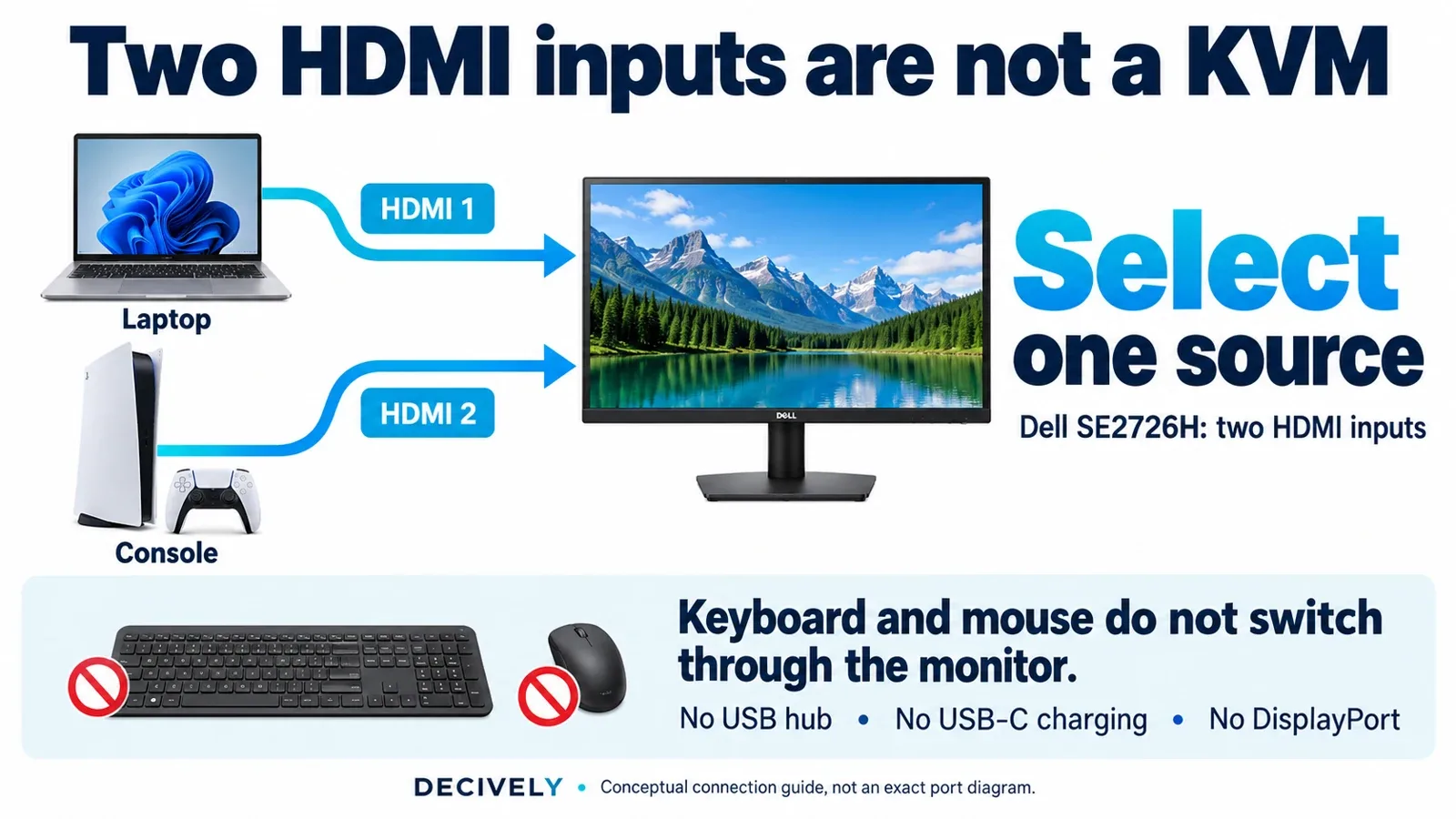
Dell SE2726H review connection guide: two sources can remain connected, but you select one. Generic devices illustrated; not an exact rear-port diagram. View diagram at full size →
144Hz, FreeSync and the limits of a response-time label
At its maximum refresh rate, the monitor can update more frequently than a 60Hz office display. That capability is useful for scrolling and compatible games, but does not prove that every transition is clean or that your computer will deliver 144 frames per second.
The advertised 1ms figure is tied to MPRT mode. Dell also lists other response figures for normal and fast modes. Those are not equivalent to a measured end-to-end input-lag result. We did not verify a reproducible exact-model lab test for this Dell SE2726H review.
FreeSync is listed for compatible hardware. Confirm your connection, selected refresh rate and relevant settings rather than relying on the badge alone. For demanding gaming, look for measured response, overshoot and lag evidence before choosing it over a tested gaming display.
Stand fit and US warranty: two details to check
The supplied stand only tilts. Include the cost of suitable positioning in your comparison if you need height adjustment or portrait use. The published 100 × 100mm VESA interface is a mounting starting point, not proof that every arm fits; check weight range, hardware and clearance with our monitor arm buying guide.
A useful correction from the research for this Dell SE2726H review concerns warranty. Some coverage quotes three years. Dell’s official datasheet distinguishes one-year US/Canada Advanced Exchange Service from three years in other regions, and the US store lists one year. Confirm the applicable seller and regional terms rather than assuming the longer period applies.
Dell SE2726H review: who should buy it?
Choose it when one larger screen and two HDMI sources meet a real need, and its complete setup cost remains attractive. Look elsewhere for USB-C charging, a built-in hub, height adjustment or higher-resolution text.
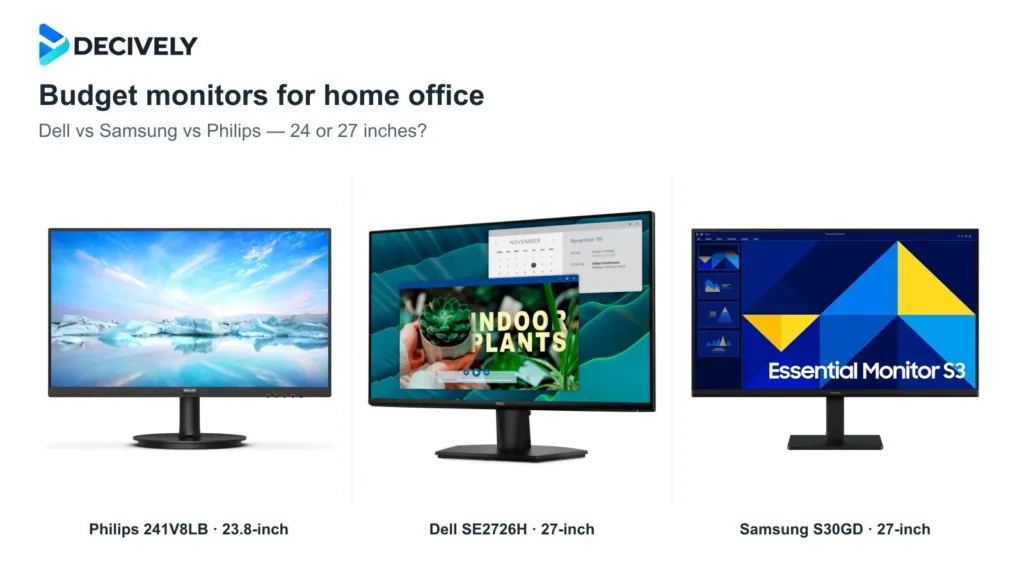
For the smaller Philips and the HDMI/VGA Samsung alternative, use our best budget monitors for home office comparison. That guide compares the three use cases; this Dell SE2726H review focuses on whether this exact model fits yours.
Dell SE2726H review: common questions
Is the SE2726H QHD?
No. It is Full HD, 1920 × 1080. Do not confuse it with SE2726D.
Does dual HDMI switch my keyboard and mouse?
No. The inputs switch the displayed source, not USB peripherals.
Does it have DisplayPort or USB-C charging?
No. Dell lists two HDMI inputs; this is not a one-cable USB-C docking monitor.
AVAILABLE ON AMAZON · AFFILIATE LINK
Check the current monitor offer
As an Amazon Associate, Decively earns from qualifying purchases. Check current price, local availability, selected version and return terms.
Research notes and sources
Primary sources for this Dell SE2726H review: Dell US specifications and Dell datasheet. Published coverage informed the buying questions, not a Decively test score. No changing Amazon price or customer rating is reproduced.
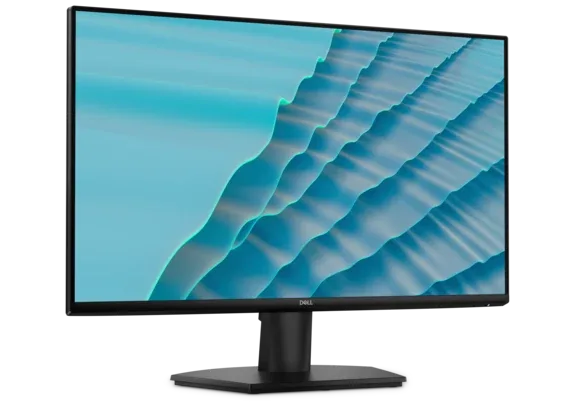
Product thumbnail: Dell official imagery. Cover and connection diagram: Decively illustrations, not testing photographs.