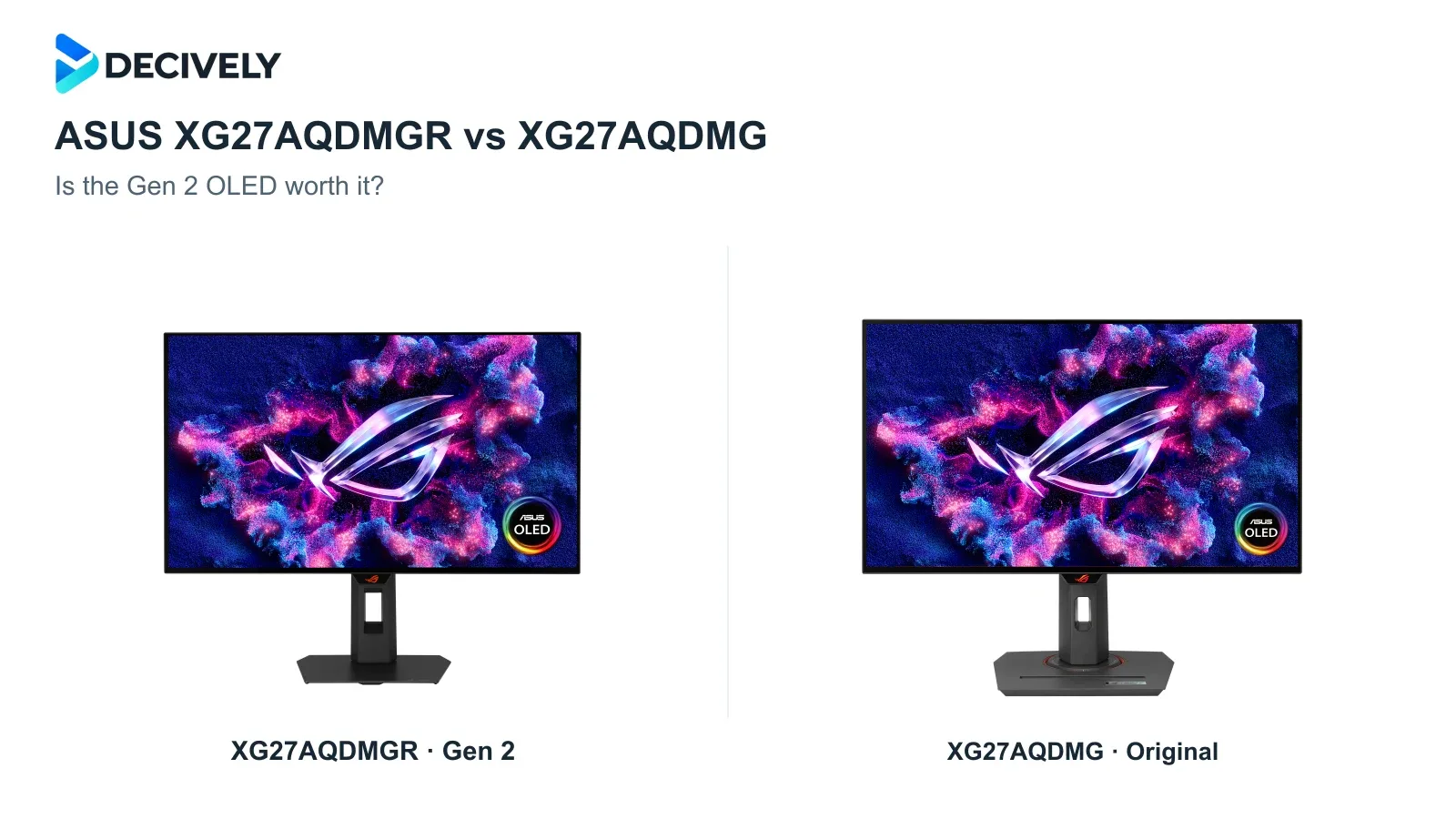
The ASUS XG27AQDMGR vs XG27AQDMG choice comes down to connections, coating and convenience. The extra R identifies the XG27AQDMG Gen 2: both are 27-inch-class, 1440p, 240Hz WOLED monitors.
Quick verdict
Buying your first OLED? Choose the XG27AQDMGR at the same or a lower price. Its HDMI 2.1 inputs, TrueBlack Glossy coating and presence sensor make it the more complete purchase. Check both offers rather than assuming the older model costs less.
Already own the XG27AQDMG? Usually keep it. DisplayPort already delivers its full 240Hz. Upgrade only if the HDMI limitation affects your actual setup; Gen 2 brings no resolution or refresh-rate increase.
Affiliate links. As an Amazon Associate I earn from qualifying purchases. Amazon may show local alternatives; confirm the exact model code, seller, delivery and regional warranty before ordering.
XG27AQDMGR vs XG27AQDMG: the differences
Glossy OLED: what changes, and what does not
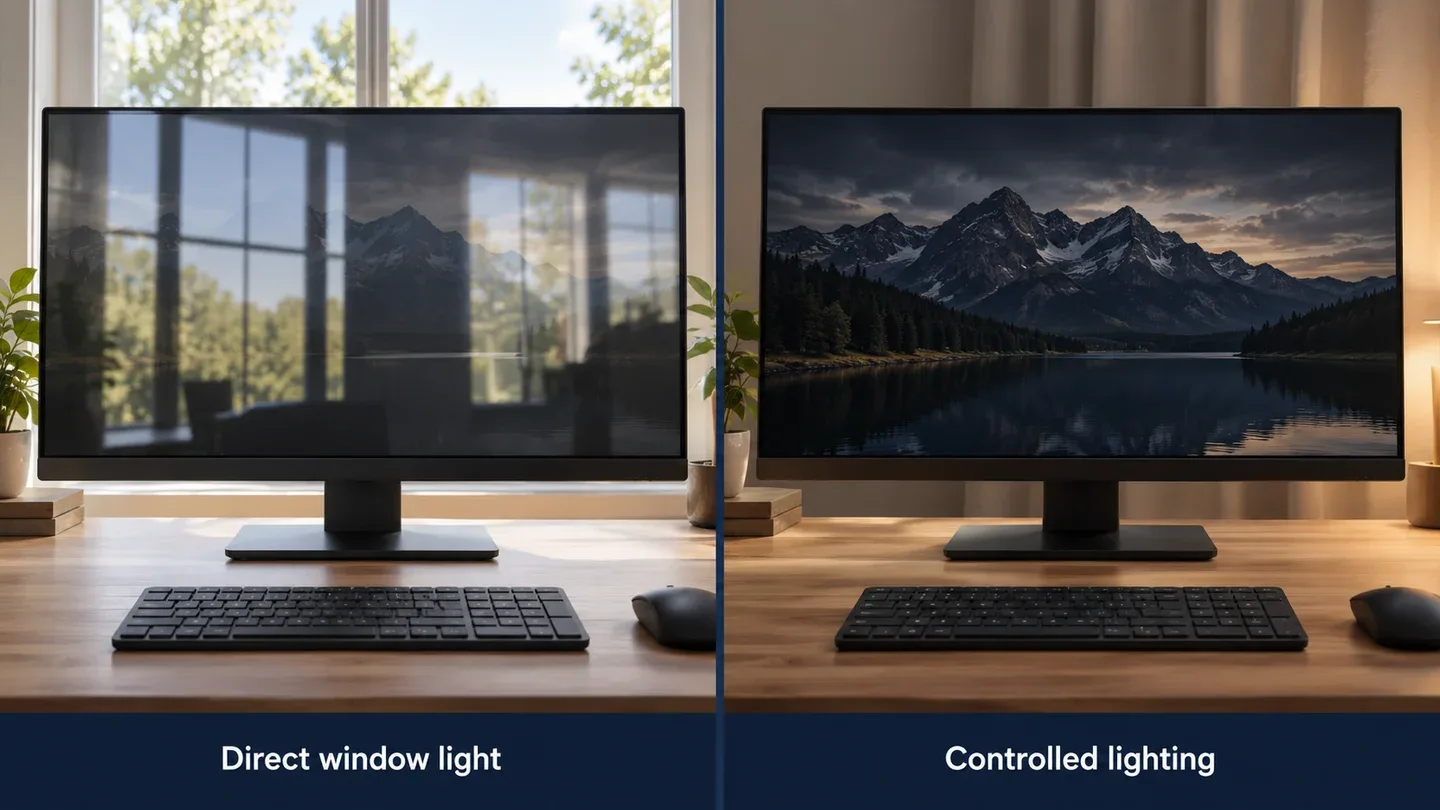
Generated illustration of room-lighting choices using a generic monitor; not an ASUS product photograph or a measured coating comparison.
The Gen 2 coating is a refinement. TFTCentral observed a cleaner finish with less fine grain than the original, and a modest subjective improvement in reflections. PC Monitors also noted the Gen 2's traditional glossy appearance. Neither finding makes direct window reflections disappear.
The sensor adds convenience, not immunity. ASUS says the XG27AQDMGR switches to a black image when you leave its detection range and restores content when you return. It helps reduce unnecessary static-image exposure; OLED care and sensible usage still matter.
The original remains a capable gaming display. RTINGS found fast pixel response and low input lag on the XG27AQDMG. Its resolution and maximum DisplayPort refresh rate match Gen 2, so an existing owner should not expect a new class of motion performance.
Text-heavy work remains a compromise. TFTCentral found Gen 2 retains the older WOLED subpixel layout and visible text fringing. RTINGS also flagged text clarity and static-content burn-in risk on the original. For all-day spreadsheets or coding, weigh those drawbacks before buying either.
HDMI 2.1 matters most for the right setup
For a desktop already using DisplayPort, Gen 2's HDMI upgrade may change nothing. For a compatible HDMI-only computer, it removes the original's QHD 144Hz ceiling. The computer, cable and selected output mode must support the target refresh rate.
Xbox Series X owners have a stronger reason to choose Gen 2. TFTCentral verified a 4K/120Hz input with HDR10, VRR and ALLM, downscaled to the 1440p panel. RTINGS found the original requires a choice between 60Hz HDR and 120Hz without HDR on Xbox. Accepting a 4K signal does not make Gen 2 a native 4K monitor.
Both remain subject to OLED VRR flicker when frame rates fluctuate. TFTCentral found Gen 2's anti-flicker modes reduce it by restricting the VRR range; PC Monitors disliked the resulting dead zones. Treat the setting as a trade-off, not a guaranteed fix.
Which ASUS OLED should you buy?
Buy the XG27AQDMGR for a new purchase when prices are close, especially for HDMI gaming or Xbox HDR at 120Hz. Buy the XG27AQDMG only when the saving is substantial enough to accept the HDMI limit. Keep your original if DisplayPort already meets your needs.
For a shallower desk, both support VESA mounting: use our monitor arm buying guide to check load and mounting compatibility. For a laptop plus a second display, see what a dual-monitor setup actually needs. Neither ASUS replaces a USB-C charging dock.
Research notes
Research checked 18 October 2026. Decively has not tested these monitors. Specifications come from ASUS; performance observations are attributed to TFTCentral, PC Monitors and RTINGS. These separate reviews are not a controlled Decively head-to-head test. Product imagery: ASUS; composition: Decively.
ASUS — XG27AQDMGR features and OLED care ASUS — Gen 2 specifications and US warranty listing ASUS — original XG27AQDMG specifications TFTCentral — independent Gen 2 testing PC Monitors — Gen 2 review findings RTINGS — independent original-model testing