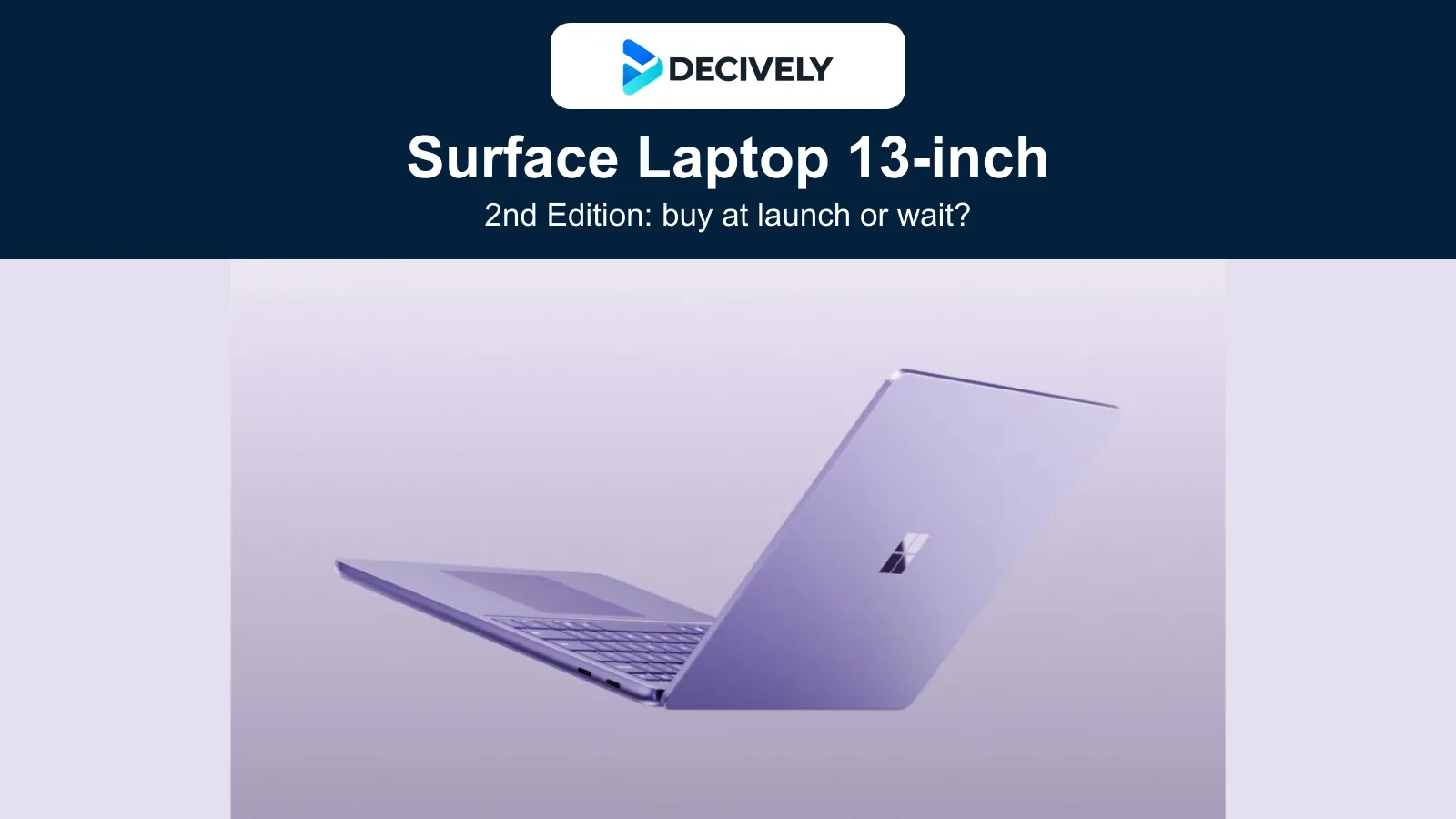
The Surface Laptop 13-inch 2nd Edition goes on sale on 13 October 2026 in selected markets. It is the smaller Snapdragon X2 Plus laptop—not the 13.8-inch model or Surface Laptop Ultra. This guide reflects information checked on 12 October, while official stores still list preorders.
Quick verdict: consider it for a portable Windows writing, browsing and meeting setup if your essential apps and equipment work on Arm. Wait for sustained-performance and battery tests if you are upgrading mainly for speed or endurance. A faster chip will not fix an incompatible driver.
What you get—and the practical limits
| Detail | What it means |
|---|---|
| Snapdragon X2 Plus, 6 cores | Check this exact model; larger Surface variants differ. |
| 16GB or 24GB RAM; 256GB or 512GB UFS | Storage is UFS; do not mistake it for an NVMe SSD listing. |
| 13-inch touchscreen; 500-nit brightness claim | Touch support does not mean Surface Pen support. |
| Two USB-C / USB 3.2 ports, USB-A, headphone jack | Do not assume USB4 or Thunderbolt from the connector shape. |
| About 1.23kg / 2.7lb | A portable conventional laptop, not a detachable tablet. |
Specifications come from Microsoft’s regional product pages. The announced display brightness is 25% higher than the earlier 13-inch version. A taller 3:2 display gives documents more vertical room; it does not turn the laptop into a drawing tablet. Microsoft explicitly excludes pen input on this model.
22.5 hours is a test claim, not your working day
Microsoft quotes up to 22.5 hours of local video playback and 18 hours of active web use. Its August tests used preproduction 16GB/256GB devices at 150-nit brightness. Meetings, high brightness and demanding apps change the workload, so neither figure is a reliable promise for your routine.
Jason England’s September Tom’s Guide hands-on praised the display and keyboard and described responsive creative-app switching. That was a short early session with the new Surface pair, not a measured all-day battery test or a long-term review. Decively has not tested this laptop.
Our buying interpretation: a pleasant launch demonstration supports trying the device, but does not settle prolonged rendering speed, heat or endurance. Wait for measurements of the exact 13-inch model if those are your main reasons to replace a working laptop.
Check your complete workflow before ordering
- Your main application: confirm a supported Arm64 version or supported emulation.
- Plugins and extensions: check them separately from the main app.
- Printers, audio equipment and VPN/security tools: confirm required Arm64 drivers.
- Games: verify the exact title and anti-cheat requirements.
Microsoft explains that Windows on Arm runs many x86/x64 applications through emulation, while native Arm64 apps are the preferred route. Drivers are a separate compatibility requirement: a program launching successfully does not prove that its attached equipment will work.
This is a fit check, not a warning that all Windows software is incompatible. It matters most when one specialist app or device is essential to your work. If you cannot verify that dependency, an Intel/AMD alternative is the more cautious buying route. Source: Microsoft’s Windows Arm-based PCs FAQ and Surface software guidance.
The charger changes the real price
| Market | Starting price / charger |
|---|---|
| US | US$1,199.99; 45W USB-C charger listed. |
| UK | £1,129 incl. VAT; charger not included. |
| Canada | CAD$1,749.99; 45W USB-C charger listed. |
| Australia | AU$2,099 incl. GST; 45W USB-C charger listed. |
| Germany | Announced from €1,319; verify local bundle. |
These are dated Microsoft prices, not Amazon offers or like-for-like tax comparisons. The UK listing includes a USB-C cable but no charger. Add a compatible power supply to your budget if you do not already have one; verify local keyboard layout, configuration, delivery and return terms too.
US, UK, Canadian and Australian product pages were checked individually; Germany’s announcement confirms availability from 13 October. That does not establish identical stock, bundles or AI-language availability throughout Europe. Check each required Windows/Copilot feature in your region rather than assuming every advertised AI experience is included.
Buy now, wait, or choose something else?
Do not replace the first-generation 13-inch Surface solely because a new chip is available. Compare the actual deal and your workload; this guide has no independent evidence that every existing owner will notice a worthwhile upgrade.
For a different workload, see our Surface Laptop Ultra buying guide. For the newly announced accessory, see Surface Mouse 2nd Edition. They are separate products, not specifications transferable to this laptop.
Research checked 12 October 2026. Sources: Microsoft’s 23 September announcement; US, UK, Canada and Australia product pages; Microsoft Arm compatibility documentation; Jason England’s Tom’s Guide hands-on. No Decively hands-on testing. Official product imagery: Microsoft, used for editorial reporting; branded composition: Decively. No affiliate link has been supplied for this product.